

Gradient Figlet
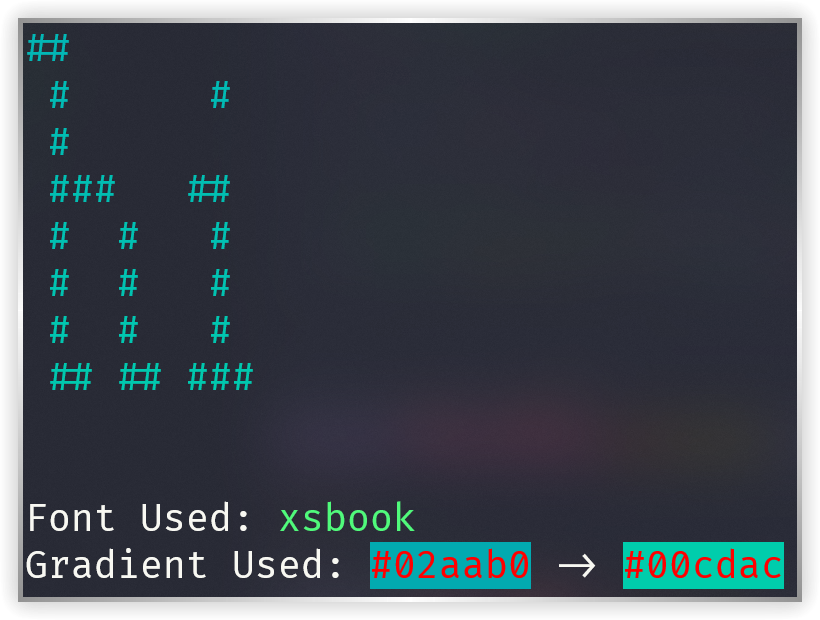
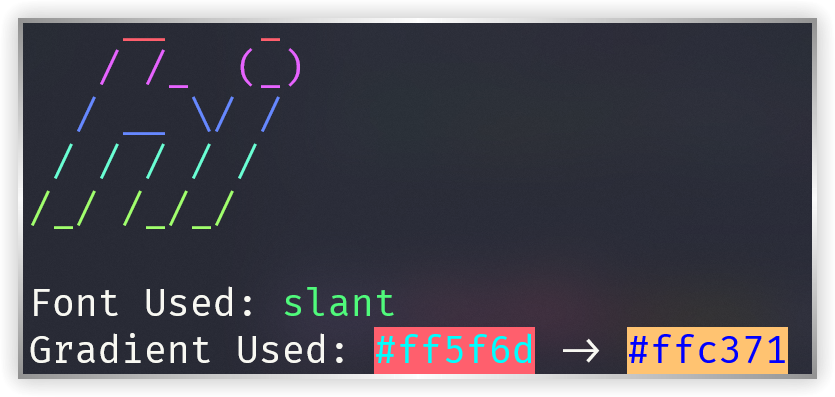
A CLI and library that prints (optionally outputs html) gradient figlets using rich and pyfiglet
Installation
pip install gradient_figlet
Usage (CLI)
To just test out the tool with some pre-determined pleasant parameters, run:
gradient-figlet YOUR_TEXT
# or equivalently:
python -m gradient_figlet YOUR_TEXT
And change YOUR_TEXT to something else that you want.
To get all the information about the parameters, run:
gradient-figlet -h
Common examples
# Pick specific gradient colors (color names or hex codes, two or more)
gradient-figlet "Hello" -c "#ff512f,#dd2476"
gradient-figlet "Hello" -c "red,yellow,blue"

# A single color generates a matching second shade automatically
gradient-figlet "Hello" -c red

# Use a built-in named gradient (case-insensitive)
gradient-figlet "Hello" -g "Endless River"

# See all the built-in named gradients / all the available font names
gradient-figlet x --list-gradients
gradient-figlet x --list-fonts

# Preview your text in every available font (uses random gradients)
gradient-figlet "Hello" -F --pager

# Pick a font, center it, and also save the output as HTML
gradient-figlet "Hello" -f slant -j center -html
All options
| Option | Description |
|---|---|
-c, --color |
Comma separated gradient stops (color names or hex codes, one or more). Random named gradient if omitted. |
-g, --gradient |
Use a built-in named gradient (see --list-gradients). |
-f, --font |
The pyfiglet font to use. Random pleasant font if omitted. |
-F, --all-fonts |
Preview the text in every available font. |
--list-gradients |
List all the built-in named gradients and exit. |
--list-fonts |
List the names of all the available fonts and exit. |
-p, --pager |
Show the output in a pager (useful with -F). |
-d, --direction |
auto (default), left-to-right or right-to-left. |
-j, --justify |
auto (default), left, center or right. |
-w, --width |
The width to render in, defaults to the terminal width. |
-html, --save-html |
Also save the output as an HTML file named after the text. |
Usage (library)
from gradient_figlet import print_with_gradient_figlet

# Render "Hello" as a figlet and print it with a gradient
print_with_gradient_figlet("Hello", font="slant", color1="#ff512f", color2="#dd2476")
If you want to compose the output into your own rich UI,
use make_gradient_figlet / make_gradient, which return a rich.text.Text:
from rich.console import Console
from rich.panel import Panel
from gradient_figlet import make_gradient_figlet

console = Console()
text = make_gradient_figlet("Hello", "red", "yellow", "blue", font="big")
console.print(Panel(text, title="greeting"))
API
make_gradient(text, *colors)— apply a vertical gradient to any multiline text, returnsrich.text.Text.make_gradient_figlet(text, *colors, font="standard", direction="auto", justify="auto", width=...)— render a figlet and apply a gradient, returnsrich.text.Text.print_with_gradient(text, color1, color2, *extra_colors, also_to_html=False, original_text=None)— print multiline text with a gradient.print_with_gradient_figlet(text, font, color1, color2, *extra_colors, direction="auto", justify="auto", width=..., save_html=False)— render a figlet and print it with a gradient.interpolate_colors(colors, steps)— interpolate any number of gradient stops intostepscolors, returns a list ofcolour.Color.
All colors can be given as colour.Color objects, color names ("red"), or hex codes ("#ff512f").
Gradients can have any number of stops.
There is a runnable tour of the library in examples/demo.py.
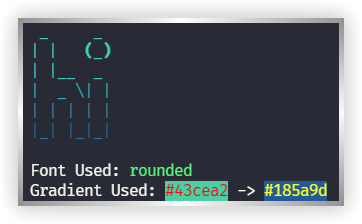
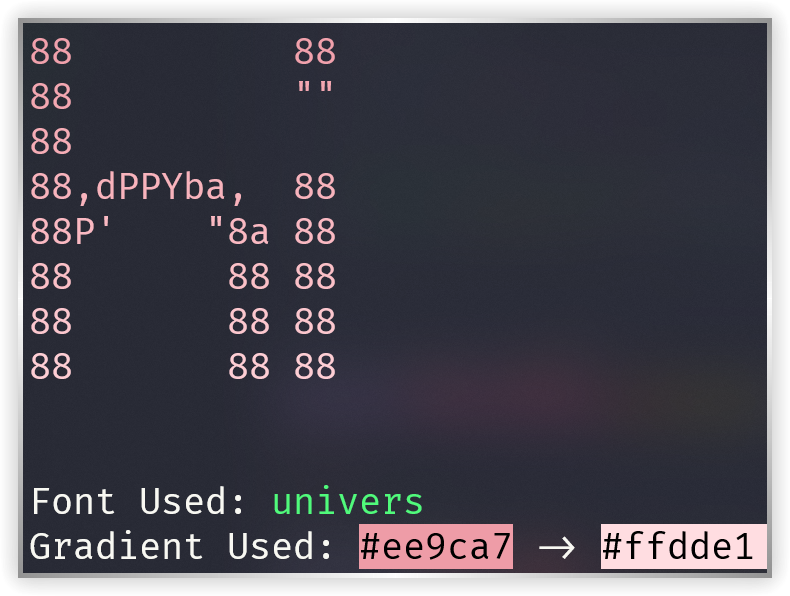
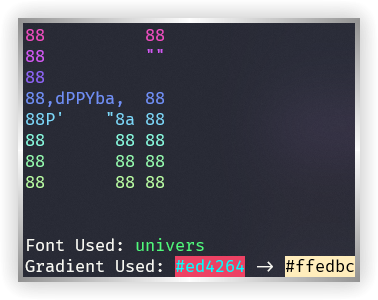
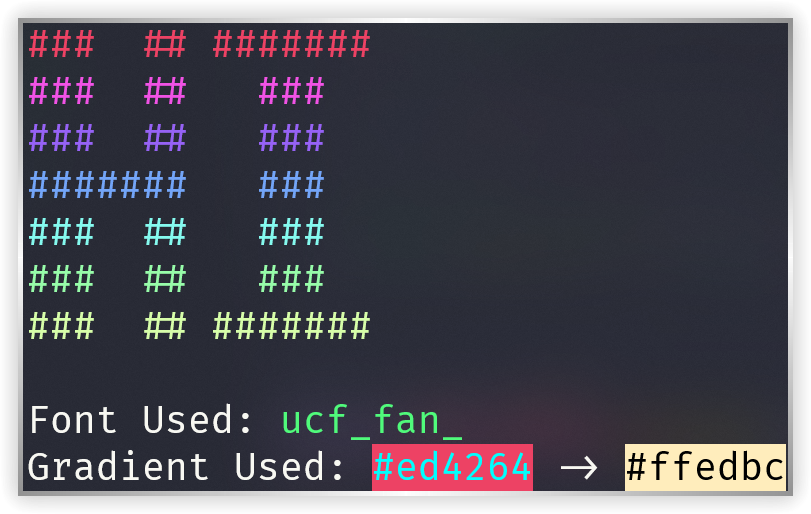
Screenshots
1 maintainer

Release files for gradient-figlet 0.6.0
For a detailed explanation of source distributions (sdists) and built distributions (wheels), please see the package formats documentation.
Source distribution (sdist)
| File | Size | Uploaded | |
|---|---|---|---|
| gradient_figlet-0.6.0.tar.gz | 13.5 kB | Details |
Built distribution (wheel)
| File | Interpreter | ABI | Platform | Reset |
|---|---|---|---|---|
| gradient_figlet-0.6.0-py3-none-any.whl | Python 3 | none | any | Details |
Total release size: 24.9 kB
Release files / gradient_figlet-0.6.0.tar.gz
| Download URL | gradient_figlet-0.6.0.tar.gz |
|---|---|
| Size | 13.5 kB |
| Tags | Source |
|
SHA-256 checksum How to use checksums |
3bae5db088534b21b2910f9ae7d37d9c468aea80977912545de2a8675515d8d3
|
|
BLAKE2b-256 checksum How to use checksums |
b28312c866d1df4e9e1bc3ff9025df2427d1e5ae1d9f7ee97ec5bf494b688d29
|
| Upload date | |
|
Uploaded using Trusted Publishing? What is trusted publishing? |
No |
| Uploaded via |
twine/6.2.0 CPython/3.13.2
|
Release files / gradient_figlet-0.6.0-py3-none-any.whl
| Download URL | gradient_figlet-0.6.0-py3-none-any.whl |
|---|---|
| Size | 11.4 kB |
| Tags | Python 3 |
|
SHA-256 checksum How to use checksums |
e5a19048659808b086b0622d8325760d8c703d8f48c651f71bc49e0d188c7aed
|
|
BLAKE2b-256 checksum How to use checksums |
c0facc91a8751ea210c70d6b5d89ca9d148f3eed33917ff039ed5d3406c90aec
|
| Upload date | |
|
Uploaded using Trusted Publishing? What is trusted publishing? |
No |
| Uploaded via |
twine/6.2.0 CPython/3.13.2
|














