
Prerequisite
xelatex and pdf2svg. Installation on Linux:
# Ubuntu
sudo apt-get install texlive-xetex
sudo apt-get install poppler-utils
# CentOS
yum install texlive-xetex
yum install poppler-utils
For Windows, you only need to install texlive directly.
Installation by pip
Install with pip:
pip install graph2img
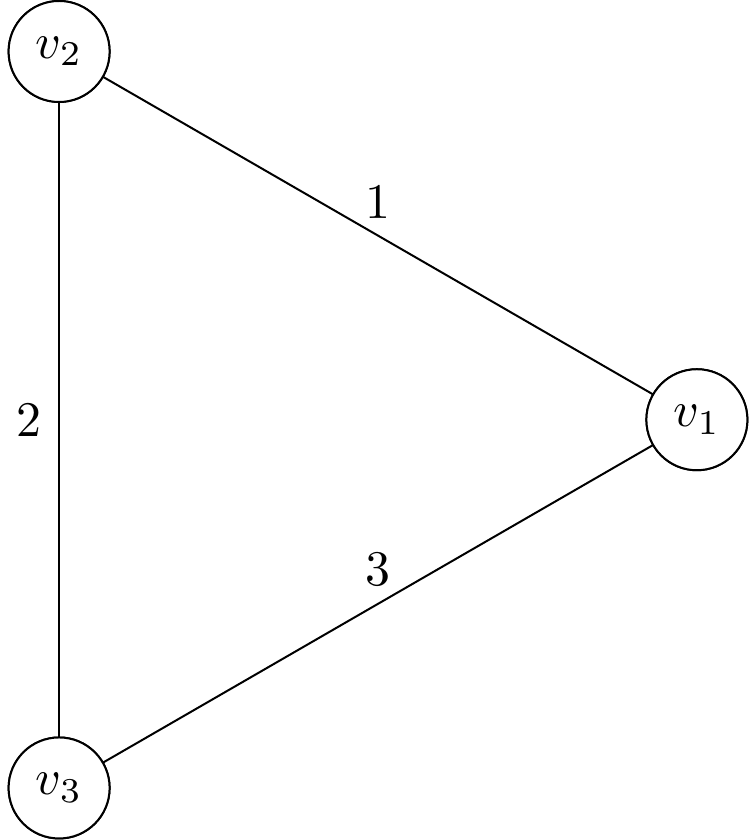
Then write your edge information into graph.txt. For example:
1 2 1
2 3 2
1 3 3
This will return a triangular graph.
Then run the program:
graph2img graph.txt
This will return a file graph.png:
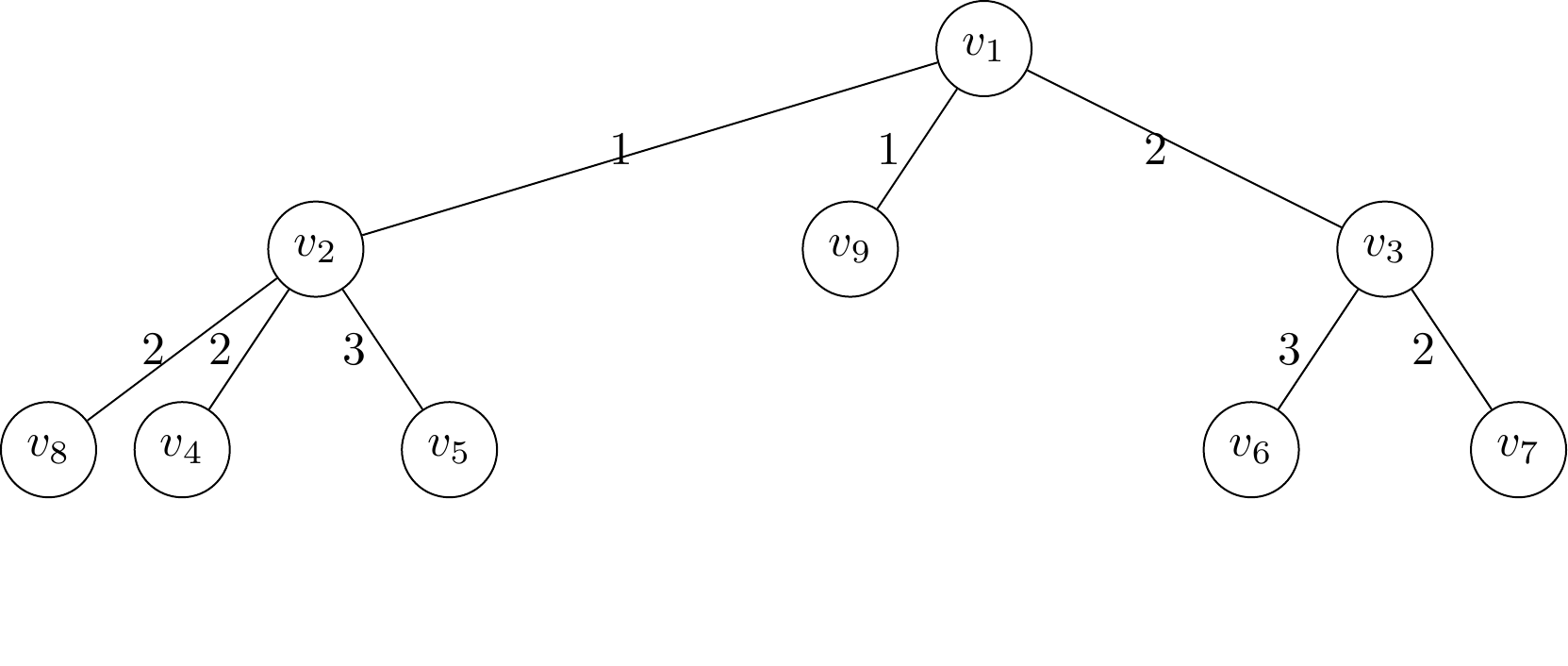
Or to draw a tree:
1 2 1
1 3 2
2 4 2
2 5 3
3 6 3
3 7 2
1 9 1
2 8 2
This will return a tree:
Options
You can run the program by the following command:
graph2img <input_file> <output_file>
Several options are provided: Three options are provided:
--save-temp-files=true/false
--temp-path=[path]
--output-format=png/svg
--show=true/false
--help
If you want to save the temporary files (like tex codes), set --save-temp-files as true;
If you want to generate a svg format image, set -output-format as svg;
If your system does not have a user interface, set --show as false;
To show all options, run graph2img --help.
Installation from source
git clone https://github.com/ForwardStar/graph_drawer.git
cd graph_drawer
python setup.py install
1 maintainer

Metadata
1 maintainer
Release files for graph2img 1.3.1
For a detailed explanation of source distributions (sdists) and built distributions (wheels), please see the package formats documentation.
Built distribution (wheel)
| File | Interpreter | ABI | Platform | Reset |
|---|---|---|---|---|
| graph2img-1.3.1-py3-none-any.whl | Python 3 | none | any | Details |
Release files / graph2img-1.3.1-py3-none-any.whl
| Download URL | graph2img-1.3.1-py3-none-any.whl |
|---|---|
| Size | 7.2 kB |
| Tags | Python 3 |
|
SHA-256 checksum How to use checksums |
972bfcfd621c0c12fbdd9db85df76286e0fab6646fc891ad1aff5f3f76eb98a3
|
|
BLAKE2b-256 checksum How to use checksums |
bb0e8285de7f16ff0b73a727c5f7c311bd6fb78b9e70bc70222f88f711f4cee4
|
| Upload date | |
|
Uploaded using Trusted Publishing? What is trusted publishing? |
No |
| Uploaded via |
twine/5.1.1 CPython/3.10.1
|














