
No project description provided

Project description


graphviznb
Render DOT language graphs in notebooks without installing graphviz
Installation
To install the package, run the following command in your environment:
pip install graphviznb
or with uv:
uv pip install graphviznb
Getting Started
In your notebook, run the following command:
import graphviznb

w = graphviznb.Widget()
w.source = """
digraph {
    Hello -> World
    Hello -> Name
}
"""
w
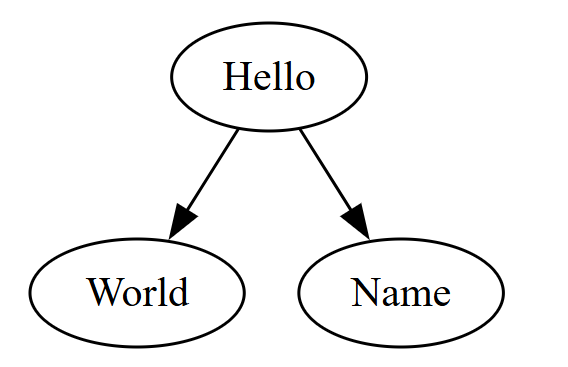
Render it in a Jupyter notebook
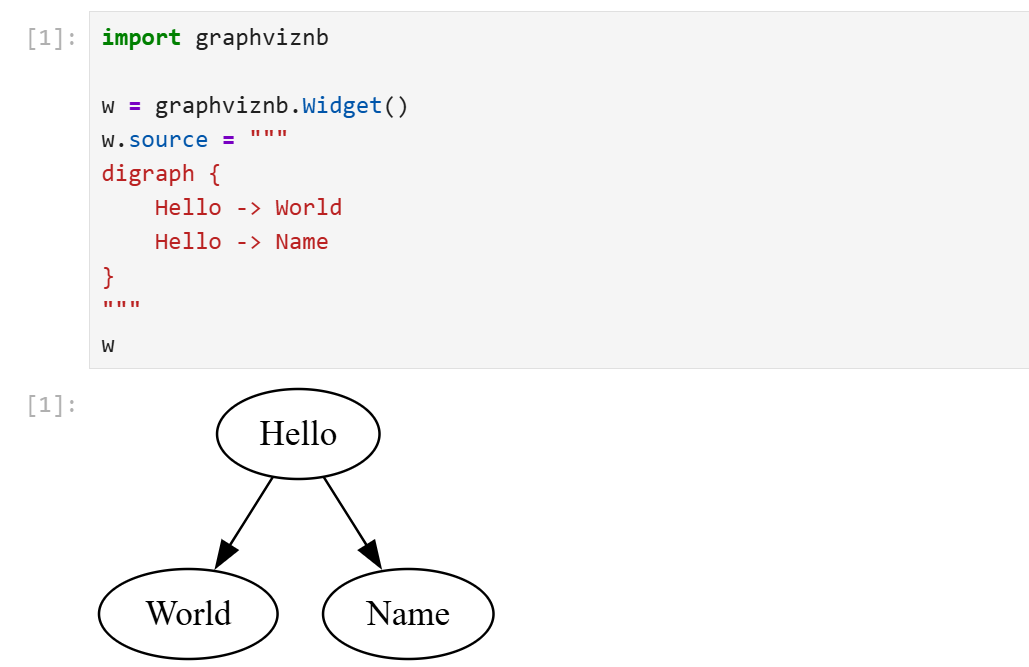
Render it in a JupyterLite notebook
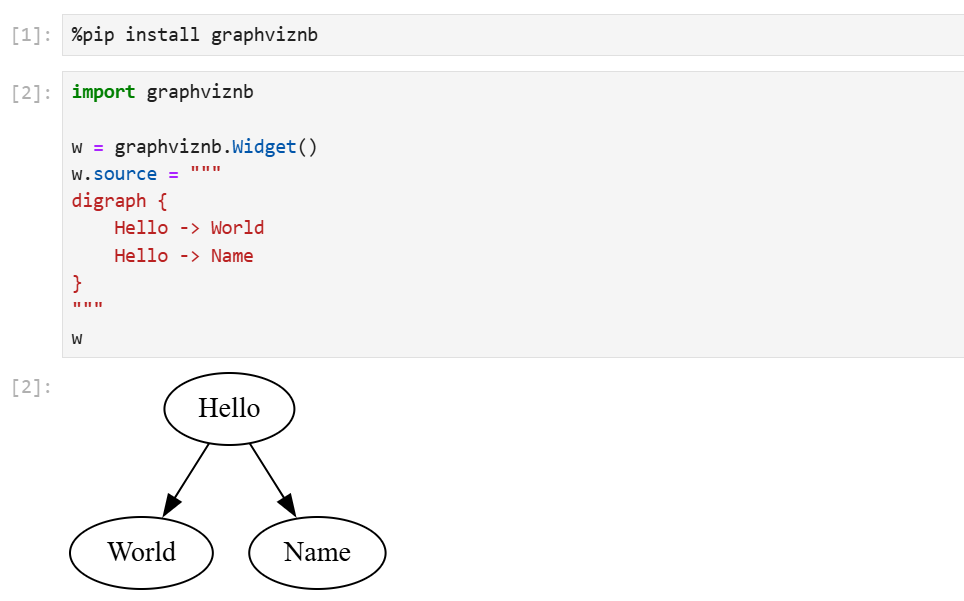
Render it in a marimo notebook or a marimo WebAssembly (WASM) notebook
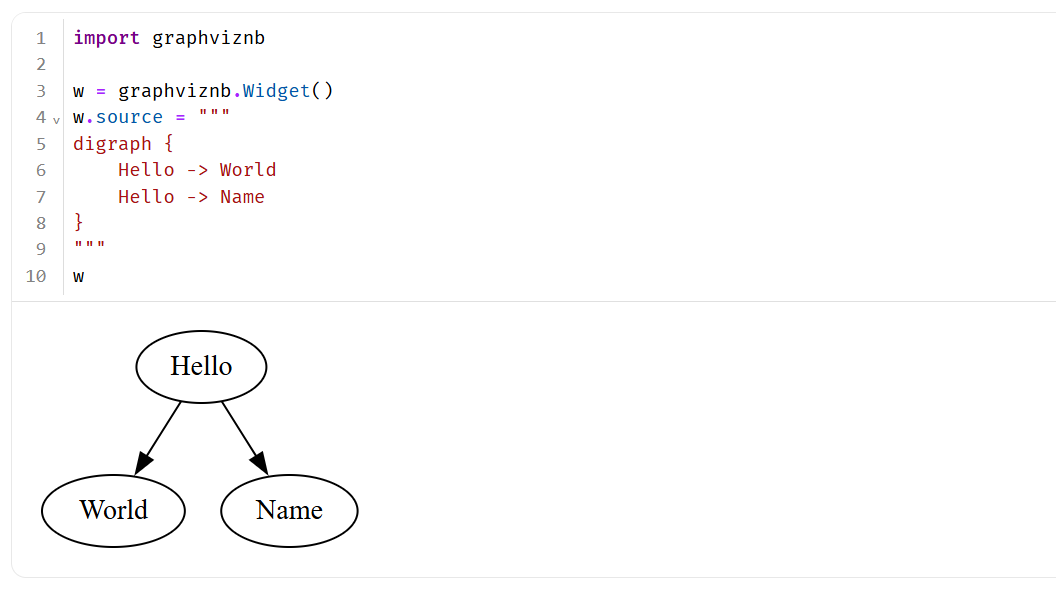
Here is a basic example of a marimo WebAssembly (WASM) notebook.
Release history Release notifications | RSS feed


Download files
Download the file for your platform. If you're not sure which to choose, learn more about installing packages.
Source Distribution
graphviznb-0.0.1.tar.gz
(2.6 kB
view details)
Built Distribution
Filter files by name, interpreter, ABI, and platform.
If you're not sure about the file name format, learn more about wheel file names.
Copy a direct link to the current filters
File details
Details for the file graphviznb-0.0.1.tar.gz.
File metadata
- Download URL: graphviznb-0.0.1.tar.gz
- Upload date:
- Size: 2.6 kB
- Tags: Source
- Uploaded using Trusted Publishing? No
- Uploaded via: uv/0.8.14
File hashes
| Algorithm | Hash digest | |
|---|---|---|
| SHA256 |
71ea289ab0a29cc6c464ee263c609f2e824f2bf86b9e48308622b868b81c585d
|
|
| MD5 |
f52d3032f6ccea9c047e9a1d575ae2a6
|
|
| BLAKE2b-256 |
e809fccd4b0e938d57b10adc5370d4e870d6abd61f01aa969592196f4b200c87
|
File details
Details for the file graphviznb-0.0.1-py2.py3-none-any.whl.
File metadata
- Download URL: graphviznb-0.0.1-py2.py3-none-any.whl
- Upload date:
- Size: 2.7 kB
- Tags: Python 2, Python 3
- Uploaded using Trusted Publishing? No
- Uploaded via: uv/0.8.14
File hashes
| Algorithm | Hash digest | |
|---|---|---|
| SHA256 |
6ae215f7cb14a6568dcd2bdaf2d08ad5512d7bd1620255d03c5c5ac82a065914
|
|
| MD5 |
b00d3eb7fe11e8c2ad3340fad1b5b0f8
|
|
| BLAKE2b-256 |
f328500902333b2dbce62cb6e96dbe9c33cfd8e985bcf06887925a47c2b74d64
|






