
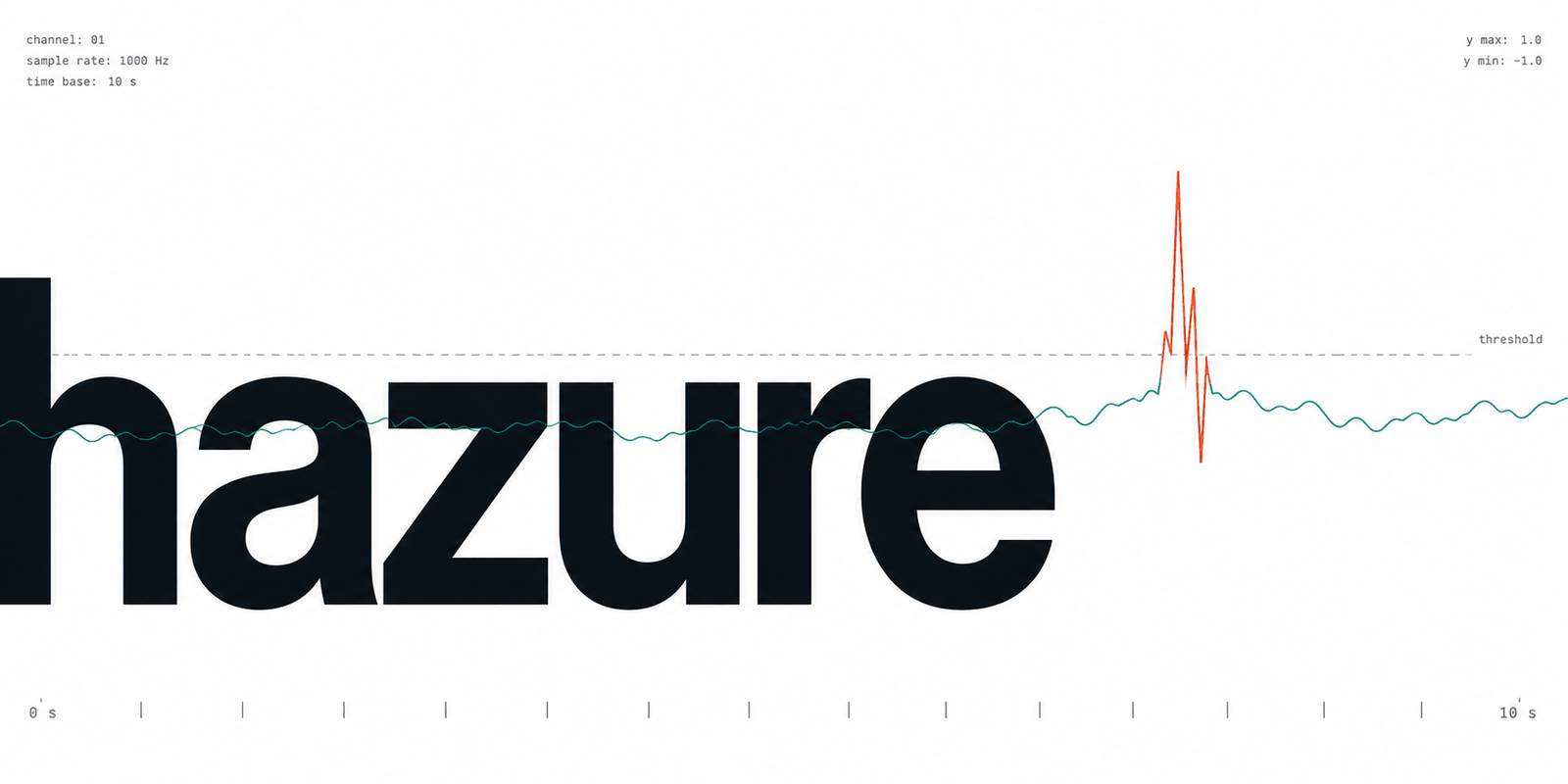
You have a metric — requests per second, queue depth, a sensor reading — you
suspect it occasionally misbehaves, and you have no record of when it did.
hazure finds those moments: rule-based and unsupervised detectors that learn
what "normal" looks like from the series itself, and that say where it stopped
holding.
Any pandas, polars or pyarrow object with a time axis goes in, and the answer
comes back in the same flavour. At runtime it needs narwhals and numpy and
nothing else; every heavier dependency is an extra, imported lazily by the
algorithm that needs it.
pip install hazure[pandas]
import numpy as np
import pandas as pd
from hazure import detectors
from hazure.events import to_events

# Hourly traffic with a daily rhythm — and one afternoon that went wrong.
rng = np.random.default_rng(0)
index = pd.date_range("2024-03-01", periods=24 * 21, freq="h", name="time")
daily = 40 * np.sin(2 * np.pi * np.arange(len(index)) / 24)
traffic = pd.Series(100 + daily + rng.normal(0, 3, len(index)), index=index, name="rps")
traffic.iloc[300:306] = 20.0

labels = detectors.seasonal(period=24).fit_detect(traffic)
print(to_events(labels))
# Events([2024-03-13T12:00:00..2024-03-13T17:59:59.999999999])
labels sits on traffic's own index — 1.0 anomalous, 0.0 normal, NaN
unknown — and the six flagged hours are exactly the six that were planted.
detectors.seasonal is one of a set of ready-made detectors, one per kind of
anomaly — spikes, level shifts, broken seasonality, columns that stop agreeing.
Each is a function returning a Detector: a Scorer ("how unusual is each
point?") and a Threshold ("is that unusual enough to report?") held together.
Print one and it shows what it is made of; its parts are reachable by name, so
set_params(threshold__factor=4.0) reconfigures it and a grid search needs
nothing special. Build your own pairing with Detector(scorer, threshold), chain
steps with Pipeline, and wire them with Graph when the model branches.
On a series that is still arriving
Fit once on a period you are willing to call normal, then feed observations in as
they come. Stream runs the same fitted component over a buffer of recent
history, so the online answer is the batch answer rather than a second
implementation of it — and prime refuses to start if the buffer is too short for
what the component looks back over, instead of quietly computing from a window
that was never full.
from hazure import Stream

detector = detectors.seasonal(period=24).fit(traffic)
stream = Stream(detector, history=48).prime(traffic)

stream.update("2024-03-22T00:00", 105.0)  # in line with the fortnight -> 0.0
stream.update("2024-03-22T01:00", 12.0)  # not in line with it -> 1.0
Where to draw the line
Every threshold is parameterised by something, and none of those somethings is
"the answer I want". Two ways to get one. PotThreshold takes the false-alarm
probability directly — it fits a generalised Pareto to the tail of the training
scores, so the fence can be placed where exceedance has probability 1e-4, beyond
the largest score ever observed. And budget_threshold needs no labels at all:
give it the number of alerts a week anyone will read, and it lowers the fence as
far as that allows and no further.
Documentation
https://ykus4.github.io/hazure/
- Quickstart — one planted anomaly end to end: detect, convert to intervals, score, plot.
- Guide — which detector suits which kind of anomaly, and the two behaviours that surprise people most.
- How it works — the mathematics of every scorer, threshold and metric, and where each one's assumptions run out.
- API reference — every public name.
Details
- Python 3.11 and newer.
- Fully typed;
mypy --strictclean. - MIT licensed.
1 maintainer

Release files for hazure 0.2.0
For a detailed explanation of source distributions (sdists) and built distributions (wheels), please see the package formats documentation.
Source distribution (sdist)
| File | Size | Uploaded | |
|---|---|---|---|
| hazure-0.2.0.tar.gz | 952.4 kB | Details |
Built distribution (wheel)
| File | Interpreter | ABI | Platform | Reset |
|---|---|---|---|---|
| hazure-0.2.0-py3-none-any.whl | Python 3 | none | any | Details |
Total release size: 1.2 MB
Release files / hazure-0.2.0.tar.gz
| Download URL | hazure-0.2.0.tar.gz |
|---|---|
| Size | 952.4 kB |
| Tags | Source |
|
SHA-256 checksum How to use checksums |
9e3142b09244c27dbad457d3fee27c8c895a9099fa84de88049f5ec5bbc7a4b5
|
|
BLAKE2b-256 checksum How to use checksums |
801c469844a8a53730ffaabfa3373aa88f26887ffcb2e6e4bf00f45b949f6e25
|
| Upload date | |
|
Uploaded using Trusted Publishing? What is trusted publishing? |
Yes |
| Uploaded via |
twine/7.0.0 CPython/3.13.14
|
Provenance
Provenance describes where a file came from. On PyPI, provenance is shared via attestations, which provide a verifiable record of the build or publishing details. View details, limitations and caveats.


PyPI Publish Attestation
PyPI verified that this artifact, at this checksum, originated from the publisher listed below.
Signed by GitHub Actions, verified by PyPI on Sep 25, 2026.
Transparency logRelease files / hazure-0.2.0-py3-none-any.whl
| Download URL | hazure-0.2.0-py3-none-any.whl |
|---|---|
| Size | 239.1 kB |
| Tags | Python 3 |
|
SHA-256 checksum How to use checksums |
5d87d2192d7e5df33ad4c3ea2caad1d8547a257ae15b317b5d6a23521c453635
|
|
BLAKE2b-256 checksum How to use checksums |
520512858e2503bf999aca780e079ca245214fb962b25434e70938fec31c0910
|
| Upload date | |
|
Uploaded using Trusted Publishing? What is trusted publishing? |
Yes |
| Uploaded via |
twine/7.0.0 CPython/3.13.14
|
Provenance
Provenance describes where a file came from. On PyPI, provenance is shared via attestations, which provide a verifiable record of the build or publishing details. View details, limitations and caveats.
PyPI Publish Attestation
PyPI verified that this artifact, at this checksum, originated from the publisher listed below.
Signed by GitHub Actions, verified by PyPI on Sep 25, 2026.
Transparency log













