
HEXFELLOW ZMQ SERVERS




📖 Overview
What is hex_zmq_servers
hex_zmq_servers provides a client–server layer on top of ZeroMQ to control and stream data from HEXFELLOW hardware (robots, RGB/RGB-D cameras) and MuJoCo-based simulators. Servers run device logic and command loops; clients send requests (e.g. get_rgb, get_state, set_target) and receive headers plus optional binary buffers (e.g. images, joint state).
What problem it solves
- Decoupled control: Run device drivers and control loops in separate processes; clients connect over TCP.
- Unified transport: All devices use the same ZMQ request/response pattern (JSON header + NumPy buffer).
- Multi-node management:
HexLaunchandHexNodeConfigstart and monitor multiple server/client nodes from one process.
Target users
- Engineers integrating HEXFELLOW robots into their systems.
- Researchers running experiments with HEXFELLOW robots.
📦 Installation
Requirements
- Python
- OS:
Linux/macOS - Core dependencies:
pyzmqhex_devicehex_robo_utilsopencv-python
Optional device support (install via extras):
| Extra | Purpose |
|---|---|
berxel |
Berxel RGB-D: berxel_py_wrapper |
realsense |
RealSense RGB-D: pyrealsense2 |
dynamixel |
Dynamixel: dynamixel-sdk |
mujoco |
MuJoCo sims: mujoco |
all |
berxel + dynamixel + realsense + mujoco |
Install from PyPI
For those who don't need examples, you can install the package from PyPI.
-
Full install: includes all optional devices (Berxel, RealSense, Dynamixel, MuJoCo)
pip install hex_zmq_servers[all]
-
Core install: only the core package (no optional devices)
pip install hex_zmq_servers
Install from Source
For those who need examples, you can install the package from source code with examples.
Noet: We use uv to manage the Python environment. Please install it first.
-
Clone and install in editable mode. The
venv.shscript expects uv.git clone https://github.com/hexfellow/hex_zmq_servers.git cd hex_zmq_servers ./venv.sh
./venv.sh— creates.venv, installshex_zmq_serverswith[all]andexamples/adv/requirements.txt(e.g.pygamefor some examples)../venv.sh --min— installs the core package only (no optional device extras). Some examples will not run../venv.sh --pkg-only— installs the package only, skips example-related dependencies.
-
Activate before running examples:
source .venv/bin/activate
📚 Tutorial
See Tutorial for details of all tutorials.
📑 API
See API for details of all APIs.
💡 Example
See Example for details of all examples.
🏷️ Citation
If you want to cite this project in your work, you can use the following BibTeX entry:
@software{hex_zmq_servers,
  author    = {Dong, Zhaorui and Chen, Zejun},
  title     = {Hex ZMQ Servers: A ZeroMQ-Based Embodied AI Communication Framework},
  year      = {2025},
  publisher = {Zenodo},
  version   = {v1.0.0},
  doi       = {10.5281/zenodo.18309960},
  url       = {https://doi.org/10.5281/zenodo.18309960}
}
📄 License
Apache License 2.0. See LICENSE.
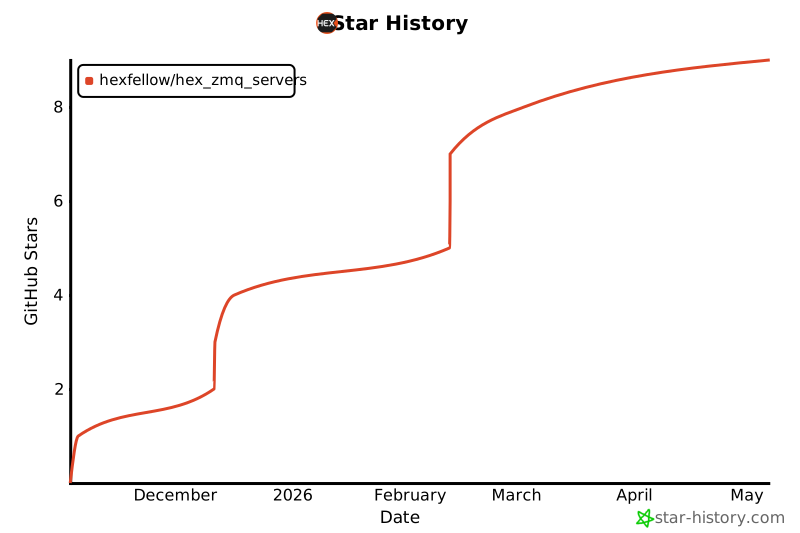
🌟 Star History
👥 Contributors

Metadata
Release files for hex-zmq-servers 1.1.2
For a detailed explanation of source distributions (sdists) and built distributions (wheels), please see the package formats documentation.
Source distribution (sdist)
| File | Size | Uploaded | |
|---|---|---|---|
| hex_zmq_servers-1.1.2.tar.gz | 4.9 MB | Details |
Built distribution (wheel)
| File | Interpreter | ABI | Platform | Reset |
|---|---|---|---|---|
| hex_zmq_servers-1.1.2-py3-none-any.whl | Python 3 | none | any | Details |
Total release size: 9.9 MB
Release files / hex_zmq_servers-1.1.2.tar.gz
| Download URL | hex_zmq_servers-1.1.2.tar.gz |
|---|---|
| Size | 4.9 MB |
| Tags | Source |
|
SHA-256 checksum How to use checksums |
bf3dbde8ff8ba3354f31735a53c1dab1da0ec391172929da7300caf93fe90fc5
|
|
BLAKE2b-256 checksum How to use checksums |
bdc62c78f22b191a85ddc9fcbd699f310a0a1cd7b0d144fae51e1314fe0b0e02
|
| Upload date | |
|
Uploaded using Trusted Publishing? What is trusted publishing? |
No |
| Uploaded via |
twine/6.2.0 CPython/3.10.12
|
Release files / hex_zmq_servers-1.1.2-py3-none-any.whl
| Download URL | hex_zmq_servers-1.1.2-py3-none-any.whl |
|---|---|
| Size | 5.0 MB |
| Tags | Python 3 |
|
SHA-256 checksum How to use checksums |
72d712df61081479734f792aaa7042b21f7ccf79e62dd5c149b468ba76790fc0
|
|
BLAKE2b-256 checksum How to use checksums |
3c6c236745e8daad530a8f97e4752ee31d9d9a20b6109fdac0f2c78cd920d09e
|
| Upload date | |
|
Uploaded using Trusted Publishing? What is trusted publishing? |
No |
| Uploaded via |
twine/6.2.0 CPython/3.10.12
|














