
A huggingchat python api.


Project description
hugging-chat-api
English | 简体中文
Unofficial HuggingChat Python API, extensible for chatbots etc.





Note
Some recent versions may no longer be fully backward compatible to some extent, a good idea is to review this README or issues promptly after any problem arise.
Recently new updates:
- Custom parameters(temprature, max_token, etc) is no longer supported
- Web search
- Memorize context
- Supports for changing LLMs (#56) (v0.0.9)
Installation
pip install hugchat
or
pip3 install hugchat
Usage
API
The following are all common usages of this repo, You may not necessarily use all of them, You can add or delete some as needed :)
from hugchat import hugchat
from hugchat.login import Login

# Log in to huggingface and grant authorization to huggingchat
sign = Login(email, passwd)
cookies = sign.login()

# Save cookies to the local directory
cookie_path_dir = "./cookies_snapshot"
sign.saveCookiesToDir(cookie_path_dir)

# Load cookies when you restart your program:
# sign = login(email, None)
# cookies = sign.loadCookiesFromDir(cookie_path_dir) # This will detect if the JSON file exists, return cookies if it does and raise an Exception if it's not.

# Create a ChatBot
chatbot = hugchat.ChatBot(cookies=cookies.get_dict())  # or cookie_path="usercookies/<email>.json"

# non stream response
query_result = chatbot.query("Hi!")
print(query_result) # or query_result.text or query_result["text"]

# stream response
for resp in chatbot.query(
    "Hello",
    stream=True
):
    print(resp)

# Use web search (new feature)
query_result = chatbot.query("Hi!", web_search=True)
print(query_result) # or query_result.text or query_result["text"]
for source in query_result.web_search_sources:
    print(source.link)
    print(source.title)
    print(source.hostname)

# Create a new conversation
id = chatbot.new_conversation()
chatbot.change_conversation(id)

# Get conversation list
conversation_list = chatbot.get_conversation_list()

# Get the available models (not hardcore)
models = chatbot.get_available_llm_models()

# Switch model to the given index
chatbot.switch_llm(0) # Switch to the first model
chatbot.switch_llm(1) # Switch to the second model

# Get information about the current conversation
info = chatbot.get_conversation_info()
print(info.id, info.title, info.model, info.system_prompt, info.history)

# Get conversations on the server that are not from the current session (all your conversations in huggingchat)
chatbot.get_remote_conversations(replace_conversation_list=True)

# [DANGER] Delete all the conversations for the logged in user
chatbot.delete_all_conversations()
The query() function receives these parameters:
text: Required[str].retry_count: Optional[int]. Number of retries for requesting huggingchat. Default is 5web_search: Optional[bool]. Whether to use online search.
CLI
version 0.0.5.2or newer
Simply run the following command in your terminal to start the CLI mode
python -m hugchat.cli
CLI params:
-u <your huggingface email>: Provide account email to login.-p: Force request password to login, ignores saved cookies.-s: Enable streaming mode output in CLI.
Commands in cli mode:
-
/new: Create and switch to a new conversation. -
/ids: Shows a list of all ID numbers and ID strings in current session. -
/switch <id>: Switches to the ID number or ID string passed. -
/del <id>: Deletes the ID number or ID string passed. Will not delete active session. -
/clear: Clear the terminal. -
/llm: Get available models you can switch to. -
/llm <index>: Switches model to given model index based on/llm. -
/sharewithauthor <on|off>: Changes settings for sharing data with model author. On by default. -
/exit: Closes CLI environment. -
/stream <on|off>: streaming the response. -
/web <on|off>: web search. -
/web-hint <on|off>: display web search hint. -
AI is an area of active research with known problems such as biased generation and misinformation. Do not use this application for high-stakes decisions or advice.
-
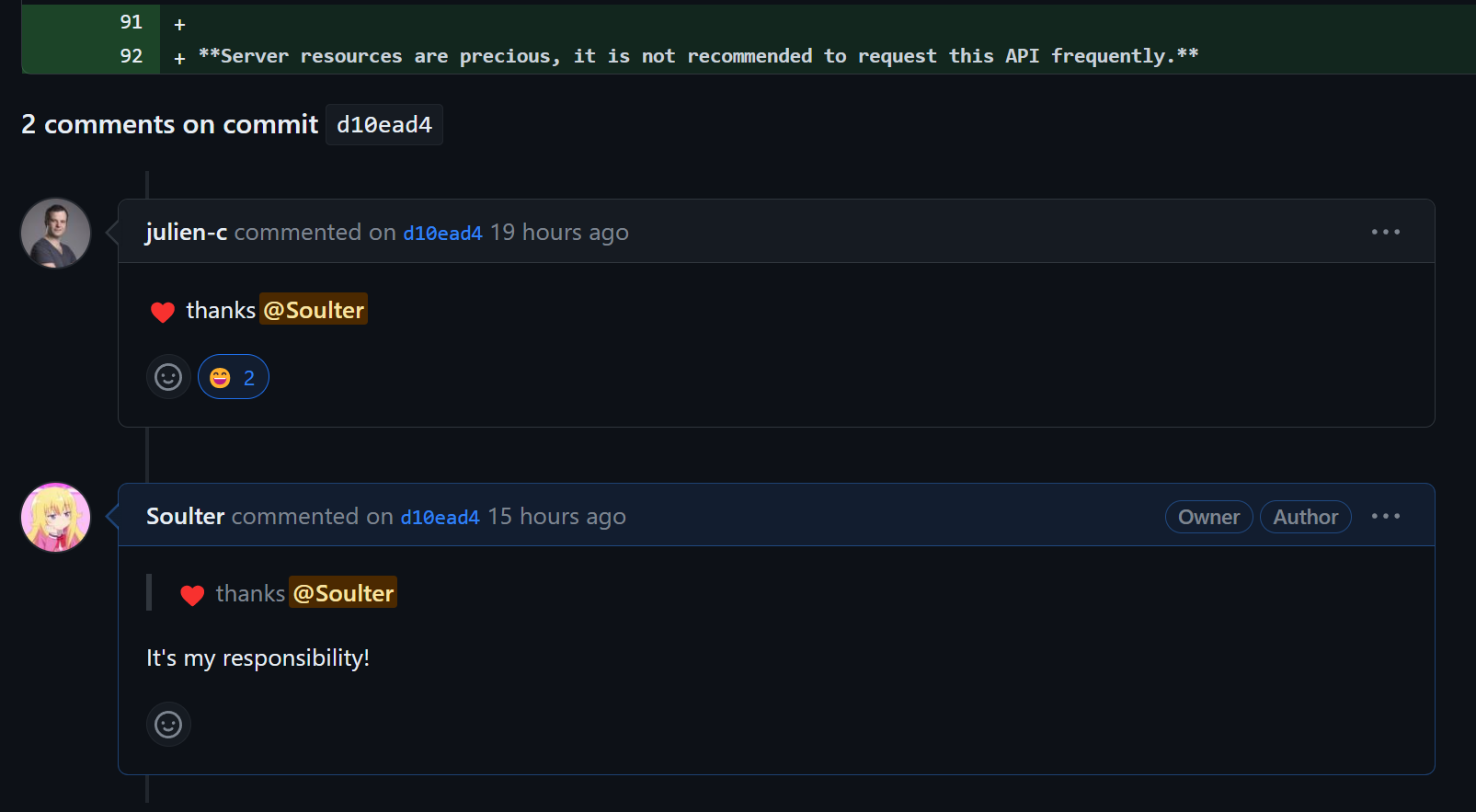
Server resources are precious, it is not recommended to request this API in a high frequency. (
Hugging Face's CTO🤗just liked the suggestion)
Disclaimers
This is not an official Hugging Face product. This is a personal project and is not affiliated with Hugging Face in any way. Don't sue us.
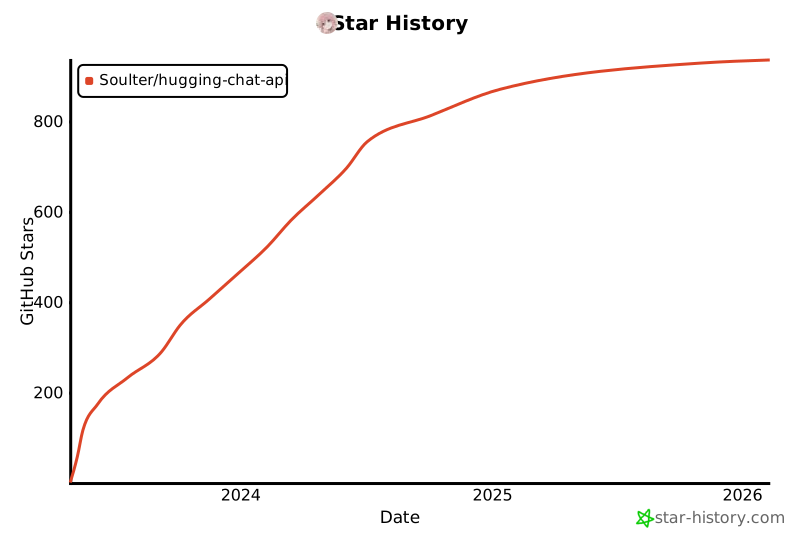
Star History
Release history Release notifications | RSS feed


Download files
Download the file for your platform. If you're not sure which to choose, learn more about installing packages.
Source Distribution
Built Distribution
Filter files by name, interpreter, ABI, and platform.
If you're not sure about the file name format, learn more about wheel file names.
Copy a direct link to the current filters
File details
Details for the file hugchat-0.3.6.tar.gz.
File metadata
- Download URL: hugchat-0.3.6.tar.gz
- Upload date:
- Size: 30.6 kB
- Tags: Source
- Uploaded using Trusted Publishing? No
- Uploaded via: twine/4.0.2 CPython/3.9.18
File hashes
| Algorithm | Hash digest | |
|---|---|---|
| SHA256 |
6495722d55aedf3a980cd2566eaa5ddc187fe7cb6e4b93a9164620de4e60cf49
|
|
| MD5 |
9190afdb8c97c1eba8f1879a4e6ecd36
|
|
| BLAKE2b-256 |
236e541645c91a46102494f5ee2e87ea5056bca6baafc495b59de34433edc10b
|
File details
Details for the file hugchat-0.3.6-py3-none-any.whl.
File metadata
- Download URL: hugchat-0.3.6-py3-none-any.whl
- Upload date:
- Size: 30.2 kB
- Tags: Python 3
- Uploaded using Trusted Publishing? No
- Uploaded via: twine/4.0.2 CPython/3.9.18
File hashes
| Algorithm | Hash digest | |
|---|---|---|
| SHA256 |
d281a03ffb2d9ef53afe63c4bebd53d199d577fe5facded7162abd5c1be01a56
|
|
| MD5 |
68bafd61d3b058996c227e96d78e826f
|
|
| BLAKE2b-256 |
9ecbed9dc7694dca22aff296c8aecd22f99f7bb6092a668aad0e37c2403e6712
|






