
Hugpy Core
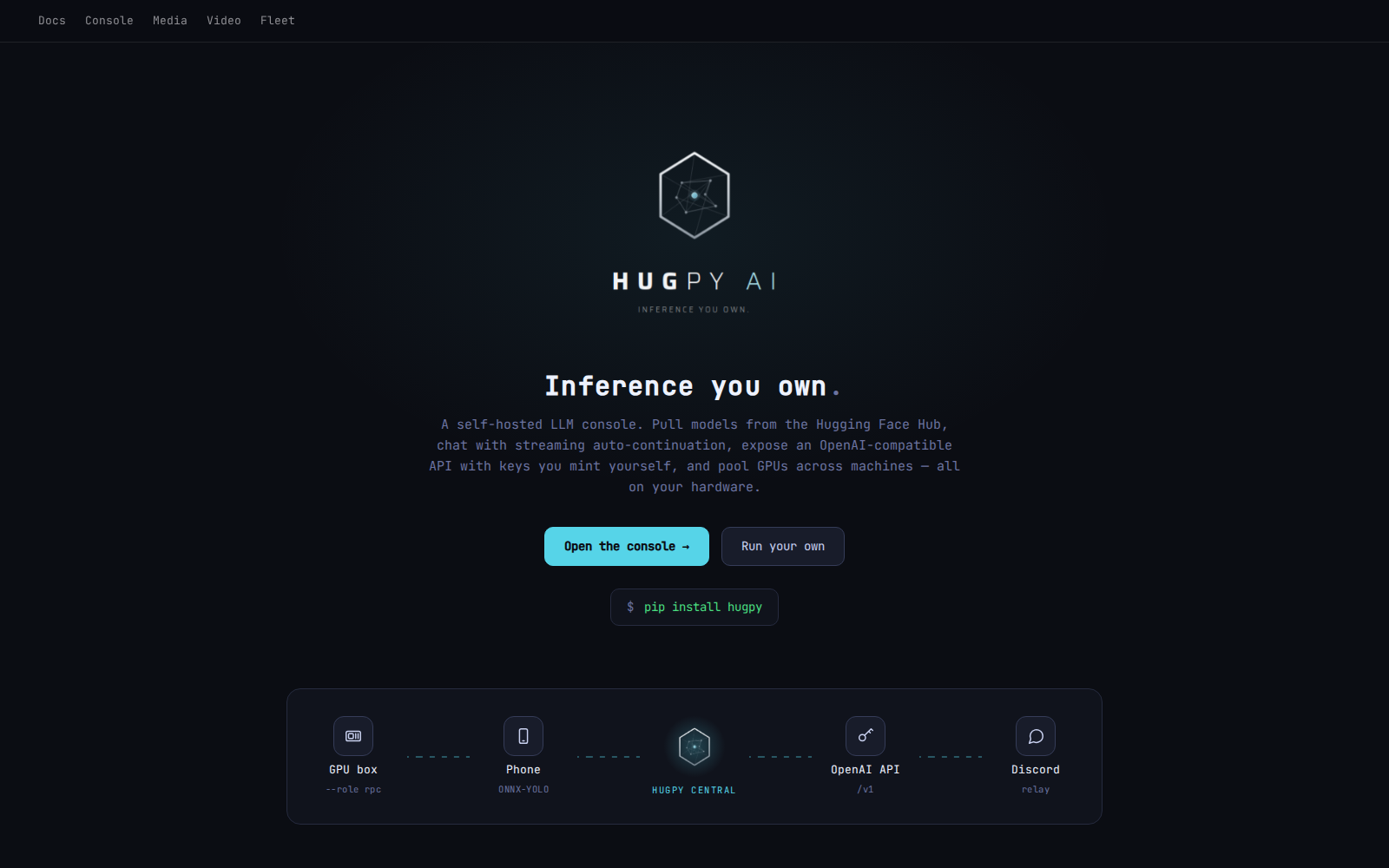
Core is the Flask console, API and fleet coordinator. It registers Wrapper hosts, mirrors their execution evidence into PostgreSQL, reads the model inventory Discovery publishes, and routes work. Wrapper owns execution, loading, memory admission, worker settings and local model copies. Core uses Wrapper's reported feasibility; it does not run a second sizing solver. See model data ownership and the fleet execution direction.
The package metadata defines the source version. Check the installed distribution and running service separately when diagnosing an installation.
Start and install
With the package and its dependencies installed and a prepared Core PostgreSQL
DSN in HUGPY_CORE_DB, the HTTP entry point is:
hugpy-core serve --host 127.0.0.1 --port 7020
Startup checks migrations and initializes Core services; use an isolated database
for development. serve uses the threaded Werkzeug server. A bare hugpy-core
uses the older Flask startup sequence with additional startup jobs.
Core depends on Storage, Engine, Terminal, Resources, Settings, Abstract
Toolserver and the shared Flask/database/utilities libraries as well as Flask,
aiohttp, psycopg and Flask-Sock. It does not import Wrapper or Discovery: it
reaches the Wrapper over its HTTP front door and reads Discovery's published
export (hugpy_core.discovery), per the one-way discovery → wrapper → core
ownership rule. Exact floors and optional extras are in pyproject.toml.
Media and Video are optional: their distributions own their APIs and UI assets.
Toolserver provisions databases; Core queries PostgreSQL directly.
Media and Video on the same host
Media (hugpy-media) and Video (hugpy-video) are separate packages, each able to run without
Core as its own service. On a host that also has Core they are served by Core, in-process, at
/media/ and /video/. Nothing has to be configured and the order of installation does not
matter:
sudo apt-get install hugpy-core hugpy-media hugpy-video    # any subset, in any order, now or later
hugpy-core addon list                                      # media: embedded / video: embedded
Each arm's package ships a descriptor in /usr/share/hugpy/core-addons.d/. When the arm is
installed it asks Core to take it (hugpy-core addon attach <name>); when Core is installed or
upgraded it takes every arm described on the box (hugpy-core addon sync). Taking an arm means
installing its wheels into Core's environment from the arm's own offline wheel directory, with
every distribution Core already has pinned to its installed version: the arm is added and nothing
Core was installed with is replaced. The arm's standalone service is then switched off.
An arm Core cannot hold that way (it needs a newer sibling than this Core carries) is left
untouched on its own service, and Core reaches it through its arms.d descriptor instead, so
the arm still appears under Core's URLs. Removing the arm's package takes it back out of Core;
removing Core returns the arm to its own service.
HUGPY_CORE_ADDONS in Core's core.env decides what may be embedded: unset or auto (every
described arm), none (arms stay separate services behind Core), or a comma list of names.
Run sudo hugpy-core addon sync after changing it.
With pip instead of Debian packages, the same result is one environment holding both:
pip install "hugpy-core[media,video]" (or hugpy-media[core], hugpy-video[core]).
Who needs an API key
/v1/* is the model API, /api/* the control surface. Core checks keys on /v1 and on
/live-api; /api carries no key check of its own (a front gates it with the operator's
session, and direct callers are whoever can reach Core's bind address).
The requirement has three states, set from the console's API access switch or
POST /api/keys/require:
| mode | who needs a key on /v1 and /live-api |
|---|---|
never |
nobody (the switch off) |
always |
everybody, callers on this box included (the switch on) |
outside |
callers from outside this box and its trusted networks; local callers do not. Only {"mode": "outside"} selects it; it is also what an install whose switch was never used runs with |
A caller that reaches Core through a reverse proxy is judged by the last address in
X-Forwarded-For that is not one of Core's proxies. Core trusts no proxy until
HUGPY_ROUTER_TRUSTED_PROXIES names it (for a front on the same host: 127.0.0.1,::1), so
until then every forwarded caller needs a key. Set it only for a front that writes
X-Forwarded-For itself on every location it sends to Core. HUGPY_ROUTER_TRUSTED_NETS
replaces the networks that count as local (loopback and the private ranges).
/live-api/<section>/<path> is /api/<section>/<path> for a key holder: the same routes,
behind the same rule as /v1, limited to the sections in hugpy_core.web.ui.LIVE_SECTIONS
(models, llm, chat, prompt, session, uploads, media, video, movie, oracle, version). A client
that holds a key uses a bare origin as its base, /v1 for model calls and /live-api for
control calls, whether it talks to a front or straight to Core. Key management, settings and
the other operator surfaces are not reachable that way.
hugpy_core.web.api_access.principal() answers "who is calling" for the current request
(scope admin, use or none; inside; whether it came through a front's session gate). Arms
Core hosts receive it with Core's other services.
API, UI and operations
- Operator guide: configuration, intake, optional apps, Identity readiness and verification boundaries.
- Documentation index: current contracts and historical designs.
- Route convention: category catalogs, explicit addon
blueprints and UI middleware.
/routesis not an exhaustive endpoint inventory. - Console source and component API: app and library builds.
- Intake deployment: independent collection and bounded model-fact exchange between registered workers.
The retired Basic aiohttp server, console and training extension are preserved in archive/basic-runtime, outside the installable package. The active Flask application uses native Core readers; the compatibility flag and Basic CLI dispatch were removed. Existing databases are not migrated or deleted merely by this source change.
Downloads and feature gallery
Get the Debian packages, architecture details, SHA-256 checksums and installation commands from Hugpy Downloads. The feature gallery shows the console, Agent, Station, Media and Video interfaces. Screenshots reflect the versions captured; the current interface may differ.
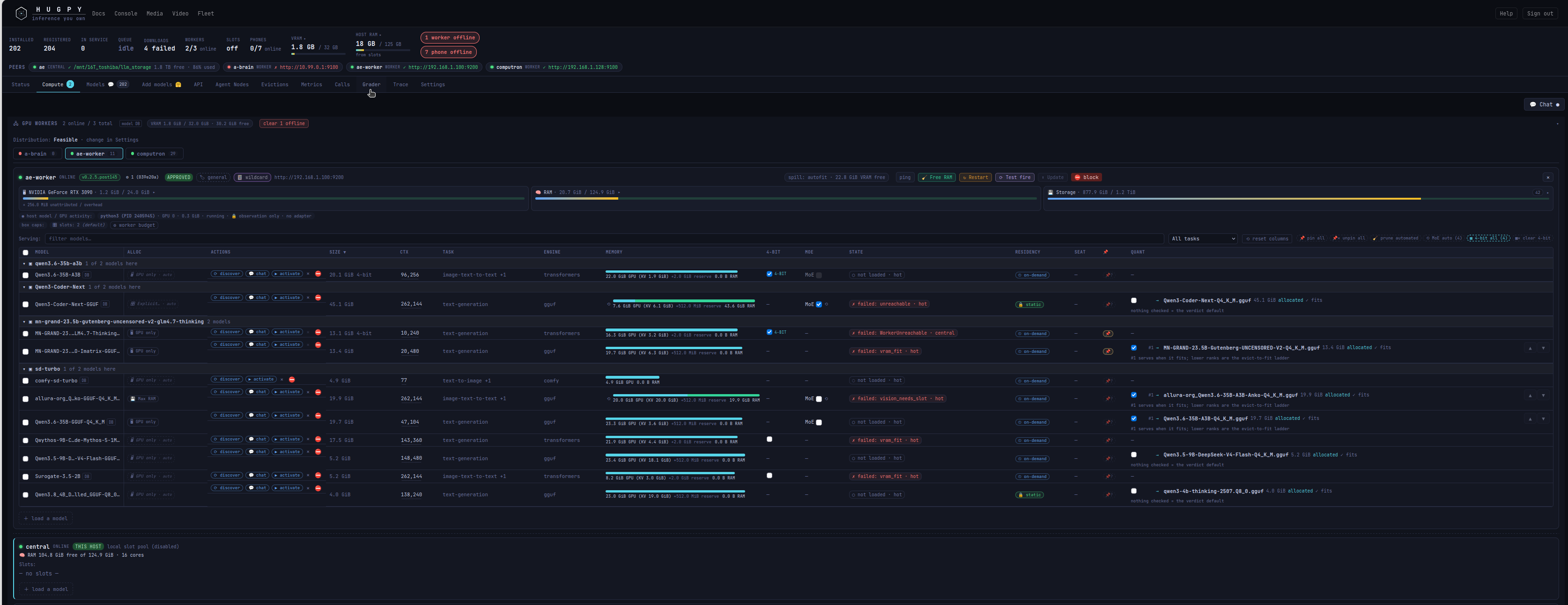
Compute resources
Model placement, GPU process usage, memory plans and per-model controls.
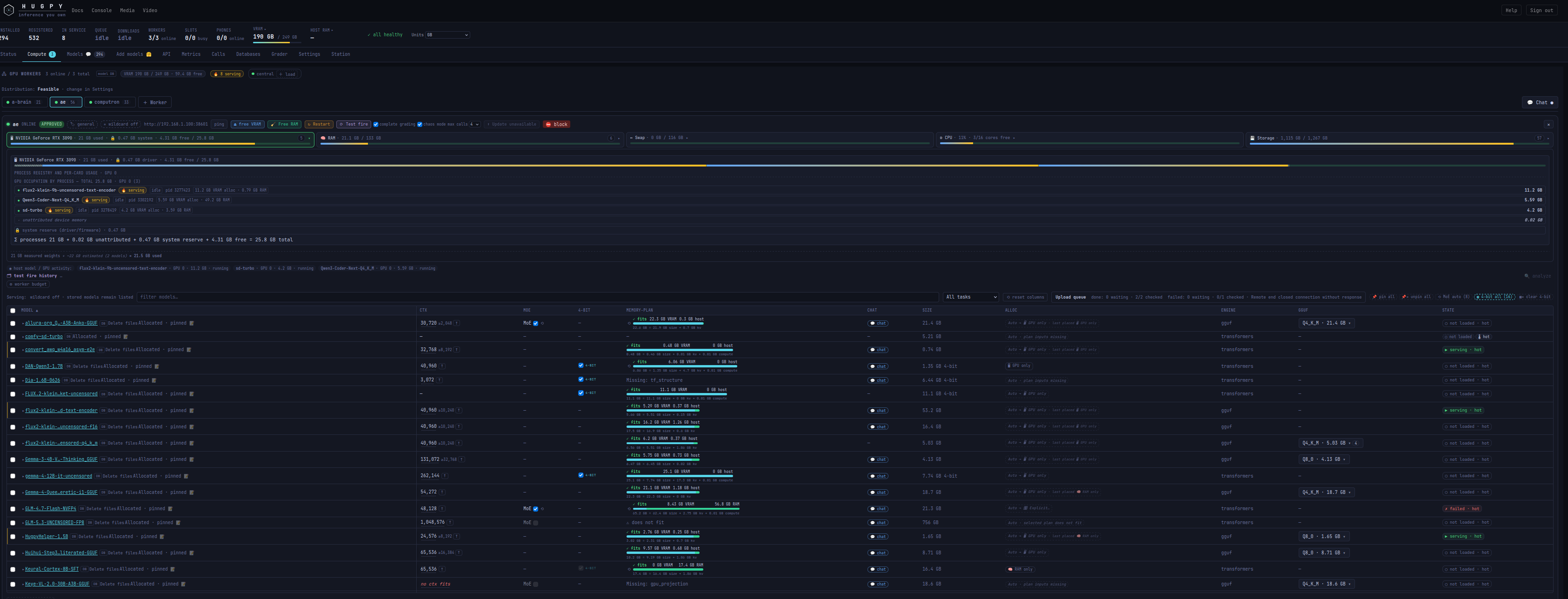
Worker model plans
Compare models, context windows and allocation modes across workers.
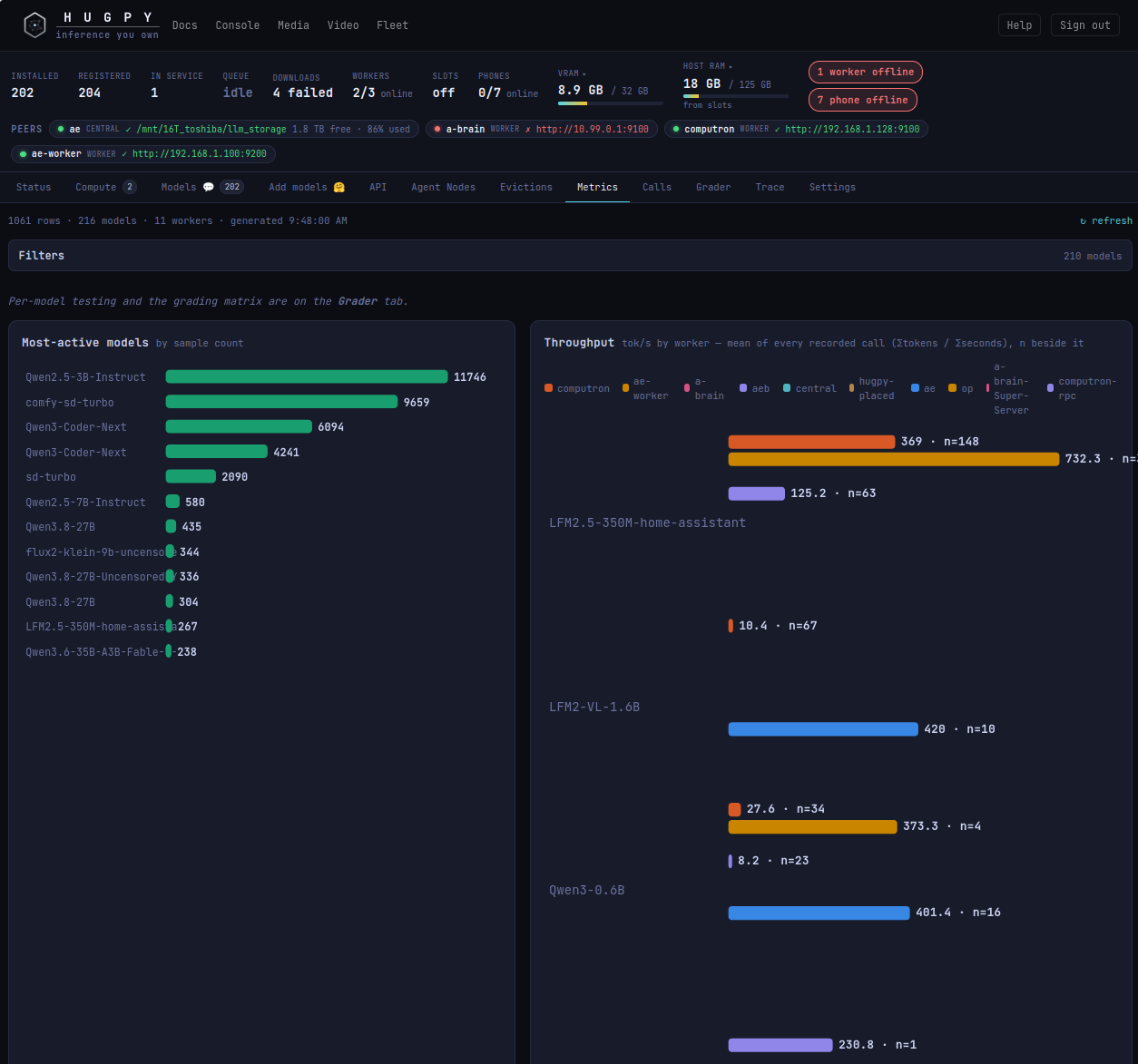
Inference metrics
Explore recorded model activity and throughput by worker.
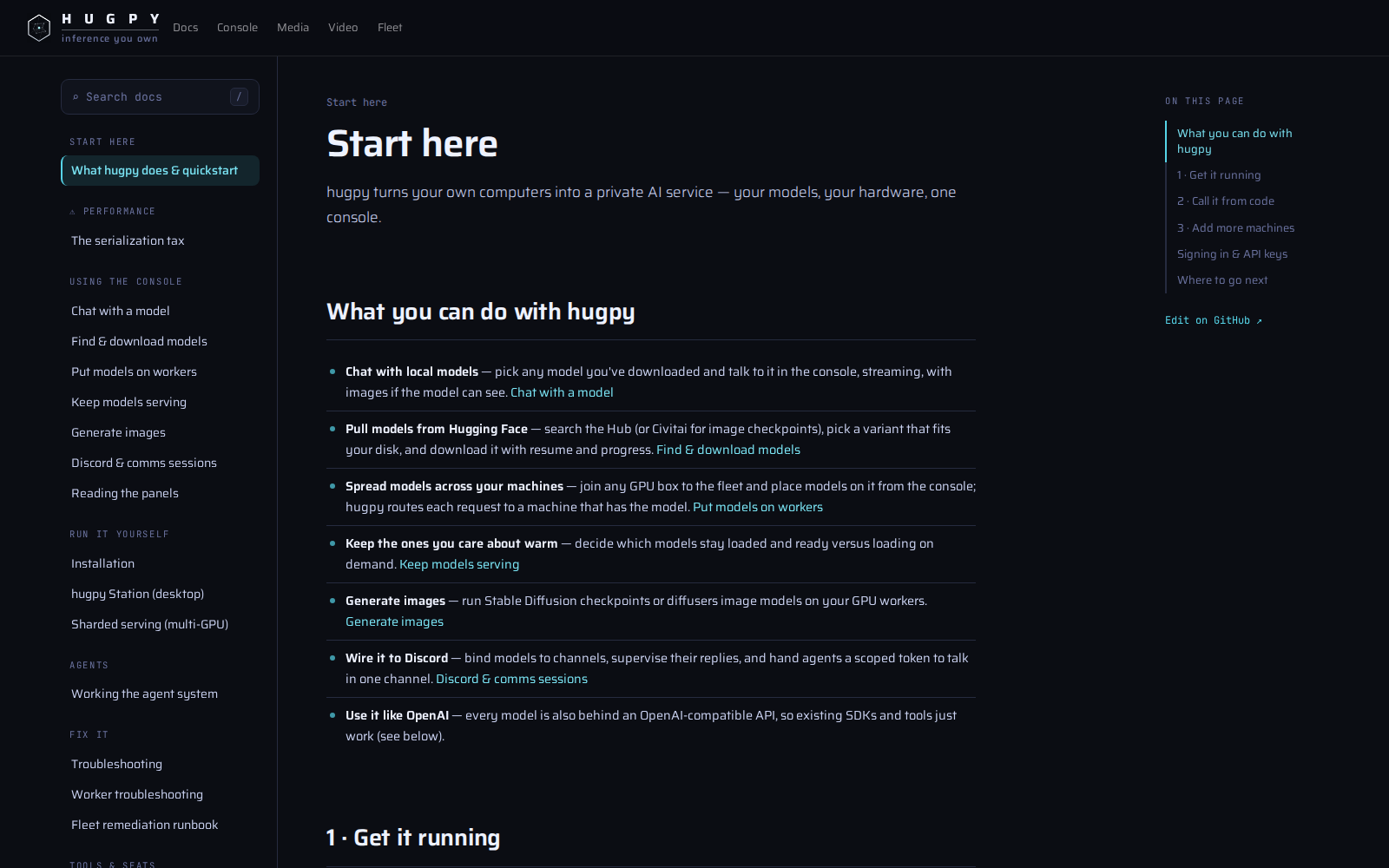
Built-in documentation
Quickstarts and guides for models, workers, clients and integrations.
The Hugpy overview
The shared entry point for the console, media tools and fleet.
1 maintainer

Metadata
1 maintainer
Release files for hugpy-core 0.4.87
For a detailed explanation of source distributions (sdists) and built distributions (wheels), please see the package formats documentation.
Source distribution (sdist)
| File | Size | Uploaded | Provenance | Actions |
|---|---|---|---|---|
| hugpy_core-0.4.87.tar.gz | 14.4 MB | Without provenance | Details for hugpy_core-0.4.87.tar.gz |
Built distribution (wheel)
| File | Interpreter | ABI | Platform | Actions Reset |
|---|---|---|---|---|
| hugpy_core-0.4.87-py3-none-any.whl | Python 3 | none | any | Details for hugpy_core-0.4.87-py3-none-any.whl |
Total release size: 29.0 MB
Release files / hugpy_core-0.4.87.tar.gz
| Download URL | hugpy_core-0.4.87.tar.gz |
|---|---|
| Size | 14.4 MB |
| Tags | Source |
|
SHA-256 checksum How to use checksums |
3dfb3b7cb14a340b7a7026524d3c04b63d50b11b16c3ff453e8765396f806ceb
|
|
BLAKE2b-256 checksum How to use checksums |
ab4cd6930c1e647d314853fa663441dce53eaeeccfbe0a6aff7bd66b1ae639b0
|
| Upload date | |
|
Uploaded using Trusted Publishing? What is trusted publishing? |
No |
| Uploaded via |
twine/7.0.0 CPython/3.12.3
|
Release files / hugpy_core-0.4.87-py3-none-any.whl
| Download URL | hugpy_core-0.4.87-py3-none-any.whl |
|---|---|
| Size | 14.6 MB |
| Tags | Python 3 |
|
SHA-256 checksum How to use checksums |
694f9e123dc012467f9e3cf1dcbff101ebe8ccad3f3b798869a6c207c4484dad
|
|
BLAKE2b-256 checksum How to use checksums |
a58f3b3e252b06d280989c3373e0be357fd918507c8c13ea8d19562cf63297e7
|
| Upload date | |
|
Uploaded using Trusted Publishing? What is trusted publishing? |
No |
| Uploaded via |
twine/7.0.0 CPython/3.12.3
|
Security for hugpy-core 0.4.87
Provenance
Provenance describes where a file came from. On PyPI, provenance is shared via attestations, which provide a verifiable record of the build or publishing details. View details, limitations and caveats.
No provenance found
None of the files in this release were uploaded with provenance metadata.
A note on package security
PyPI is a repository for distributing packages, not a service for auditing them. While third-party security researchers and our staff do their best to detect and remove malicious packages, PyPI cannot guarantee the quality, security or suitability of any given package.
To learn more about protecting yourself from malicious actors, visit our package security documentation.














