
HYLOA
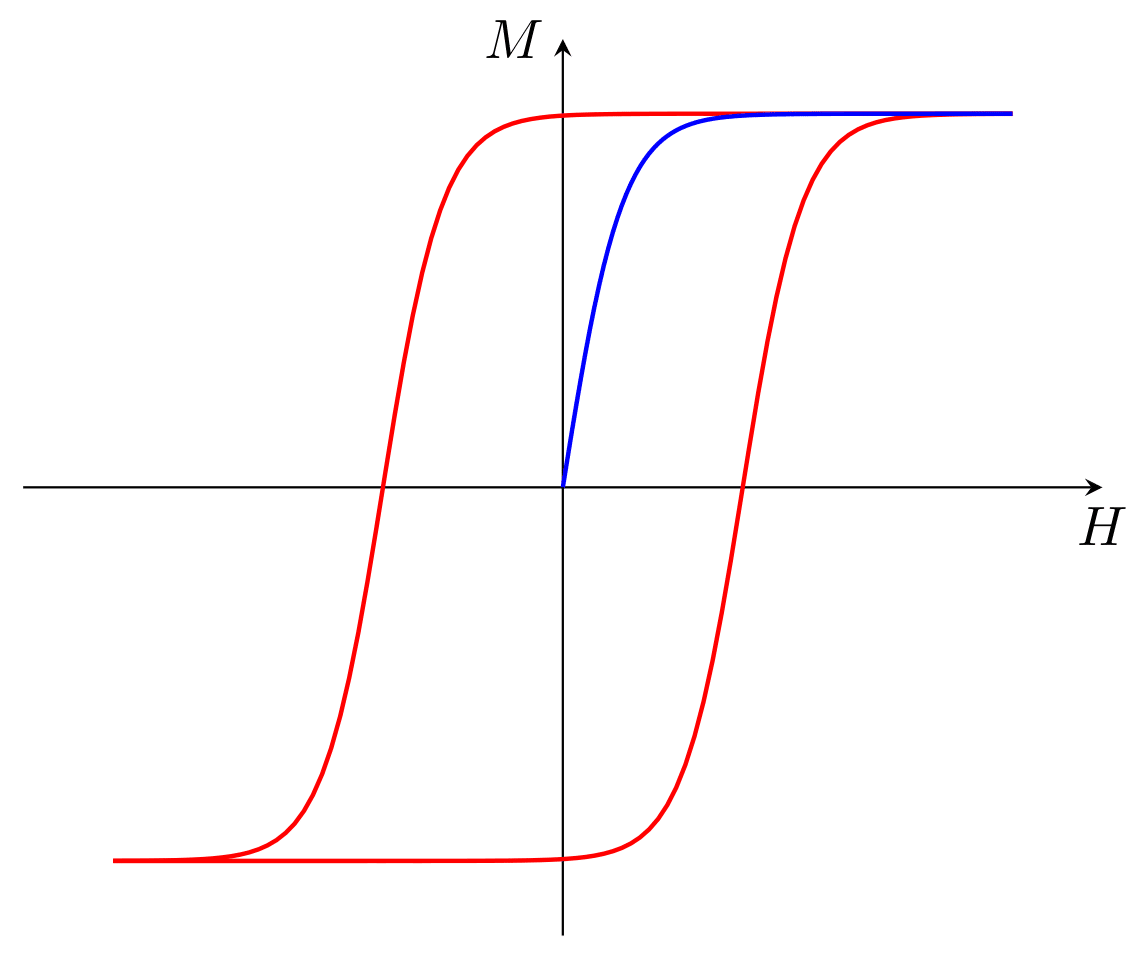




Simple program for an analysis of hysteresis loops.
Introduction
HYsteresis LOop Analyzer is a Python package that allows you to load, analyze and visualize hysteresis loops using a graphical interface.
Main features:
- Loading and managing experimental data files
- Visualization of hysteresis loops with interactive tools
- Correction and analysis of loops
- Wokrsheet for general purposes data analysis
- A simple code editor to write custom scripts for data analysis and visualization
- An integrated python shell
🔗 Complete documentation:
📚 ReadTheDocs - hyloa
Installation
HYLOA is distributed both with pip and with a wheel (.whl) through GitHub Releases.
The recommended installation method is different between Linux and Windows, but in both cases it is possible
to use either method. The wheel installation allows to choose the version, and is recommended for Windows users,
because it includes a simple installer script which is the setup.bat file;
while the pip installation allows you to get the latest version directly from PyPI.
Linux
Obviously it is recomended to do this in a virtual environment to avoid conflicts with other packages.
python -m venv .venv
source .venv/bin/activate
Recommended method: pip installation
- Open a terminal and run:
pip install hyloa
This will install the latest version of HYLOA from PyPI.
Alternative method: wheel installation
-
Go to the release page:
-
Download the file:
hyloa-<version>-py3-none-any.whl -
Open a terminal in the folder where the wheel was downloaded.
-
Install HYLOA with:
python -m pip install hyloa-<version>-py3-none-any.whl
Windows (installation using setup.bat)
To make the installation process easier for Windows users,
each release includes a simple installer script: setup.bat.
You can use it to install HYLOA and create a desktop shortcut to launch the GUI.
You only need to do the following:
-
Download from the release page:
hyloa-<version>-py3-none-any.whlsetup.bat
-
Double-click setup.bat
The script will:
- install HYLOA,
- create a desktop shortcut to launch the GUI.
Usage
To start the graphical interface on Linux, use the command:
hyloa
On Windows just use the desktop shortcut.
1 maintainer

Metadata
1 maintainer
Release files for hyloa 1.14.0
For a detailed explanation of source distributions (sdists) and built distributions (wheels), please see the package formats documentation.
Source distribution (sdist)
| File | Size | Uploaded | |
|---|---|---|---|
| hyloa-1.14.0.tar.gz | 138.1 kB | Details |
Built distribution (wheel)
| File | Interpreter | ABI | Platform | Reset |
|---|---|---|---|---|
| hyloa-1.14.0-py3-none-any.whl | Python 3 | none | any | Details |
Total release size: 294.7 kB
Release files / hyloa-1.14.0.tar.gz
| Download URL | hyloa-1.14.0.tar.gz |
|---|---|
| Size | 138.1 kB |
| Tags | Source |
|
SHA-256 checksum How to use checksums |
644589083b793b861c9b4ea654330e255473cc9cbaa0c1334452fcbd851e8a52
|
|
BLAKE2b-256 checksum How to use checksums |
6fd1dfe1048713eb1e5b8dc772eebcf8b16533066487f054cc509f13b235abcb
|
| Upload date | |
|
Uploaded using Trusted Publishing? What is trusted publishing? |
Yes |
| Uploaded via |
twine/7.0.0 CPython/3.13.14
|
Provenance
Provenance describes where a file came from. On PyPI, provenance is shared via attestations, which provide a verifiable record of the build or publishing details. View details, limitations and caveats.


PyPI Publish Attestation
PyPI verified that this artifact, at this checksum, originated from the publisher listed below.
Signed by GitHub Actions, verified by PyPI on Oct 9, 2026.
Transparency logRelease files / hyloa-1.14.0-py3-none-any.whl
| Download URL | hyloa-1.14.0-py3-none-any.whl |
|---|---|
| Size | 156.6 kB |
| Tags | Python 3 |
|
SHA-256 checksum How to use checksums |
139a10eb61a55c50051d7931d536ab0d9a22aadd3ebf9f77b796cc9aa6e6afc8
|
|
BLAKE2b-256 checksum How to use checksums |
b48f7a9c541d5bf381aa3a70494ce40a72f4cbcd619bb95ea486149b13fe9d9f
|
| Upload date | |
|
Uploaded using Trusted Publishing? What is trusted publishing? |
Yes |
| Uploaded via |
twine/7.0.0 CPython/3.13.14
|
Provenance
Provenance describes where a file came from. On PyPI, provenance is shared via attestations, which provide a verifiable record of the build or publishing details. View details, limitations and caveats.
PyPI Publish Attestation
PyPI verified that this artifact, at this checksum, originated from the publisher listed below.
Signed by GitHub Actions, verified by PyPI on Oct 9, 2026.
Transparency log













