
Streamlit custom component: hyperlink-like button with stock button API

Project description
hyperlink_button
hyperlink_button is a Streamlit custom component that looks like a hoverable text link, but behaves like st.button.
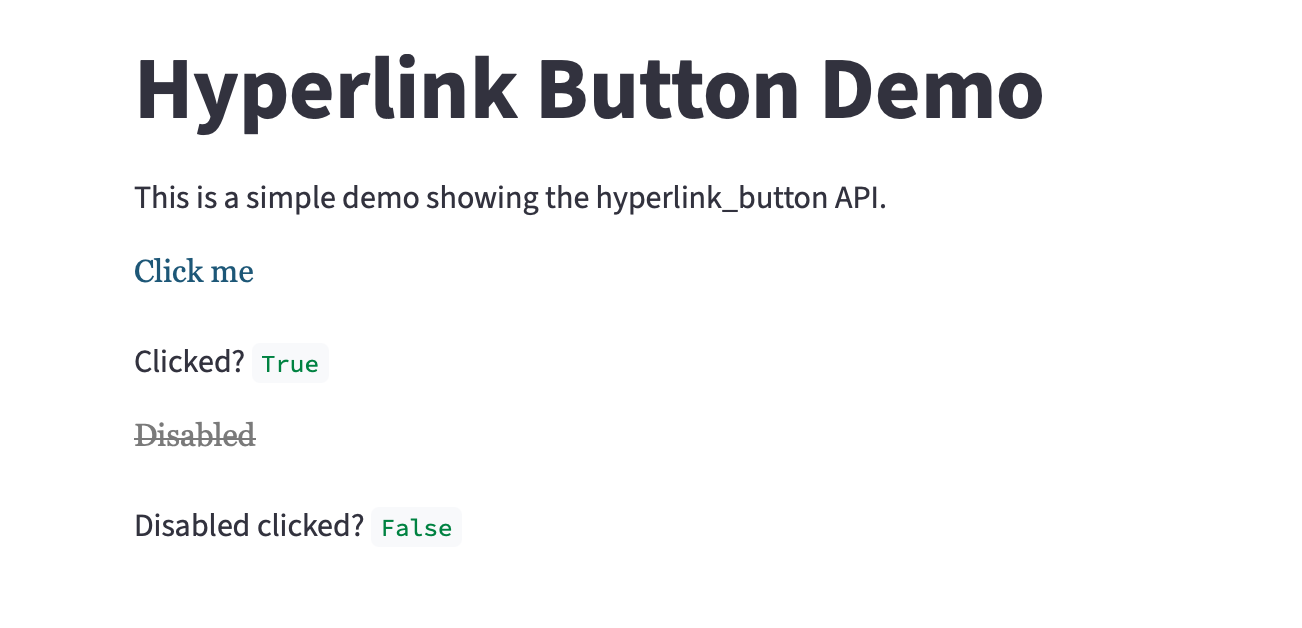
Install
From PyPI:
pip install hyperlink-button
From source (dev):
python -m pip install -e ".[dev]"
Usage
import streamlit as st
from hyperlink_button import hyperlink_button

clicked = hyperlink_button(
    "Open details",
    help="Does a normal Streamlit rerun",
    type="secondary",
)

st.write("clicked", clicked)
Development
- Build frontend:
cd hyperlink_button/frontend && npm install && npm run build - Run demo:
streamlit run examples/demo_app.py
Streamlit reference docs are available via the local st_docs/ symlink.
Release history Release notifications | RSS feed


Download files
Download the file for your platform. If you're not sure which to choose, learn more about installing packages.
Source Distribution
hyperlink_button-0.1.3.tar.gz
(95.1 kB
view details)
Built Distribution
Filter files by name, interpreter, ABI, and platform.
If you're not sure about the file name format, learn more about wheel file names.
Copy a direct link to the current filters






