
Investor8 CLI

Project description
i8 Terminal: Modern Market Research with the Power of Command-Line
i8 terminal is a modern python-based terminal application that gives you superior power and flexibility to understand and analyze the market. The interface is simple, efficient, and powerful: it's command-line!
i8 Terminal is backed by the Investoreight Platform and currently covers major U.S. exchanges.
Features and Highlights
- Prompt Market Insights and Analysis
- Custom Charting, Reporting, and Visualizations
- Powerful and Customizable Screening
- Easy-to-Use and Extendable
- Backed by the Investoreight Platform
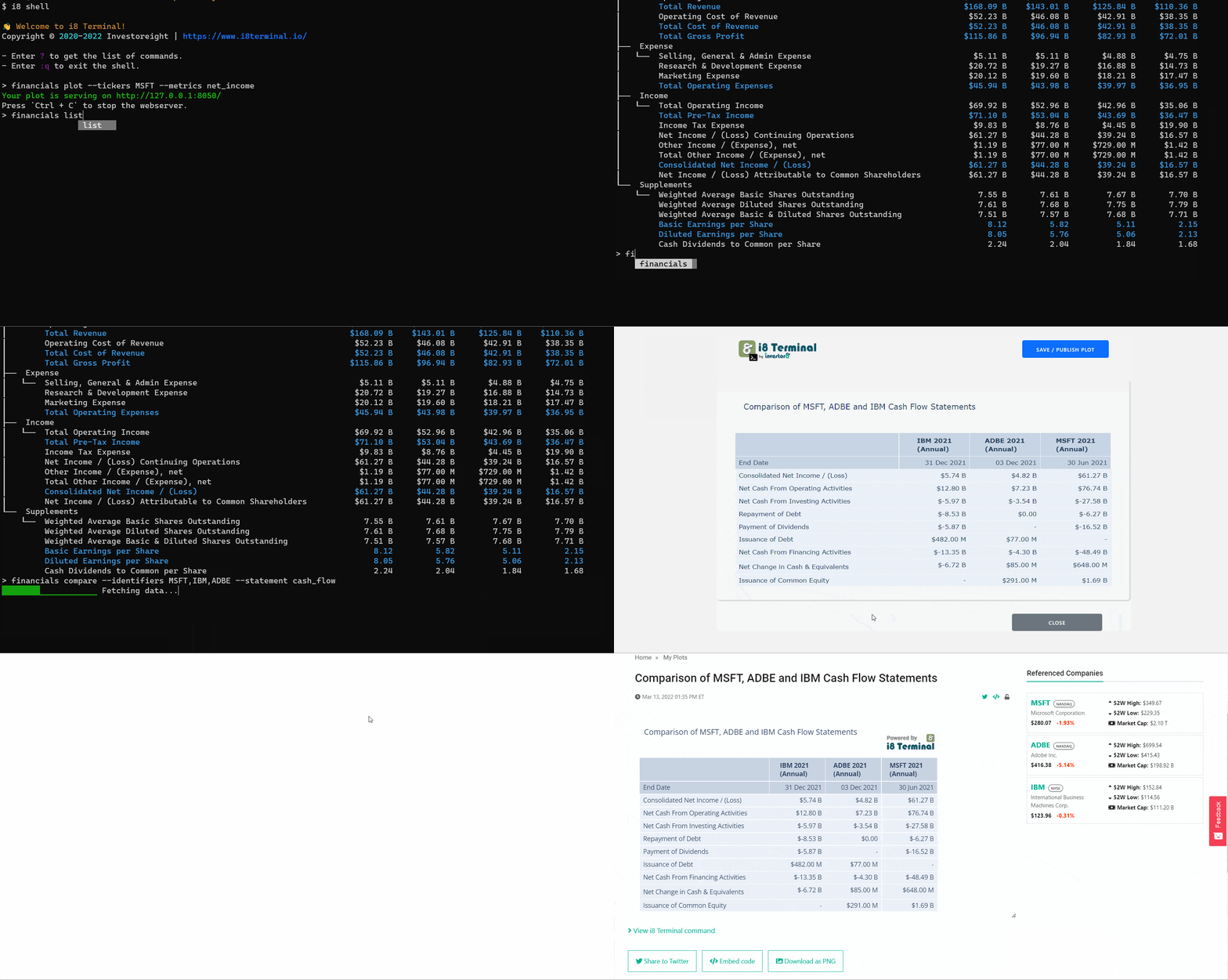
i8 Terminal Commands
i8 Terminal offers some built-in commands to analyze and research the market. You can also create your own custom commands or extend the existing command. Find an overview of commands here.
Check out the following video to see some more commands from i8 Terminal:

Installing i8 Terminal
Note: i8 Terminal currently only supports Python 3.9+
If you have Python 3 installed, you can simply install the tool with Python pip:
pip install i8-terminal
We recommend installing i8 terminal in an isolated virtual environment. This can be done as follows:
On Mac OS or Linux:
python3 -m venv .venv
source .venv/bin/activate
pip install i8-terminal
On Windows:
python3 -m venv .venv
source .venv/Script/activate
pip install i8-terminal
Install i8 Terminal using the Windows Installer
On Windows, you can also install i8 Terminal using the Windows executable. Check here if you want to download the windows executable.
How to Contribute i8 Terminal
The preferred workflow for contributing to i8 Terminal is to clone the GitHub repository, develop on a branch and make a Pull Request.
See here for guidelines for contributors.
How to Run i8 Terminal
You can verify whether i8 Terminal is installed successfully by running i8 script:
i8
If you are using the application for the first time, you should first sign in. Run the following command, which will open a browser and redirect you to the investoreight platform to sign in (or sign up):
i8 user login
After a successful login, the most convenient way to use i8 terminal is to use its own shell:
i8 shell
You should now be able to run i8 commands. Check our documentation for more details.
Documentation
Click here to find more details about the commands.
Release history Release notifications | RSS feed


Download files
Download the file for your platform. If you're not sure which to choose, learn more about installing packages.
Source Distribution
File details
Details for the file i8-terminal-0.2.49.tar.gz.
File metadata
- Download URL: i8-terminal-0.2.49.tar.gz
- Upload date:
- Size: 173.3 kB
- Tags: Source
- Uploaded using Trusted Publishing? No
- Uploaded via: twine/4.0.0 CPython/3.9.13
File hashes
| Algorithm | Hash digest | |
|---|---|---|
| SHA256 |
4c089afc063f3fdb778f7a0570efd098520772918933be80b440fa1f6a2ac5b8
|
|
| MD5 |
f28091c76a9f091efc9ddddefbec7a0b
|
|
| BLAKE2b-256 |
343e744ace495798d290592dcd81e68115ad52c1dbe79cd721d87d81963e5c25
|






