

AI-powered Infrastructure as Code assistant for cloud infrastructure through natural language interaction. Currently supports Alibaba Cloud ROS and Terraform workflows.



Documentation: https://aliyun.github.io/iac-code/

macOS Apple Silicon ·
Windows x64 ·
Linux AppImage ·
Linux deb ·
All release files
Desktop App
No Python, pip, or terminal setup required — download the native app and start building cloud infrastructure right away. Get the package for your platform from the latest GitHub Release:
- macOS Apple Silicon:
.dmg - Windows x64: setup
.exe - Linux x64:
.AppImageor.deb
The Desktop app runs the same IaC Code engine and uses the same providers, cloud credentials, settings, projects, and sessions as the CLI and Web app. On first launch, select the project directory you want IaC Code to work in. Windows also checks for Git Bash and guides you through installation if it is missing.
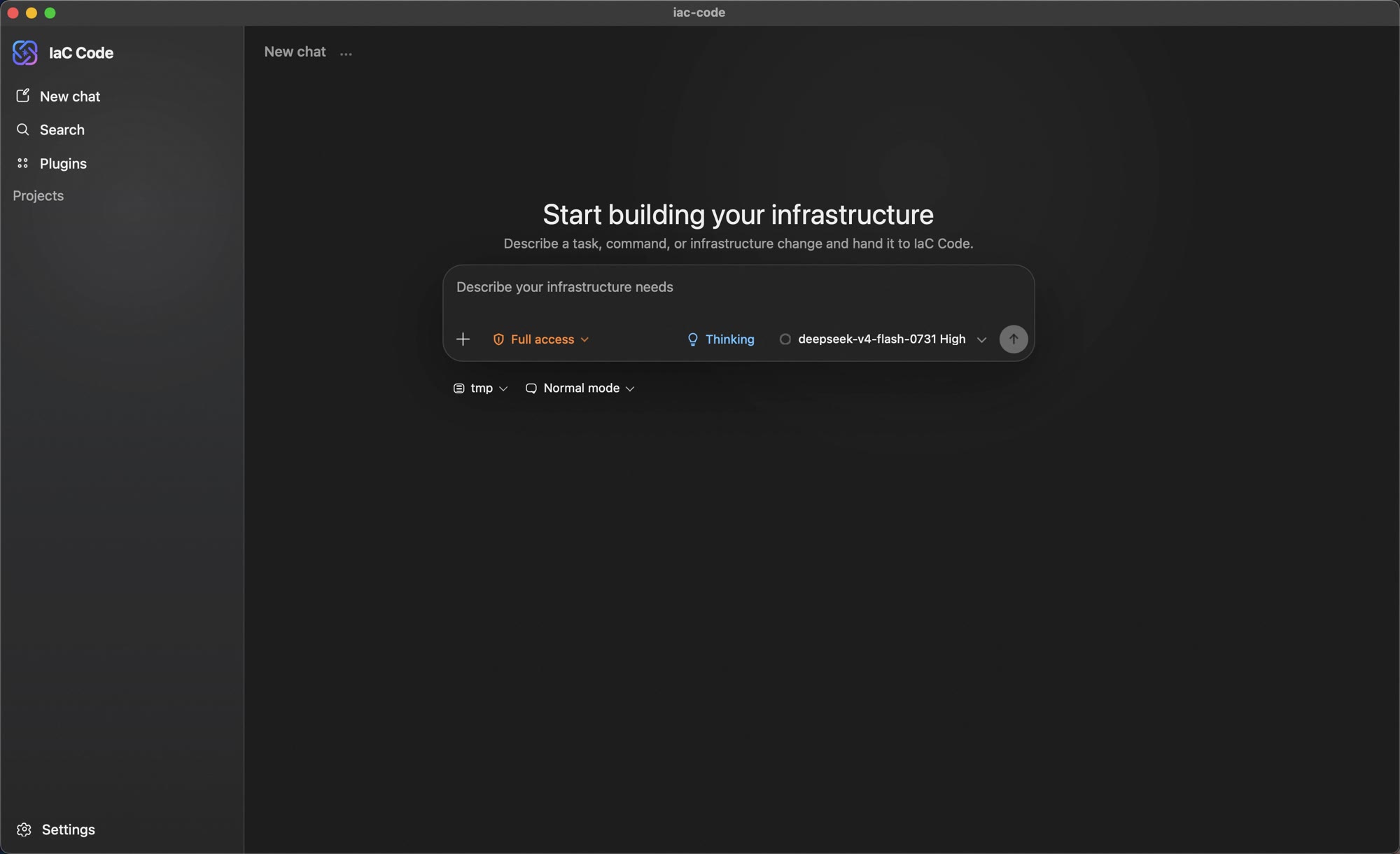
macOS, Windows, and AppImage builds can check for and apply cryptographically signed updates in the app. The deb package is updated by installing a newer package. Stable macOS packages are signed with Apple Developer ID and notarized by Apple; stable Windows packages carry an Authenticode publisher signature. Always download from the official release page and verify the accompanying SHA256SUMS. See the Desktop App guide for installation and troubleshooting details.
Installation
The CLI and Web app below run on Python 3.10 or later, on macOS, Linux, and Windows. If you only use the Desktop app, you can skip this section.
Windows note: On Windows, Git for Windows must be installed to provide the bash shell used by the tool execution environment. If Git Bash is installed but not on PATH, set the
IAC_CODE_GIT_BASH_PATHenvironment variable. If it is not installed yet, runiac-code install-git-bashto install Git for Windows automatically (downloaded via the npmmirror mirror).
pip install iac-code
Usage
On first use, configure the LLM provider and IaC cloud service by entering /auth in interactive mode.
Interactive Mode
Run directly to enter the interactive REPL:
iac-code

Non-Interactive Mode
Pass a one-shot prompt via --prompt:
iac-code --prompt "Create a VPC and two ECS instances"
Reading from stdin is also supported:
echo "Create an OSS Bucket" | iac-code --prompt -
Web App
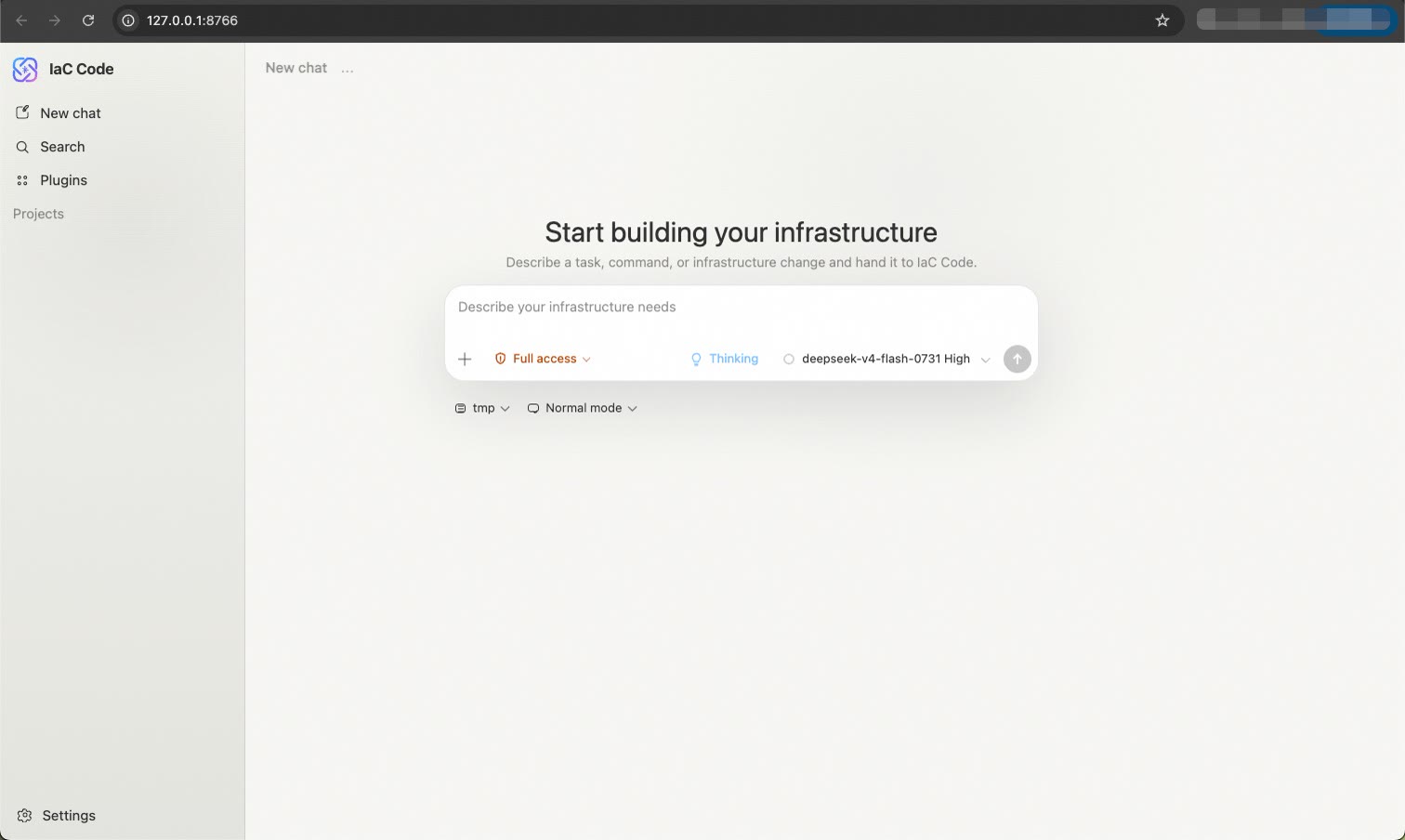
Prefer a graphical interface? Launch the local web app, which runs the same engine as the CLI and shares the same sessions. The web app needs the http extra, so install it first:
pip install 'iac-code[http]'
iac-code web
By default it opens http://127.0.0.1:8766 in your browser (loopback only). See the Web App guide for details.
Agent Skill
Add IaC Code to a compatible agent to plan cloud architectures, work with ROS or Terraform templates, estimate costs, operate stacks, and deploy Alibaba Cloud resources from the agent conversation. Download the latest stable Skill package or compare the distributions in Official IaC Code Skills.
Contributing
Install uv, then:
make install   # install dependencies and pre-commit hooks
make dev       # run in debug mode
make test      # run tests
make lint      # run linters
make format    # format code
See the Contributing Guide for details.
Contact Us
| DingTalk | Discord |
|---|---|
 |
 |
1 maintainer

Metadata
1 maintainer
Release files for iac-code 0.16.0
For a detailed explanation of source distributions (sdists) and built distributions (wheels), please see the package formats documentation.
Source distribution (sdist)
| File | Size | Uploaded | |
|---|---|---|---|
| iac_code-0.16.0.tar.gz | 10.0 MB | Details |
Built distribution (wheel)
| File | Interpreter | ABI | Platform | Reset |
|---|---|---|---|---|
| iac_code-0.16.0-py3-none-any.whl | Python 3 | none | any | Details |
Total release size: 20.5 MB
Release files / iac_code-0.16.0.tar.gz
| Download URL | iac_code-0.16.0.tar.gz |
|---|---|
| Size | 10.0 MB |
| Tags | Source |
|
SHA-256 checksum How to use checksums |
9d022ab8e625c1495bc6f550d16664c9f62a4135444fd7e8cbe00bbcd7076bfd
|
|
BLAKE2b-256 checksum How to use checksums |
78d35f244a29a154757cbe3bf2a67f40e3f492f28196d3293e14de9a8a526357
|
| Upload date | |
|
Uploaded using Trusted Publishing? What is trusted publishing? |
No |
| Uploaded via |
twine/4.0.2 CPython/3.11.2
|
Release files / iac_code-0.16.0-py3-none-any.whl
| Download URL | iac_code-0.16.0-py3-none-any.whl |
|---|---|
| Size | 10.5 MB |
| Tags | Python 3 |
|
SHA-256 checksum How to use checksums |
7cdeb8a117f6947b787edaec6c07e6cc223c9f1888f94eee1e28f07291d1116b
|
|
BLAKE2b-256 checksum How to use checksums |
62b1e342dd3e0628a757cbfbce1180e64e6492e7f8ea76f6b00b8ac26e6798bb
|
| Upload date | |
|
Uploaded using Trusted Publishing? What is trusted publishing? |
No |
| Uploaded via |
twine/4.0.2 CPython/3.11.2
|














