
A modular geometry system for creating BIM elements with composable geometry creation
Verified details
These details have been verified by PyPIProject links
GitHub Statistics
Maintainers

Project description
ifcfactory



A modular geometry system for creating BIM elements with composable geometry creation.
About This Project
ifcfactory is developed and maintained by Freie und Hansestadt Hamburg, Landesbetrieb Geoinformation und Vermessung (LGV), BIM-Leitstelle
This library is part of the Connected Urban Twins project ecosystem, providing a foundational geometry framework for automated IFC generation from urban data sources. It serves as a core dependency for BIMFabrikHH_core and other BIM automation tools.
Author: Ahmed Salem (BIM-Leitstelle, LGV Hamburg)
In cooperation with: Thomas Krijnen
Quick Install
pip install ifcfactory
Overview
ifcfactory offers a declarative, composable framework for creating complex BIM geometry. It leverages Pydantic models for strong type safety and validation, while providing seamless integration with IfcOpenShell for reliable IFC file generation.
The declarative structures in Python are automatically mapped to the most appropriate IFC mechanisms, for example:
Boolean(operation, children):- In case of: subtraction of element from element ->
IfcRelVoidsElement+IfcOpeningElement - In case of: subtraction of profile from profile ->
IfcProfileDefWithVoids - In case of: any item to item ->
IfcBooleanResult
- In case of: subtraction of element from element ->
Transform(item, translation, rotation):- In case of: element -> Factored into
ObjectPlacement - In case of: tesselation -> Applied to coordinates
- Other cases: defer to
shape_buildertranslate() and rotate() [when along "Z" axis]
- In case of: element -> Factored into
Structure
ifcfactory/
├── __init__.py                 # Main public API
├── element.py                  # High-level BIM elements
├── primitives.py               # Geometric shapes (Box, Cylinder, Sphere, etc.)
├── operations.py               # Transformations and Boolean operations
└── _internal/                  # Internal implementation (not for direct user access)
    ├── __init__.py            # Internal package marker
    ├── primitives_base.py     # Base classes and helper functions
    ├── material_base.py       # Materials and styling
    ├── unit_base.py           # Unit conversion utilities (pint ↔ IFC)
    └── pset_base.py           # Property set templates
Public API
High-Level Elements
BIMFactoryElement: Container for complete BIM elements with IFC integration
2D Profiles
Rect(width, height): Rectangular profileCircle(radius): Circular profileEllipse(semi_axis1, semi_axis2): Elliptical profilePolygon(points): Arbitrary polygon from list of 2D points
3D Representations
Box(width, depth, height): Rectangular boxCube(size): Cube with equal dimensionsCylinder(radius, height): Circular cylinderEllipticalCylinder(semi_axis1, semi_axis2, height): Elliptical cylinderNgonCylinder(radius, height, sides): N-sided cylinderSphere(radius, detail=1): Icosphere with configurable detailExtrusion(basis, depth): Extrude any 2D profileExtrudedNgonAsMesh(basis, height): N-sided extrusion as meshMeshRepresentation(vertices, faces): Custom mesh geometry
Operations
Transform(item, translation, rotation): Apply a transformation (translation and/or rotation)Boolean(operation, children): Boolean operations (union, difference, intersection)BooleanOperationTypes: Enum for boolean operation types
Materials & Styling
Style: Visual styling with colors and transparencyMaterial: Physical material properties
Property Sets
PropertySetTemplate: Template for creating property sets
Units
- Dimension variables:
L(length),A(area),V(volume),M(mass),T(time),E(current),K(temperature),N(force),J(energy),P(power) pint_to_ifc: Mapping dictionary for unit conversionureg: Pint unit registryDim: Dimension class
Key Features
- Type Safety: Built on Pydantic for runtime type checking and validation
- Composable: Mix and match primitives to create complex geometry
- Cacheable: Built elements are cached to prevent duplication
- Unit Aware: Automatic unit conversion between pint and IFC types
- Material Support: Visual styling and material assignment
- Property Sets: Support for IFC property sets and quantities
- API: Internal implementation hidden in
_internalmodule
Complete Working Example
Here's a complete example that creates a simple building with multiple wall types:
import ifcopenshell
import ifcopenshell.api
import ifcopenshell.api.aggregate
import ifcopenshell.api.context
import ifcopenshell.api.root
import ifcopenshell.api.unit

from ifcfactory import (
    BIMFactoryElement, Box, Cube, Cylinder, Extrusion, Rect, Sphere
)


def create_basic_ifc_setup(project_name: str):
    """Create basic IFC model setup using IfcOpenShell API"""
    # Create IFC model
    ifc_model = ifcopenshell.file(schema="IFC4")

    # Create project
    project_entity = ifcopenshell.api.root.create_entity(ifc_model, ifc_class="IfcProject", name=project_name)

    # Create units (meters)
    ifcopenshell.api.unit.assign_unit(ifc_model, length={"is_metric": True, "raw": "METERS"})

    # Create contexts
    model_context = ifcopenshell.api.context.add_context(ifc_model, context_type="Model")
    ifcopenshell.api.context.add_context(
            ifc_model, context_type="Model", context_identifier="Body", target_view="MODEL_VIEW", parent=model_context
    )

    # Create site
    site_entity = ifcopenshell.api.root.create_entity(ifc_model, ifc_class="IfcSite", name="Default Site")
    ifcopenshell.api.aggregate.assign_object(ifc_model, relating_object=project_entity, products=[site_entity])

    # Create building
    building_entity = ifcopenshell.api.root.create_entity(ifc_model, ifc_class="IfcBuilding", name="Default Building")
    ifcopenshell.api.aggregate.assign_object(ifc_model, relating_object=site_entity, products=[building_entity])

    return ifc_model, project_entity, site_entity, building_entity


# Create IFC model and setup
model, proj, site, building = create_basic_ifc_setup("Example Building")

# Create complete project structure using BIMFactoryElement
BIMFactoryElement(
        inst=building,
        children=[
                # Box wall positioned at origin
                BIMFactoryElement(type="IfcWall", name="Box Wall", children=[Box(width=5.0, depth=0.3, height=3.0)]),
                # Cube wall
                BIMFactoryElement(type="IfcWall", name="Cube Wall", children=[Cube(size=4.0)]),
                # Cylinder wall
                BIMFactoryElement(type="IfcWall", name="Cylinder Wall", children=[Cylinder(radius=1.5, height=4.0)]),
                # Extruded slab
                BIMFactoryElement(
                        type="IfcSlab",
                        name="Extruded Slab",
                        children=[Extrusion(basis=Rect(width=5.0, height=2.5), depth=0.3)],
                ),
                # Sphere element
                BIMFactoryElement(
                        type="IfcBuildingElementProxy",
                        name="Sphere Element",
                        children=[Sphere(radius=1.5, detail=2)]
                ),
        ],
).build(model)

# Save the model
model.write("example_building.ifc")
print("Saved: example_building.ifc")
This example demonstrates:
- Setting up a proper IFC model with project hierarchy
- Creating various geometric primitives (Box, Cube, Cylinder, Sphere)
- Using profile-based extrusions (Rect → Extrusion)
- Organizing elements in a hierarchical BIM structure
- Saving the result as an IFC file
For more comprehensive examples, see the sections below which demonstrate all features including transformations, boolean operations, materials, and property sets.
Other examples
Additional examples are available in the GitHub repository. All examples generate IFC files and include validation using ifcopenshell.validate.
Example 1 - Complete Building
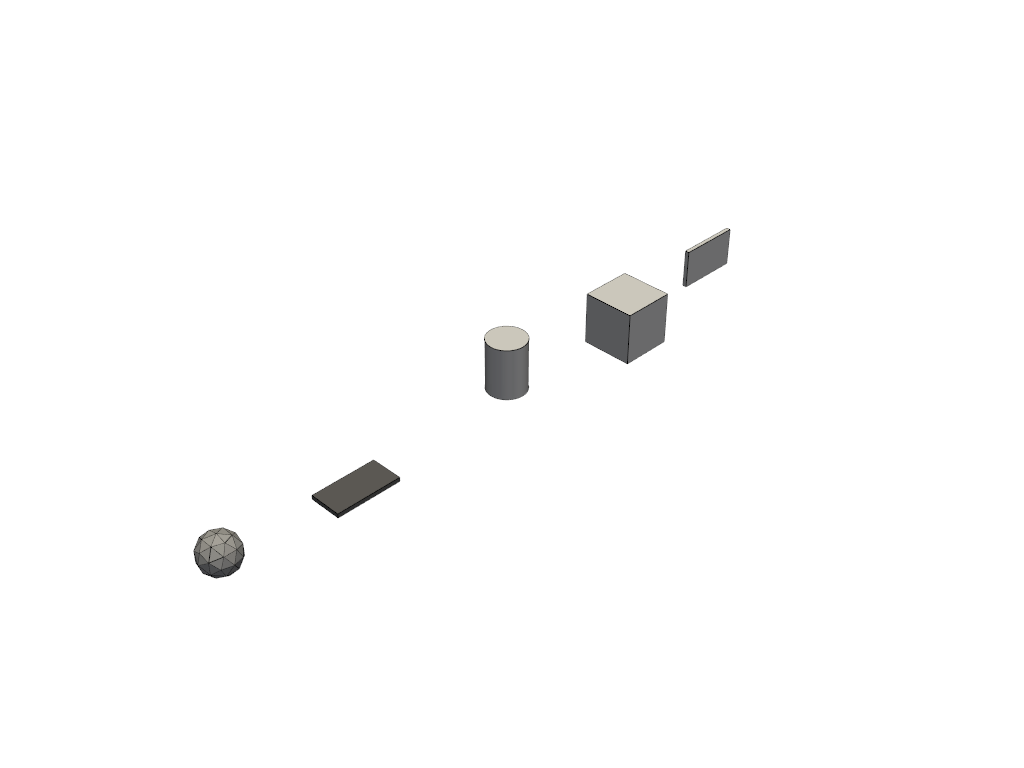
Example 2 - Profile Extrusions
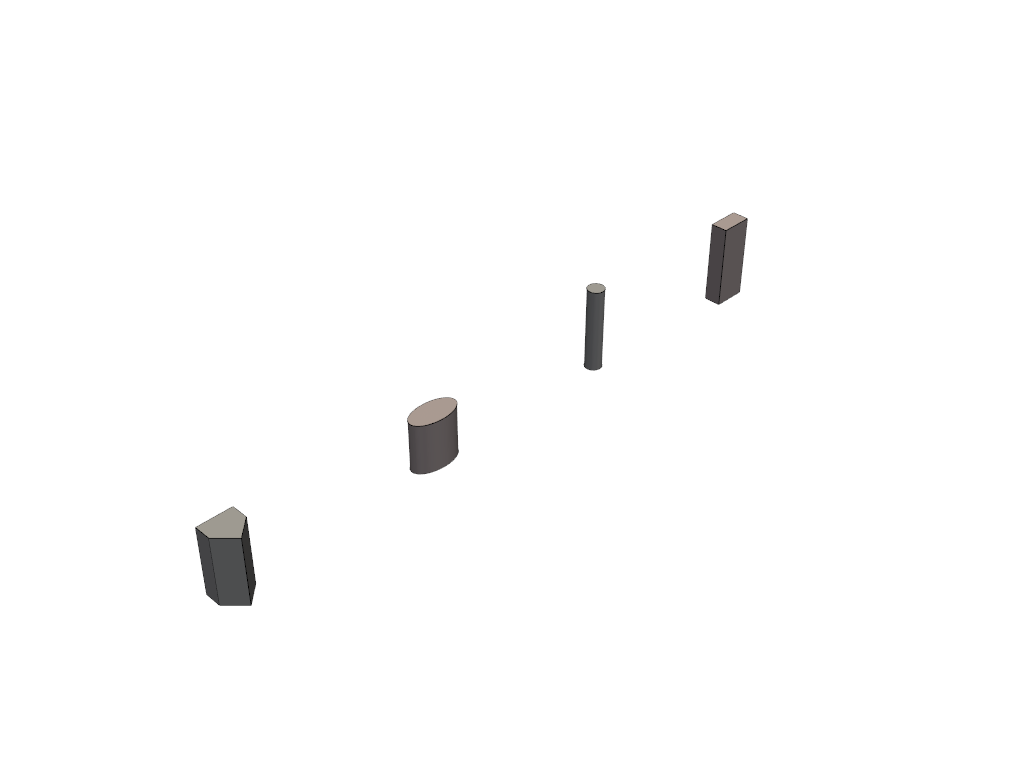
Example 3 - Advanced Primitives
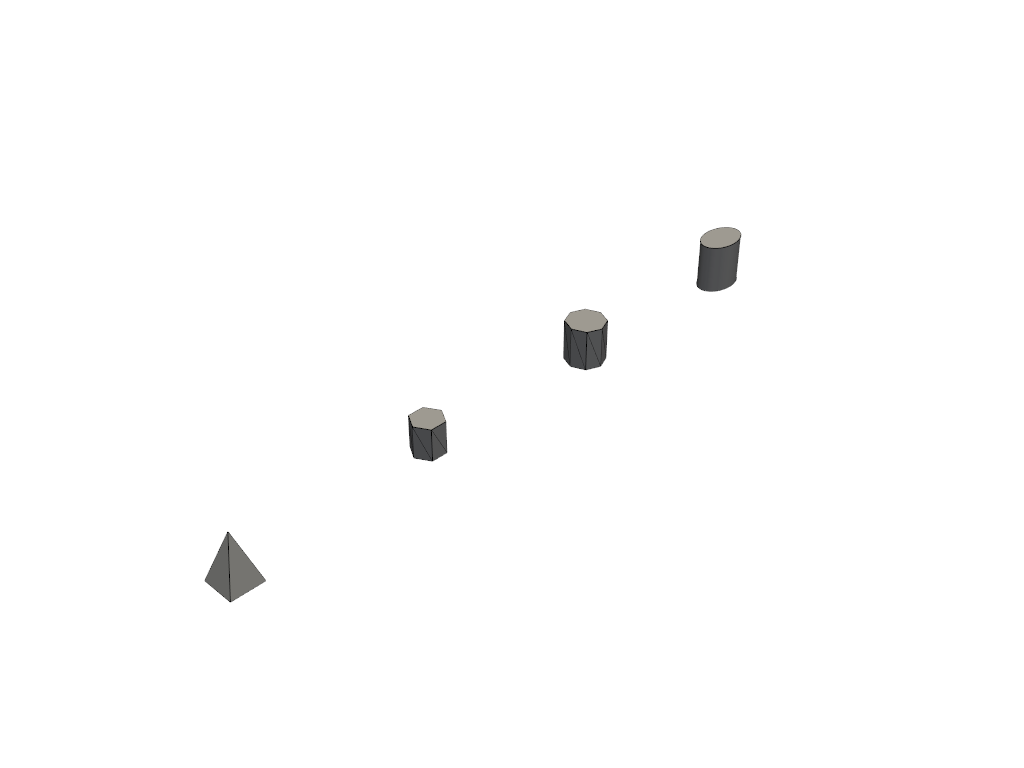
Example 4 - Styled Elements
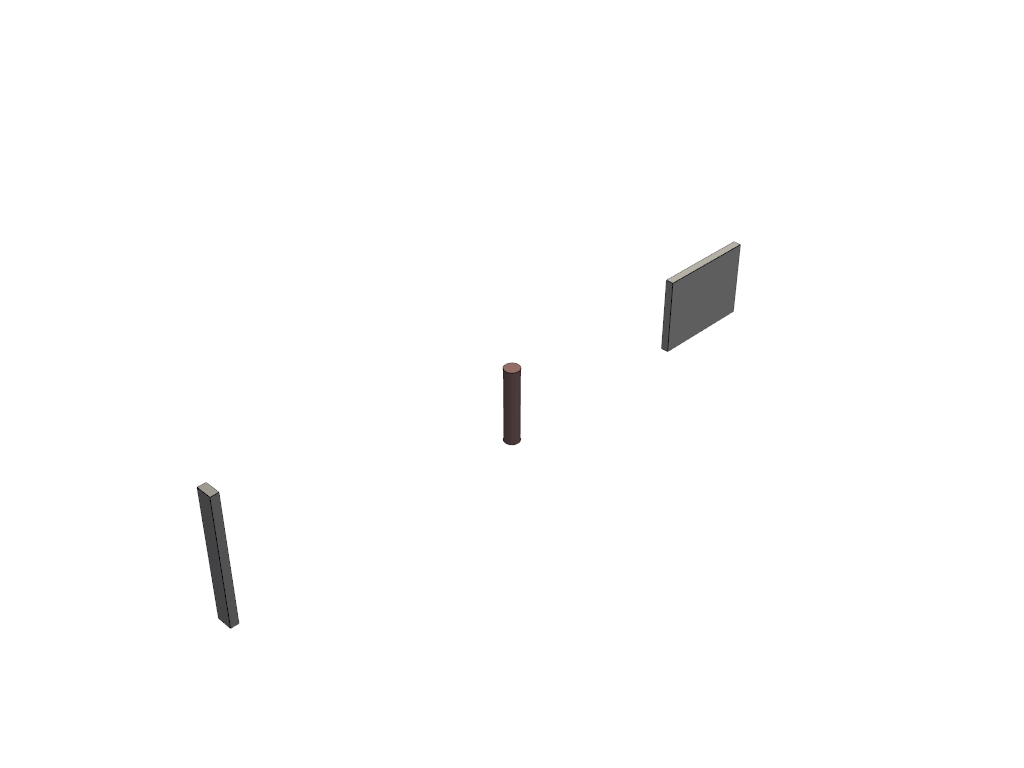
Example 5 - Transformations
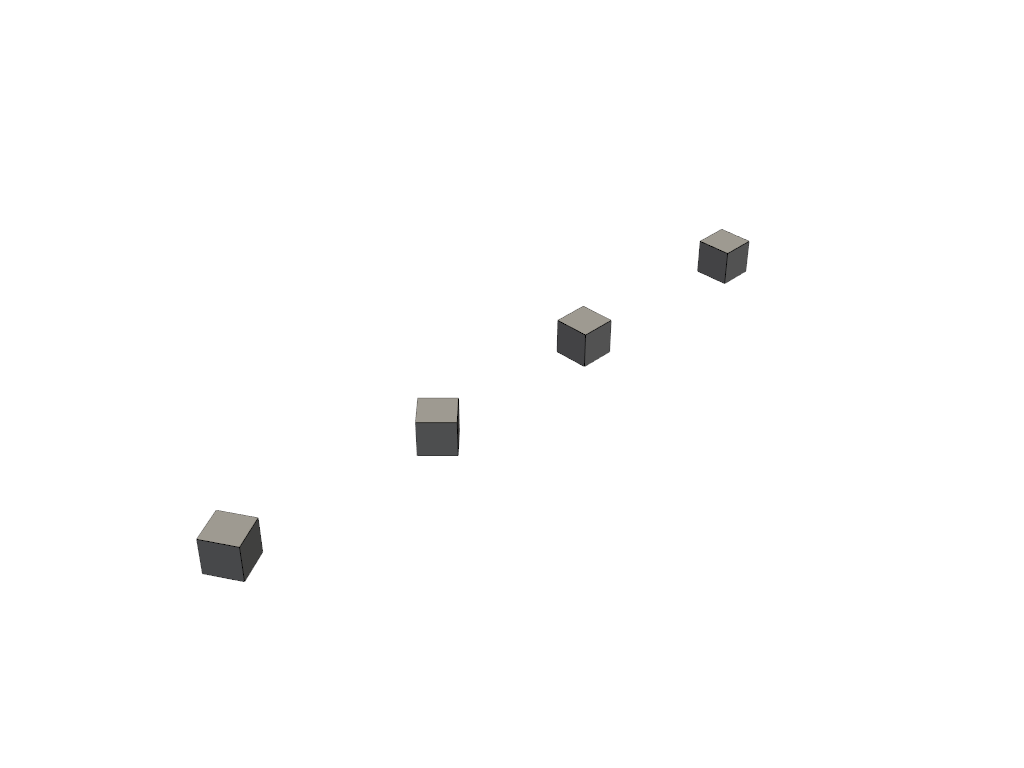
Example 6 - Boolean Operations
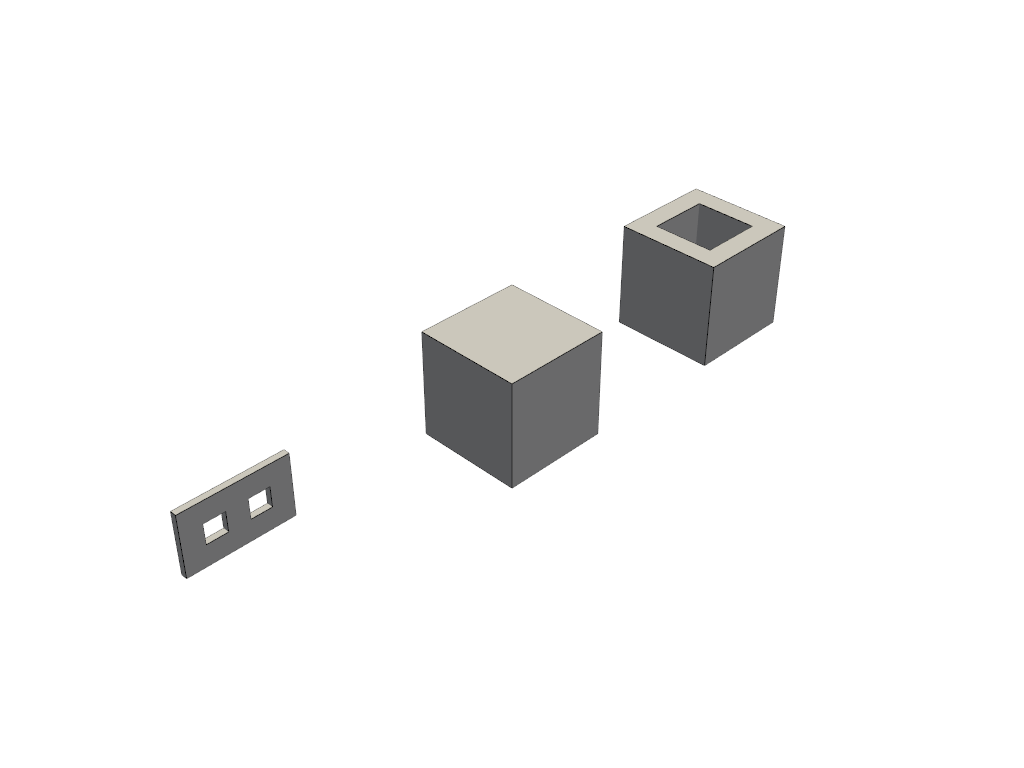
Example 7 - Property Sets
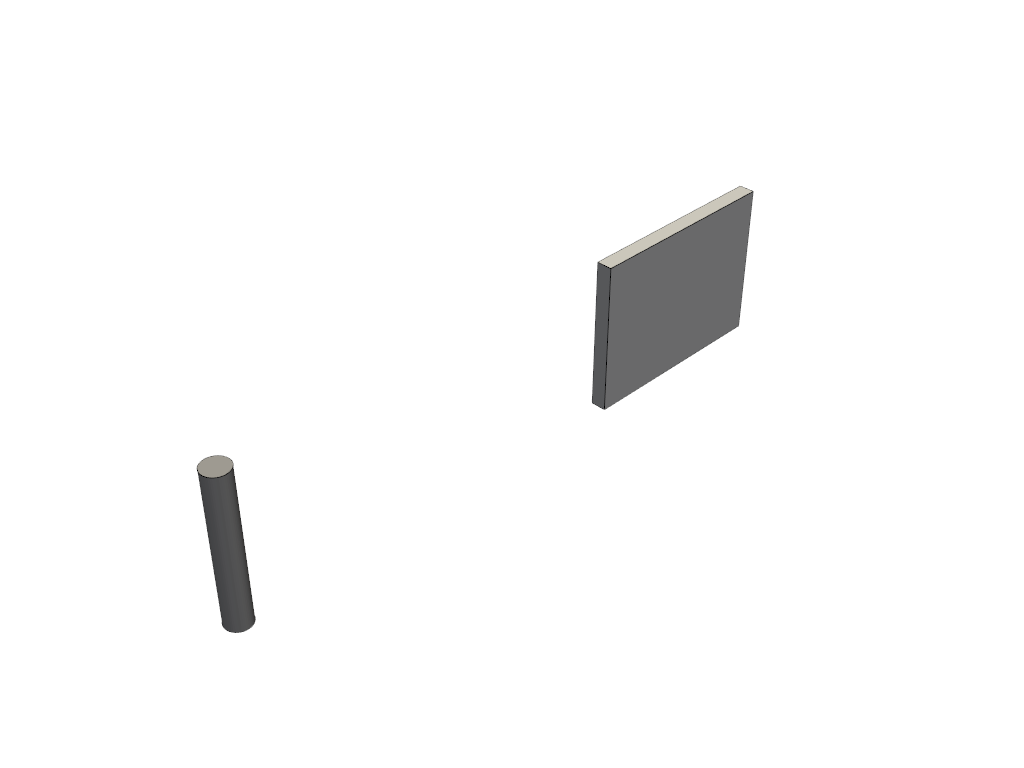
Example 8 - Type Objects
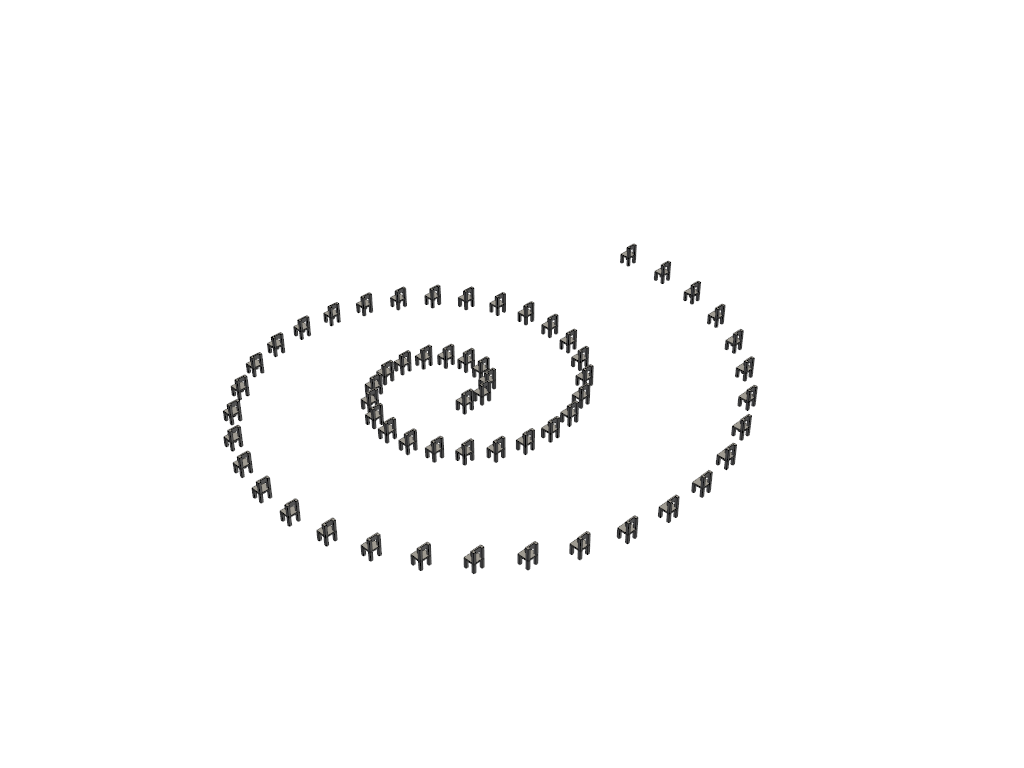
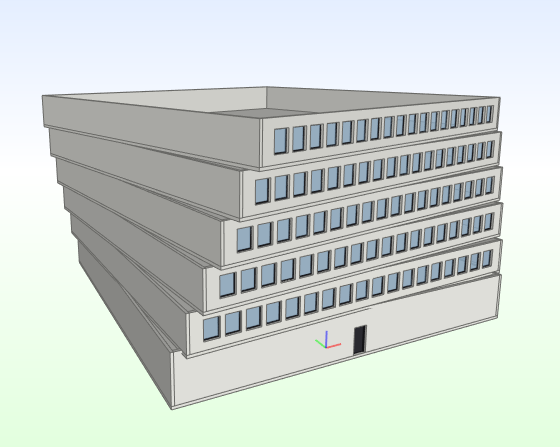
Example 9 - IFC Building Model
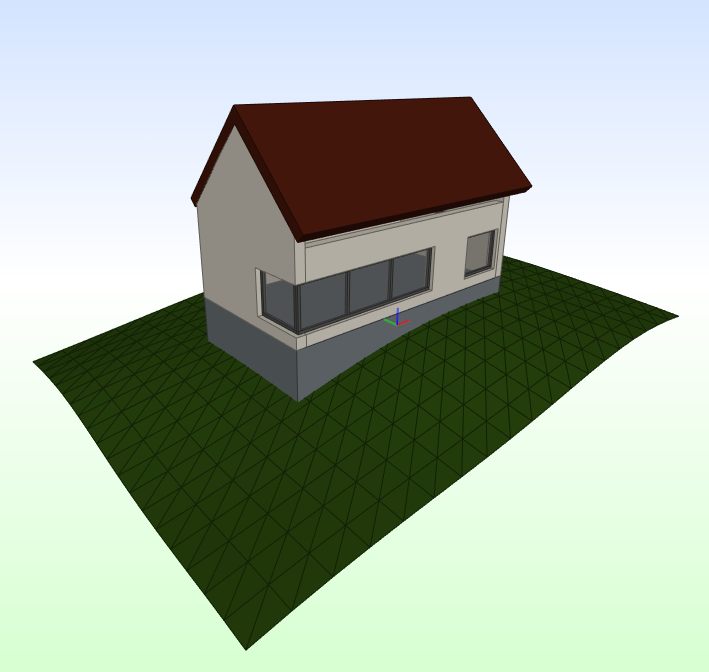
Example 10 - IfcOpenHouse
Links
- PyPI: https://pypi.org/project/ifcfactory/
- GitHub: https://github.com/LGV-BIM-Leitstelle/ifcfactory
- OpenCode: https://gitlab.opencode.de/LGV-BIM-Leitstelle/ifcfactory
- Issues: https://github.com/LGV-BIM-Leitstelle/ifcfactory/issues
License
This project is licensed under the GNU Lesser General Public License v2.1 (LGPL-2.1).
Copyright (C) 2025 Freie und Hansestadt Hamburg, Landesbetrieb Geoinformation und Vermessung BIM-Leitstelle, Ahmed Salem
Project details
Verified details
These details have been verified by PyPIProject links
GitHub Statistics
Maintainers


Download files
Download the file for your platform. If you're not sure which to choose, learn more about installing packages.
Source Distribution
Built Distribution
Filter files by name, interpreter, ABI, and platform.
If you're not sure about the file name format, learn more about wheel file names.
Copy a direct link to the current filters
File details
Details for the file ifcfactory-0.3.0.tar.gz.
File metadata
- Download URL: ifcfactory-0.3.0.tar.gz
- Upload date:
- Size: 31.9 kB
- Tags: Source
- Uploaded using Trusted Publishing? Yes
- Uploaded via: twine/6.1.0 CPython/3.13.12
File hashes
| Algorithm | Hash digest | |
|---|---|---|
| SHA256 |
0ad75c21ac6ca0557492a127cb6ad720eeee5e8da3dc42b8ff658b85f93c95b1
|
|
| MD5 |
68a27977a495855e57a69ee0a1d5f042
|
|
| BLAKE2b-256 |
0e275671737a7016cc355a80f73f928d79ebe7d6e7d123347adb337089245255
|
Provenance
The following attestation bundles were made for ifcfactory-0.3.0.tar.gz:
Publisher:
ci-ifcfactory-pypi.yaml on LGV-BIM-Leitstelle/ifcfactory
-
Statement:
-
Statement type:
https://in-toto.io/Statement/v1 -
Predicate type:
https://docs.pypi.org/attestations/publish/v1 -
Subject name:
ifcfactory-0.3.0.tar.gz -
Subject digest:
0ad75c21ac6ca0557492a127cb6ad720eeee5e8da3dc42b8ff658b85f93c95b1 - Sigstore transparency entry: 1740386377
- Sigstore integration time:
-
Permalink:
LGV-BIM-Leitstelle/ifcfactory@6cb96b3167c361546d488f918df67905fea82250 -
Branch / Tag:
refs/tags/v0.3.0 - Owner: https://github.com/LGV-BIM-Leitstelle
-
Access:
public
-
Token Issuer:
https://token.actions.githubusercontent.com -
Runner Environment:
github-hosted -
Publication workflow:
ci-ifcfactory-pypi.yaml@6cb96b3167c361546d488f918df67905fea82250 -
Trigger Event:
release
-
Statement type:
File details
Details for the file ifcfactory-0.3.0-py3-none-any.whl.
File metadata
- Download URL: ifcfactory-0.3.0-py3-none-any.whl
- Upload date:
- Size: 37.7 kB
- Tags: Python 3
- Uploaded using Trusted Publishing? Yes
- Uploaded via: twine/6.1.0 CPython/3.13.12
File hashes
| Algorithm | Hash digest | |
|---|---|---|
| SHA256 |
a0da31df2a8182d3375937780063e02faced3a1b6413587b2caff036d9e4e70f
|
|
| MD5 |
d0b71cffea7dde0ff9dd586404b3a032
|
|
| BLAKE2b-256 |
2048c4839f2e057a5b9387d5206bc4ffd7298931850fbbfd72546a28297a7086
|
Provenance
The following attestation bundles were made for ifcfactory-0.3.0-py3-none-any.whl:
Publisher:
ci-ifcfactory-pypi.yaml on LGV-BIM-Leitstelle/ifcfactory
-
Statement:
-
Statement type:
https://in-toto.io/Statement/v1 -
Predicate type:
https://docs.pypi.org/attestations/publish/v1 -
Subject name:
ifcfactory-0.3.0-py3-none-any.whl -
Subject digest:
a0da31df2a8182d3375937780063e02faced3a1b6413587b2caff036d9e4e70f - Sigstore transparency entry: 1740386386
- Sigstore integration time:
-
Permalink:
LGV-BIM-Leitstelle/ifcfactory@6cb96b3167c361546d488f918df67905fea82250 -
Branch / Tag:
refs/tags/v0.3.0 - Owner: https://github.com/LGV-BIM-Leitstelle
-
Access:
public
-
Token Issuer:
https://token.actions.githubusercontent.com -
Runner Environment:
github-hosted -
Publication workflow:
ci-ifcfactory-pypi.yaml@6cb96b3167c361546d488f918df67905fea82250 -
Trigger Event:
release
-
Statement type:






