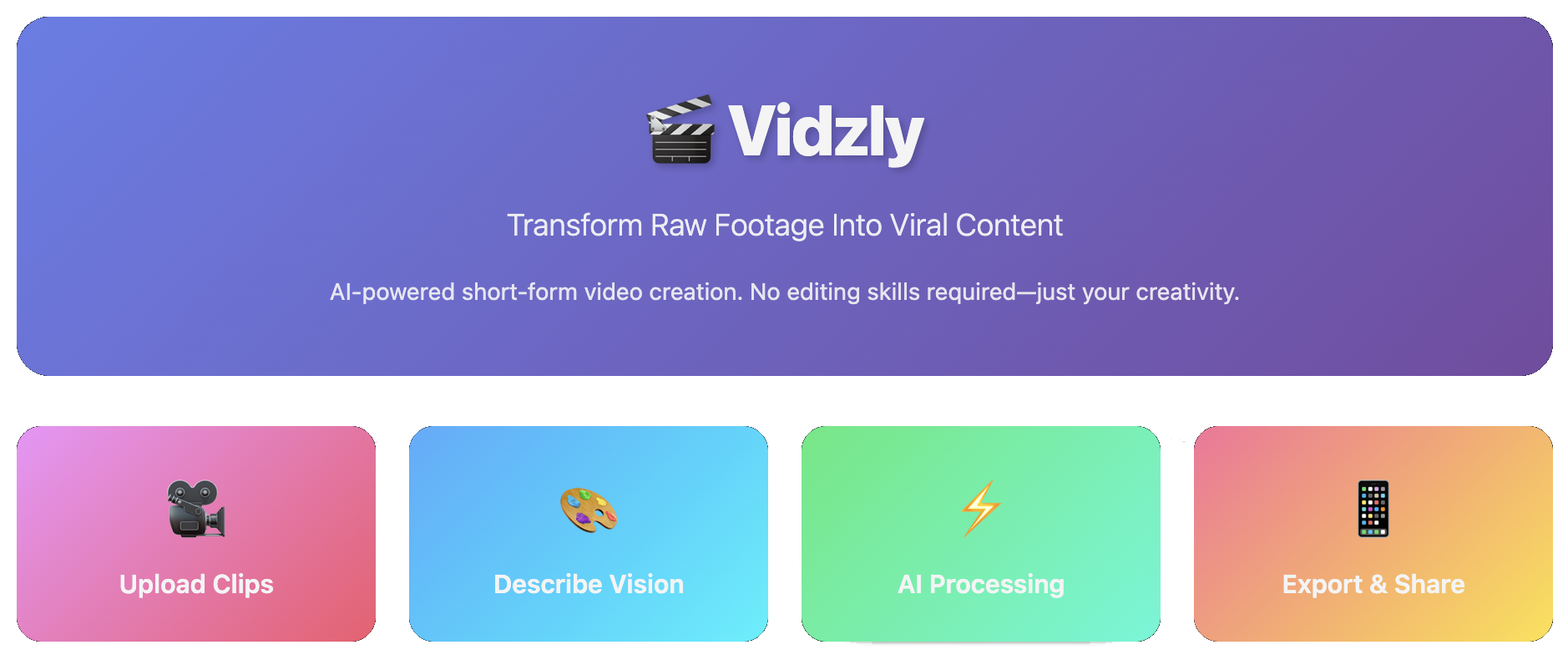
title: Vidzly short_description: Transform raw footage into viral-ready content in seconds. thumbnail: https://cdn.tihado.com/app.png emoji: 🎬 colorFrom: blue colorTo: purple sdk: docker app_port: 7860 pinned: false tags:
- mcp-in-action-track-creative
- building-mcp-track-creative
- video-editor
- mcp-server
- gradio
- gemini
- elevenlabs
- gradio-mcp
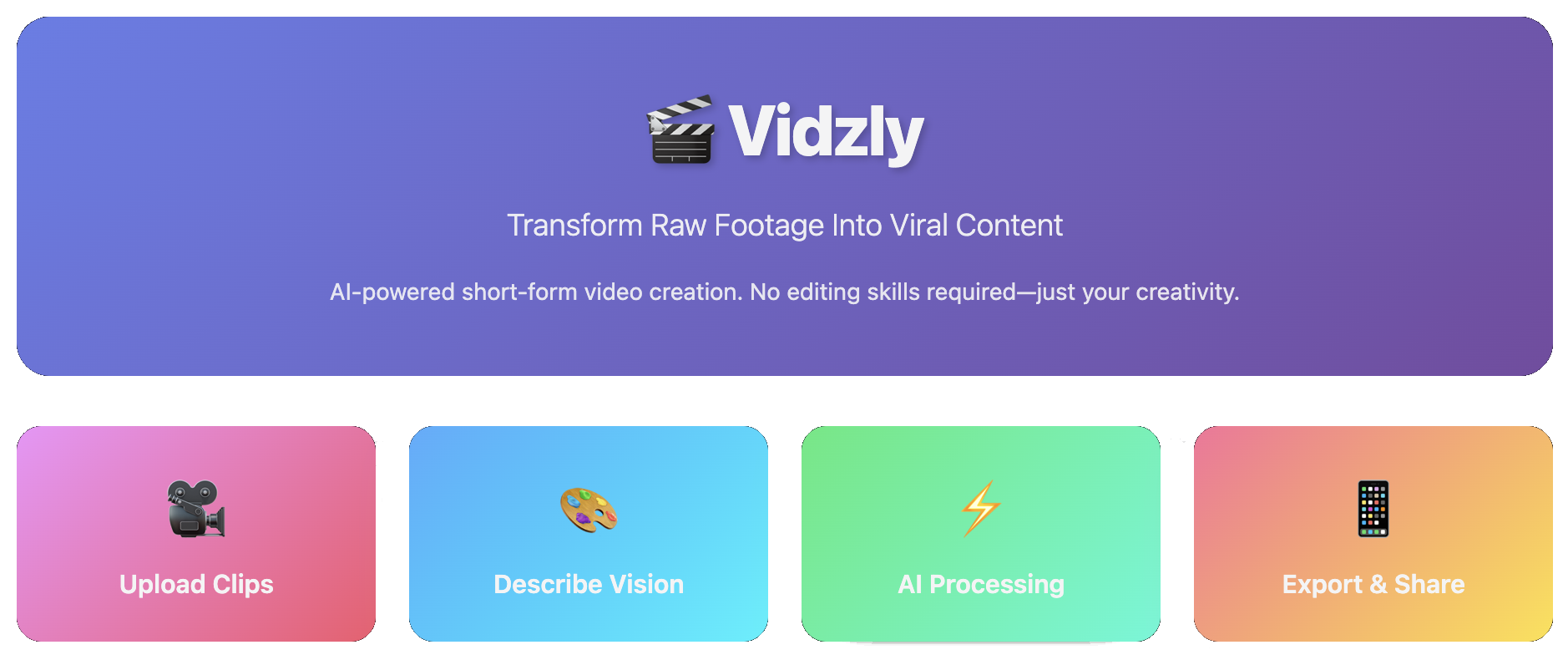
🎬 Vidzly - Your AI-Powered Short Video Creator
Transform raw footage into viral-ready content in seconds. No skills required. No expensive gear needed. Just your vision and our AI.
✨ What is Vidzly?
Vidzly is an intelligent automation platform that revolutionizes short-form video creation. Whether you're a micro-influencer, content creator, or business owner, Vidzly transforms your raw clips into polished, engaging videos that stop the scroll.
🚀 Why Vidzly?
- Zero Learning Curve: No video editing skills? No problem. Use our intuitive web interface.
- AI-Powered Magic: Advanced AI handles video analysis, cutting, transitions, music generation, and thumbnail creation automatically.
- Lightning Fast: What takes hours in traditional editing software takes minutes with Vidzly.
- Professional Quality: Get studio-quality results without the studio price tag.
- MCP Tools Integration: All tools are available as MCP (Model Context Protocol) tools for AI agent integration.
🎯 Perfect For
- 📱 Micro-influencers building their social media presence
- 🎨 Content creators who want to focus on creativity, not editing
- 💼 Small businesses creating marketing content
- 🎓 Educators making engaging educational clips
- 🎪 Anyone who wants to create stunning videos effortlessly
🎬 How It Works
- Upload Your Raw Footage - Drop your clips through the Gradio web interface
- Describe Your Vision - Optionally provide a description of the mood, style, or vibe you want
- AI-Powered Parallel Processing - Our optimized workflow processes your videos efficiently using parallel execution:
- Parallel Video Analysis: All videos are analyzed concurrently using Google Gemini AI to understand content, mood, and key moments
- Script Generation: Creates intelligent composition scripts with scene sequences, transitions, and timing
- Parallel Asset Creation: Music generation and frame extraction run simultaneously to save time
- Thumbnail Generation: Creates engaging thumbnails with AI-generated text and stickers
- Video Composition: Combines clips, music, and thumbnail into a polished final video with smooth transitions
- Get Your Masterpiece - Receive a polished video with thumbnail overlay on the first frame
🛠️ Available Tools
Vidzly provides a comprehensive suite of MCP tools accessible through a Gradio web interface:
- 🎥 Video Summarizer: Uses Google Gemini AI to analyze video content and generate detailed summaries including key scenes, detected objects, mood tags, and recommended thumbnail timestamps
- ✂️ Video Clipper: Extract specific segments from videos by specifying start and end times
- 🖼️ Frame Extractor: Extract representative frames from videos, with AI-powered selection or manual timestamp specification
- 🎨 Thumbnail Generator: Automatically generate engaging thumbnails with AI-generated text and stickers based on video frames and summaries
- 🎬 Video Composer: Combine multiple video clips with transitions (fade, crossfade, cut) and optional background music according to a JSON script. Supports optional thumbnail image overlay on the first frame
- 🎵 Music Selector: Generate background music and sound effects using ElevenLabs API based on mood, style, duration, BPM, and other parameters
🏗️ Architecture
- Web Interface: Built with Gradio (with MCP server support)
- Parallel Workflow Engine: Optimized tool orchestration with parallel execution for maximum performance:
- Concurrent Video Analysis: Multiple videos analyzed simultaneously using ThreadPoolExecutor
- Intelligent Script Generation: AI-powered scene planning with automatic timestamp validation
- Parallel Asset Creation: Music generation and frame extraction run concurrently
- Smart Video Composition: Validates and corrects timestamps, handles transitions, and ensures accurate durations
- AI Integration: Google Gemini for video understanding, analysis, script generation, and thumbnail creation
- Audio Generation: ElevenLabs API for music and sound effect generation
- Video Processing: MoviePy for video editing, clipping, and composition with duration validation
- Image Processing: OpenCV and Pillow for frame extraction and thumbnail generation
- Testing: Comprehensive pytest test suite with unit and integration tests
👥 Team
Team Name: Vidzly
Team Members:
- 🐮 Hồng Hạnh - @tthhanh - AI Engineer
- 🐔 Việt Tiến - @tiena2cva - AI Engineer
- 🐻 Nhật Linh - @Nlag - AI Engineer
- 🐰 Phương Nhi - @Daphneee17 - AI Engineer
Setup
This project uses Poetry for dependency management.
Installing Poetry
If you don't have Poetry installed, you can install it using:
curl -sSL https://install.python-poetry.org | python3 -
Or on macOS with Homebrew:
brew install poetry
Installing Dependencies
Once Poetry is installed, install the project dependencies:
poetry install
This will create a virtual environment and install all dependencies specified in pyproject.toml.
Activating the Virtual Environment
To activate the Poetry virtual environment:
poetry shell
Alternatively, you can run commands within the virtual environment without activating it:
poetry run <command>
Adding Dependencies
To add a new dependency:
poetry add <package-name>
To add a development dependency:
poetry add --group dev <package-name>
Removing Dependencies
To remove a dependency:
poetry remove <package-name>
Updating Dependencies
To update all dependencies to their latest compatible versions:
poetry update
Code Formatting with Black and Lefthook
This project uses Black for code formatting and Lefthook for git hooks to automatically format code before commits.
After installing dependencies, set up lefthook:
poetry run lefthook install
This will install git hooks that will:
- Before commit: Automatically format staged Python files with Black
- Before push: Check that all Python files in
src/andtests/are properly formatted
To manually format code:
poetry run black src/ tests/
To check formatting without making changes:
poetry run black --check src/ tests/
Setting Up Environment Variables
Create a .env file in the root directory and add your environment variables.
GOOGLE_API_KEY=your_google_api_key
ELEVENLABS_API_KEY=your_elevenlabs_api_key
Note: The application uses Google Gemini API for AI-powered video analysis and script generation.
Running the Application
Start the Gradio web interface:
poetry run python src/app/app.py
This will launch a web interface with:
- Vidzly Tab: Project introduction and overview
- MCP Tools Tab: Access to all 6 video processing tools
The application runs with MCP server support, allowing AI agents to interact with the tools programmatically.
Testing
This project includes comprehensive unit and integration tests. See tests/README.md for detailed testing documentation.
Running Tests
Run all tests:
poetry run pytest
Run with coverage:
poetry run pytest --cov=src/app/tools --cov-report=html
Run specific test file:
poetry run pytest tests/test_video_summarizer.py
Test Structure
- Unit Tests: Mocked tests for input validation, error handling, and logic
- Integration Tests: Real video file tests for actual functionality
- All tools have corresponding test files in the
tests/directory
Technology Stack
- Python 3.12+: Core language
- Gradio 6.0+: Web interface with MCP support
- Sequential Workflow: Step-by-step tool orchestration for video processing
- Google Gemini API: Video understanding, analysis, script generation, and thumbnail creation
- ElevenLabs API: Music and sound effect generation
- MoviePy 2.2.1: Video editing, composition, and image overlay
- OpenCV 4.12+: Video processing and frame extraction
- Pillow 11: Image processing for thumbnails
- Poetry: Dependency management
- pytest: Testing framework
1 maintainer

Metadata
1 maintainer
Release files for iflow-mcp_tihado-vidzly 0.1.1
For a detailed explanation of source distributions (sdists) and built distributions (wheels), please see the package formats documentation.
Source distribution (sdist)
| File | Size | Uploaded | |
|---|---|---|---|
| iflow_mcp_tihado_vidzly-0.1.1.tar.gz | 48.1 kB | Details |
Built distribution (wheel)
| File | Interpreter | ABI | Platform | Reset |
|---|---|---|---|---|
| iflow_mcp_tihado_vidzly-0.1.1-py3-none-any.whl | Python 3 | none | any | Details |
Total release size: 104.9 kB
Release files / iflow_mcp_tihado_vidzly-0.1.1.tar.gz
| Download URL | iflow_mcp_tihado_vidzly-0.1.1.tar.gz |
|---|---|
| Size | 48.1 kB |
| Tags | Source |
|
SHA-256 checksum How to use checksums |
f06d932c5038bbabafee937a82315c857d5ca6ae9e9a0bc46920ce7937624253
|
|
BLAKE2b-256 checksum How to use checksums |
1beb26c5ec498213f13a833e2d8353a62fed3a50acb6f798c7a592fb751fc301
|
| Upload date | |
|
Uploaded using Trusted Publishing? What is trusted publishing? |
No |
| Uploaded via |
uv/0.10.2 {"installer":{"name":"uv","version":"0.10.2","subcommand":["publish"]},"python":null,"implementation":{"name":null,"version":null},"distro":{"name":"Debian GNU/Linux","version":"13","id":"trixie","libc":null},"system":{"name":null,"release":null},"cpu":null,"openssl_version":null,"setuptools_version":null,"rustc_version":null,"ci":null}
|
Release files / iflow_mcp_tihado_vidzly-0.1.1-py3-none-any.whl
| Download URL | iflow_mcp_tihado_vidzly-0.1.1-py3-none-any.whl |
|---|---|
| Size | 56.8 kB |
| Tags | Python 3 |
|
SHA-256 checksum How to use checksums |
1c45b174704d0ae296b39ec9b7b11fe53140091111bdb016c3275d717bd43e22
|
|
BLAKE2b-256 checksum How to use checksums |
7fc2c7ea9ac831b6d2971cd9de1a70aa4f2246ff2920f5a3580dbdf7b1bacb44
|
| Upload date | |
|
Uploaded using Trusted Publishing? What is trusted publishing? |
No |
| Uploaded via |
uv/0.10.2 {"installer":{"name":"uv","version":"0.10.2","subcommand":["publish"]},"python":null,"implementation":{"name":null,"version":null},"distro":{"name":"Debian GNU/Linux","version":"13","id":"trixie","libc":null},"system":{"name":null,"release":null},"cpu":null,"openssl_version":null,"setuptools_version":null,"rustc_version":null,"ci":null}
|