
Image Math
What if you could do math on an image?
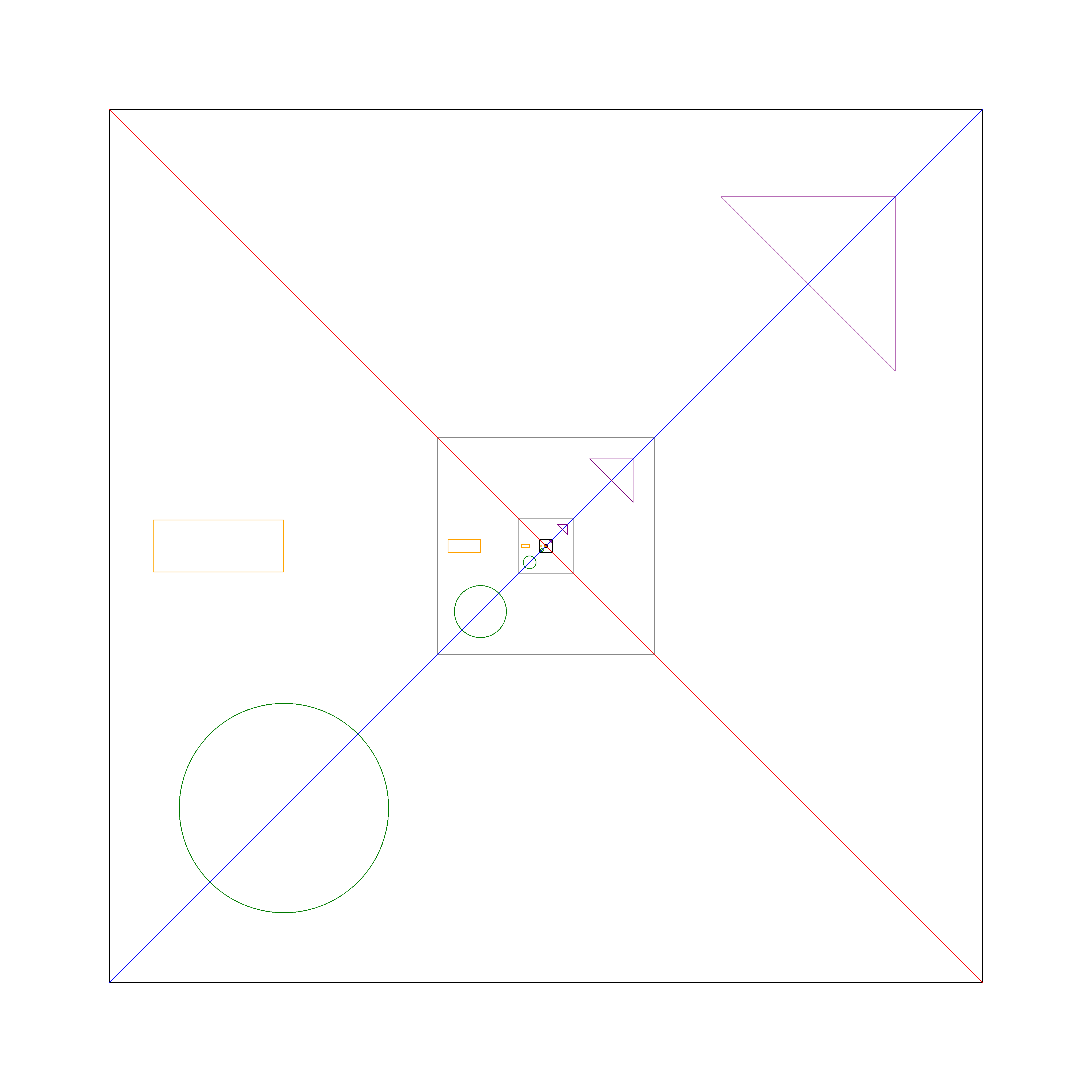
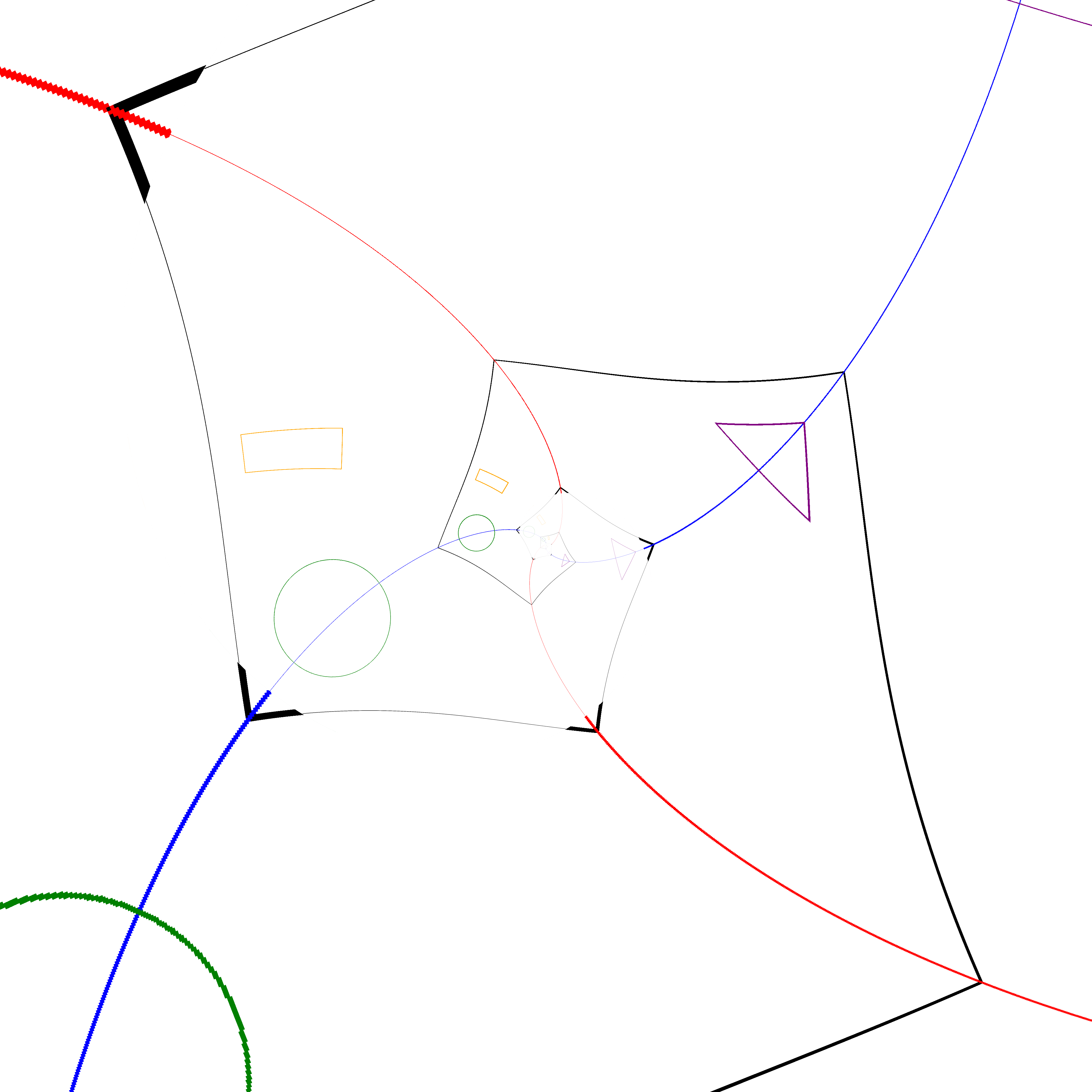
I was inspired by 3Blue1Brown's video where he took the logarithm of a Droste art piece to convert it into an Escher-style artwork.
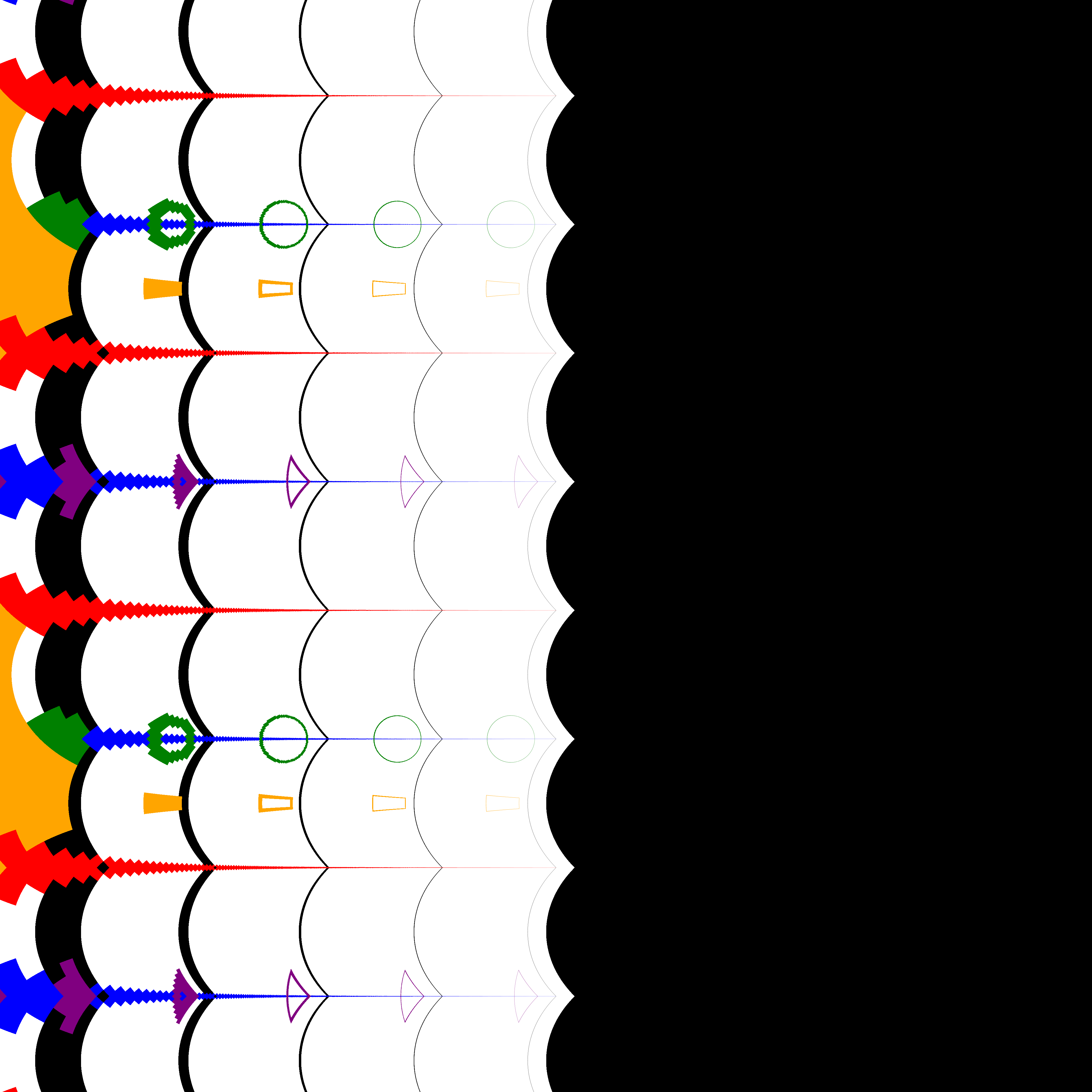
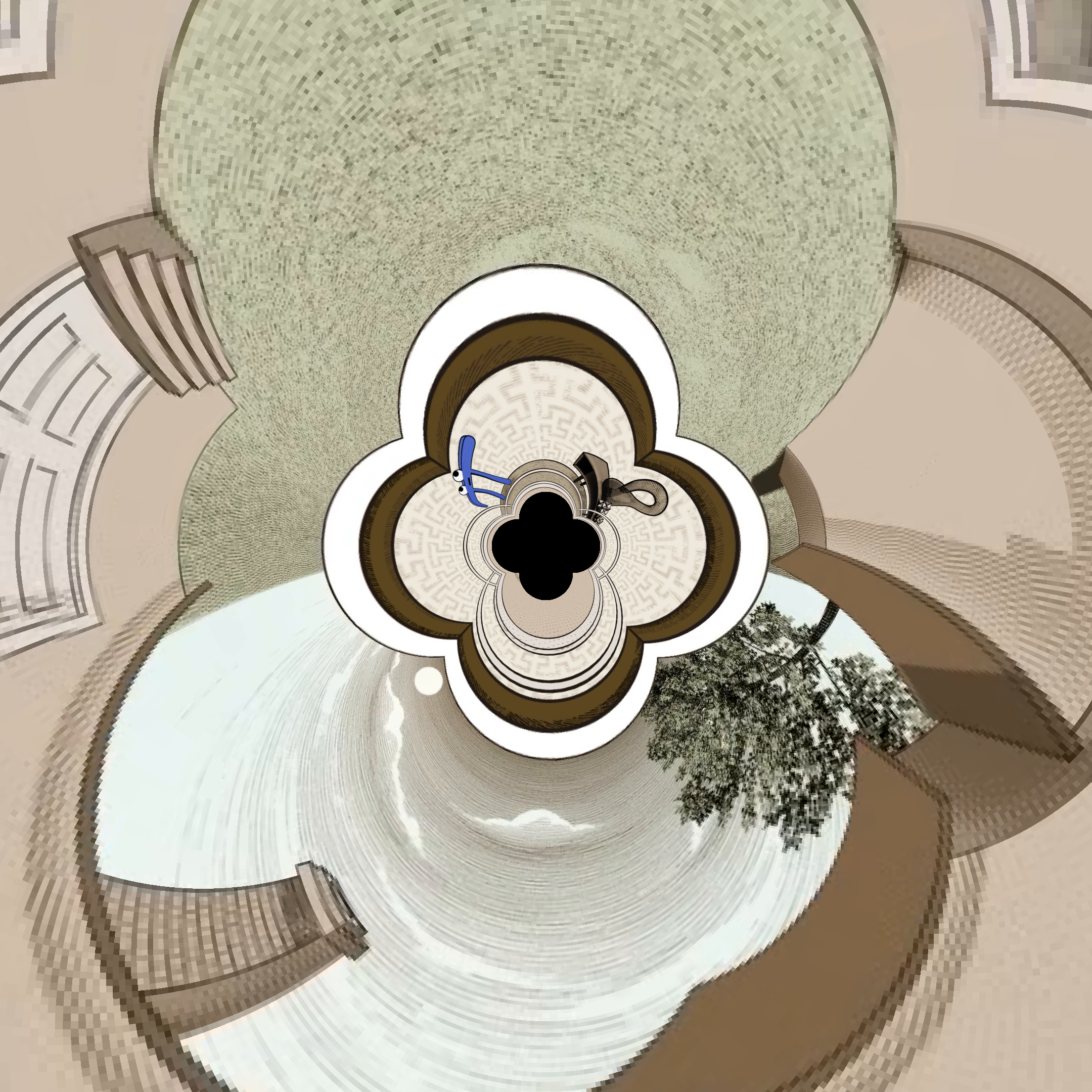
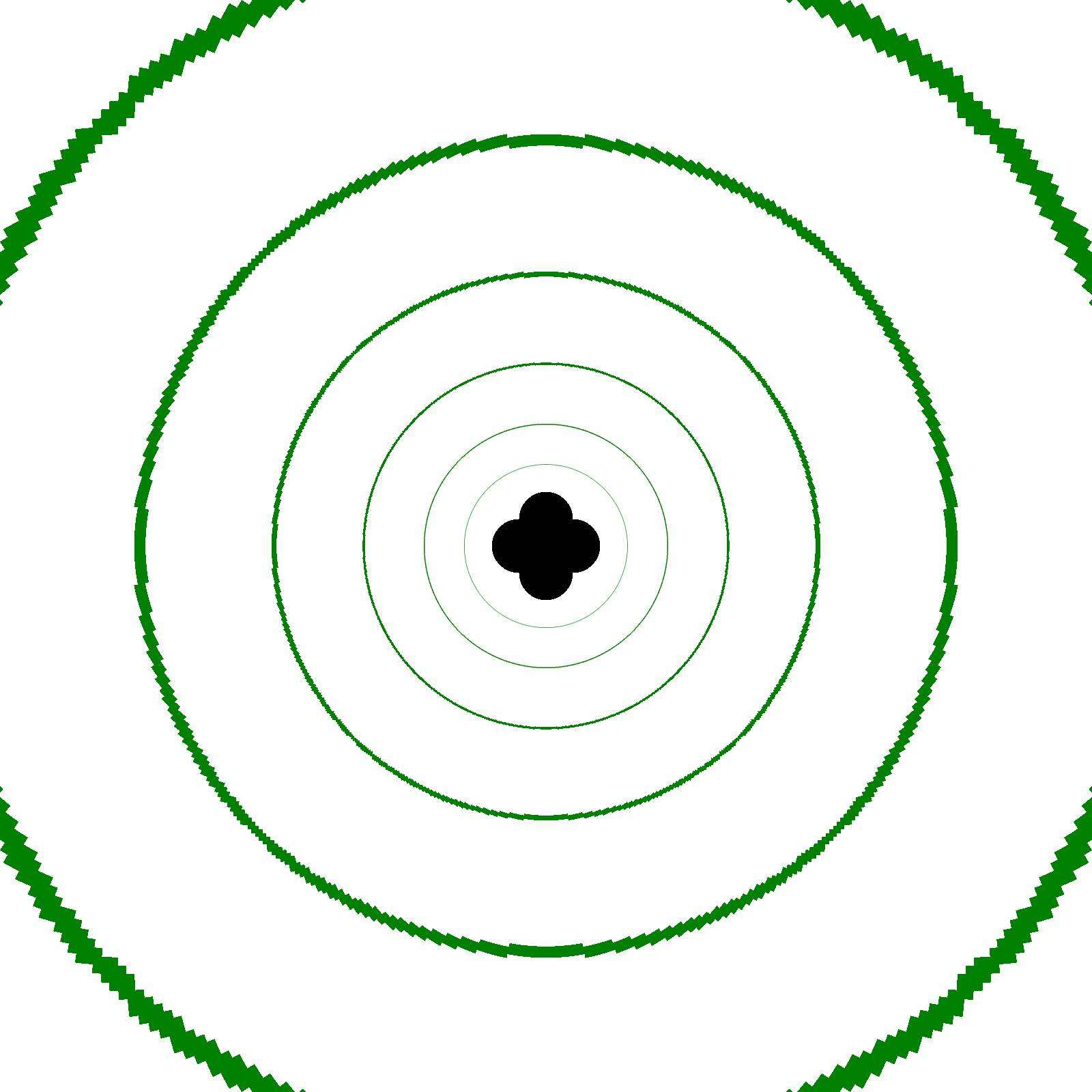
Every point on an image is corresponded with a complex number in the complex plane. Applying a function on every point on an initial image gives a new complex number, cooresponding to its position in the new image.
I was able to recreate Escher's effect and more!
Jump forward to:
Some cool effects I got:
| Inv-Function | 3B1B's image | My Droste Image | Rings |
|---|---|---|---|
| Original Click any image for higher quality |
 |
 |
 |
| Escher Effect | 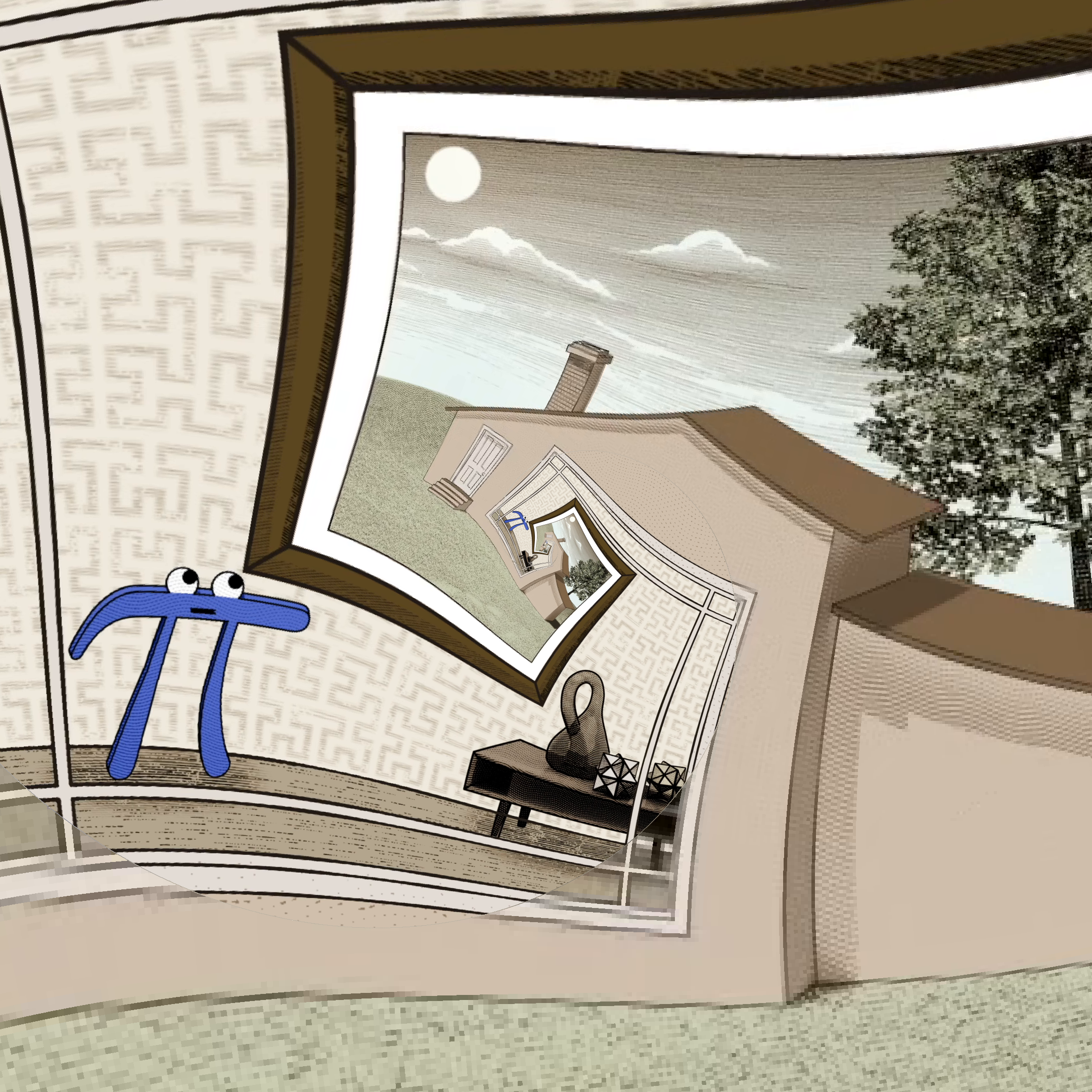 |
 |
 |
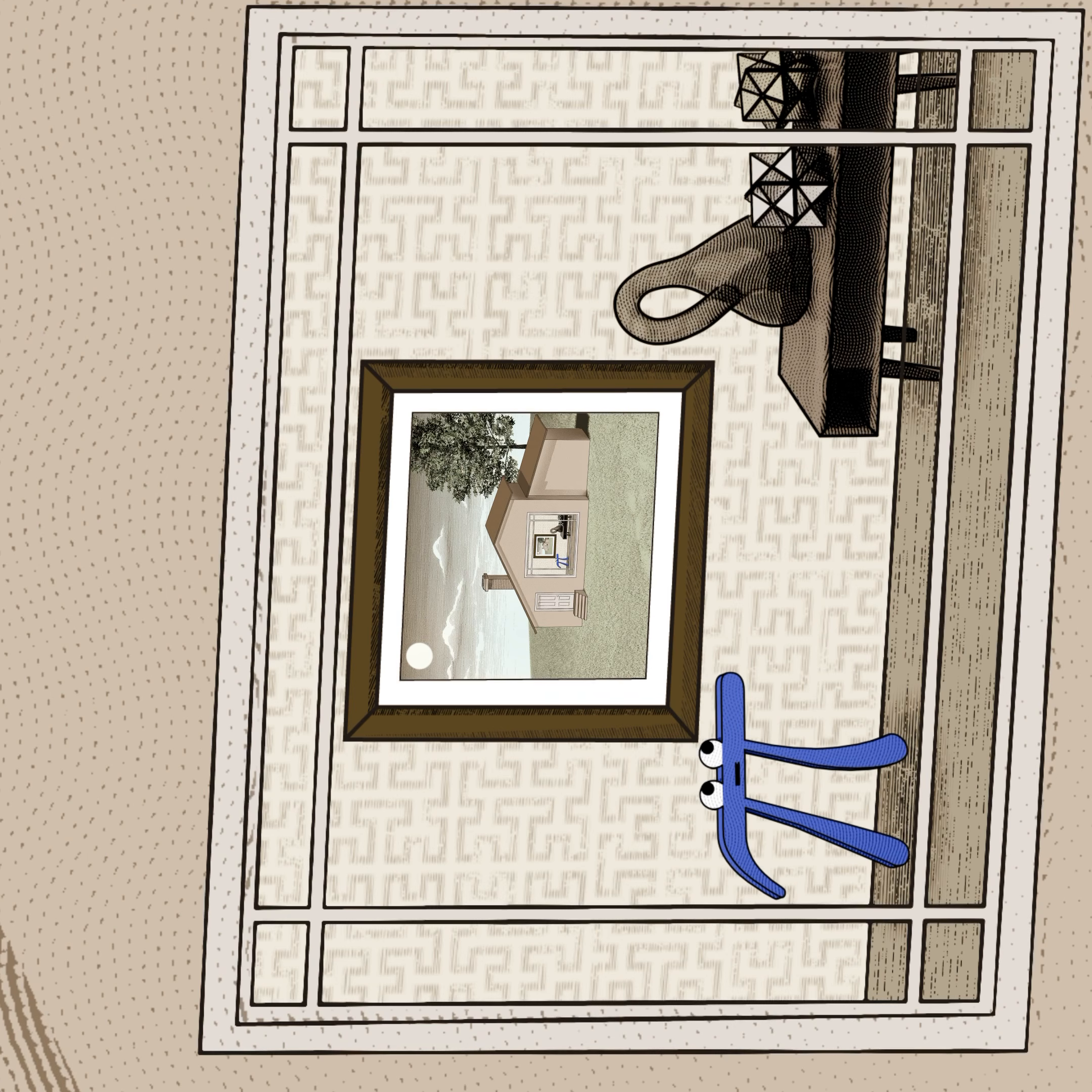
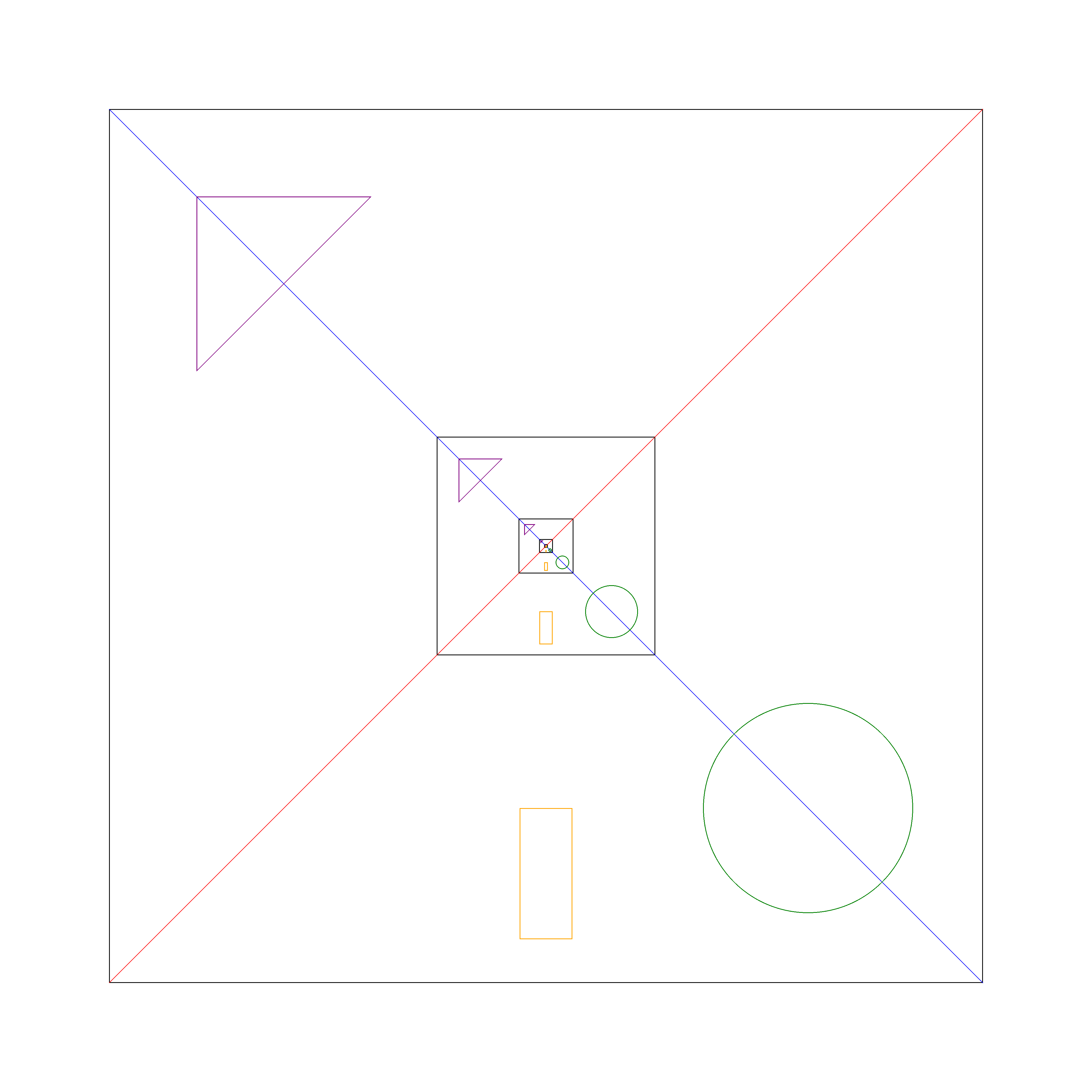
| Rotate $f(z)=iz$ |
 |
 |
 |
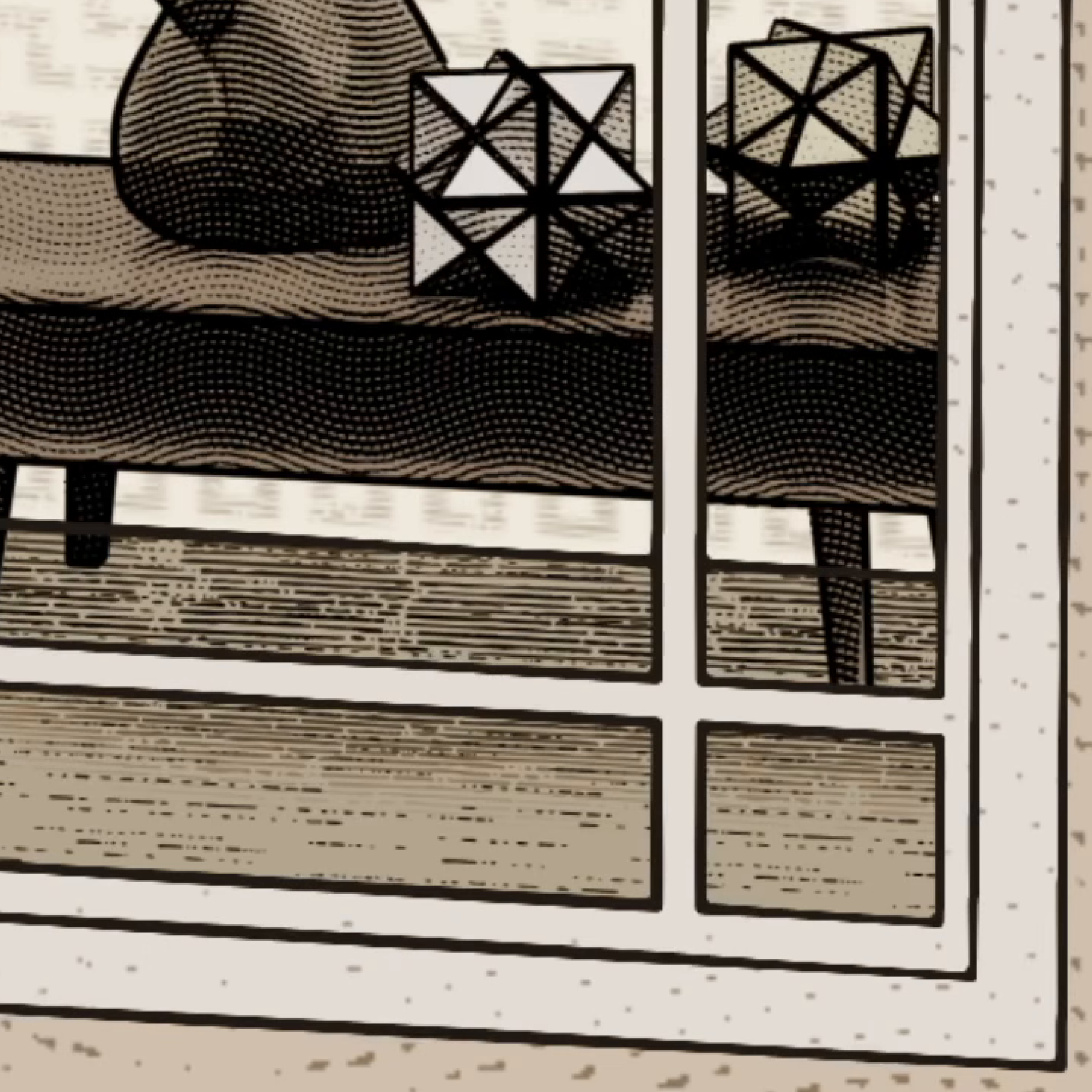
| Zoom to corner $f(z)=\frac{z+2+2i}{3}$ |
 |
 |
 |
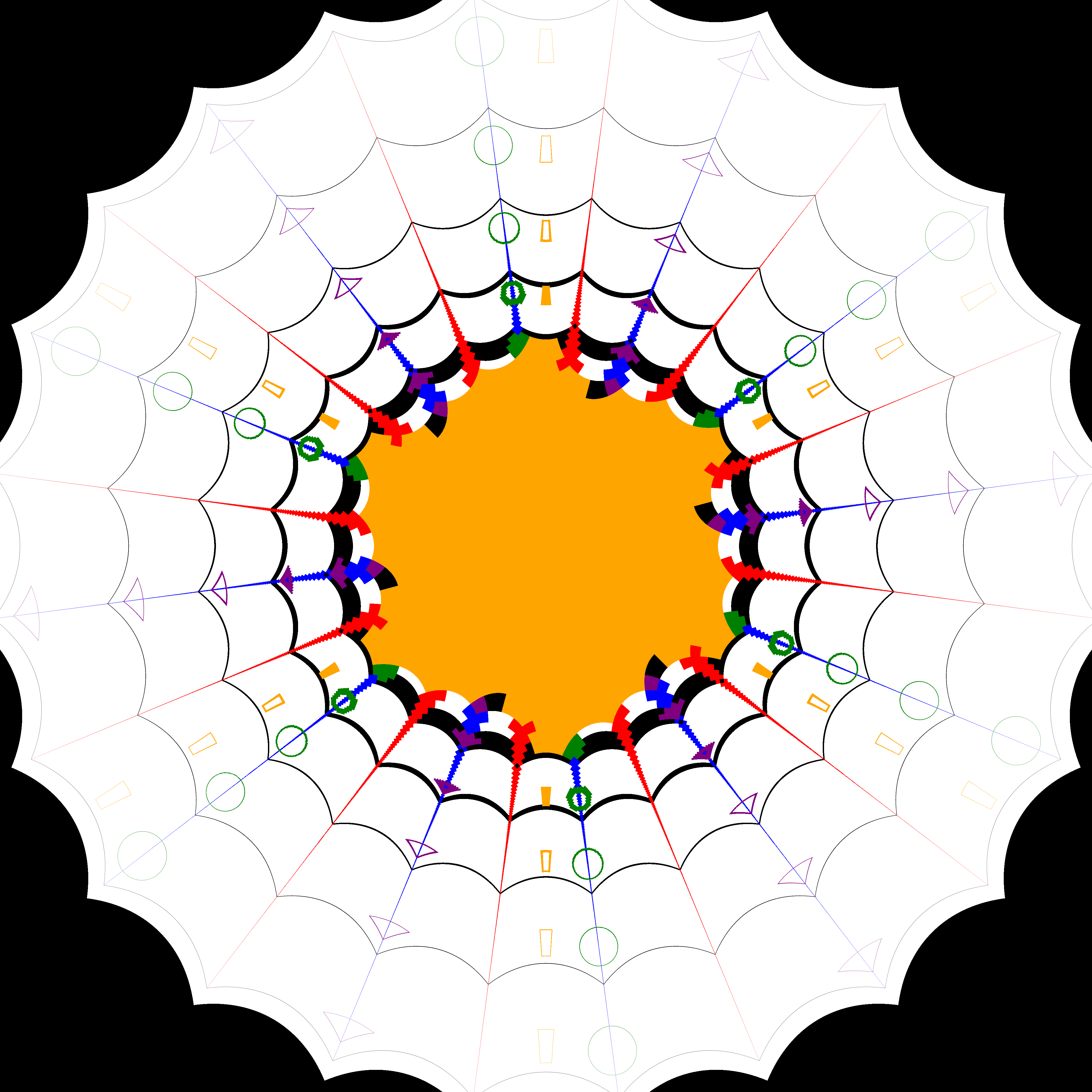
| Kaleidoscope $f(z)=z^6$ |
 |
 |
 |
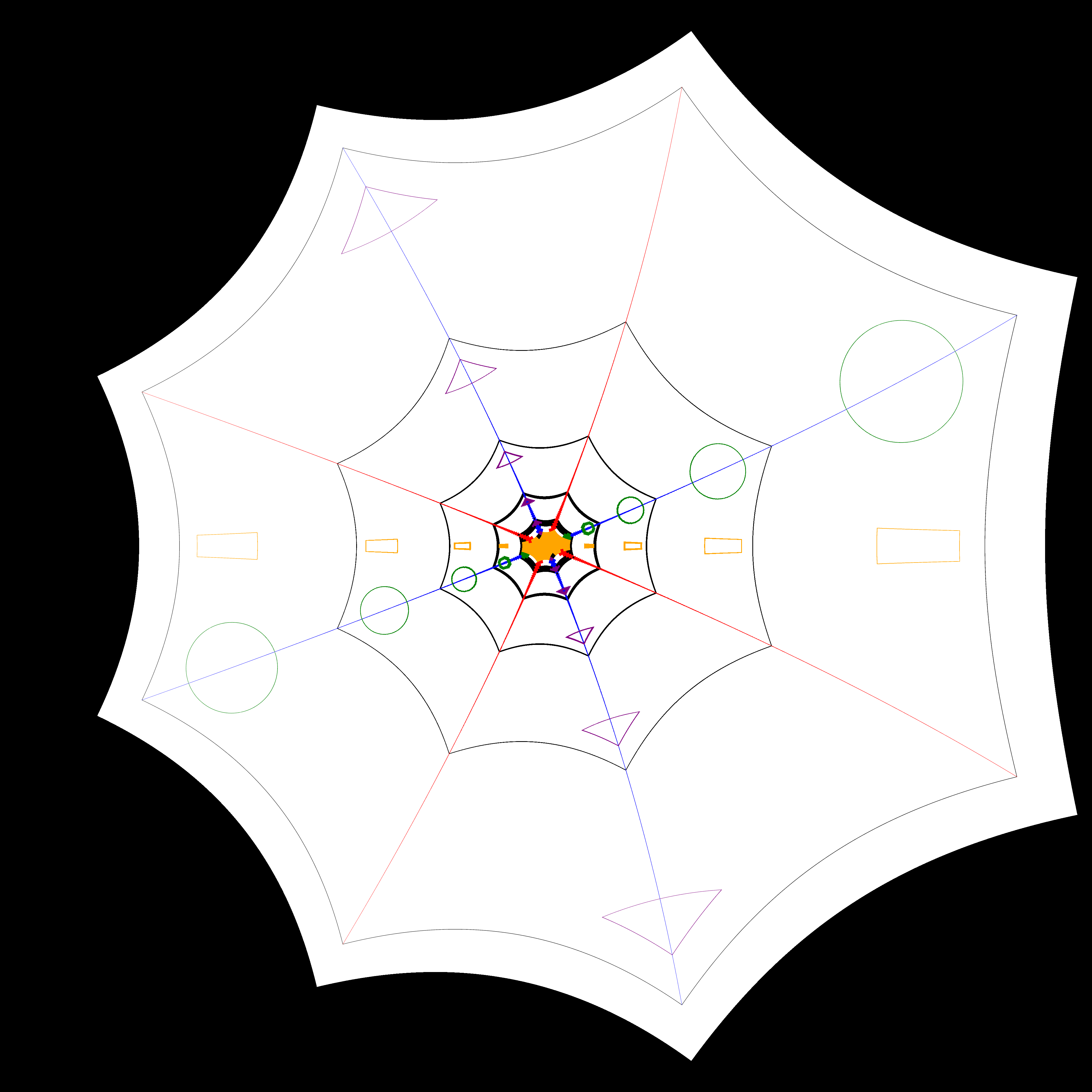
| Kaleidoscope (Try any polynomial :D) $f(z) = z^3 + 3z^2$ |
 |
 |
 |
| Logarithm $f(z) = e^z$ |
 |
 |
 |
| Inverse $f(z) = 1/z$ |
 |
 |
 |
| Weierstrass Elliptical function |  |
 |
 |
Applying your own functions:
- Create the inverse of your function. e.g. if $f(x) = e^x$, the inverse function is $g(x) = log(x)$
- Create the function in using numpy.
def f(z):
    return np.log(x) # i.e. log(x)
- Add the
@image_functiondecorator.@image_function def my_image_function(z): return np.log(x)
- Done! Use your function like this:
my_image_function("input.png", "output.png", zoom = 1.0, output_scale = 1.0)
zoom: Change this to zoom-in/out the output.output_scale: Output resolution w.r.t input image. Smaller number makes rendering much faster, but loses quality.
Creating an Escher-style Image:
- Start with a Droste image.
- Find the singularity of the image, (where all the recursive images meet), generally the center of the image. Find the position w.r.t the center of the image [(0,0) = center; (1,1) = top right corner]
- Create the escher function:
scale = 16 #Size of smaller image wrt the larger one.
center = (0,0) #Center point, (0,0) by default
subject = (-0.8,-0.8) #Subject of drawing, cannot be center
esch = escher_function(scale, center,subject)```
- Create the final image:
input_filename = "droste.png" # Input filename
output_filename = "escher.png" # Output
zoom = 1.8 # Used to zoom-in/out the output image.
res = 1.0 # Set to a low number (e.g. 0.2) for faster rendering and testing, but lower output quality. 1.0 is the maximum quality.

esch(input_filename, output_filename, zoom, res)
1 maintainer

Metadata
1 maintainer
Release files for image-math 1.0.7
For a detailed explanation of source distributions (sdists) and built distributions (wheels), please see the package formats documentation.
Source distribution (sdist)
| File | Size | Uploaded | Provenance | Actions |
|---|---|---|---|---|
| image_math-1.0.7.tar.gz | 5.3 kB | Without provenance | Details for image_math-1.0.7.tar.gz |
Built distribution (wheel)
| File | Interpreter | ABI | Platform | Actions Reset |
|---|---|---|---|---|
| image_math-1.0.7-py3-none-any.whl | Python 3 | none | any | Details for image_math-1.0.7-py3-none-any.whl |
Total release size: 10.5 kB
Release files / image_math-1.0.7.tar.gz
| Download URL | image_math-1.0.7.tar.gz |
|---|---|
| Size | 5.3 kB |
| Tags | Source |
|
SHA-256 checksum How to use checksums |
e2da829b6cd078ac4514415ad50d3d29a7cad1157f33174f6e7314a1871a203d
|
|
BLAKE2b-256 checksum How to use checksums |
a6128cd0880d239d4e5242bb0a41cd4a56a7864cb667cbc4bf7efd837c7fb784
|
| Upload date | |
|
Uploaded using Trusted Publishing? What is trusted publishing? |
No |
| Uploaded via |
twine/5.1.1 CPython/3.12.5
|
Release files / image_math-1.0.7-py3-none-any.whl
| Download URL | image_math-1.0.7-py3-none-any.whl |
|---|---|
| Size | 5.2 kB |
| Tags | Python 3 |
|
SHA-256 checksum How to use checksums |
f4ff89c305680ebf8318bb9289e85376bd523515abeef6dd1dcbd8f59b19c03d
|
|
BLAKE2b-256 checksum How to use checksums |
512480612e0a055699645cc8c9eb3421354c54e80b0f254a7a0a78999064d1b5
|
| Upload date | |
|
Uploaded using Trusted Publishing? What is trusted publishing? |
No |
| Uploaded via |
twine/5.1.1 CPython/3.12.5
|
Security for image-math 1.0.7
Provenance
Provenance describes where a file came from. On PyPI, provenance is shared via attestations, which provide a verifiable record of the build or publishing details. View details, limitations and caveats.
No provenance found
None of the files in this release were uploaded with provenance metadata.
A note on package security
PyPI is a repository for distributing packages, not a service for auditing them. While third-party security researchers and our staff do their best to detect and remove malicious packages, PyPI cannot guarantee the quality, security or suitability of any given package.
To learn more about protecting yourself from malicious actors, visit our package security documentation.














