
Fast and accurate image RGB palette detector by Eugene Gourieff

Project description
Image Palette Detector
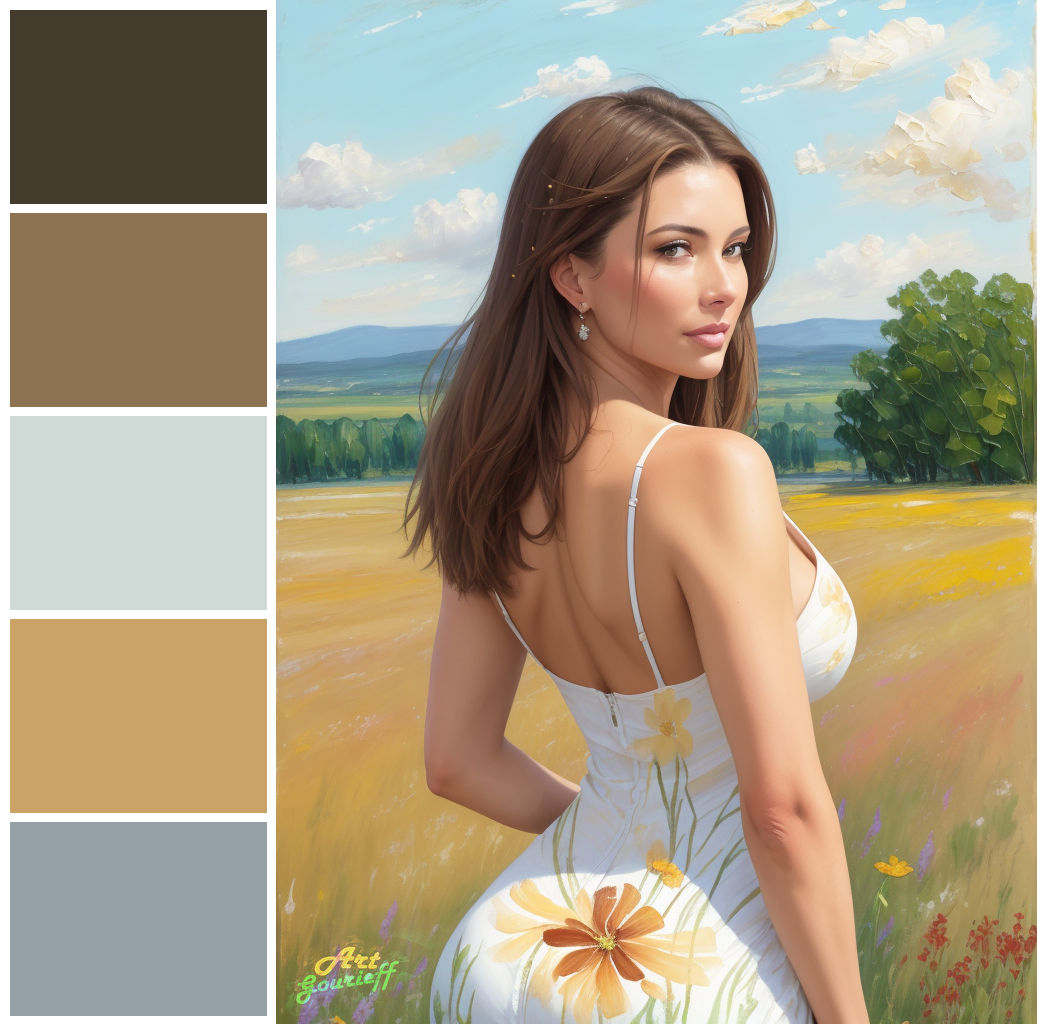
This is a simple python application that detects dominant color of your source image and create an output palette combined with the source image.
Guide:
Interface
Installation
Usage
Example
Interface
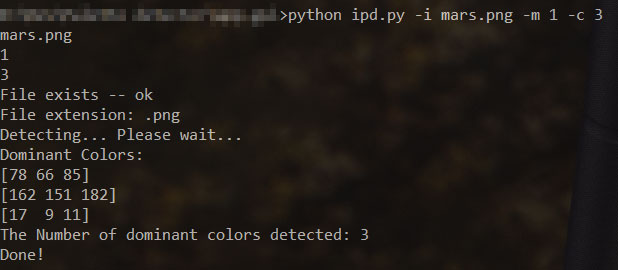
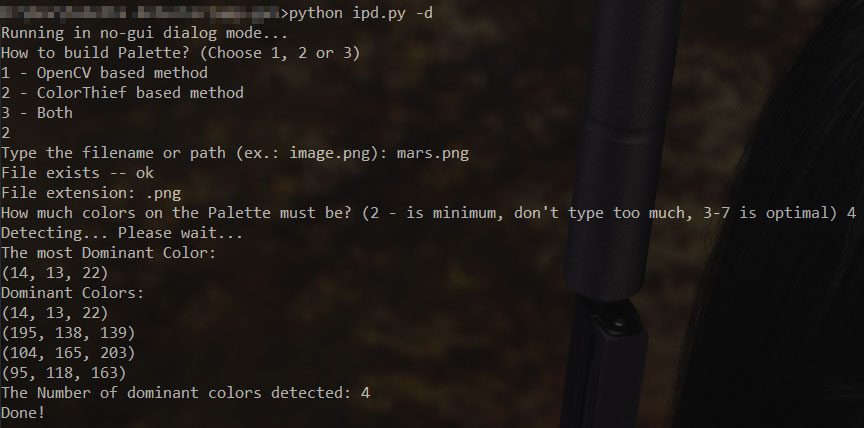
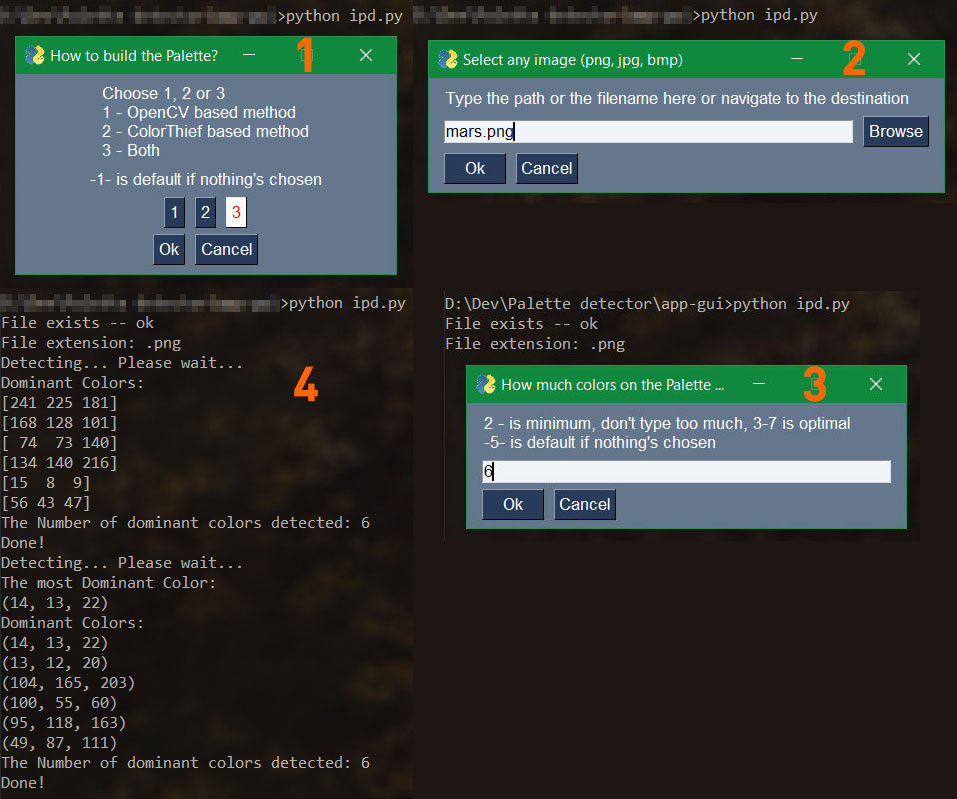
Application has 3 types of the user-interface:
- the comand-line with arguments:
- the dialog with no-GUI:
- the dialog with GUI:
Installation
Just download or clone the repo
git clone https://github.com/Gourieff/img-palette-detector
and install requirements:
pip install -r requirements.txt
or
pip install opencv-python; colorthief; argparse; pysimplegui
You can also install it as a package:
pip install imgpd
Usage:
python ipd.py -i "C:\my super images\image_file_name.png" -m "3" -c "5"
If you installed as a package:
for Windows users
py -m imgpd -i "C:\my super images\image_file_name.png" -m "3" -c "5"
for Linux/MacOS users:
imgpd -i /home/user/images/image_file_name.png -m 3 -c 5
Where optional arguments are:
  -i PATH_TO_IMAGE  Path to the image file
  -m METHOD         Method to build the Palette: 1 - OpenCV based method, 2 - ColorThief based method, 3 - Both
  -c COLORS_COUNT   How much colors on the Palette must be: 2 - is minimum, don't type too much, 3-7 is optimal
  -d                To run Application in the dialog mode w/o GUI
or just type for help: python ipd.py -h or imgpd -h
You can also run the App in the dialog mode
with GUI:
python ipd.py or imgpd
without GUI:
python ipd.py -d or imgpd -d
Then you see the dialog:
> How to build Palette? (Choose 1, 2 or 3)
> 1 - OpenCV based method
> 2 - ColorThief based method
> 3 - Both
Type 1, 2 or 3 and proceed to the next step:
> Type the filename or path (ex.: image.png):
Type a full or a relative path to your image or just an image name if your image is at the same folder:
C:\my super images\image_file_name.png
or
/home/user/images/image_file_name.png
or
image_file_name.png
Proceed to the next step:
> How much colors on the Palette must be? (2 - is minimum, don't type too much, 3-7 is optimal)
And type how much color must be in the Palette, for example:
5
Then wait a little for the result.
Example:
$ imgpd -d
> How to build Palette? (Choose 1, 2 or 3)
> 1 - OpenCV based method
> 2 - ColorThief based method
> 3 - Both
>> 3
> Type the filename or path (ex.: image.png):
>> sample/image.png
> How much colors on the Palette must be? (2 - is minimum, don't type too much, 3-7 is optimal)
>> 5
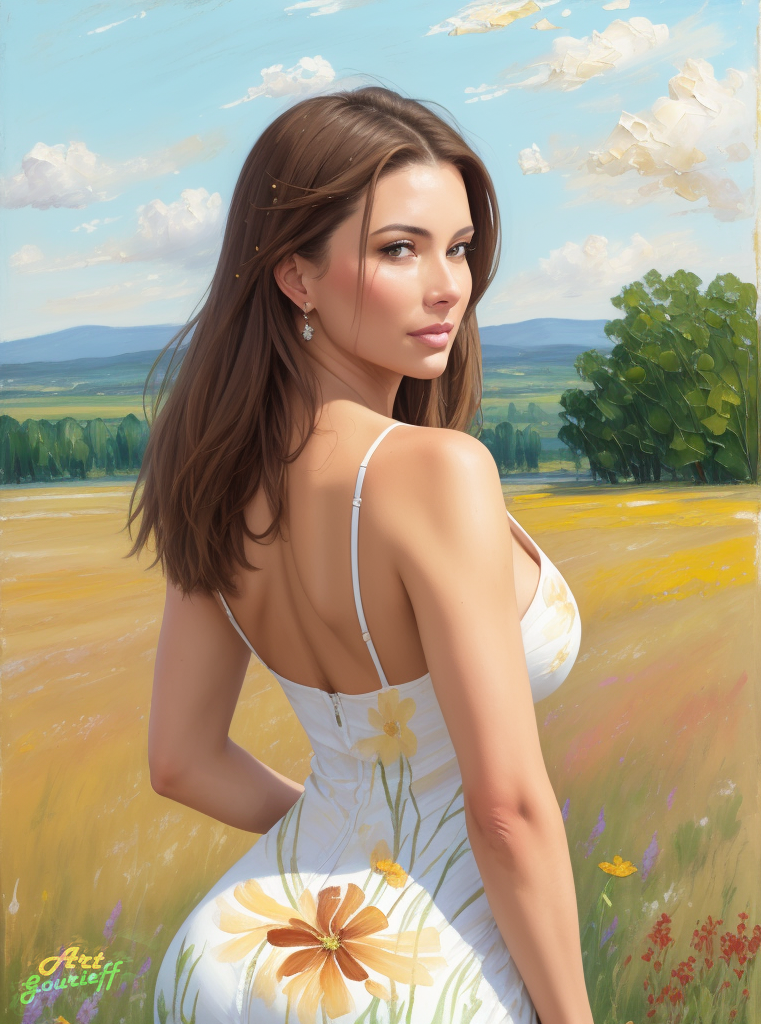
Source Image:
Output Result:
Method 1:
Method 2:
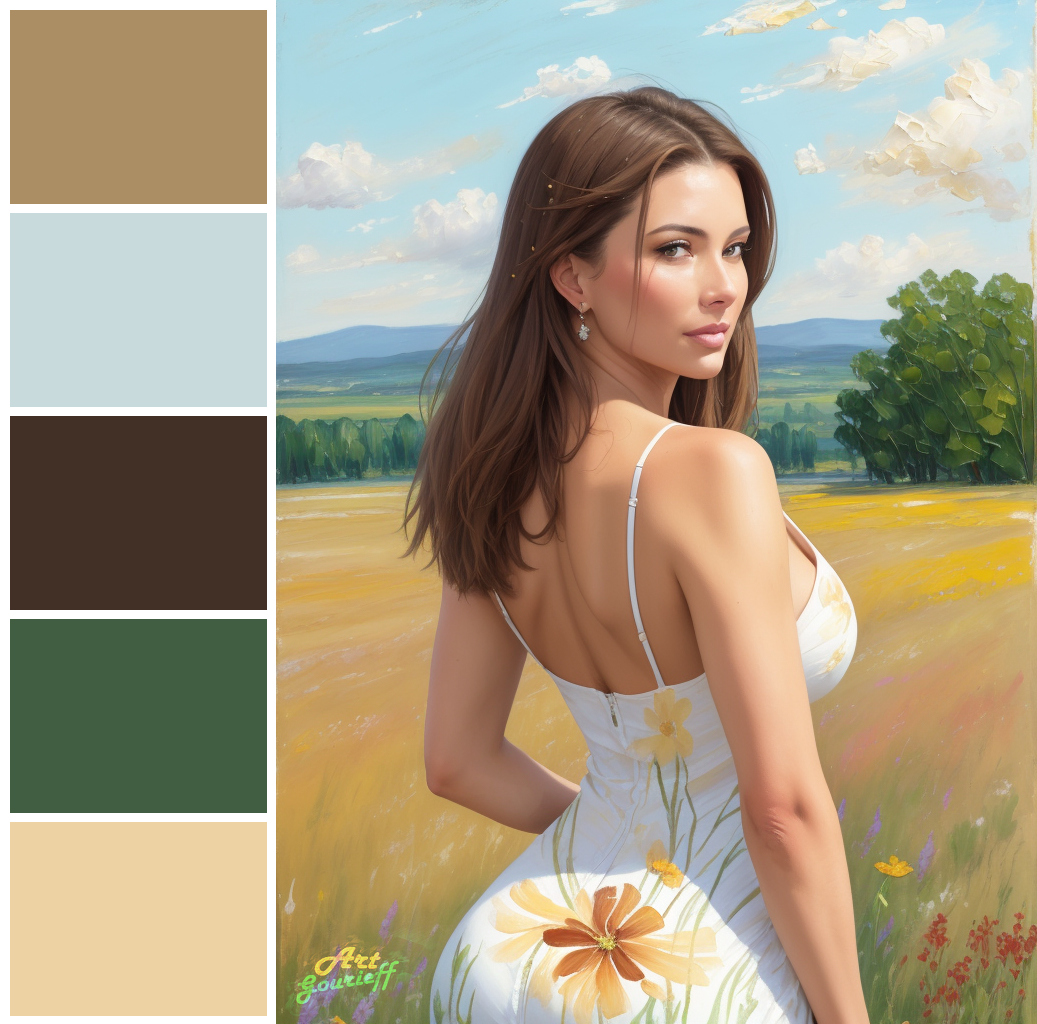
For most images Method 1 is more accurate, but for some images (as shown above) Method 2 will give you a better result, so I recommend to use 'Both' and then choose which is better.
Release history Release notifications | RSS feed

Download files
Download the file for your platform. If you're not sure which to choose, learn more about installing packages.
Source Distribution
Built Distribution
Filter files by name, interpreter, ABI, and platform.
If you're not sure about the file name format, learn more about wheel file names.
Copy a direct link to the current filters
File details
Details for the file imgpd-0.3.0.tar.gz.
File metadata
- Download URL: imgpd-0.3.0.tar.gz
- Upload date:
- Size: 20.7 kB
- Tags: Source
- Uploaded using Trusted Publishing? No
- Uploaded via: twine/4.0.2 CPython/3.9.5
File hashes
| Algorithm | Hash digest | |
|---|---|---|
| SHA256 |
761d6dbc50b039fd1b6e0095cfc9a90b6b4bd0b790da3c59119aafadaac8ef7e
|
|
| MD5 |
6359d47521c06f149e39060c667d0476
|
|
| BLAKE2b-256 |
cc3d233544a43a42a672a85b2d58e00cb597e878471193054715a0b72be20dcf
|
File details
Details for the file imgpd-0.3.0-py3-none-any.whl.
File metadata
- Download URL: imgpd-0.3.0-py3-none-any.whl
- Upload date:
- Size: 20.6 kB
- Tags: Python 3
- Uploaded using Trusted Publishing? No
- Uploaded via: twine/4.0.2 CPython/3.9.5
File hashes
| Algorithm | Hash digest | |
|---|---|---|
| SHA256 |
dfa384ef3b134e43cbf2770c9c3061c2fad52d67c08b02117a857fb6ff150aaf
|
|
| MD5 |
90a030e2742d11bf171f72e1801d34cc
|
|
| BLAKE2b-256 |
a9a18addf5945c12af04bd1f0b6a0526ca4f414c095101bb4966e7c86e7f4f6f
|






