
Imgrender: Python Terminal Image Viewer
Terminal image viewer in python, inspired by https://github.com/stefanhaustein/TerminalImageViewer. A piece of software designed to render images on the linux/bash command line. It can either be used as a CLI or as a python library. It should work on most modern terminals, including mobaxterm for windows and jupyter notebooks.
Usage
Command Line
usage: imgrender [-h] [--width WIDTH] [--height HEIGHT] path

Render images on the command line

positional arguments:
  path             the image path

optional arguments:
  -h, --help       show this help message and exit
  --width WIDTH    width of the rendered image (default 60 pixels)
  --height HEIGHT  height of the rendered image (default 60 pixels)
Python Library
Simply import the render function from the imgrender library. The function has two arguments, the image path (positional), and the scale parameteter (keyword), which takes a tuple with two integer (height, width)
for instance:
In [1]: from imgrender import render

In [2]: render('frog.jpg', scale=(40, 60))
(this will render the image stored in 'frog.jpg' with 40x60 pixels)
The render function can be called without passing in a scale argument, this will use the default scale parameters of (60, 60)
Results
below is an image of the city of Portsmouth generated as a 60x60 visualization.
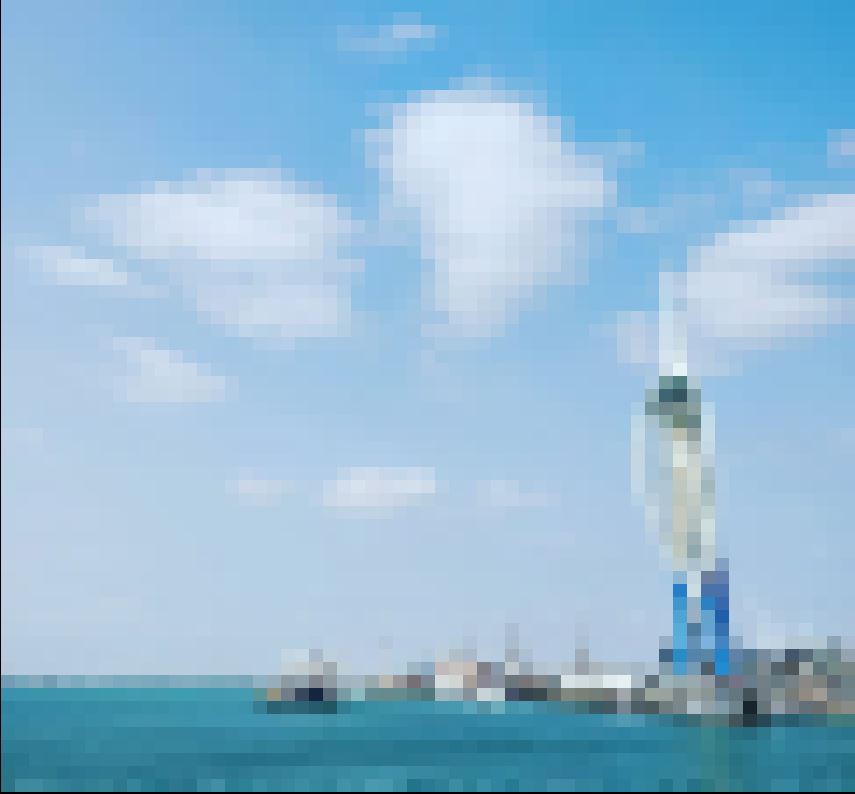
And here is the original image

Finally, here is the same imaged visualised as 250x250 pixels

1 maintainer

Metadata
1 maintainer
Release files for imgrender-djentleman 0.0.2
For a detailed explanation of source distributions (sdists) and built distributions (wheels), please see the package formats documentation.
Source distribution (sdist)
| File | Size | Uploaded | |
|---|---|---|---|
| imgrender-djentleman-0.0.2.tar.gz | 2.9 kB | Details |
Built distribution (wheel)
| File | Interpreter | ABI | Platform | Reset |
|---|---|---|---|---|
| imgrender_djentleman-0.0.2-py3-none-any.whl | Python 3 | none | any | Details |
Total release size: 7.2 kB
Release files / imgrender-djentleman-0.0.2.tar.gz
| Download URL | imgrender-djentleman-0.0.2.tar.gz |
|---|---|
| Size | 2.9 kB |
| Tags | Source |
|
SHA-256 checksum How to use checksums |
984d2f8eccc7dbe682ad67eb3f02f154da836fab131718fa7efedde5a98b9cd3
|
|
BLAKE2b-256 checksum How to use checksums |
a526d39c00fd449c8759a0f6f54177ad9b05fd90cbfa2d21d2ba461d844f0fe8
|
| Upload date | |
|
Uploaded using Trusted Publishing? What is trusted publishing? |
No |
| Uploaded via |
twine/2.0.0 pkginfo/1.5.0.1 requests/2.22.0 setuptools/41.2.0 requests-toolbelt/0.9.1 tqdm/4.36.1 CPython/3.6.9
|
Release files / imgrender_djentleman-0.0.2-py3-none-any.whl
| Download URL | imgrender_djentleman-0.0.2-py3-none-any.whl |
|---|---|
| Size | 4.3 kB |
| Tags | Python 3 |
|
SHA-256 checksum How to use checksums |
26b7768e13fc5ecb40ec322fe7f58ae51c670b2844fce8e7dd8a320679ef14cd
|
|
BLAKE2b-256 checksum How to use checksums |
9f8ffa922d510fa795ed85133cbae51a23e03608b107f72f4e9a357f5b51ca4a
|
| Upload date | |
|
Uploaded using Trusted Publishing? What is trusted publishing? |
No |
| Uploaded via |
twine/2.0.0 pkginfo/1.5.0.1 requests/2.22.0 setuptools/41.2.0 requests-toolbelt/0.9.1 tqdm/4.36.1 CPython/3.6.9
|













