
Motion library for Novanta servo drives


Project description
Ingeniamotion




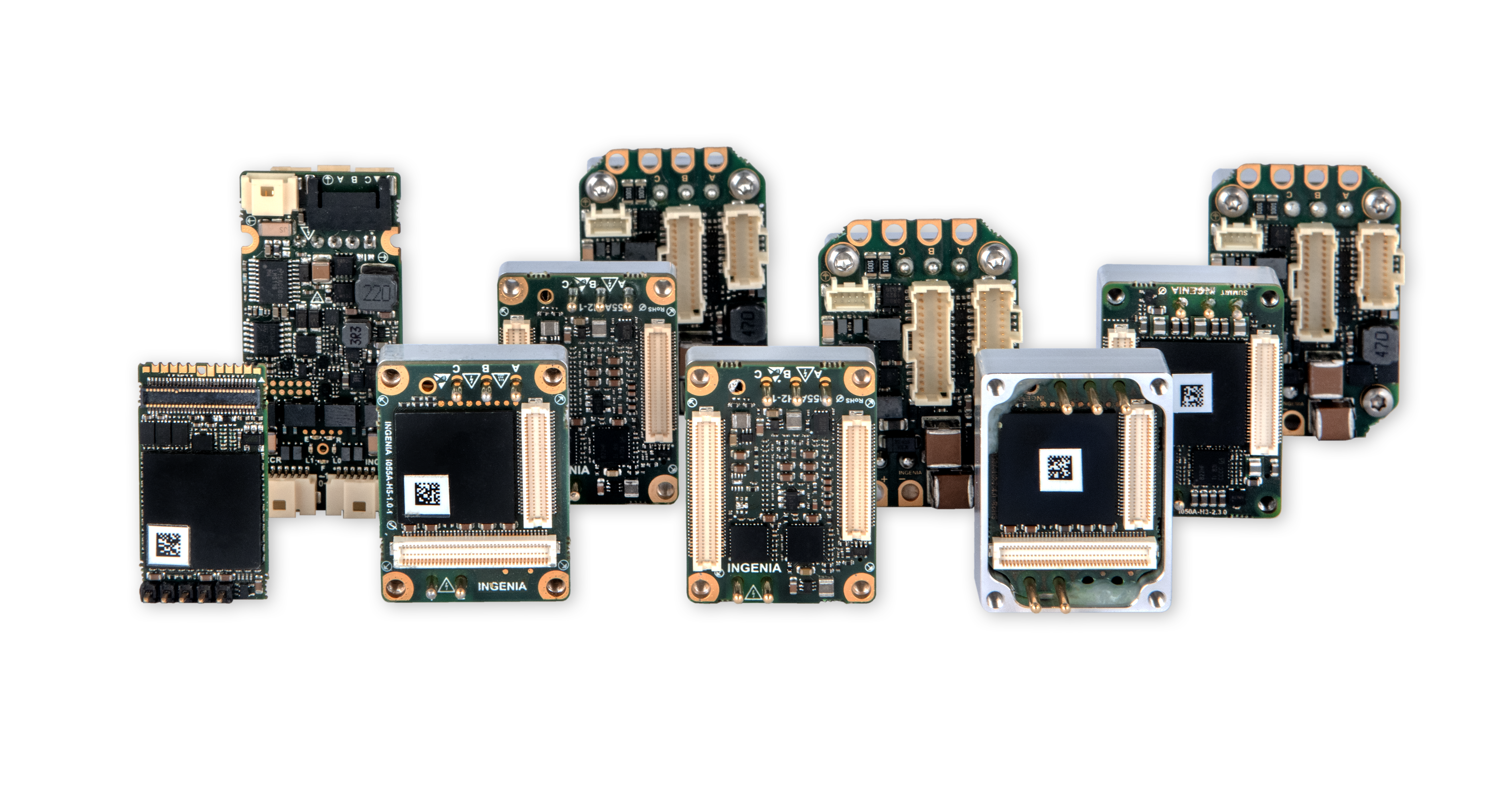
Ingeniamotion is a library that works over ingenialink and aims to simplify the interaction with Ingenia's drives.
Requirements
- Python 3.9 or higher
- WinPcap 4.1.3
Installation
The recommended way to install is by using pip, i.e:
pip install ingeniamotion
Virtual environment management with Poetry
Install poetry:
pip install poetry
Use an environment with a certain Python version:
poetry env use 3.12
Install the required dependencies:
poetry install --all-groups
To install FSoE (optional):
poetry install --extras fsoe
Generate documentation
To produce the documentation, run the following command:
poetry run poe docs
Run PyTest
Create tests/setups/tests_setup.py file with configuration file.
This file is ignored by git and won't be uploaded to the repository. Example of a setup:
from pathlib import Path

from summit_testing_framework.setups import LocalDriveConfigSpecifier

DEN_NET_E_SETUP = LocalDriveConfigSpecifier.from_ethercat_configuration(
    identifier="den-net-e",
    dictionary=Path("C://Users//some.user//Downloads//den-net-e_eoe_2.7.3.xdf"),
    config_file=Path("C://Users//some.user//Downloads//den_net_e.xcf"),
    firmware=Path("C://Users//some.user//Downloads//den-net-e_2.7.3.lfu"),
    ifname="\\Device\\NPF_{675921D7-B64A-4997-9211-D18E2A6DC96A}",
    slave=1,
    boot_in_app=False,
)

TESTS_SETUP = DEN_NET_E_SETUP
For more information, check summit-testing-framework documentation.
Run tests selecting the markers that you want and are appropriate for your setup. Beware that some tests may not be appropriate for the setup that you have and may fail.
poetry run poe tests -m {markers}
Release history Release notifications | RSS feed


Download files
Download the file for your platform. If you're not sure which to choose, learn more about installing packages.
Source Distribution
Built Distribution
Filter files by name, interpreter, ABI, and platform.
If you're not sure about the file name format, learn more about wheel file names.
Copy a direct link to the current filters
File details
Details for the file ingeniamotion-0.10.0.tar.gz.
File metadata
- Download URL: ingeniamotion-0.10.0.tar.gz
- Upload date:
- Size: 104.6 kB
- Tags: Source
- Uploaded using Trusted Publishing? No
- Uploaded via: twine/4.0.1 CPython/3.9.18
File hashes
| Algorithm | Hash digest | |
|---|---|---|
| SHA256 |
f1428eb8e5f204fd3426934422e8e42e30f46d074bfa387319d428848057f348
|
|
| MD5 |
20cbdf044c087e42d016f10175561ba1
|
|
| BLAKE2b-256 |
c78e113091936c423fa97c04bd24a64dff2a6669626e30216cb8318e8806aa0c
|
File details
Details for the file ingeniamotion-0.10.0-py3-none-any.whl.
File metadata
- Download URL: ingeniamotion-0.10.0-py3-none-any.whl
- Upload date:
- Size: 131.4 kB
- Tags: Python 3
- Uploaded using Trusted Publishing? No
- Uploaded via: twine/4.0.1 CPython/3.9.18
File hashes
| Algorithm | Hash digest | |
|---|---|---|
| SHA256 |
24facebd529cd42484fab19624da156a453a598f826ef43149076929b766224c
|
|
| MD5 |
0ad515e1330ec97d41efff2e03e11754
|
|
| BLAKE2b-256 |
6a3aefd2e84662f995a4a715634581df87e1ad9129cdb53e65a9b91ff01c9868
|






