
Client utilities for Iniya system

This project has been archived.
The maintainers of this project have marked this project as archived. No new releases are expected.
Project description
PROJECT-INIYA
Iniya-Secondary-Clients
This package Contains all the Secondary clients that are used by Project-Iniya for its working
Setup
- Installing the Package only from PIP/PyPI will not work. At First Run
IniyaSecondaryClients.Setup.install_requirements()must be executed to install all teh required Packages
Auth
- This is used to Authentiate to the app using oauth providers like google, github which is required for searchclient/ConnectClient(in-dev)
- The token is stored in the Windows Credentials Store using keyring
- This has three functions:
login,verify_tokenandlogout- login : This is used to login to the APP
- verify_token: this is a internal function that is used to check if the login is valid or not and then token stored in the device is correct or not
- logout: this logs out the user from the device
- Usage:
from IniyaSecondaryClient.Auth import login, logout

# opens brower, follows the oauth login system
login()

# clears out the token from the device
logout()
Search Client
- This Uses tavily Api throught our own API for rate regulation and usage limitation
- usage:
  from IniyaSecondaryClient.Client import SearchClient

  # SearchClient(base_url = "https://iniyaai-backend.onrender.com/api/apis")
  # This is the default url using our own backend system for seaching
  searchClient = SearchClient()

  # search(
      query: str,
      search_depth: str = "basic",
      max_results: int = 5,
      include_domains: Optional[List[str]] = None,
      exclude_domains: Optional[List[str]] = None,
      include_answer: bool = False,
      include_raw_content: bool = False,
      **kwargs
    ) -> Dict[str, Any]:

  # this uses the Search function in Tavily API to return a Dict

  result = searchClient.search("Test query", <options>)

  # extract(
      urls: List[str],
      includeImages: Optional[bool] = None,
      extractDepth: Optional[Literal["basic", "advanced"]] = None,
      format: Optional[Literal["markdown", "text"]] = None,
      timeout: Optional[int] = None,
      includeFavicon: Optional[bool] = None,
      includeUsage: Optional[bool] = None,
      query: Optional[str] = None,
      chunksPerSource: Optional[int] = None,
      **kwargs,
    ) -> Dict[str, Any]:

  # this uses the Extract function in Tavily API to return a Dict

  result = searchClient.extract(["urls"], <options>)
Audio Client
-
Auto Detects System hardware to Use the Best Quality Audio STT, TTS Available with the Users System
-
it uses Vosk, Whipser to Trascribe and Piper to Synthesize
-
It has 6 major Functions :
transcribe,synthesise,set_input_device,list_usable_input_devices,start_listeningandstop_listening- trascribe: Takes in a bytes (raw PCM int16) or np.ndarray (float32/int16) or str/Path (wav file path) and provides the Text as a String
- synthesise: Takes in a String and returns a Raw int16 PCM bytes (22050 Hz, mono).
- set_input_device: Takes the Device Index No. (according to Windows Input Device nos.) and uses that Input for live transcription
- start_listening: Starts a Thread to Listen to the Input Device Set using the above function and transcrips it
- stop_listening: Stops the Transcription thread
-
Usage:
from IniyaSeconsdaryClient.Client import AudioClient

# Doesnt Take any Parameters
audioClient = AudioClient()

# transcribe(
    self,
    audio: AudioInput,
    sample_rate: int = 16000,
    language: str = "en",
    on_partial: Optional[OnPartial] = None,
  ) -> str:
# on_partial is a callable Function which returns a partial transcripted string if found

res = audioClient.transcribe(<audio byte array>)

# synthesise(
      self,
      text: str,
      play: bool = False,
      output_path: Optional[Union[str, Path]] = None,
  ) -> bytes:
# play: uses mpv to play the synthesized audio
# output_path: provides the path to which the audio file has been stored

res = audioClient.synthesize("Hello world, test Synthezier")

# returns the list of devices which can be used as a input device for the live transcriptor
listofusabledevices = audioClient.list_usable_input_devices()

# changes the input device to idx as returned by the above function
audioClient.set_input_device(idx)

# def start_listening(
      self,
      on_result: Callable[[str], None],
      on_partial: Optional[OnPartial] = None,
  ) -> None:
# on_partial is a callable Function which returns a partial transcripted string if found
# on_result is also a callable Function which which returns the finnal string when the stop_listening function is called

audioClient.start_listening(<on_final_result_func>)

# stop_listening(self) -> None:
# stops the transcription thread

audioClient.stop_listening()
VizualizerClient
-
REQUIRES CUDA 13.0 COMPATIBLE GPU TO USE
-
uses Blenderllm (fallback as Shap-e, can also be selected) to generate 3d Models from text
-
blender has to be installed to use Blenderllm
-
it has the following functions:
generate_3d -
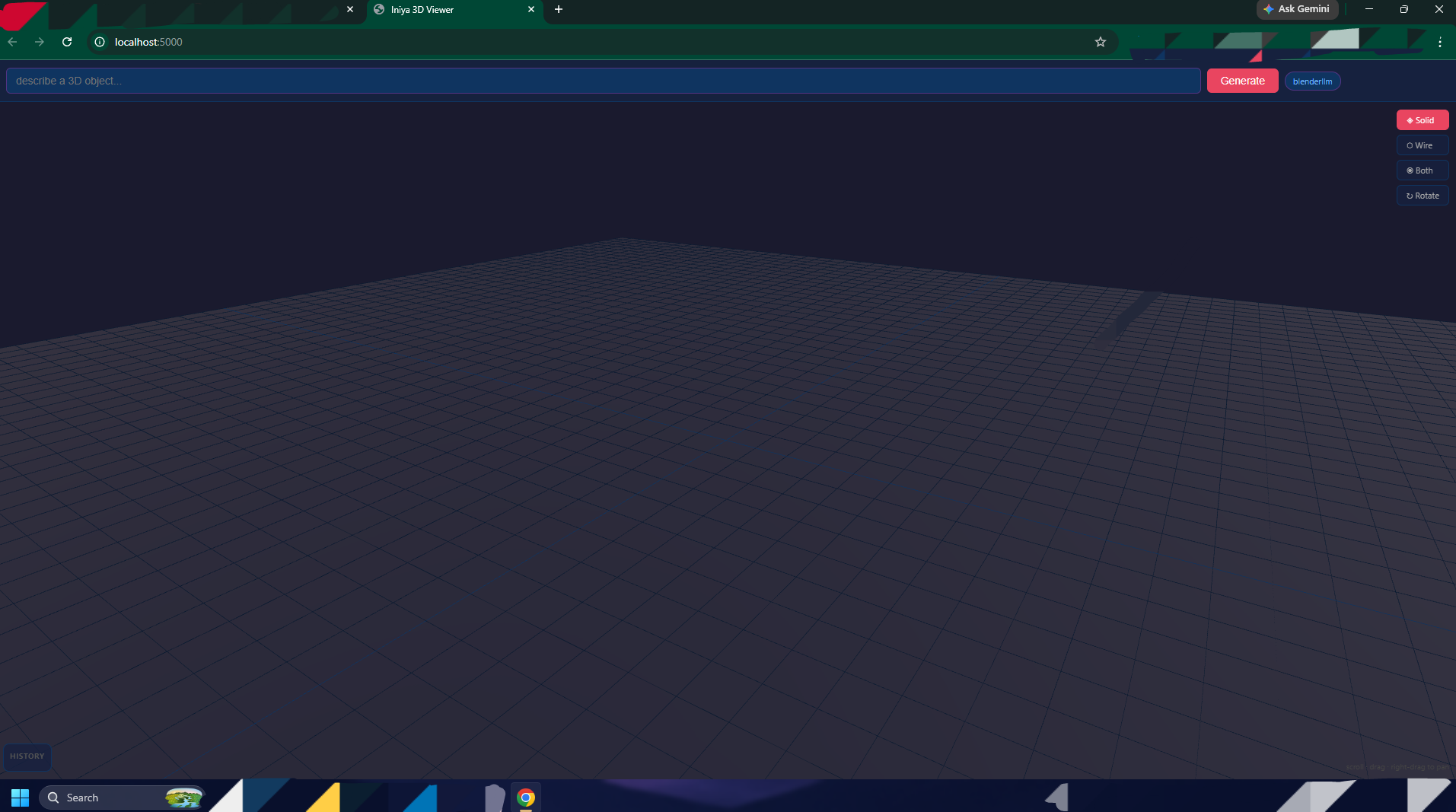
it has a inbulit webpage/server
-
usage:
from IniyaSecondaryClient.Client import VizualizerClient

# VizualizerClient.setupVizualizer(
    start_server: bool = True,
    engine: Optional[Literal["blenderllm", "shap-e", "auto"]] = "auto",
    blender_path: Optional[str] = None,
    blenderllm_model: str = "FreedomIntelligence/BlenderLLM",
    use_4bit: bool = True,
)
# start_server is used to set if a flask server will be started or not for viewing the glbs files
# engine specifies which models will be used for generation
# blender path is autodected if not provided otherwise the provided path is used for creating the glb files using blender

vizClient = VizualizerClient()
vizClient.setupVizualizer()
# if You are using the GUI.. then You can write the text and click generate and wait for it.. # Otherwise Use the following fucntion # generate_3d( self, prompt: str, filename: str = "output.glb", guidance_scale: float = 15.0, steps: int = 64, ) -> Path: # It takes in the prompt and few options and provides the path to the glb file path = vizClient.generate_3d("A Computer Cabinet")


Download files
Download the file for your platform. If you're not sure which to choose, learn more about installing packages.
Source Distribution
Built Distribution
Filter files by name, interpreter, ABI, and platform.
If you're not sure about the file name format, learn more about wheel file names.
Copy a direct link to the current filters
File details
Details for the file iniya_secondary_clients-0.2.5.tar.gz.
File metadata
- Download URL: iniya_secondary_clients-0.2.5.tar.gz
- Upload date:
- Size: 136.3 kB
- Tags: Source
- Uploaded using Trusted Publishing? No
- Uploaded via: twine/6.2.0 CPython/3.13.11
File hashes
| Algorithm | Hash digest | |
|---|---|---|
| SHA256 |
5e3936c6db8562b6e424b841a0a1d471fd5bf2e97007217d1ff074ee3dc6d656
|
|
| MD5 |
dfee1e7fc01df2d4dac75fdf29652a9c
|
|
| BLAKE2b-256 |
29c161822753c2f97d0356f75612627c5a871cf7624d6e982c9e7e1177973f5d
|
File details
Details for the file iniya_secondary_clients-0.2.5-py3-none-any.whl.
File metadata
- Download URL: iniya_secondary_clients-0.2.5-py3-none-any.whl
- Upload date:
- Size: 167.4 kB
- Tags: Python 3
- Uploaded using Trusted Publishing? No
- Uploaded via: twine/6.2.0 CPython/3.13.11
File hashes
| Algorithm | Hash digest | |
|---|---|---|
| SHA256 |
125a3e92b70c8bd1a0ebe588f2ca4e4f07191360ff78ae2f62c95c5fe6b098bd
|
|
| MD5 |
11ba26d679455f8b8c80db40dedaddce
|
|
| BLAKE2b-256 |
7901d975c140be48181d609328f5fce38f0e9ea2be6b31f84a64a92dd9570f50
|






