
inksmcp
An MCP server that lets AI assistants create, edit and export vector graphics with Inkscape.




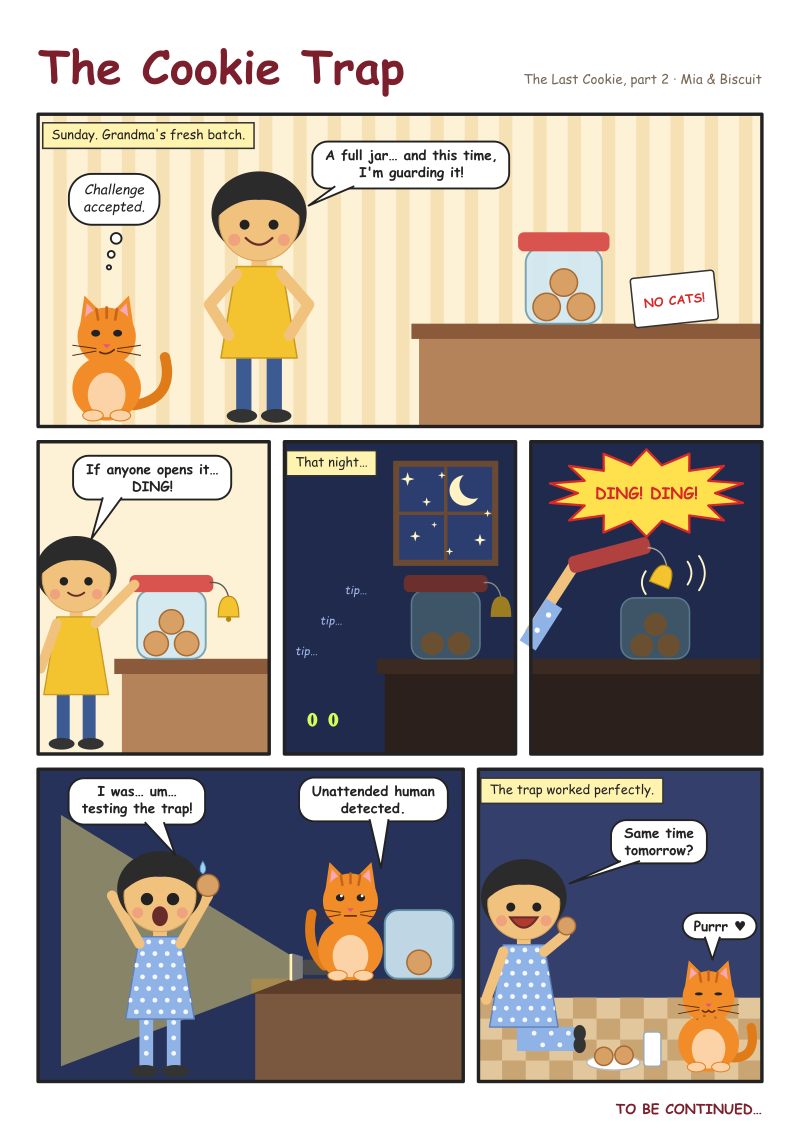
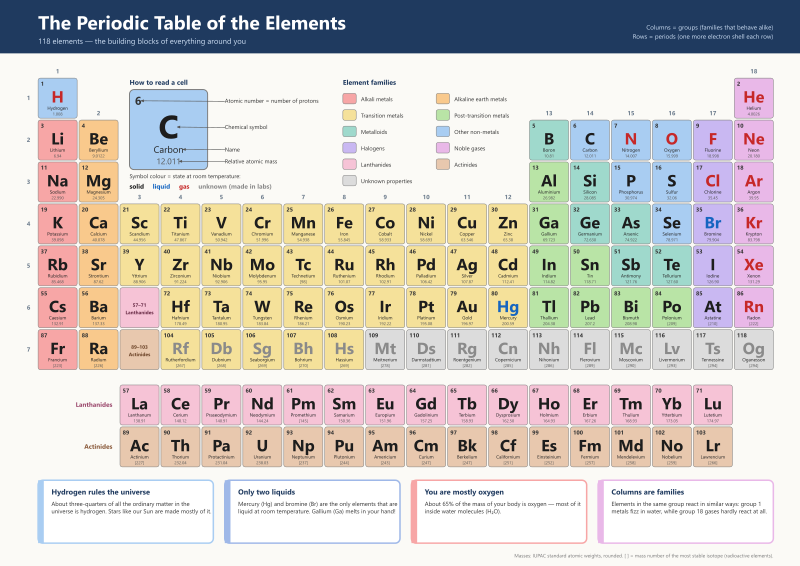
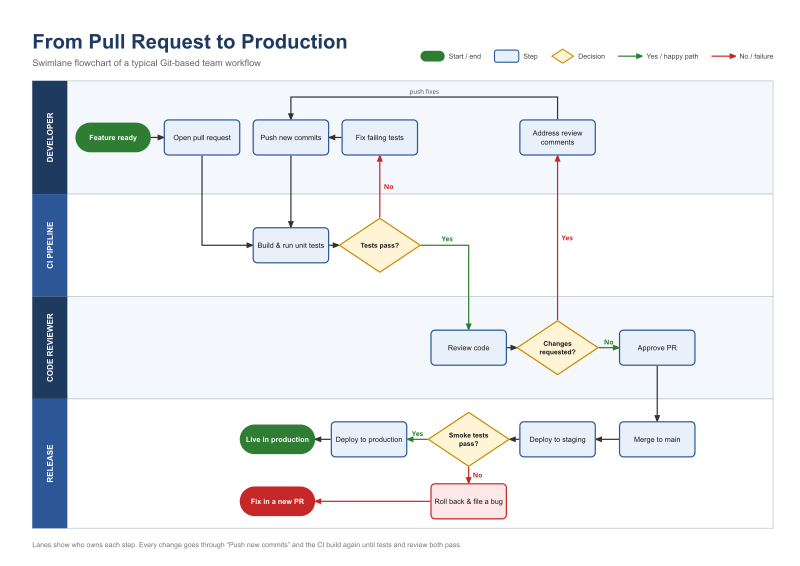
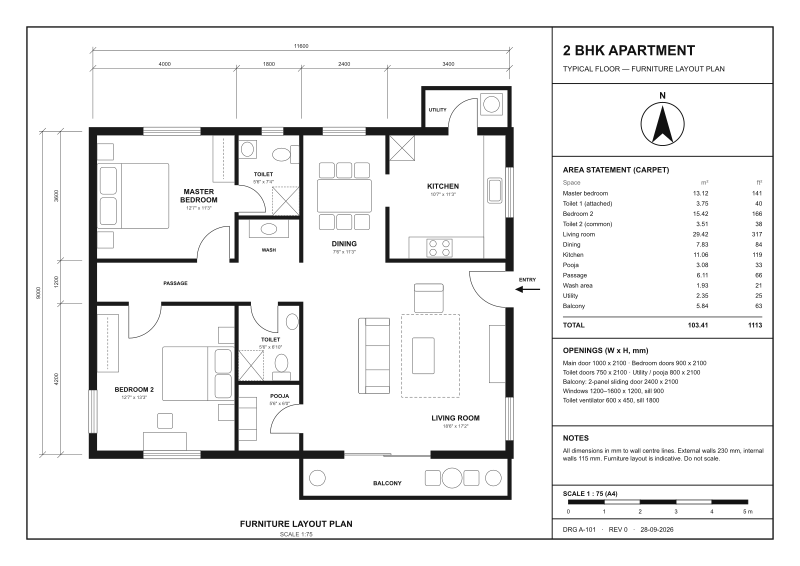
Describe a poster, a diagram, a chart or a comic page to your assistant, and it builds a real SVG document in Inkscape: measured, laid out and exported to PNG or PDF. It can also open drawings made elsewhere and change them.
 |
 |
 |
 |
 |
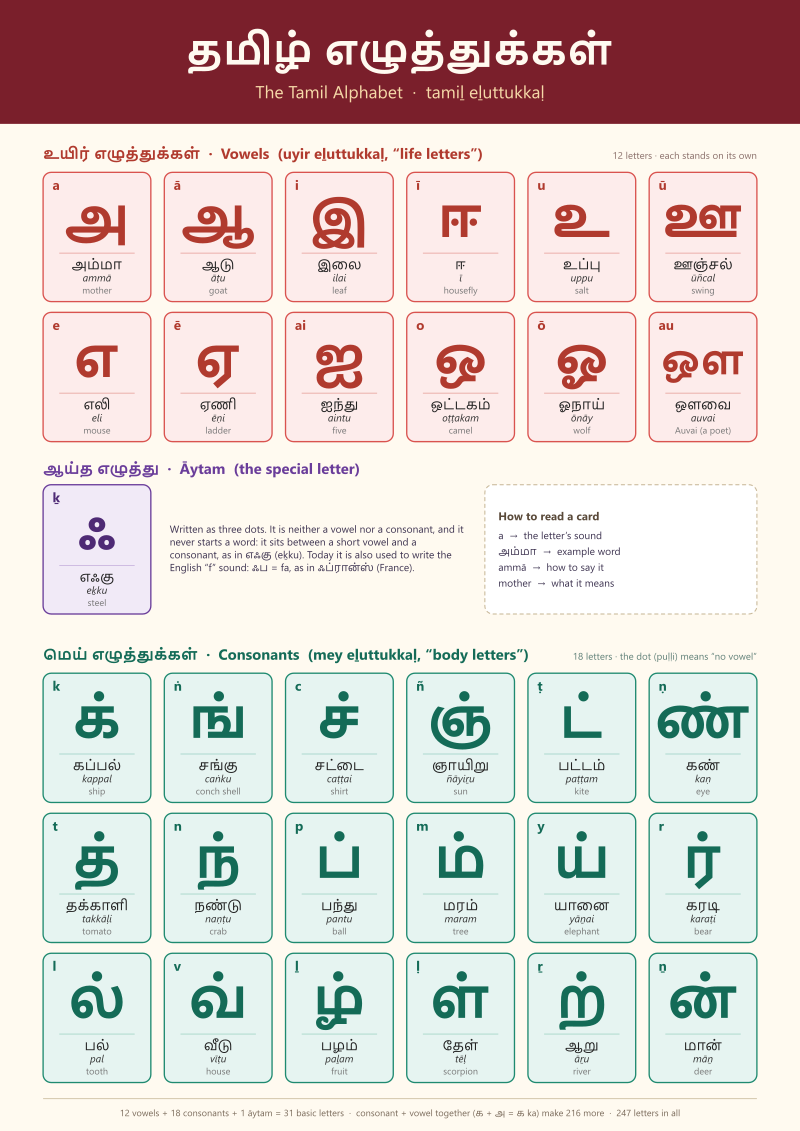 |
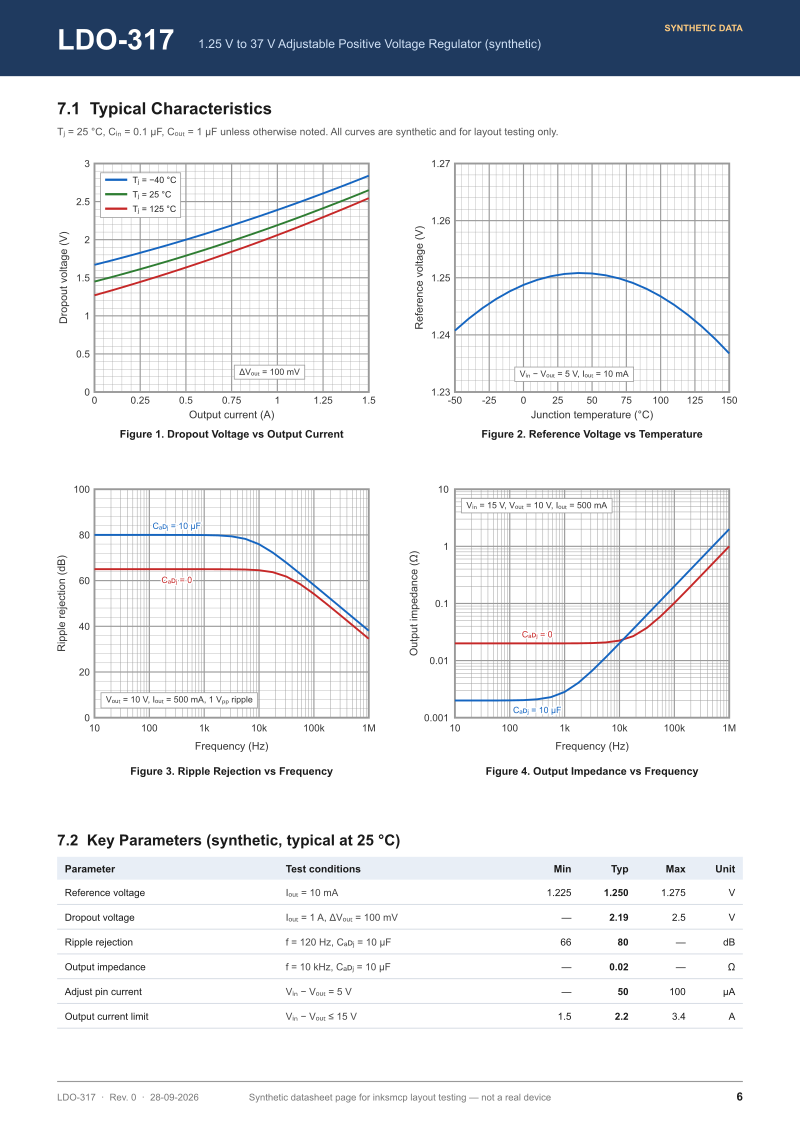
Made by Claude through inksmcp during field tests, in 13 to 41 tool calls each. The SVG was never edited by hand. The floor plan and the periodic table used a short script to prepare their data.
Why inksmcp
Asking a model to write SVG by hand works for an icon, but it breaks down on real layouts. The model can't measure text, keeps redoing coordinate arithmetic, and can't see what it drew. inksmcp takes that work off the model:
- Measured, not guessed. Bounding boxes come from Inkscape itself, text included, in the document's own units.
- Relationships instead of coordinates.
alignandlayoutarrange things.placekeeps a caption below a title's real glyphs.fit_tosizes a box around its content.connectdraws arrows that stay attached when things move. - Data-driven.
repeatstamps a template per data row (cards, timelines, legends, table rows, character poses).splitdivides a page into panels or cells. Large data comes from JSON or CSV files, so it doesn't pass through the conversation. - Works on existing files. It opens
.svg/.svgzdrawings from other tools.inspect findlocates elements by colour, type, text or symbol. Symbols can be placed from icon libraries. - Safe and checkable. Every tool is all-or-nothing. Editing responses warn about overlapping text,
and
render_previewshows the agent what it drew. - Real output. PNG, PDF (optionally with text as paths), plain SVG, EPS, EMF and more, rendered by Inkscape.
Quick start
-
Add the server to your MCP client. For Claude Code:
claude mcp add --scope user inkscape -- uvx inksmcp
For Claude Desktop, Cursor and others:
{ "mcpServers": { "inkscape": { "command": "uvx", "args": ["inksmcp"] } } }
-
Ask: "Using the inkscape tools, make an A5 flyer for a book swap on Saturday at 10:00 in the library garden, show me a preview, then export a PDF."
Details for each OS and client, and troubleshooting, are in getting started.
Tools
| Area | Tools |
|---|---|
| Documents | document_create, document_open, document_save, inspect (outline, real bboxes, find), inkscape_info |
| Elements | add_elements (rect, circle, ellipse, line, polyline, polygon, path, text, group, arrow, image, use), update_elements, delete_elements, import_file, repeat |
| Arrangement | align, layout, split, connect, z_order, move_to_layer, page_fit, page_resize |
| Charts | grid (linear/log graph paper and axes), plot (data series in data values) |
| Paths | path_operation (union, difference, intersection, combine, stroke to path, ...), run_actions (guarded raw Inkscape actions) |
| Output | render_preview (PNG back to the agent), export |
See the recipes for how they combine, and the tool reference for every parameter.
How it works
The document lives in the server as an lxml tree, which is the source of truth. Edits are applied
there directly. Anything that needs Inkscape (measuring, boolean operations, connectors, rendering,
export) goes to one persistent inkscape --shell process, so a call takes milliseconds instead of
the ~1 s it takes to start Inkscape. The architecture notes have
the details.
Status
inksmcp is beta (0.3). It has been through eleven field tests, in which agents used it for real tasks. The latest one edited files made in other tools. There are 160 tests, and they run against the real Inkscape.
Known limits:
- It is developed on Windows with Inkscape 1.4.4. CI also runs on Linux and macOS.
- The tool list costs about 9k tokens of context per session.
- Gradients and patterns can't be created as style keys yet. They can be applied through raw
stylewhen they already exist in the document. - SVG 1.2 flowed text can be moved but not edited.
The roadmap lists what's next.
Contributing
Bug reports, field reports ("I asked for X, here's what the agent struggled with") and pull requests
are welcome. See CONTRIBUTING.md. The project is built experiment-first: every
Inkscape behaviour it relies on is proven by a script in experiments/ and guarded by a test. The
development handbook explains the method.
License
MIT. Inkscape is a separate program under the GPL; inksmcp calls it as an external process.
1 maintainer

Metadata
1 maintainer
Release files for inksmcp 0.3.0
For a detailed explanation of source distributions (sdists) and built distributions (wheels), please see the package formats documentation.
Source distribution (sdist)
| File | Size | Uploaded | |
|---|---|---|---|
| inksmcp-0.3.0.tar.gz | 123.6 kB | Details |
Built distribution (wheel)
| File | Interpreter | ABI | Platform | Reset |
|---|---|---|---|---|
| inksmcp-0.3.0-py3-none-any.whl | Python 3 | none | any | Details |
Total release size: 209.6 kB
Release files / inksmcp-0.3.0.tar.gz
| Download URL | inksmcp-0.3.0.tar.gz |
|---|---|
| Size | 123.6 kB |
| Tags | Source |
|
SHA-256 checksum How to use checksums |
88219094d016e641a21b8a75e48acc14af66feed0920a0c81e5030d030de6ae5
|
|
BLAKE2b-256 checksum How to use checksums |
e8fedebd3a198474513ace4ce36f7a173a966ea603e306cf4a1eb1f4811fd712
|
| Upload date | |
|
Uploaded using Trusted Publishing? What is trusted publishing? |
Yes |
| Uploaded via |
twine/7.0.0 CPython/3.13.14
|
Provenance
Provenance describes where a file came from. On PyPI, provenance is shared via attestations, which provide a verifiable record of the build or publishing details. View details, limitations and caveats.


PyPI Publish Attestation
PyPI verified that this artifact, at this checksum, originated from the publisher listed below.
Signed by GitHub Actions, verified by PyPI on Oct 6, 2026.
Transparency logRelease files / inksmcp-0.3.0-py3-none-any.whl
| Download URL | inksmcp-0.3.0-py3-none-any.whl |
|---|---|
| Size | 85.9 kB |
| Tags | Python 3 |
|
SHA-256 checksum How to use checksums |
bb3f3d189b58ea7df279bb7808c2565913a5e33c60f985ffcf49c2cc0ca6b686
|
|
BLAKE2b-256 checksum How to use checksums |
0ac8b1049a8ff405f87b411760d26c097e8bc34358bb53f122875c44120504e5
|
| Upload date | |
|
Uploaded using Trusted Publishing? What is trusted publishing? |
Yes |
| Uploaded via |
twine/7.0.0 CPython/3.13.14
|
Provenance
Provenance describes where a file came from. On PyPI, provenance is shared via attestations, which provide a verifiable record of the build or publishing details. View details, limitations and caveats.
PyPI Publish Attestation
PyPI verified that this artifact, at this checksum, originated from the publisher listed below.
Signed by GitHub Actions, verified by PyPI on Oct 6, 2026.
Transparency log












