






IronPDF for Python
Create, convert, edit, and extract PDFs in Python.
IronPDF is a Python PDF library for creating and manipulating PDF documents, with a Chromium-based rendering engine for high-fidelity conversion of HTML, CSS, JavaScript, URLs, and images to PDF. Build PDF functionality for Windows, Linux, macOS, Docker, AWS, and Azure.

Documentation | Tutorials | Code Examples | API Reference | Licensing
Install IronPDF
pip install ironpdf
IronPDF downloads its remaining native dependencies the first time it runs.
Requirements:
- Python 3.7 or later
- The .NET 8.0 runtime (IronPDF tries to install it each time it is imported)
- Windows, Linux, or macOS, including Docker containers and cloud environments such as AWS and Azure
If the automatic install does not succeed, which is common on Linux and macOS, install the .NET 8.0 runtime yourself. See the installation guide for platform-specific requirements and dependencies.
Quick Start: HTML to PDF
from ironpdf import ChromePdfRenderer

renderer = ChromePdfRenderer()
pdf = renderer.RenderHtmlAsPdf("<h1>Hello from IronPDF</h1><p>Create PDFs from HTML in Python.</p>")
pdf.SaveAs("output.pdf")
IronPDF uses a Chromium-based rendering engine, so modern HTML5, CSS3, JavaScript, images, and web fonts render as they do in a current browser.
Convert a URL to PDF
from ironpdf import ChromePdfRenderer

renderer = ChromePdfRenderer()
pdf = renderer.RenderUrlAsPdf("https://ironpdf.com/python/")
pdf.SaveAs("website.pdf")
See more HTML to PDF examples, including JavaScript rendering and image to PDF conversion.
PDF Features
IronPDF provides 50+ features for creating, rendering, editing, securing, and extracting content from PDF documents.
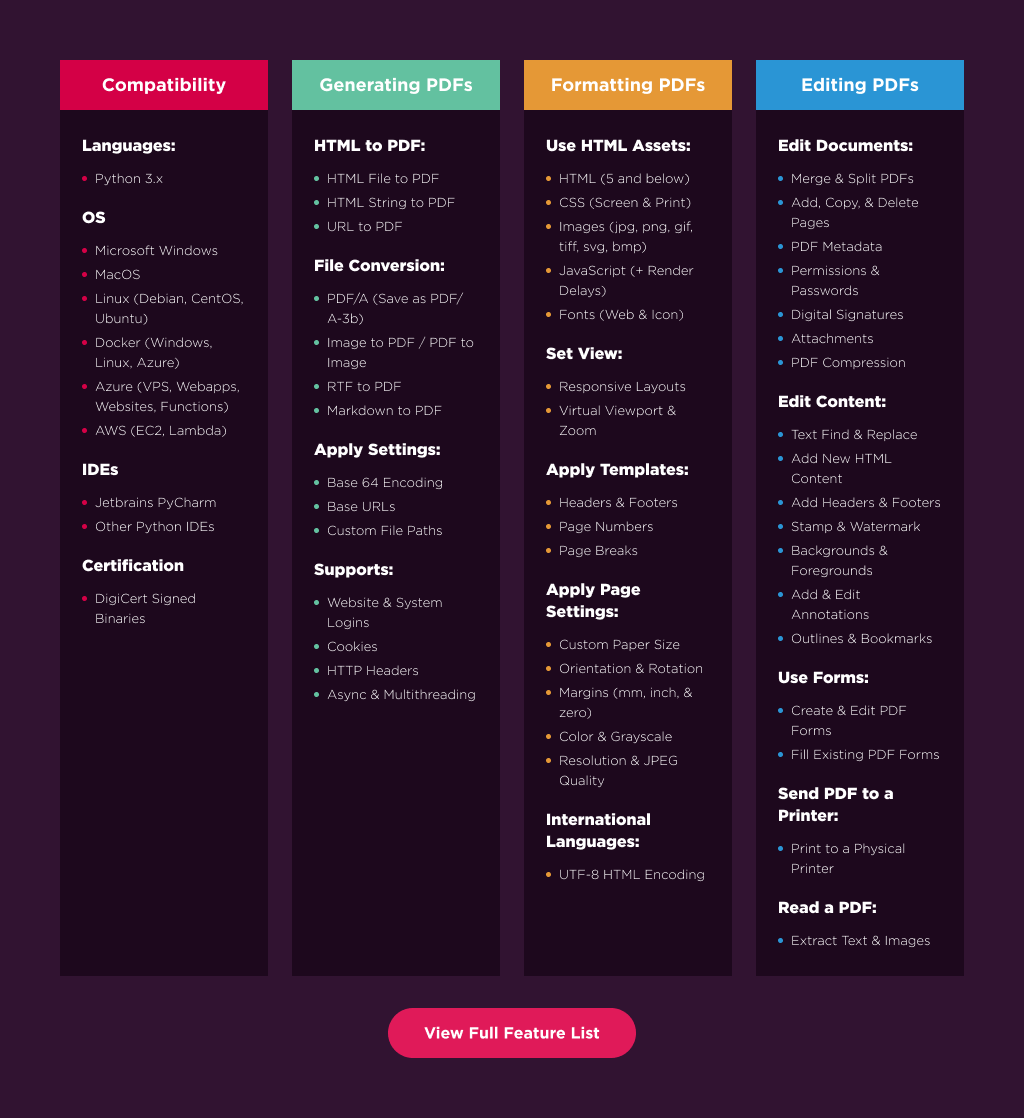
HTML to PDF | PDF Editing | Forms | Signatures | Security | Text & Image Extraction
Cross-Platform PDF Generation
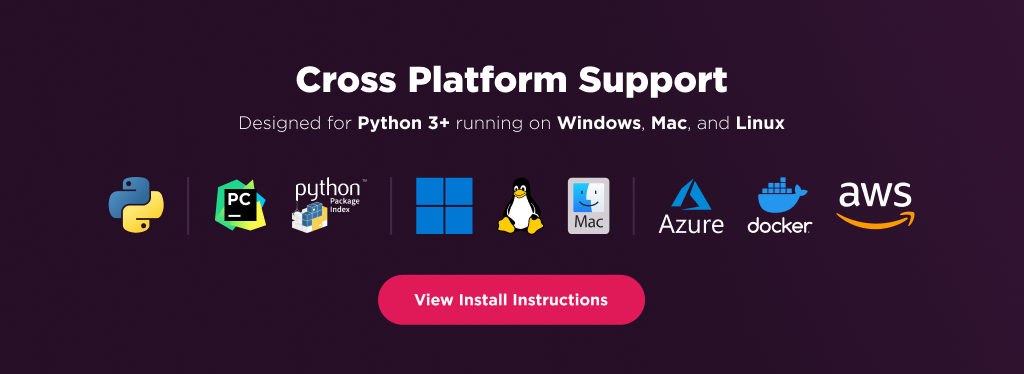
Deploy IronPDF applications across Windows, Linux, and macOS, including Docker containers and cloud environments such as AWS and Azure.
More PDF Examples
- Merge and split PDF documents
- Add headers and footers and watermarks
- Extract text and extract images from PDFs
- Create and fill PDF forms
- Apply passwords, permissions, and security settings
- Digitally sign PDF documents
- Convert images to PDF
- Render asynchronously for high-volume workloads
Licensing
IronPDF is a commercially licensed product.
- Trial License: Get a free developer key to evaluate the full library with no commitment. For development and testing. Start your trial HERE.
- Purchase a License: Unlock the library for use in commercial projects and access technical support. Purchase your license HERE.
Documentation & Support
For support and inquiries, email support@ironsoftware.com.
2 maintainers


Metadata
2 maintainers
Release files for IronPdf 2026.11.0.1
For a detailed explanation of source distributions (sdists) and built distributions (wheels), please see the package formats documentation.
Built distribution (wheel)
| File | Interpreter | ABI | Platform | Actions Reset |
|---|---|---|---|---|
| ironpdf-2026.11.0.1-py37-none-any.whl | Python 3.7 | none | any | Details for ironpdf-2026.11.0.1-py37-none-any.whl |
Release files / ironpdf-2026.11.0.1-py37-none-any.whl
| Download URL | ironpdf-2026.11.0.1-py37-none-any.whl |
|---|---|
| Size | 12.7 MB |
| Tags | Python 3.7 |
|
SHA-256 checksum How to use checksums |
6db020c603f27fe531b19c0e3a74e478c4dd170fe4989c324758f78a94a89725
|
|
BLAKE2b-256 checksum How to use checksums |
7e9e8ad1e17c8a5dbd2986be24feeb57bdb88b973f047248d521400346e39b45
|
| Upload date | |
|
Uploaded using Trusted Publishing? What is trusted publishing? |
No |
| Uploaded via |
twine/6.2.0 CPython/3.13.14
|
Security for IronPdf 2026.11.0.1
Provenance
Provenance describes where a file came from. On PyPI, provenance is shared via attestations, which provide a verifiable record of the build or publishing details. View details, limitations and caveats.
No provenance found
None of the files in this release were uploaded with provenance metadata.
A note on package security
PyPI is a repository for distributing packages, not a service for auditing them. While third-party security researchers and our staff do their best to detect and remove malicious packages, PyPI cannot guarantee the quality, security or suitability of any given package.
To learn more about protecting yourself from malicious actors, visit our package security documentation.














