
A module to easily generate animations of the Ising Model

Project description
ising_animate
A Python Package to easily generate animations of the Ising Model using the metropolis algorithm, the most commonly used Markov Chain Monte Carlo method to calculate estimations for this system.
Installation
Be sure to hav Python 3.6 or newer installed on your machine. Then you can simply use pip to install the package and its dependencies.
pip install ising_animate
Usage
Command Line Tool
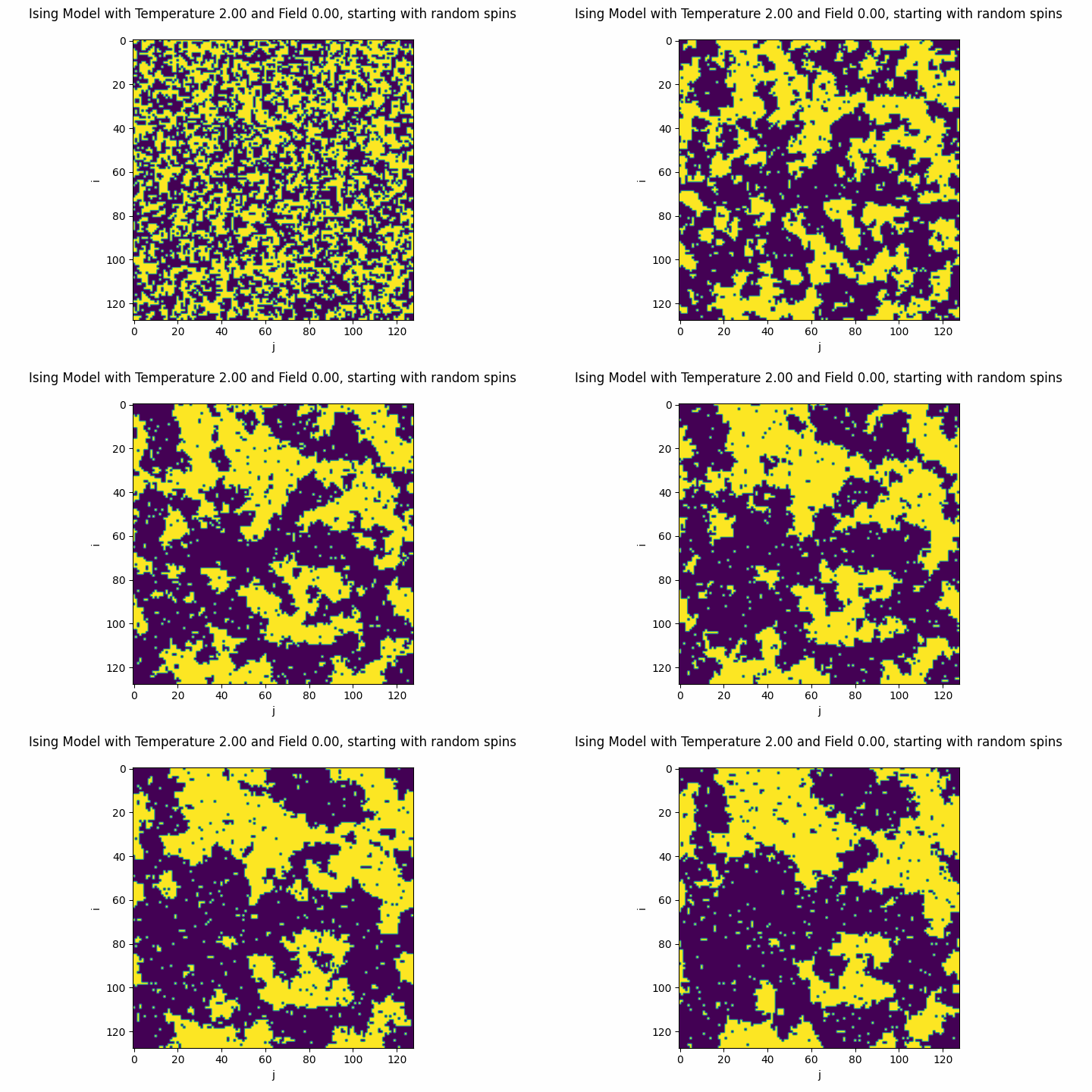
This package can be used as a command line tool to generate the desired animations. For instance, the animation above was created using the command
python -m ising_animate
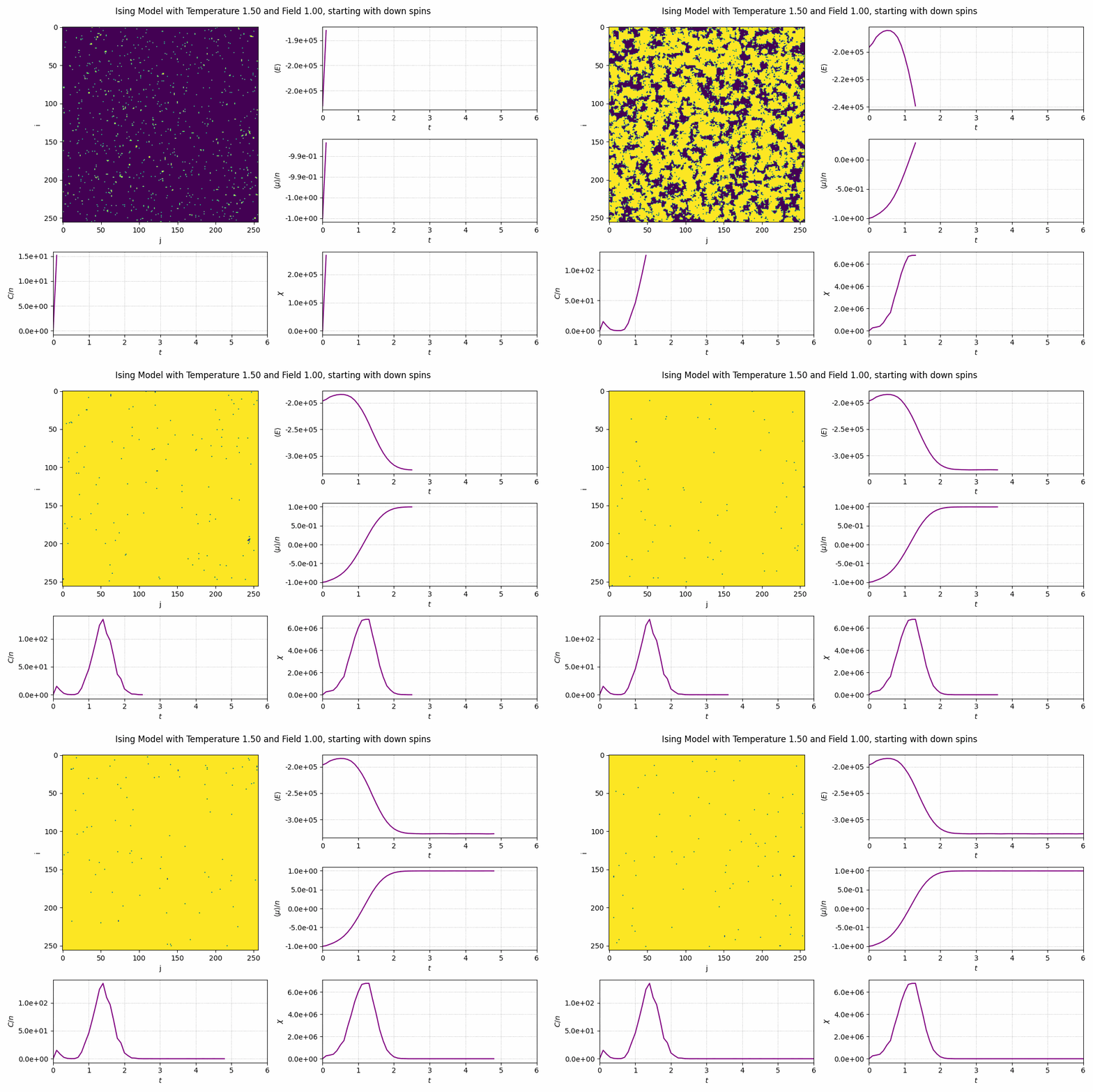
You can specify the desired size, initial state, temperature or field using some command line options. For example, the command
python -m ising_animate --size 256 --temp 1.5 --field 1.0 --init-state "down" --time-series
yields
For a full description of all the available options, type in python -m ising_animate --help.
Import
When imported, there are four classes of objects that can be used to create custom animations:
- Ising: just the core implementation of the Ising Model, no animation;
- AnimatedIsing: an animation of the Ising Model with both temperature and external magnetic field held at fixed values;
- CoolingAnimatedIsing: an animation of the Ising Model with the temperature droping (or raising) exponentially to a target value, at a given rate;
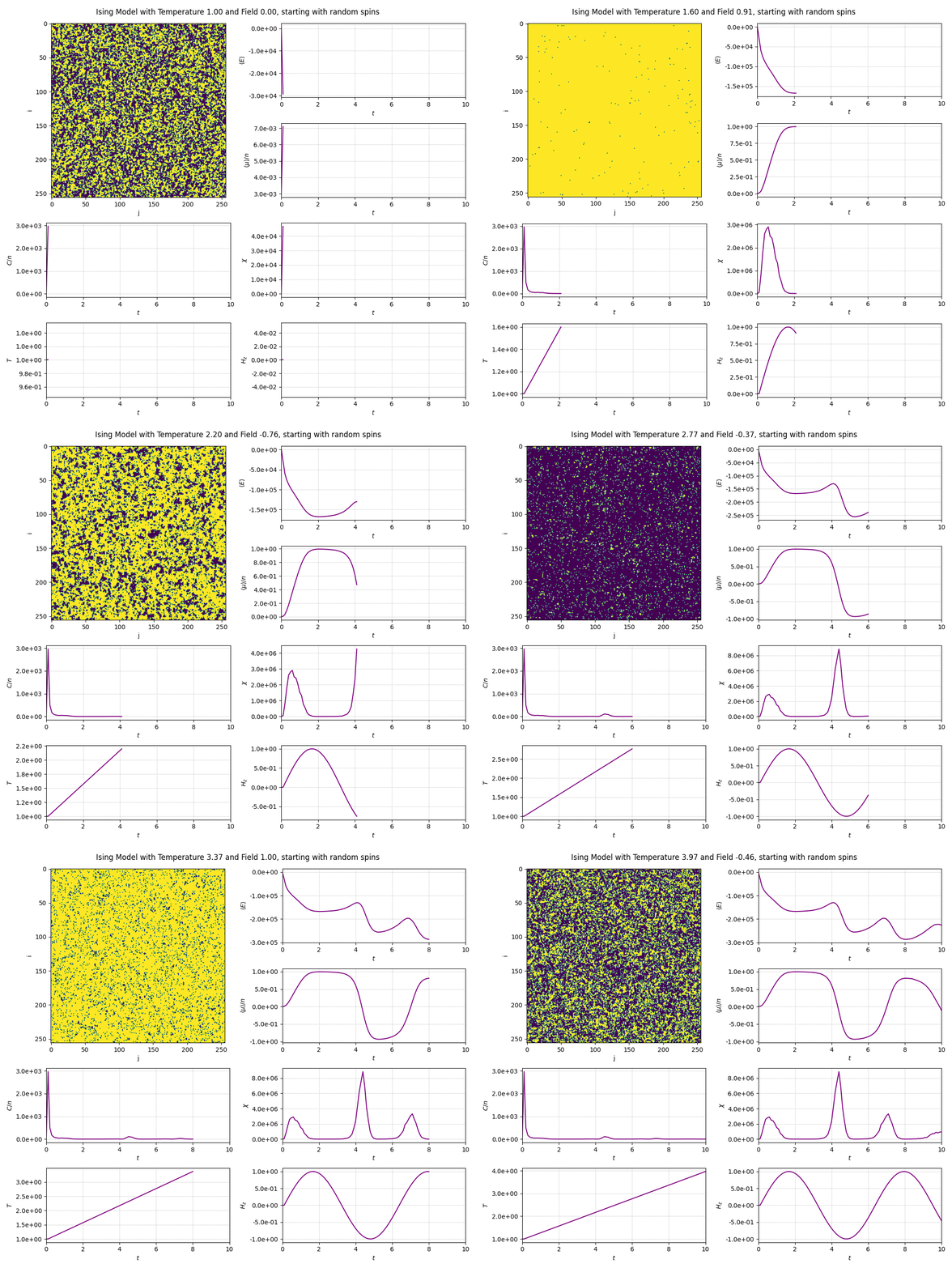
- DynamicAnimatedIsing: an animation of the Ising Model with temperature and external magnetic field both described by given functions of time.
The usage of all of them are very similar. You just have to create an instance with the desired arguments...
from ising_animate import DynamicAnimatedIsing
from math import sin

frames = 100

dynamic = DynamicAnimatedIsing(
    shape=(256, 256),                # the shape of the lattice
    temp=lambda t: 1.0 + 0.3 * t,    # temperature as a function of time
    field=lambda t: sin(t),          # external magnetic field as a function of time
    time_series=True,                # plot evolution of physical quantities over time
    interval=100,                    # interval of each frame
    frames=frames,                      # amount of frames in the animation
)
and the animation itself is now given by a matplotlib FuncAnimation
object stored at dynamic.animation. This object has a save
method of which the most important arguments is the output filename and the fps of the animation. The fps can be chosen as you wish,
but the natural value is 1000 (the amount of milliseconds in one second) divided by the interval of each frame. So, in that case, fps is 10.
dynamic.animation.save("outfile.gif", fps=10)
import progressbar

with progressbar.ProgressBar(max_value=100) as bar:
    dynamic.animation.save(
        "outfile.gif",
        fps=10,
        progress_callback=lambda i, n: bar.update(i),
    )
To install progressbar2, use the following command in a terminal.
pip install progressbar2
To view a full description of each class, take a look at the full documentation.
Release history Release notifications | RSS feed


Download files
Download the file for your platform. If you're not sure which to choose, learn more about installing packages.
Source Distribution
Built Distribution
Filter files by name, interpreter, ABI, and platform.
If you're not sure about the file name format, learn more about wheel file names.
Copy a direct link to the current filters
File details
Details for the file ising_animate-0.0.1.tar.gz.
File metadata
- Download URL: ising_animate-0.0.1.tar.gz
- Upload date:
- Size: 13.6 kB
- Tags: Source
- Uploaded using Trusted Publishing? No
- Uploaded via: twine/3.4.2 importlib_metadata/4.8.1 pkginfo/1.7.1 requests/2.26.0 requests-toolbelt/0.9.1 tqdm/4.62.3 CPython/3.8.10
File hashes
| Algorithm | Hash digest | |
|---|---|---|
| SHA256 |
9356fb81e287265a5ee0c2ddb7a68c65296decf4add62c122723674df576ac4d
|
|
| MD5 |
7e06ed587d3f9c0f827790f602457ed2
|
|
| BLAKE2b-256 |
04579c4cba49ea52c65eddd7571d813d6aa423e9fb9bc11a3c0e9049ac9f13c3
|
File details
Details for the file ising_animate-0.0.1-py3-none-any.whl.
File metadata
- Download URL: ising_animate-0.0.1-py3-none-any.whl
- Upload date:
- Size: 14.0 kB
- Tags: Python 3
- Uploaded using Trusted Publishing? No
- Uploaded via: twine/3.4.2 importlib_metadata/4.8.1 pkginfo/1.7.1 requests/2.26.0 requests-toolbelt/0.9.1 tqdm/4.62.3 CPython/3.8.10
File hashes
| Algorithm | Hash digest | |
|---|---|---|
| SHA256 |
4db80f2e69c531c7b1f90570333a850c9952671531dd4f3b80861626339231e9
|
|
| MD5 |
54e8709658170ae10886930133220d53
|
|
| BLAKE2b-256 |
231ba702ca2e399ff080e47e0f2b2217810c769cd209d00a8f106ca9feaa08c4
|






