
iTE

iTE is a production-ready AI coding agent for serious terminal work: it understands your codebase, executes real changes, and keeps you in control. Learn more at ite.kiishi.space.
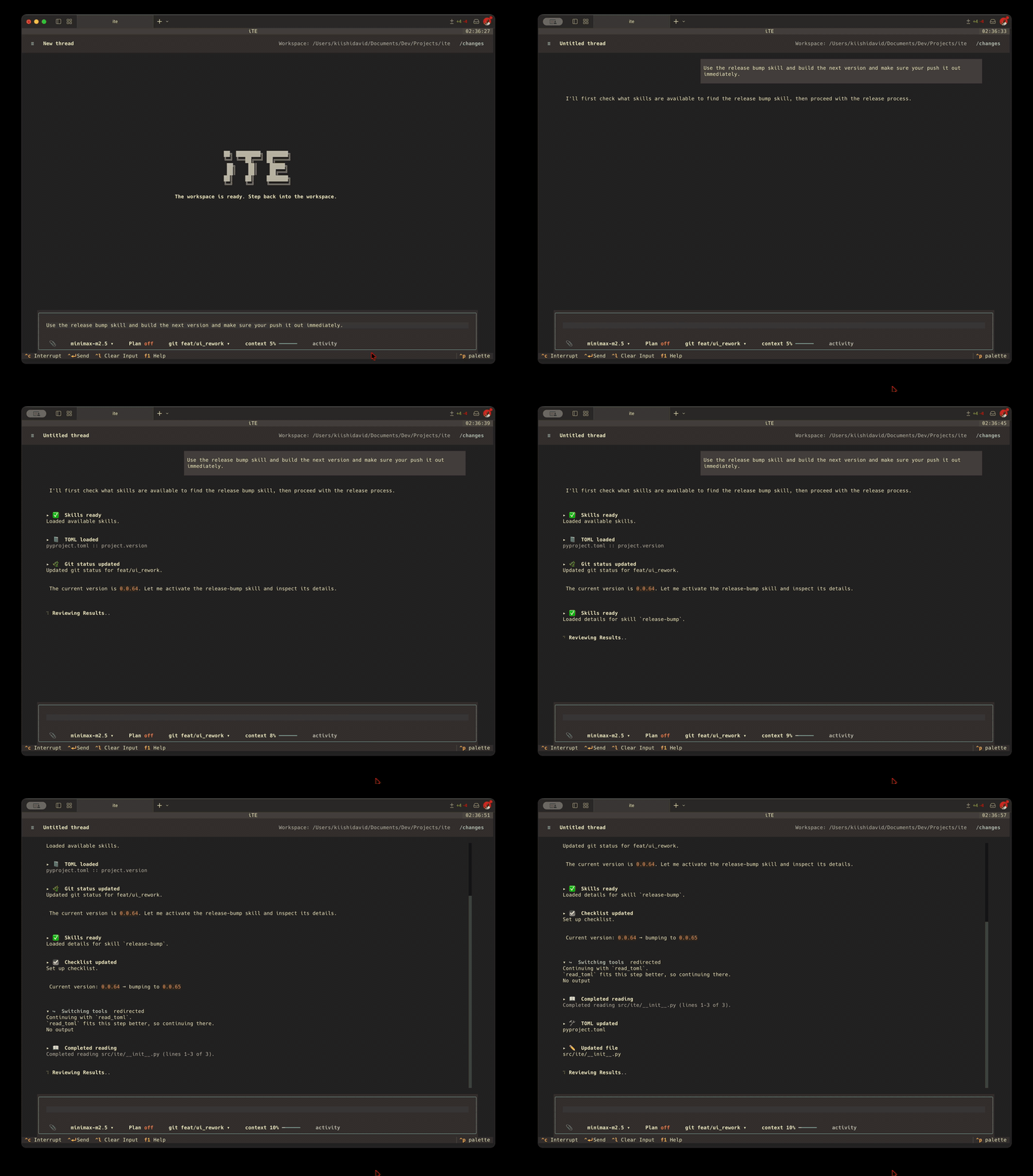
Install
macOS / Linux
curl -fsSL https://ite.kiishi.space/install.sh | bash
Windows (PowerShell)
irm https://ite.kiishi.space/install.ps1 | iex
The installer detects your OS and architecture, downloads the latest standalone iTE binary, verifies its checksum, and adds ite to your PATH. No dependencies required.
Supported targets: darwin-arm64, darwin-x64, linux-x64, win32-x64.
Installer source: macOS / Linux and Windows PowerShell.
Verifying Integrity
The installer automatically verifies the SHA-256 checksum of every downloaded archive against the release manifest.
Python Package
If you prefer installing the Python package:
pipx install ite-agent          # isolated environment
uv tool install ite-agent        # via uv
pip install ite-agent            # global pip
Build From Source
Requires Python 3.11 or newer.
git clone https://github.com/ThatSaxyDev/ite.git
cd ite
python -m venv .venv
# macOS / Linux:
source .venv/bin/activate
# Windows PowerShell: .venv\Scripts\Activate.ps1
python -m pip install -e ".[dev]"
ite
Model access requires a configured provider or iTE Cloud service; provider fees and cloud subscriptions are separate from the runtime's license.
License and Cloud Services
The iTE terminal runtime in this repository is open source under the MIT License. You may use, modify, and redistribute it, including commercially, subject to the license's notice requirements.
iTE Cloud, including its hosted web application and backend API, is proprietary and offered separately through paid subscriptions. The runtime's MIT license does not grant access to those services or license their private source code. Third-party dependencies and bundled third-party materials retain their own licenses.
Documentation
- iTE Docs
- Learning mode (experimental) — use
/learn onto write the code yourself while iTE guides and reviews.
1 maintainer

Metadata
1 maintainer
Release files for ite-agent 0.2.34
For a detailed explanation of source distributions (sdists) and built distributions (wheels), please see the package formats documentation.
Source distribution (sdist)
| File | Size | Uploaded | |
|---|---|---|---|
| ite_agent-0.2.34.tar.gz | 2.1 MB | Details |
Built distribution (wheel)
| File | Interpreter | ABI | Platform | Reset |
|---|---|---|---|---|
| ite_agent-0.2.34-py3-none-any.whl | Python 3 | none | any | Details |
Total release size: 3.7 MB
Release files / ite_agent-0.2.34.tar.gz
| Download URL | ite_agent-0.2.34.tar.gz |
|---|---|
| Size | 2.1 MB |
| Tags | Source |
|
SHA-256 checksum How to use checksums |
64e05131b3c82eadea68c560701d7e3b37f93ce35a4c364ab2032bd0c47466a6
|
|
BLAKE2b-256 checksum How to use checksums |
1511dba733aa765929243f16f522ee6adfdeee7894a049df1938978f0f32b117
|
| Upload date | |
|
Uploaded using Trusted Publishing? What is trusted publishing? |
No |
| Uploaded via |
twine/7.0.0 CPython/3.11.15
|
Release files / ite_agent-0.2.34-py3-none-any.whl
| Download URL | ite_agent-0.2.34-py3-none-any.whl |
|---|---|
| Size | 1.5 MB |
| Tags | Python 3 |
|
SHA-256 checksum How to use checksums |
bb43b63104851a11d2d43445cc1eae2840ad7fb5e65425ab35d0ab2ef1cbf3f1
|
|
BLAKE2b-256 checksum How to use checksums |
2c3f28d83fc6be7fc0c654946202366654f598bde3d89b41a2b284c86e1098c3
|
| Upload date | |
|
Uploaded using Trusted Publishing? What is trusted publishing? |
No |
| Uploaded via |
twine/7.0.0 CPython/3.11.15
|














