
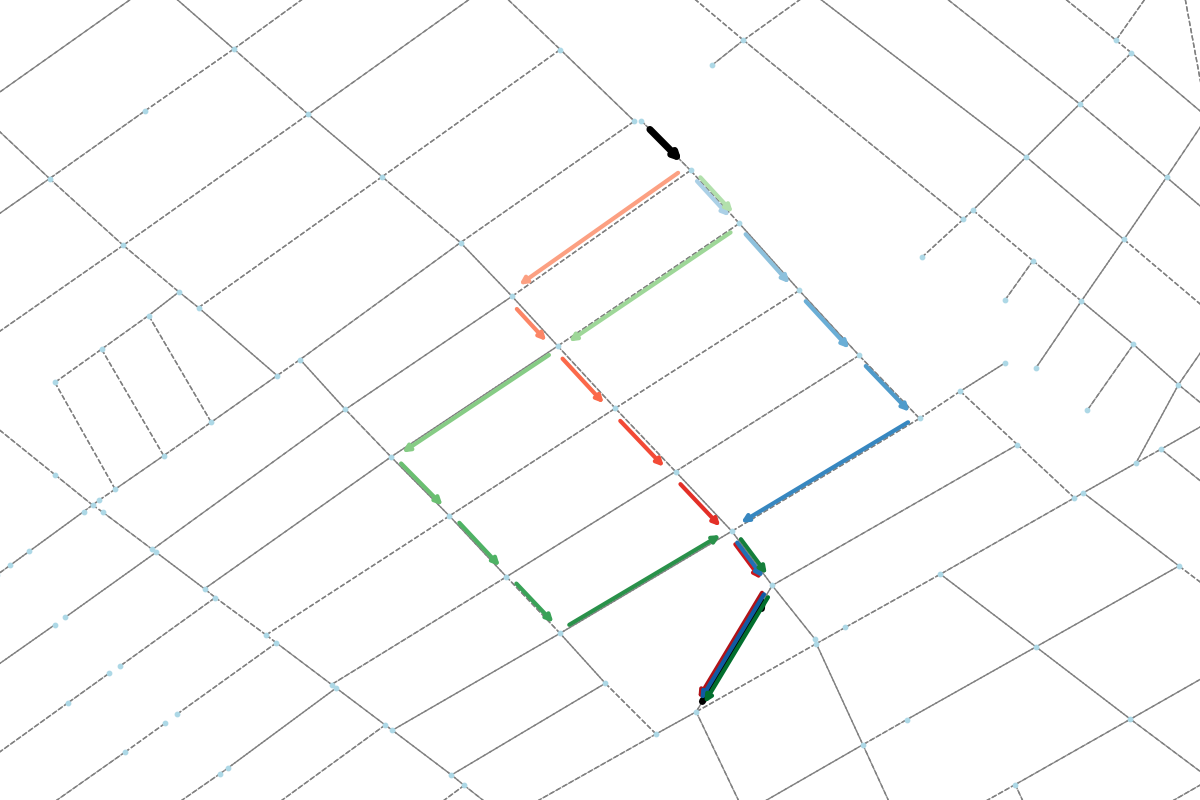
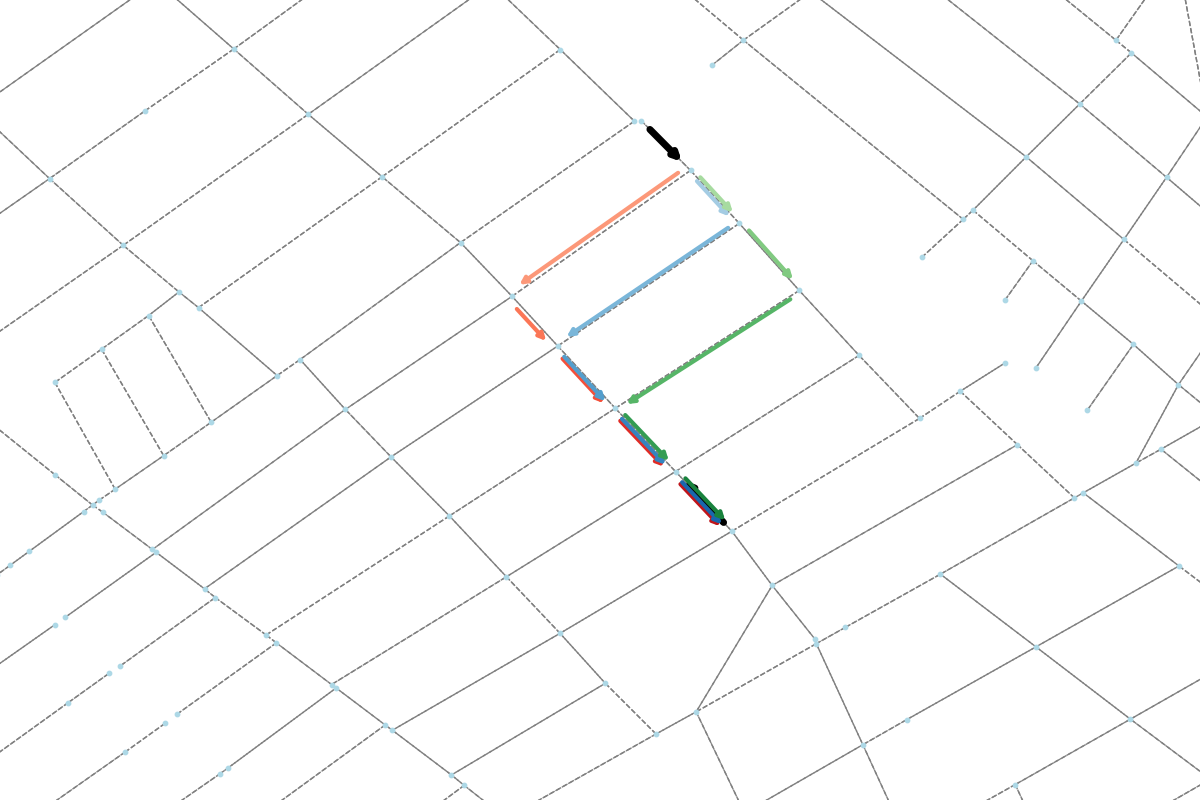
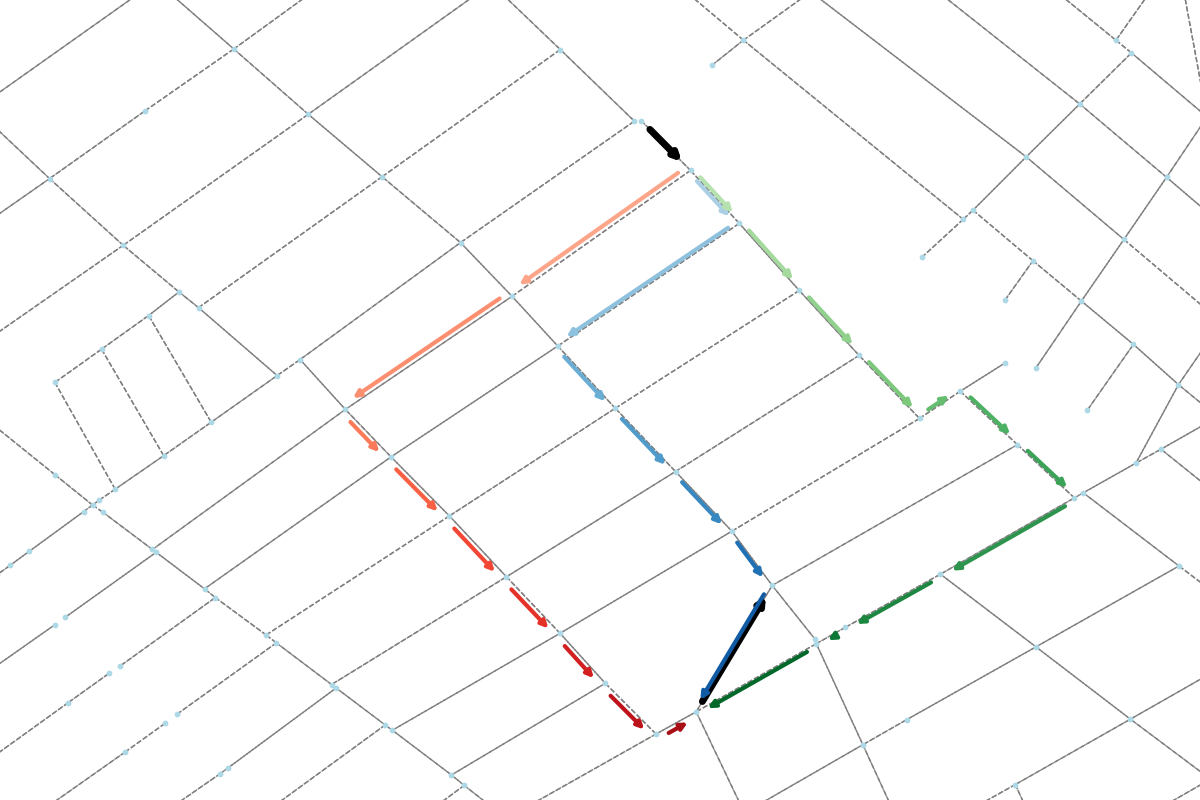
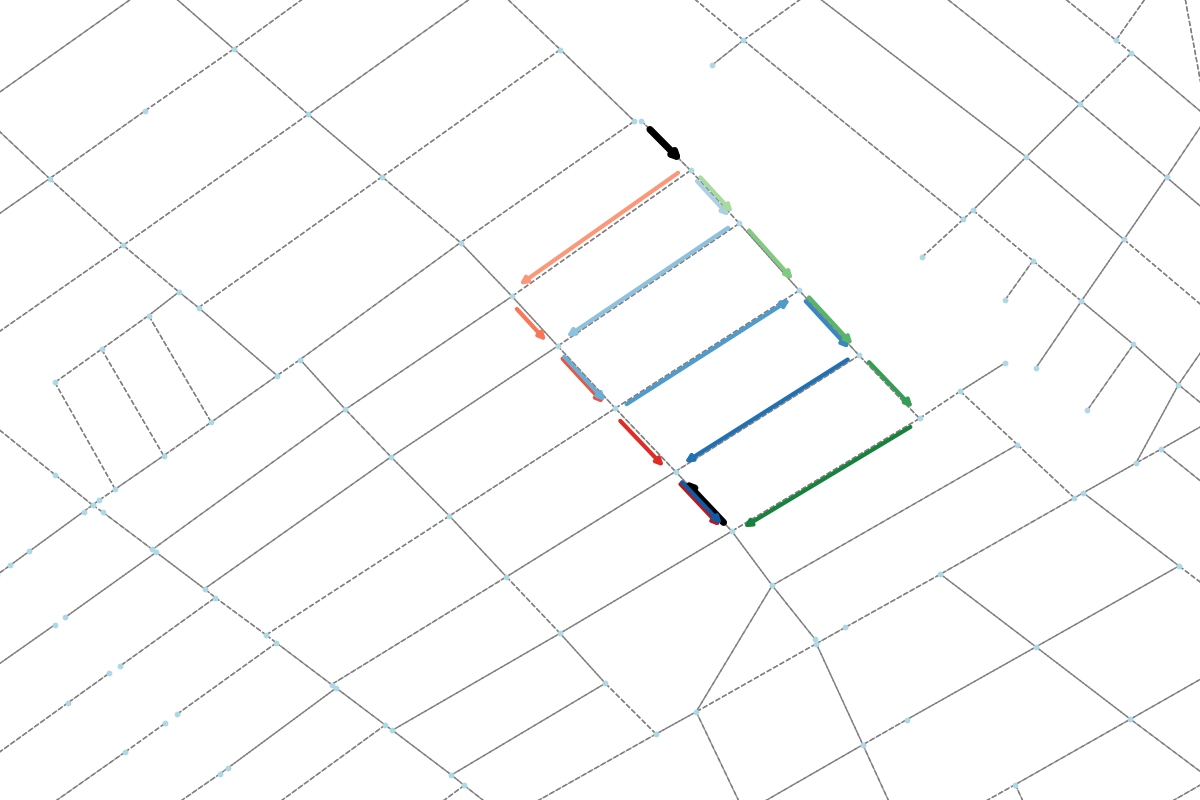
A robust yet simple tool for generating a set of path options in directed graphs. It is designed for efficient routing or creating path options for custom requirements in transportation networks.

Project description




Welcome to JanuX. Routing starts here.

Janus, the Roman god of beginnings, transitions and duality, is known for his two faces. In Roman mythology, he symbolizes direction, beginnings, ends and contrasts.
JanuX is not a Roman god, but it is a robust yet simple tool for generating a set of path options in directed NetworkX graphs. It is designed for efficient routing or creating path options for custom requirements.
Installation
JanuX works with Python 3.6+.
- Install from PyPI:
pip install janux
- Or install from source:
git clone https://github.com/COeXISTENCE-PROJECT/JanuX.git
cd JanuX
pip install -r requirements.txt
pip install -e .
Repository Layout
JanuX/
|-- janux/
|   |-- graph_builders/            build directed graphs from SUMO network files
|   |-- path_generators/           path generators, wrappers, and helper utilities
|   |-- visualizers/               plotting and animation tools
|   |-- utils.py                   shared helpers
|-- examples/
|   |-- network_files/             sample SUMO networks and OD data for Cologne, Csomor, and Ingolstadt
|   |-- path_generation_examples/  runnable path-generation scripts
|   |-- visualization_examples/    runnable plotting and animation scripts
|-- graphics/                      docs assets
|-- pyproject.toml                 package metadata and build configuration
|-- requirements.txt               dependency list for source installs
|-- CITATION.cff                   citation metadata
|-- LICENSE.txt                    MIT license
|-- README.md                      project overview, installation, and usage notes
Path Generators
The janux/path_generators package includes four route-generation strategies:
| Generator | Best for | What it adds |
|---|---|---|
basic_generator |
getting started with candidate route sampling | logit-style probabilistic path generation |
extended_generator |
adding more control to sampled routes | loop handling, path-length limits, and adaptive parameter shifting |
heuristic_generator |
choosing route sets with custom criteria | scores sampled route sets with user-defined heuristics and weights |
clustering_generator |
building structurally distinct alternatives | avoids repeated road segments and junction revisits, and can favor less similar routes |
All generators share a similar interface and can return either raw route sets or DataFrame outputs, with optional free-flow travel times.
Usage
Here is a minimal example using extended_generator:
import janux as jx

network = jx.build_digraph(
    "path/to/network.con.xml",
    "path/to/network.edg.xml",
    "path/to/network.rou.xml",
)

origins = ["origin_edge_id"]
destinations = ["destination_edge_id"]

routes = jx.extended_generator(
    network,
    origins,
    destinations,
    as_df=True,
    calc_free_flow=True,
    number_of_paths=3,
    num_samples=300,
    beta=-3,
    adaptive=True,
)

print(routes[["origins", "destinations", "path"]].head())
This returns a pandas DataFrame with origins, destinations, path, and optionally free_flow_time. Set as_df=False if you prefer the raw route dictionary instead. For a fuller runnable example using the bundled sample networks, see extended_example.py.
Examples
Two small scripts are a good starting point:
Path generation:
python examples/path_generation_examples/basic_example.py
- Builds a sample network, generates multiple candidate paths for each origin-destination pair, saves the routes as CSV, and can also write route plots to
examples/figures/.
Visualization:
python examples/visualization_examples/single_route_visualization.py
- Draws one route on top of a sample network and saves the figure to
examples/figures/.
Both scripts use the sample files in examples/network_files/, so they should run directly after installing the package.
Gallery
 |
 |
|---|---|
 |
 |
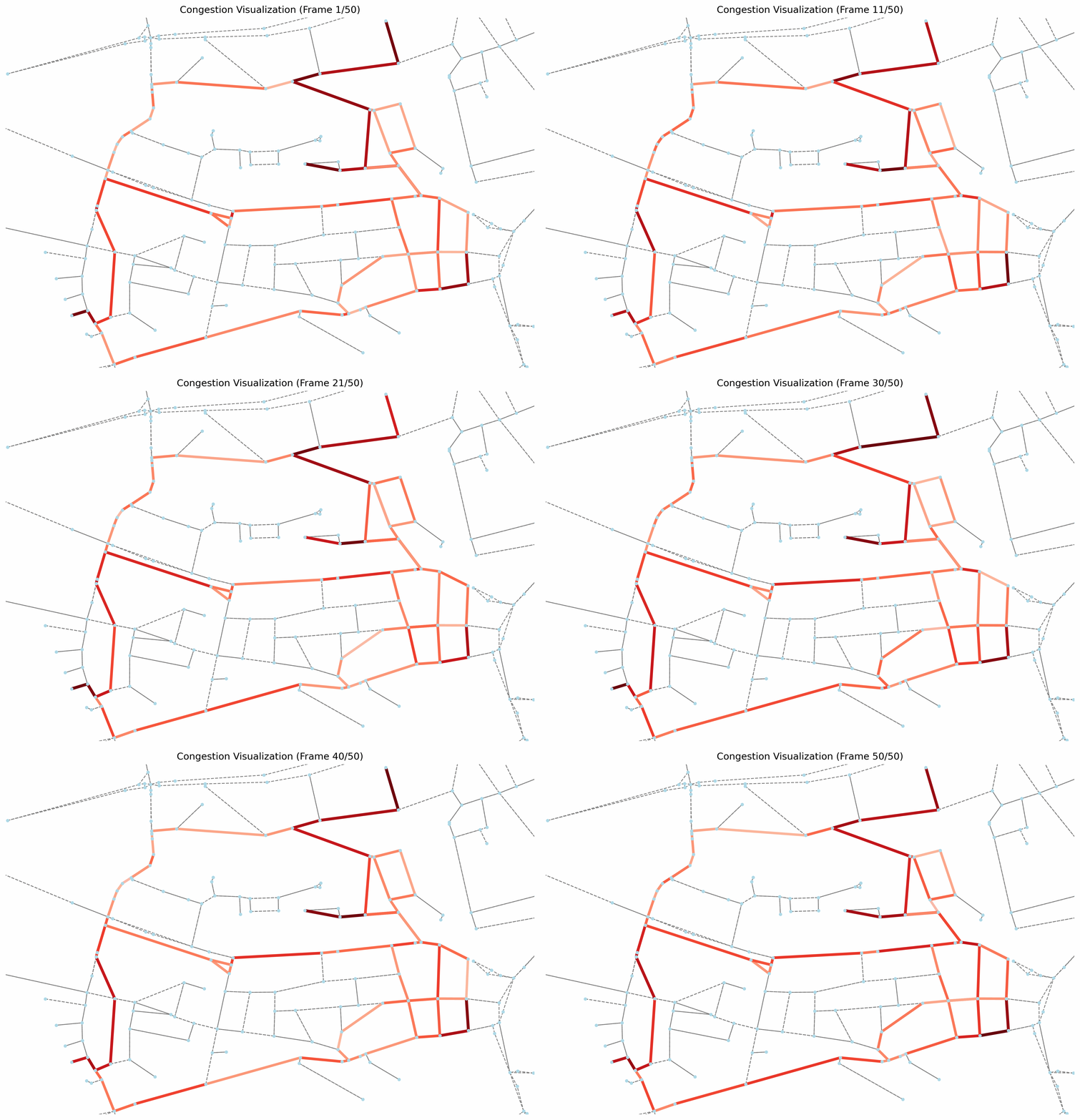
JanuX appears in


JanuX supports RouteRL and URB, with accompanying papers in SoftwareX and NeurIPS.
Citation
If you use this repository, please cite it using the following BibTeX:
@software{JanuX,
  author = {Akman, Ahmet Onur and Torbus, Błażej},
  title = {{JanuX}},
  doi = {https://doi.org/10.5281/zenodo.17422816},
  url = {https://github.com/COeXISTENCE-PROJECT/JanuX},
  version = {1.1.0},
  month = may,
  year = {2026}
}


Download files
Download the file for your platform. If you're not sure which to choose, learn more about installing packages.
Source Distribution
Built Distribution
Filter files by name, interpreter, ABI, and platform.
If you're not sure about the file name format, learn more about wheel file names.
Copy a direct link to the current filters
File details
Details for the file janux-1.1.0.tar.gz.
File metadata
- Download URL: janux-1.1.0.tar.gz
- Upload date:
- Size: 27.6 kB
- Tags: Source
- Uploaded using Trusted Publishing? No
- Uploaded via: twine/6.2.0 CPython/3.9.6
File hashes
| Algorithm | Hash digest | |
|---|---|---|
| SHA256 |
780684b6254be262f4f552e7eabf4785be67c960324f2f8e1b93cdafa40f2f66
|
|
| MD5 |
9b01bb83e06b71979854f7212494d1fa
|
|
| BLAKE2b-256 |
ec72bb73da5da215a59cd4959993cc3fe151874d0341852616643379fc510a90
|
File details
Details for the file janux-1.1.0-py3-none-any.whl.
File metadata
- Download URL: janux-1.1.0-py3-none-any.whl
- Upload date:
- Size: 36.9 kB
- Tags: Python 3
- Uploaded using Trusted Publishing? No
- Uploaded via: twine/6.2.0 CPython/3.9.6
File hashes
| Algorithm | Hash digest | |
|---|---|---|
| SHA256 |
764af924bbd064c0542eee80de0bdf22a03a7134218dbb14d2780ae3e86c5923
|
|
| MD5 |
0fc213ce13162ef9697c375129d12c11
|
|
| BLAKE2b-256 |
a6689d2df91b82f139d5fb63bda401018add06b025dfc31287cda50c8cd64d00
|






