







📋 Contents
- Purpose
- Need for scraping satellite data
- Installation and Usages
- Some of the example images downloaded at different scales
- YouTube video
- Sample of the images downloaded
- Perks
- Additional Note
- TODOs
- Contribution
- LICENSE
- BibTeX and citations
🔁 Purpose
This package collects data from satellites.pro. It fetches all the tiles (image and road mask pair) as given by the parameters provided by the user. This uses an API-key generated at the time of browsing the map. There are some future plans for this project, check TODO to see what this will support in the future.
The api accessKey token is automatically fetched if you have Google Chrome or Chromium installed using chromedriver-autoinstaller. Otherwise, you'll have to fetch it manually and set the ac_key parameter (which can be found out by selecting one tile from Apple Map, through chrome/firefox by going Developer->Network, looking at the assets, and finding the part of the link beginning with &accessKey= until the next &) every 10-15 mins.
💡 Need for scraping satellite data
Well it's good (best in the world) satellite images, we just need to give the coordinates (Lat,Lon, and zoom) to get your dataset of high resolution satellite images! Create your own dataset and apply ML algorithms :')
The scraping API is present, call it and download it.
🛠 Installation and Usages
sudo pip3 install jimutmap

# Install google chrome for chrome driver
wget https://dl.google.com/linux/direct/google-chrome-stable_current_amd64.deb
sudo apt install ./google-chrome-stable_current_amd64.deb

# optional for viewing the temporary files generated by internal databases
sudo apt-get install sqlite sqlitebrowser
Needs to have google chrome web browser in the system.
For example usage, check test.py
Sorry, 5 -- threads unavailable, using maximum CPU threads : 4
Initializing jimutmap ... Please wait...
Sorry, 50 -- threads unavailable, using maximum CPU threads : 4
Initializing jimutmap ... Please wait...
100%|██████████████████████████████████████████████| 20/20 [00:00<00:00, 113.67it/s]
Sorry, 50 -- threads unavailable, using maximum CPU threads : 4
Initializing jimutmap ... Please wait...
100%|██████████████████████████████████████████████| 20/20 [00:00<00:00, 722.10it/s]
Total satellite images to be downloaded =  210
Total roads tiles to be downloaded =  210
Approx. estimated disk space required = 4.1015625 MB
Total number of satellite images needed to be downloaded =  210
Total number of satellite images needed to be downloaded =  210
Batch =============================================================================  1
===================================================================================
Sorry, 50 -- threads unavailable, using maximum CPU threads : 4
Downloading all the satellite tiles:
Updating sanity db ...
100%|████████████████████████████████████████████| 27/27 [00:00<00:00, 13291.81it/s]
Total number of satellite images needed to be downloaded =  197
Total number of satellite images needed to be downloaded =  196
Downloading speed == 0.09333877563476563 MiB/s
Waiting for 15 seconds... Busy downloading
Downloading speed == 0.11976458231608073 MiB/s
Waiting for 15 seconds... Busy downloading
Downloading speed == 0.01717344919840495 MiB/s
Waiting for 15 seconds... Busy downloading
Batch =============================================================================  2
===================================================================================
Downloading all the satellite tiles:
Updating sanity db ...
100%|██████████████████████████████████████████| 420/420 [00:00<00:00, 99921.03it/s]
Total number of satellite images needed to be downloaded =  0
Total number of satellite images needed to be downloaded =  0
************************* Download Sucessful *************************
Cleaning up... hold on
Updating sticher db ...
100%|██████████████████████████████████████████| 420/420 [00:00<00:00, 24357.17it/s]
Total number of satellite images needed to be downloaded =  0
Total number of satellite images needed to be downloaded =  0
Calculating bounding boxes for tiles ::
Total number of rows present in the database=  210
100%|█████████████████████████████████████████| 210/210 [00:00<00:00, 528693.78it/s]
Min lat tile = 390842, Max lat tile = 390855, Min lon tile = 228264, Max lon tile = 228278
No. of tiles in latitude = 13, and longitude = 14
Creating an image of size : 3328x3584 pixels ...
100%|███████████████████████████████████████████████| 13/13 [00:00<00:00, 28.89it/s]
100%|███████████████████████████████████████████████| 13/13 [00:00<00:00, 42.02it/s]
Temporary sqlite files to be deleted = ['temp_sanity.sqlite', 'sticher.sqlite'] ?
(y/N) : y
Temporary chromedriver folders to be deleted = ['100'] ?
(y/N) : y
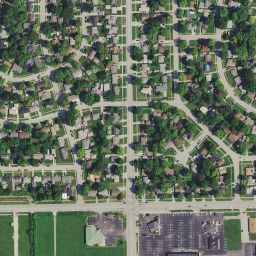
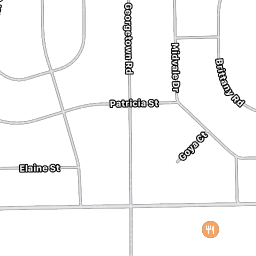
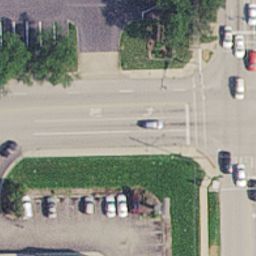
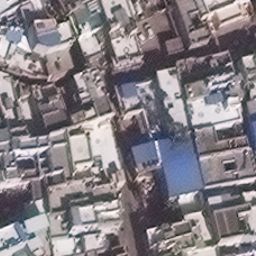
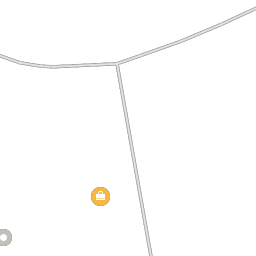
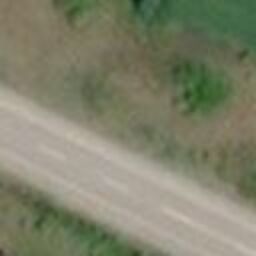
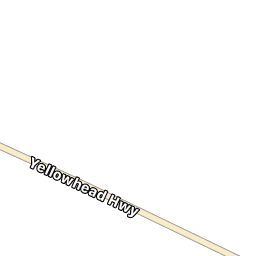
📚 Some of the example images downloaded at different scales
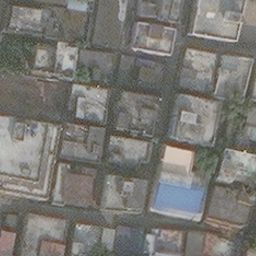 |
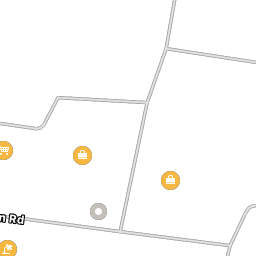 |
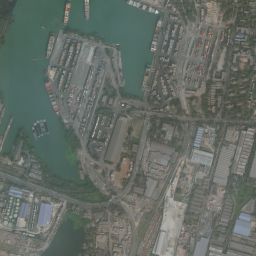 |
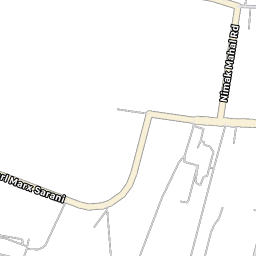 |
 |
 |
 |
 |
 |
 |
 |
 |
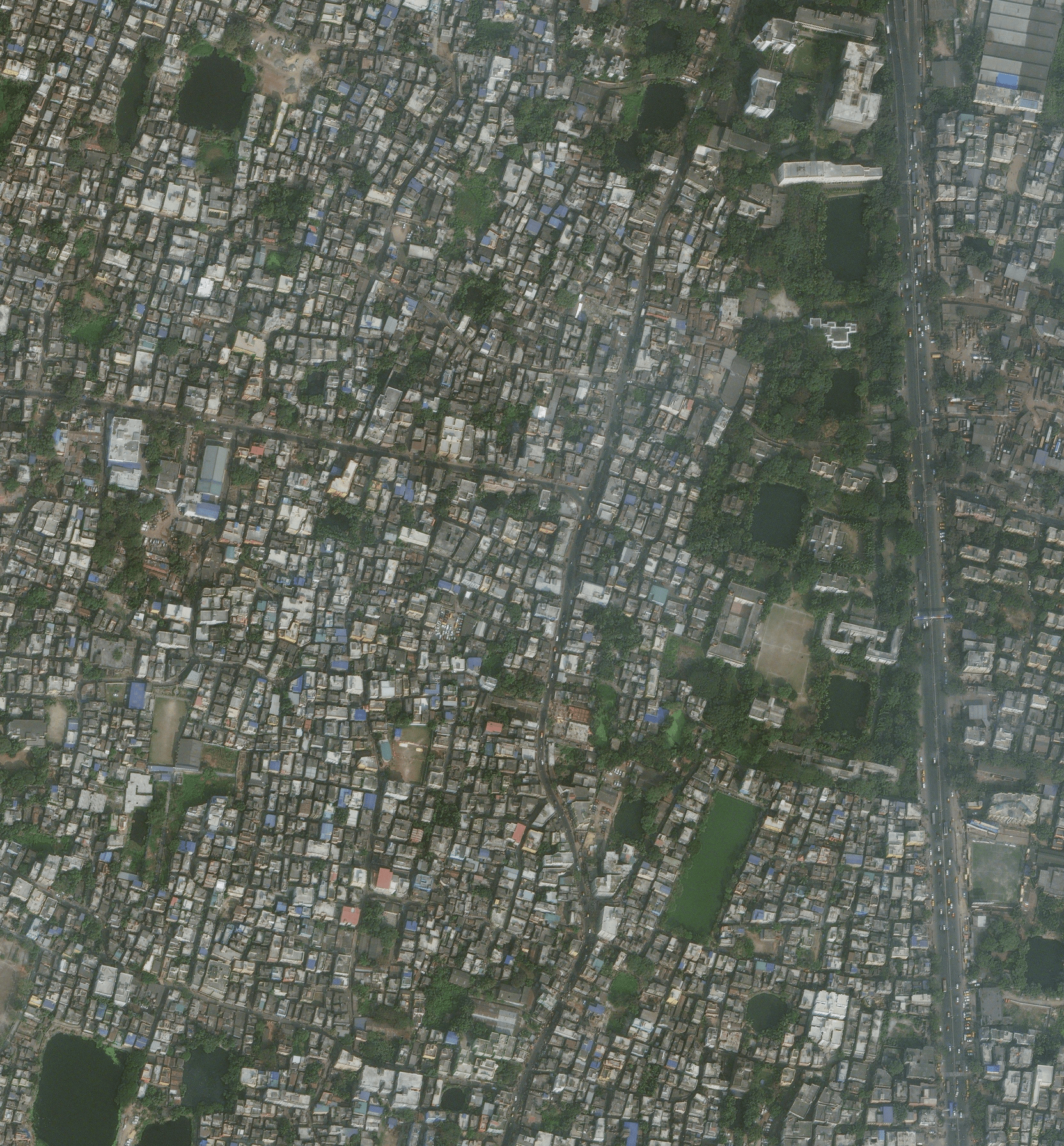
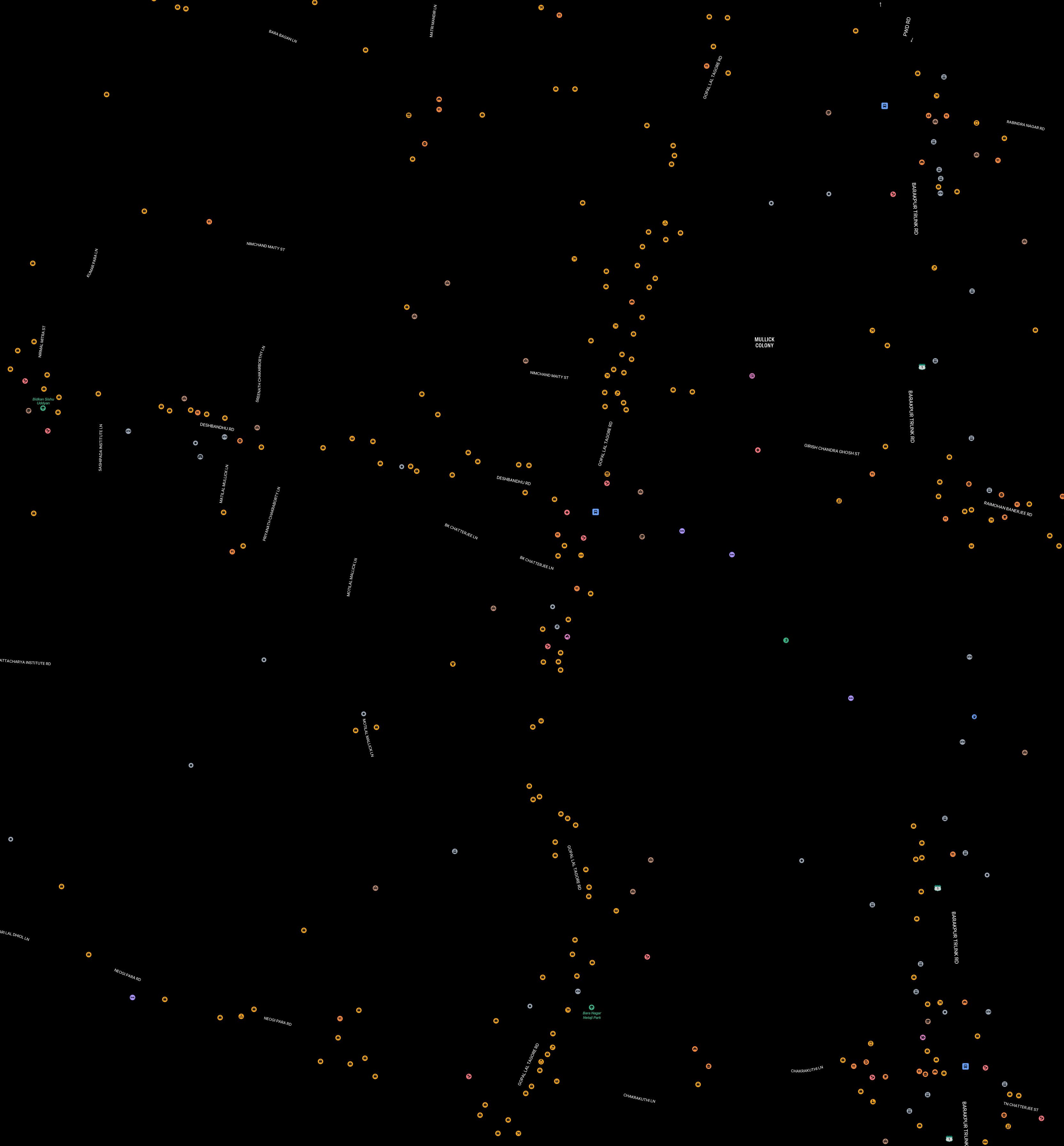
📚 Stitched tiles for Kolkata
 |
 |
📹 YouTube video
If you are confused with the documentation, please see this video, to see the scraping in action Apple Maps API to get enormous amount of satellite data for free using Python3.
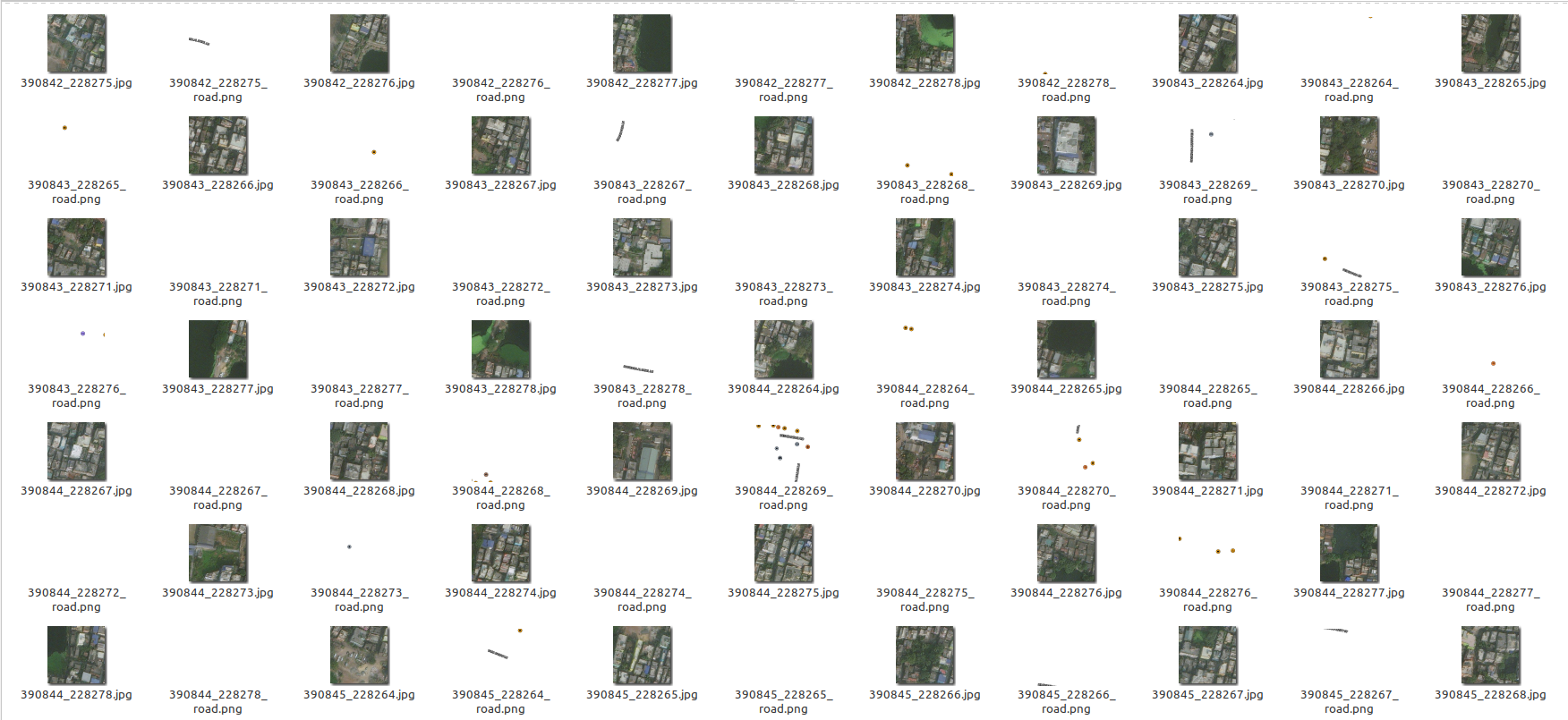
📚 Sample of the images downloaded
:feelsgood: Perks
This is done through parallel proccessing, so this will take maximum threads available in your CPU, change the code to your own requirements!
If you want to re-fetch tiles, remember to delete/move tiles after every fetch request done! Else you won't get the updated information (tiles) of satellite data after that tile. It is calculated automatically so that all the progress remains saved!
📓 Additional Note
This is created for educational and research purposes only! The authors are not liable for any damage to private property.
:atom: TODOs
Please check TODOs, since this project needs collaborators.
❓ Questions or want to discuss about something ?
Submit an issue.
🤝 Contribution
Please see Contributing.md
🛡️ LICENSE
 GNU GENERAL PUBLIC LICENSE
                       Version 3, 29 June 2007

 Copyright (C) 2019-20 Jimut Bahan Pal, <https://jimut123.github.io/>
 Everyone is permitted to copy and distribute verbatim copies
 of this license document, but changing it is not allowed.
📝 BibTeX and citations
@misc{jimutmap_2019,
  author = {Jimut Bahan Pal},
  title = {jimutmap},
  year = {2019},
  publisher = {GitHub},
  journal = {GitHub repository},
  howpublished = {\url{https://github.com/Jimut123/jimutmap}}
}
1 maintainer

Metadata
1 maintainer
Release files for jimutmap 1.4.2
For a detailed explanation of source distributions (sdists) and built distributions (wheels), please see the package formats documentation.
Source distribution (sdist)
| File | Size | Uploaded | |
|---|---|---|---|
| jimutmap-1.4.2.tar.gz | 29.7 kB | Details |
Built distribution (wheel)
| File | Interpreter | ABI | Platform | Reset |
|---|---|---|---|---|
| jimutmap-1.4.2-py3-none-any.whl | Python 3 | none | any | Details |
Total release size: 59.2 kB
Release files / jimutmap-1.4.2.tar.gz
| Download URL | jimutmap-1.4.2.tar.gz |
|---|---|
| Size | 29.7 kB |
| Tags | Source |
|
SHA-256 checksum How to use checksums |
bee8489d9596f4e5fafa292792e215cbeffd7d99c74bf942e4e57f4faaba0581
|
|
BLAKE2b-256 checksum How to use checksums |
e27956e68fbaa1619550414ec78ebb59b8dccf693c5ede71b009ac3421a8dedd
|
| Upload date | |
|
Uploaded using Trusted Publishing? What is trusted publishing? |
No |
| Uploaded via |
twine/4.0.2 CPython/3.10.6
|
Release files / jimutmap-1.4.2-py3-none-any.whl
| Download URL | jimutmap-1.4.2-py3-none-any.whl |
|---|---|
| Size | 29.5 kB |
| Tags | Python 3 |
|
SHA-256 checksum How to use checksums |
44b1acadb2bd3e92cb433b671be1a89a9a355741daae0a9a5a552ca471a74442
|
|
BLAKE2b-256 checksum How to use checksums |
90962d144d576fa9fdd184a9a7fcc01d2797d807d7a54449cb91c89fb3d69b1a
|
| Upload date | |
|
Uploaded using Trusted Publishing? What is trusted publishing? |
No |
| Uploaded via |
twine/4.0.2 CPython/3.10.6
|














