
perceptual-jp-colormaps
A perceptually uniform colormap generator for Matplotlib equipped with traditional-ish Japanese colors to serve as a fixed color palette.
Additions are welcome.

Why perceptually uniform colormaps? Can you not just use default Matplotlib colormaps?
- non-perceptually uniform colormaps induce dangerous artifacts, as seen in the below image:
. The left colormap introduces new features to the data.
- Matplotlib perceptually uniform colormaps are simply not visually appealing and sometimes lack enough contrast. With this package, anyone can design colormaps to fit their visual style.
dependencies:
- Python3:
-- colour-science
-- numpy -- logging
-- scipy
-- json
-- pynverse
-- matplotlib
tested on:
- Windows 10
- Linux
- Python 3.8, 3.10, 3.12
expected to work on:
- MacOS
- all Python >=3.6 (support available for >=3.8)
install:
pip3 install jpcmor download source
run generator:
- to create your own colormaps
- as a package:
import jpcmjpcm.register()will register all default colormaps and any additional ones via the optionalcustom_mapsargument. Note any custom_maps should be of the following format (note the RGB key colors):
cmaps = { 'def' : [[0,0,0],[255,0,0]], }- The optional
datafileargument will cause jpcm to save all colormaps to that location as well.
- directly via code:
- edit maps.py with your preferred cmap styles, and run
python3 gen.pyorpython3 gen.py --readmefrom/gen/
- edit maps.py with your preferred cmap styles, and run
- as a package:
load colormaps:
import jpcmjpcm.open(<filename>)will return a dictionary containing all the colormaps in the file at .- Note the file should be of the same type as the generated 'cmap.txt' from the generator
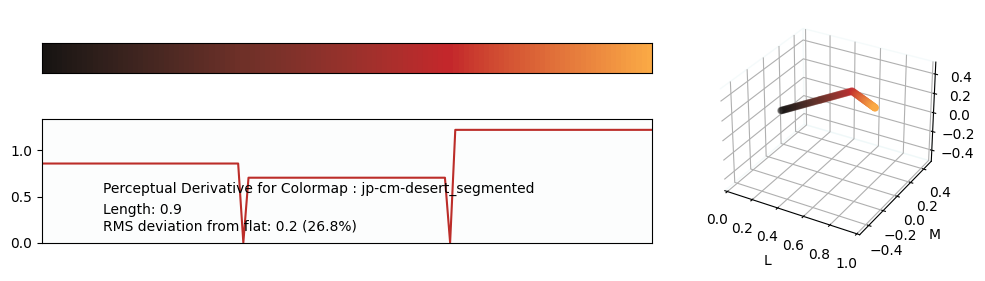
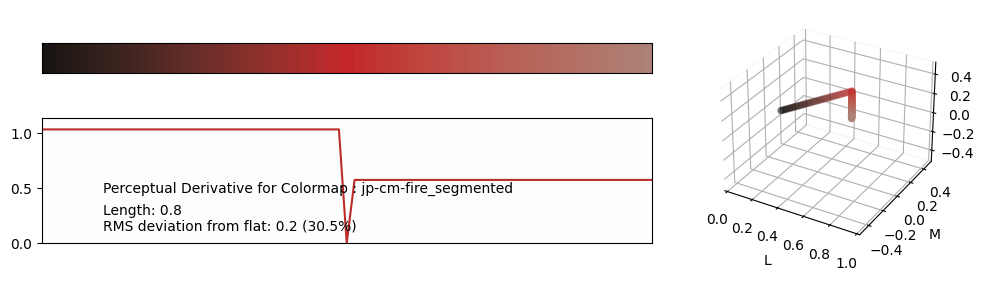
gallery
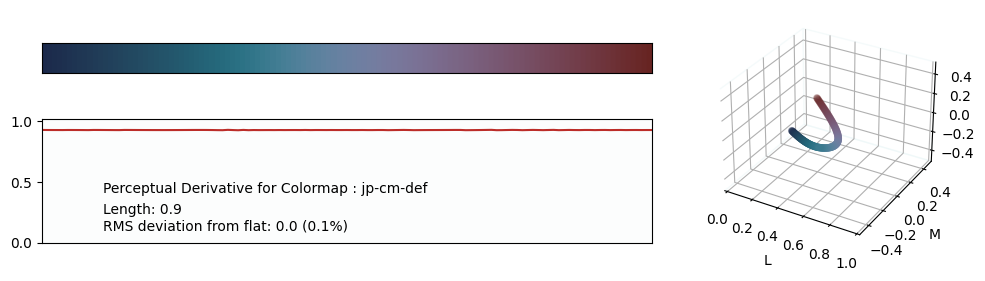
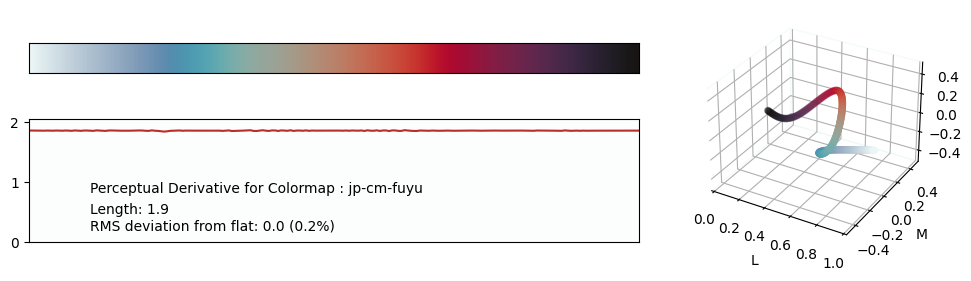
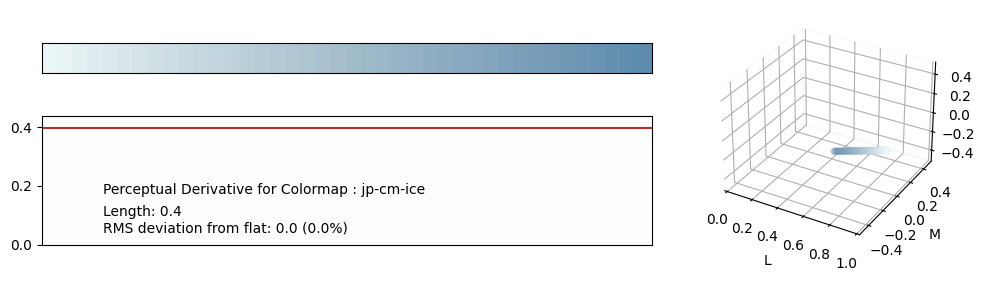
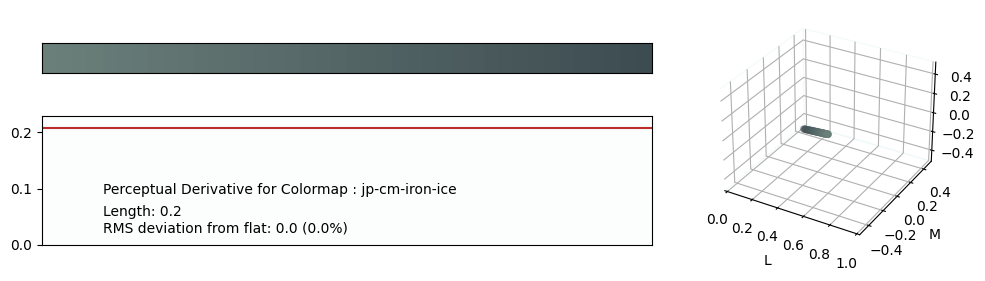
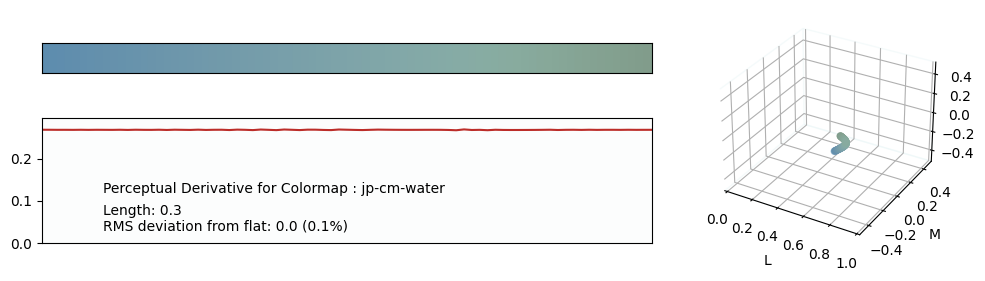
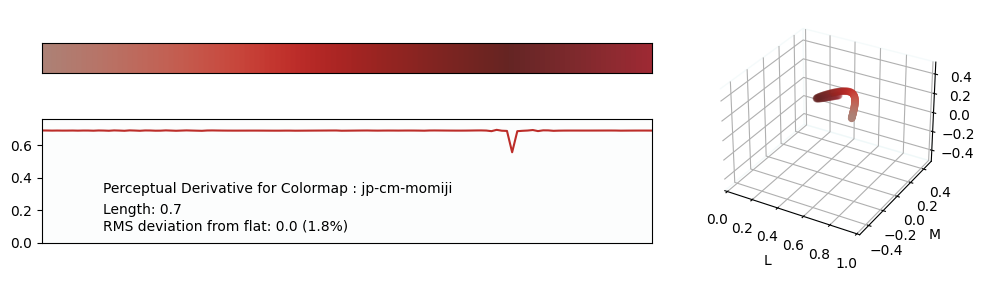
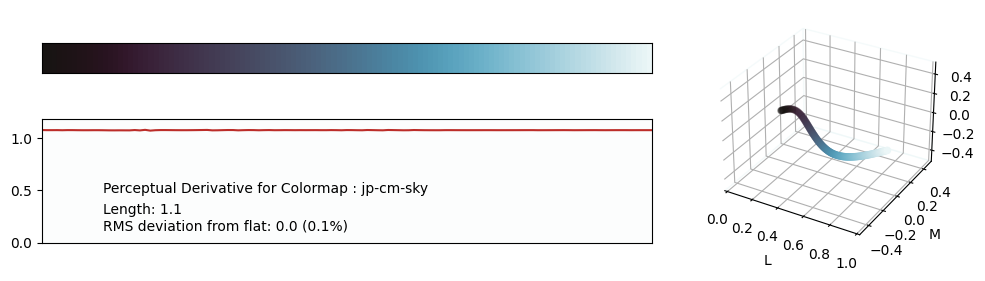
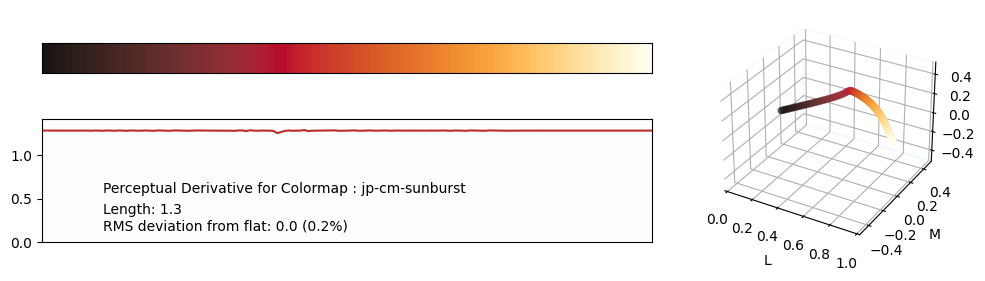
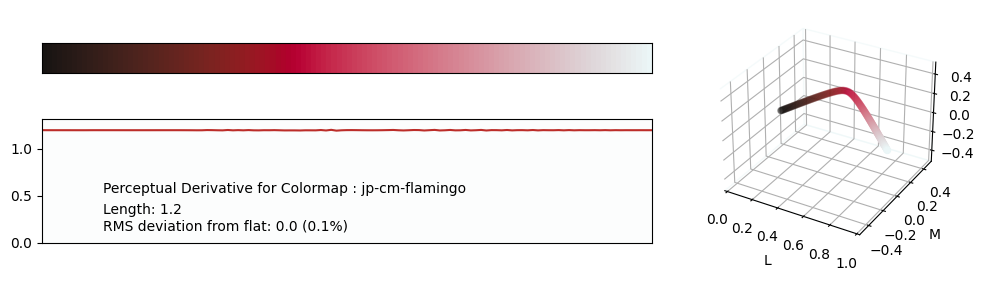
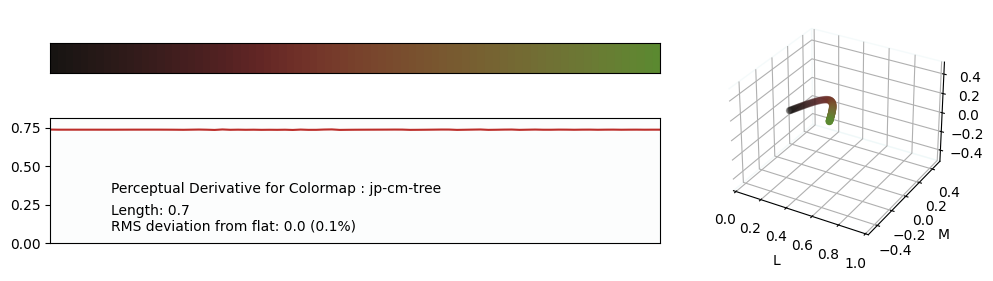
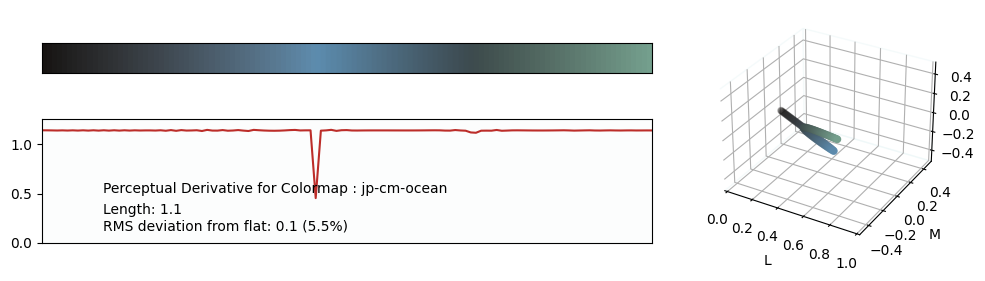
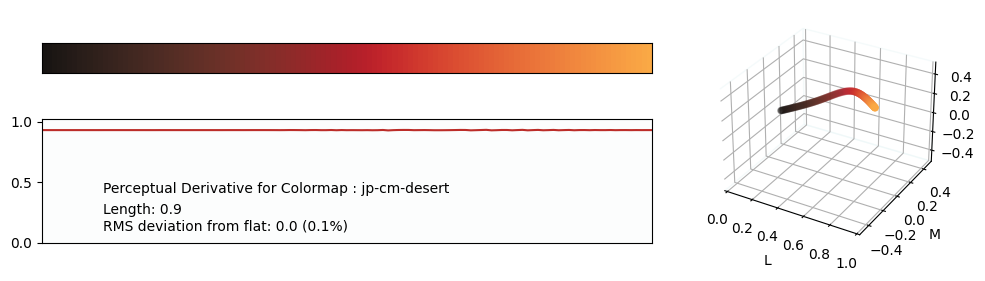
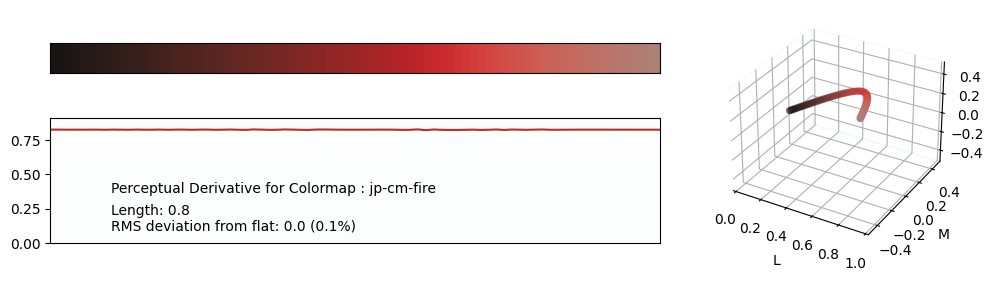
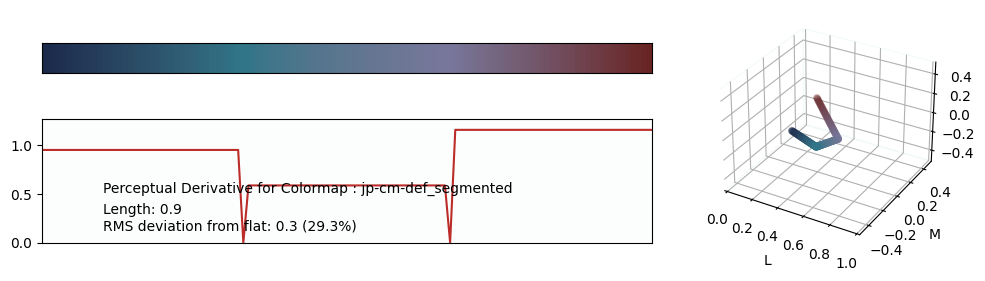
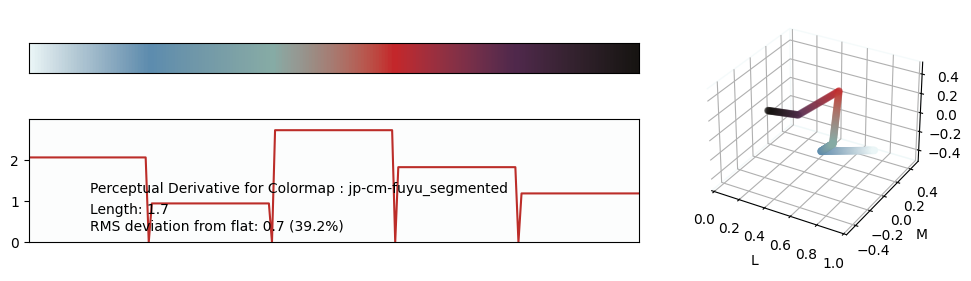
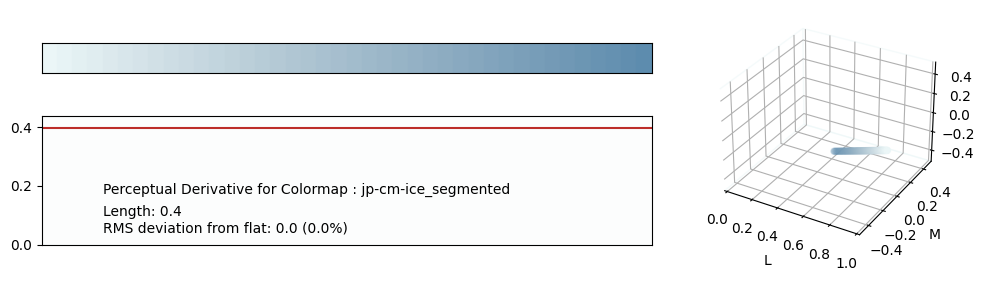
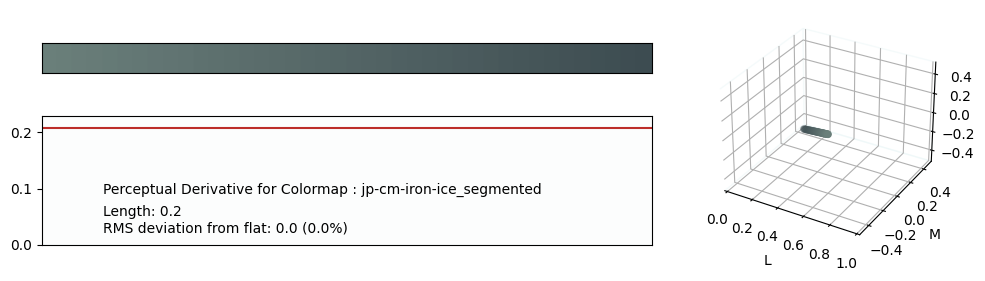
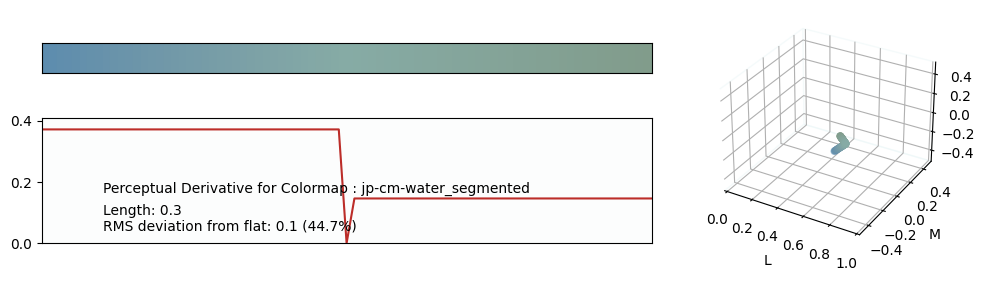
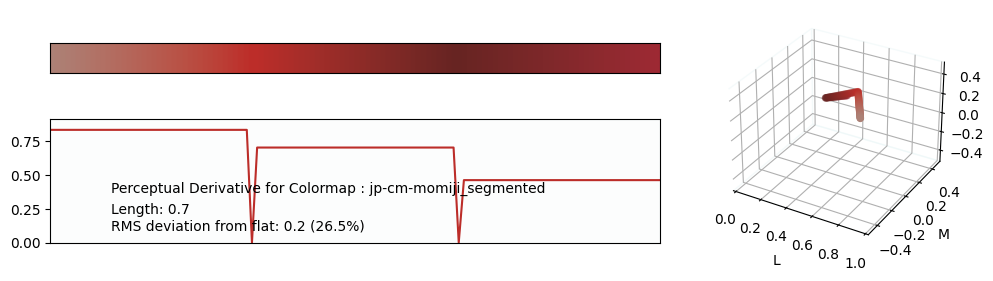
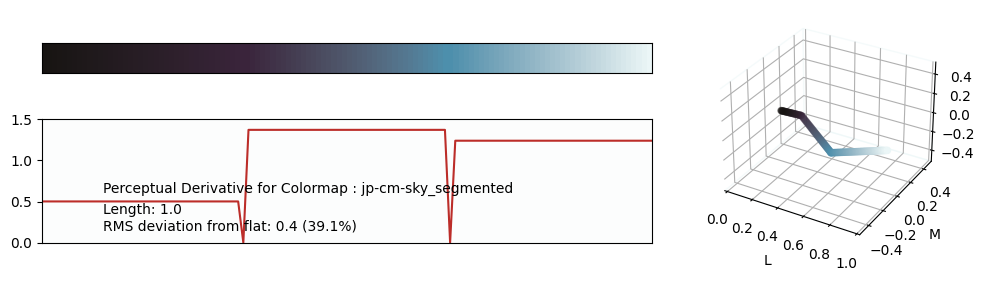
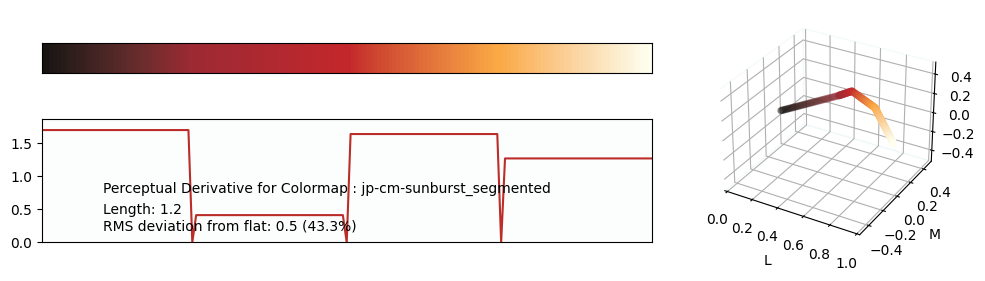
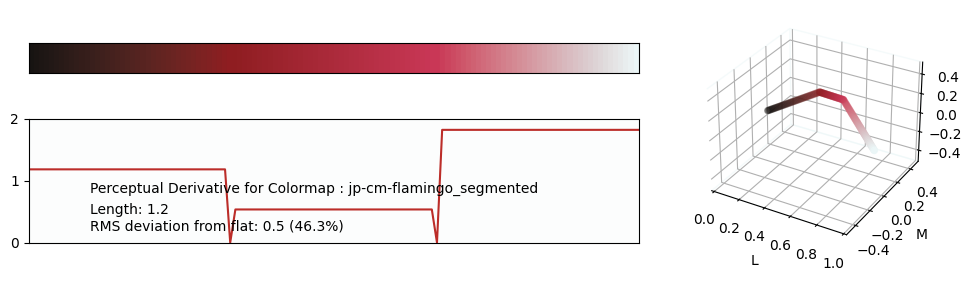
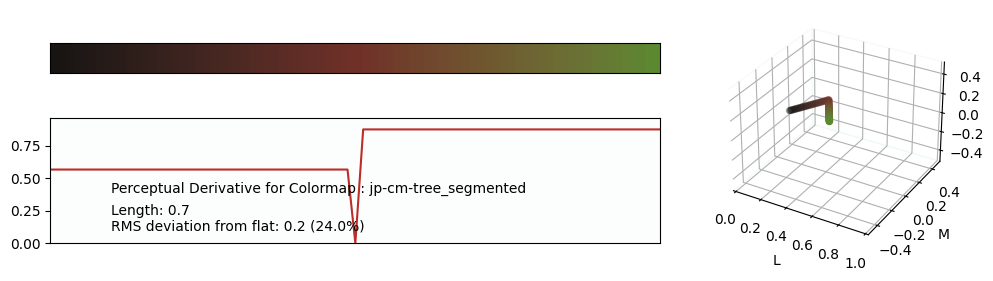
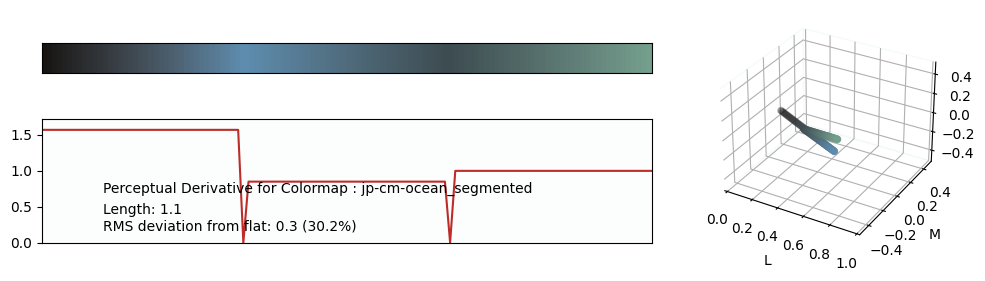
1 maintainer

Metadata
1 maintainer
Release files for jpcm 0.1.28
For a detailed explanation of source distributions (sdists) and built distributions (wheels), please see the package formats documentation.
Source distribution (sdist)
| File | Size | Uploaded | Provenance | Actions |
|---|---|---|---|---|
| jpcm-0.1.28.tar.gz | 13.2 kB | Without provenance | Details for jpcm-0.1.28.tar.gz |
Built distribution (wheel)
| File | Interpreter | ABI | Platform | Actions Reset |
|---|---|---|---|---|
| jpcm-0.1.28-py3-none-any.whl | Python 3 | none | any | Details for jpcm-0.1.28-py3-none-any.whl |
Total release size: 27.1 kB
Release files / jpcm-0.1.28.tar.gz
| Download URL | jpcm-0.1.28.tar.gz |
|---|---|
| Size | 13.2 kB |
| Tags | Source |
|
SHA-256 checksum How to use checksums |
de88dcda727daa3514a39d55edcc1f43f45b230feb97de1ecdba4e42d0b25b0a
|
|
BLAKE2b-256 checksum How to use checksums |
bf80d6ebd083a1ab2fd2ef232b472052ecdbb75b4f51a2b35ccbb37b3af76e7d
|
| Upload date | |
|
Uploaded using Trusted Publishing? What is trusted publishing? |
No |
| Uploaded via |
twine/6.1.0 CPython/3.13.7
|
Release files / jpcm-0.1.28-py3-none-any.whl
| Download URL | jpcm-0.1.28-py3-none-any.whl |
|---|---|
| Size | 13.8 kB |
| Tags | Python 3 |
|
SHA-256 checksum How to use checksums |
9f5fed1999e797635c7ea2958b2c8f320f00a2c5594f08ab434852cdd7d2a682
|
|
BLAKE2b-256 checksum How to use checksums |
861cd721c09eb001e22cae34c0d44c5491396c691855b1fa2767d72e5b526e2b
|
| Upload date | |
|
Uploaded using Trusted Publishing? What is trusted publishing? |
No |
| Uploaded via |
twine/6.1.0 CPython/3.13.7
|
Security for jpcm 0.1.28
Provenance
Provenance describes where a file came from. On PyPI, provenance is shared via attestations, which provide a verifiable record of the build or publishing details. View details, limitations and caveats.
No provenance found
None of the files in this release were uploaded with provenance metadata.
A note on package security
PyPI is a repository for distributing packages, not a service for auditing them. While third-party security researchers and our staff do their best to detect and remove malicious packages, PyPI cannot guarantee the quality, security or suitability of any given package.
To learn more about protecting yourself from malicious actors, visit our package security documentation.














