
A perceptually uniform colormap generator equipped with a traditional-ish Japanese color palette. Allows unique colormap generation and integration with ML experiment workflows.

Project description
perceptual-jp-colormaps
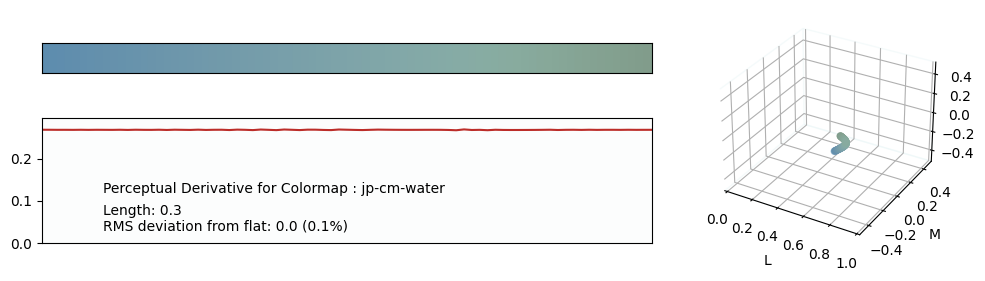
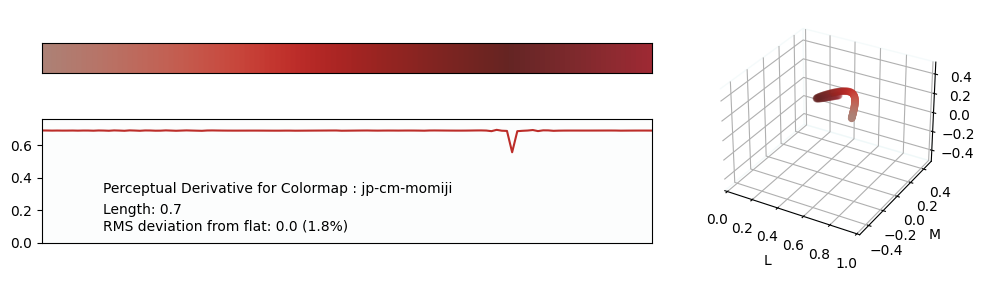
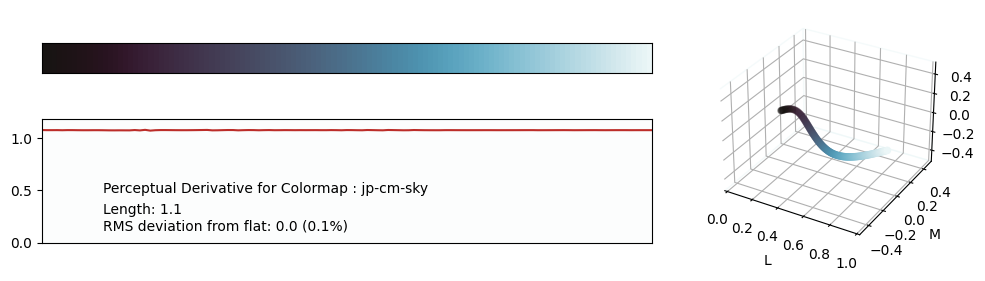
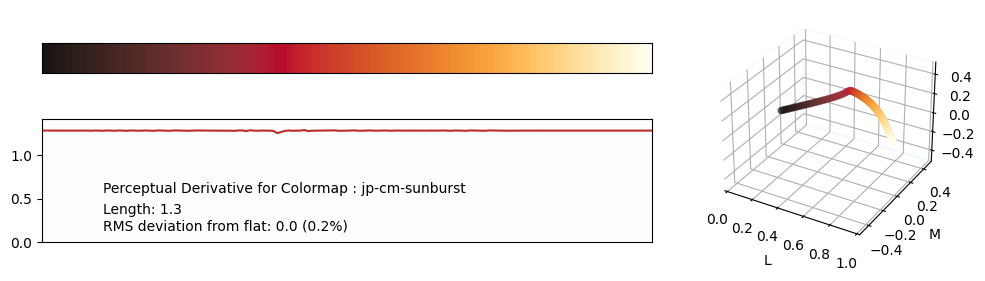
A perceptually uniform colormap generator for Matplotlib equipped with traditional-ish Japanese colors to serve as a fixed color palette.
Additions are welcome.

Why perceptually uniform colormaps? Can you not just use default Matplotlib colormaps?
- non-perceptually uniform colormaps induce dangerous artifacts, as seen in the below image:
. The left colormap introduces new features to the data.
- Matplotlib perceptually uniform colormaps are simply not visually appealing and sometimes lack enough contrast. With this package, anyone can design colormaps to fit their visual style.
dependencies:
- Python3:
-- colour-science
-- numpy -- logging
-- scipy
-- json
-- pynverse
-- matplotlib
tested on:
- Windows 10
- Linux
- Python 3.8, 3.10, 3.12
expected to work on:
- MacOS
- all Python >=3.6 (support available for >=3.8)
install:
pip3 install jpcmor download source
run generator:
- to create your own colormaps
- as a package:
import jpcmjpcm.register()will register all default colormaps and any additional ones via the optionalcustom_mapsargument. Note any custom_maps should be of the following format (note the RGB key colors):
cmaps = { 'def' : [[0,0,0],[255,0,0]], }- The optional
datafileargument will cause jpcm to save all colormaps to that location as well.
- directly via code:
- edit maps.py with your preferred cmap styles, and run
python3 gen.pyorpython3 gen.py --readmefrom/gen/
- edit maps.py with your preferred cmap styles, and run
- as a package:
load colormaps:
import jpcmjpcm.open(<filename>)will return a dictionary containing all the colormaps in the file at .- Note the file should be of the same type as the generated 'cmap.txt' from the generator
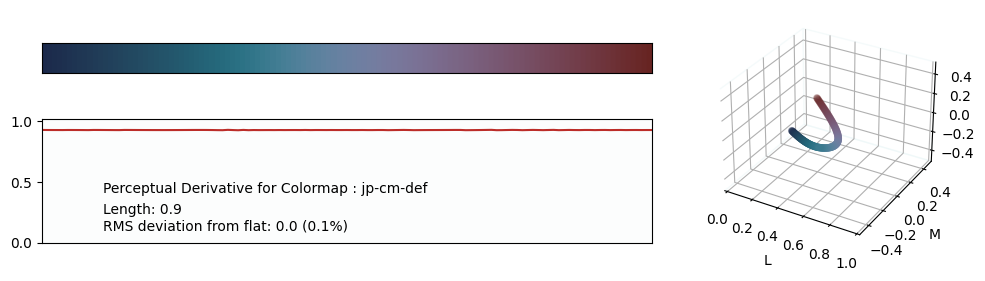
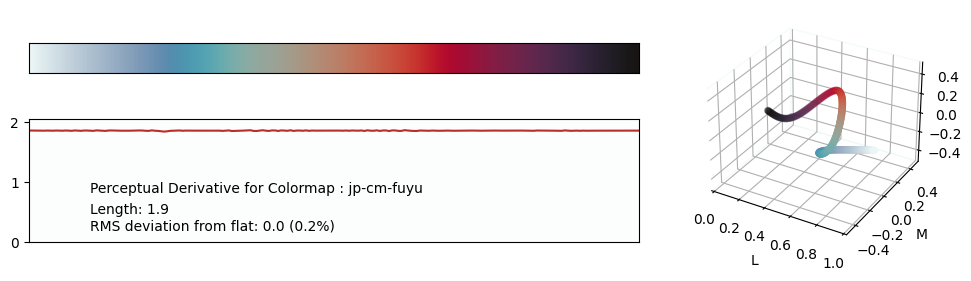
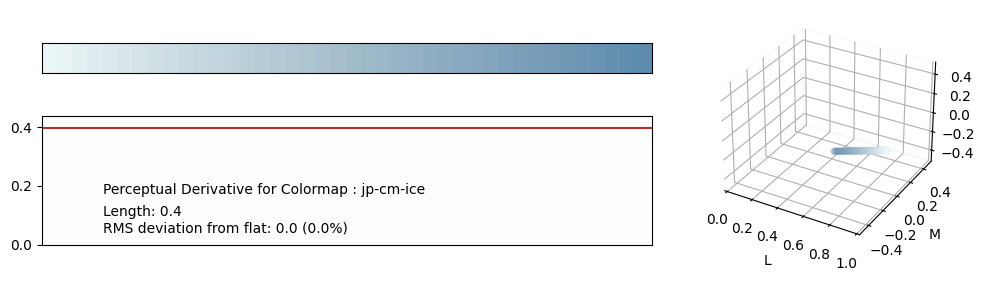
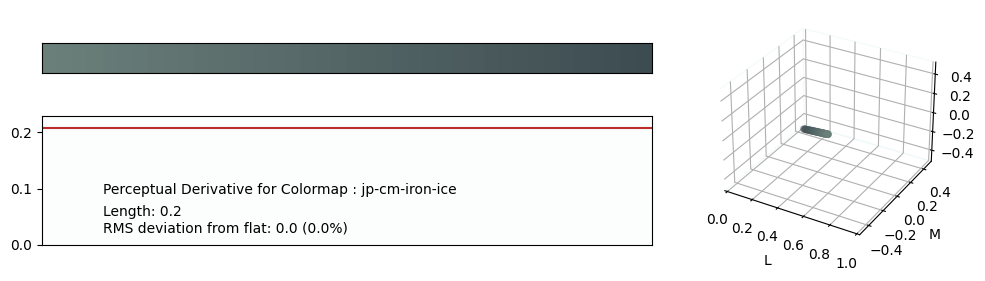
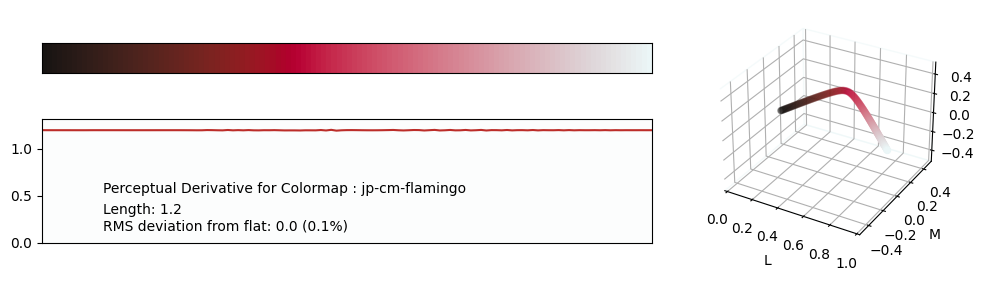
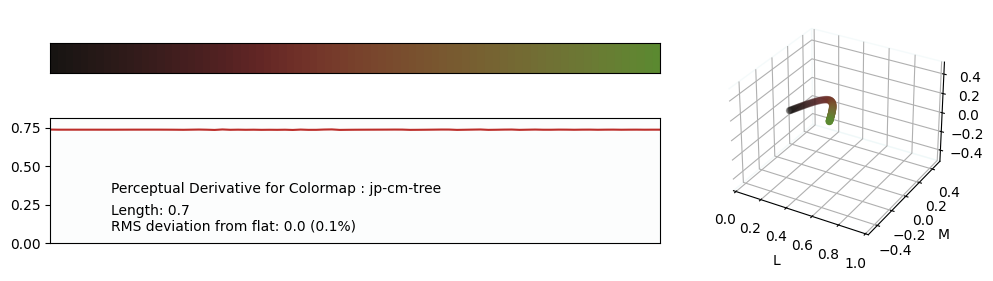
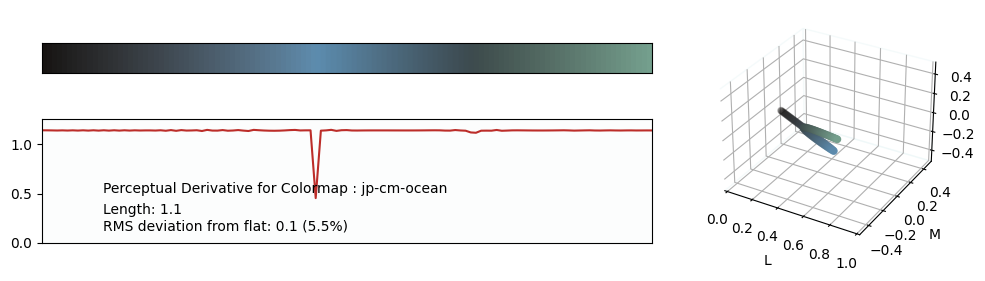
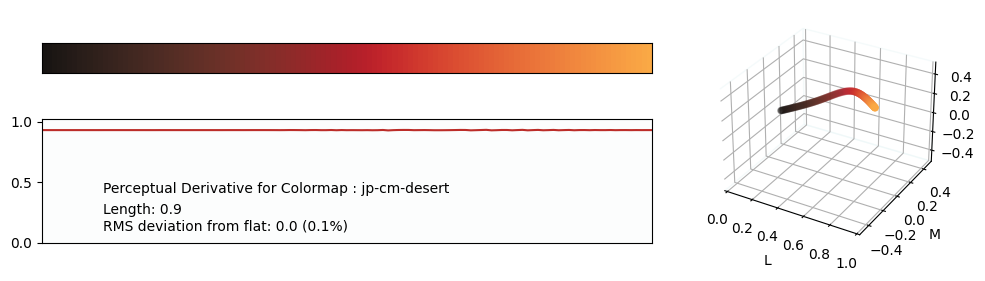
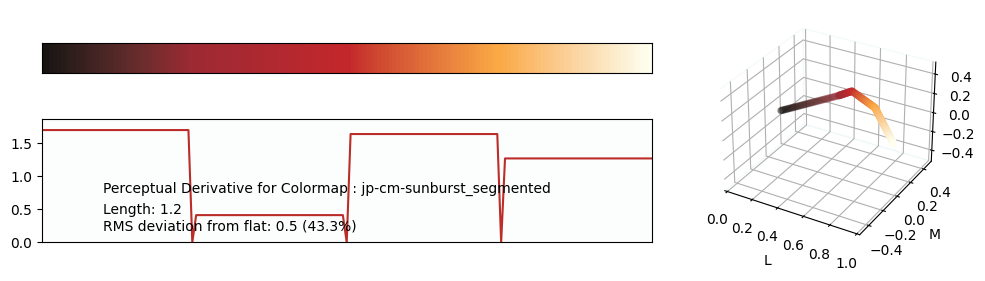
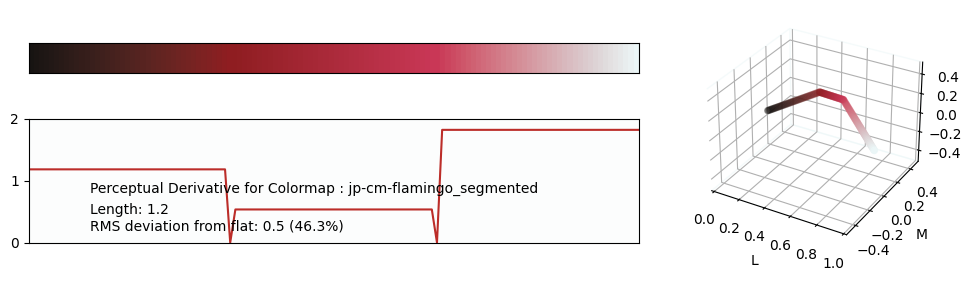
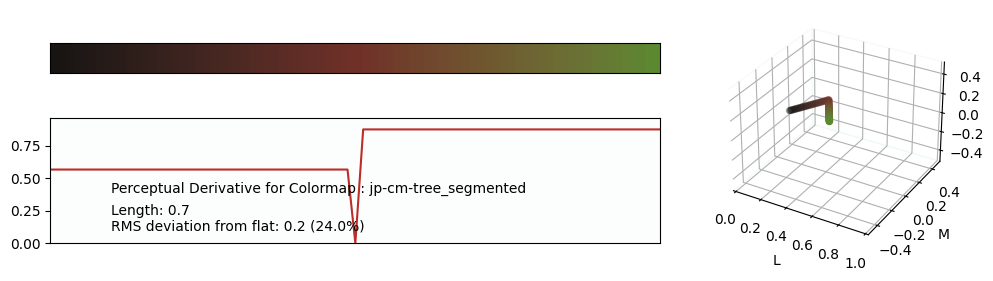
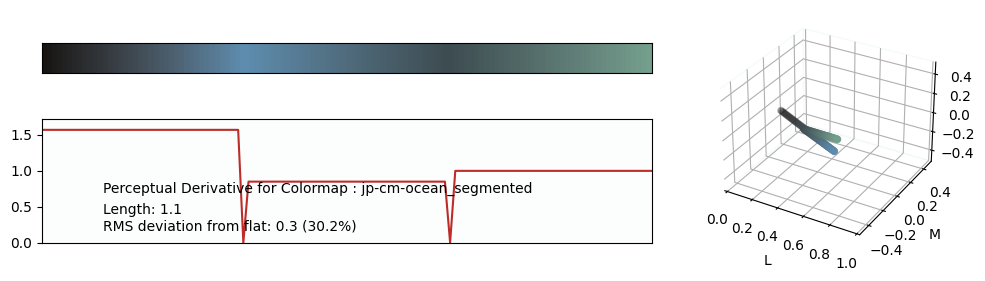
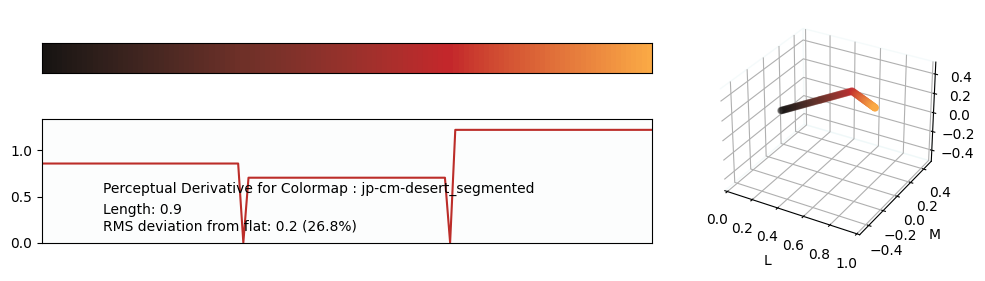
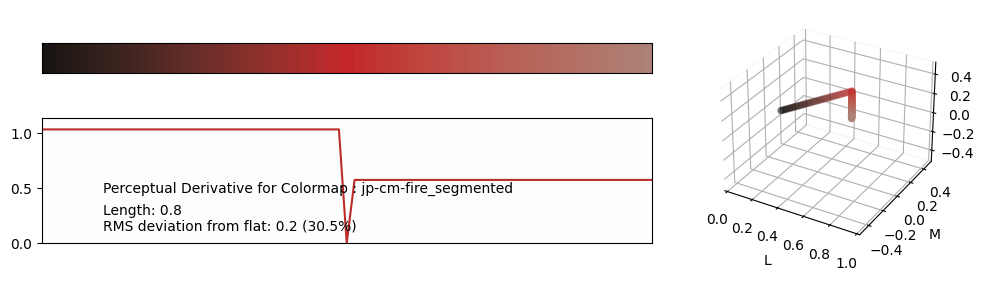
gallery
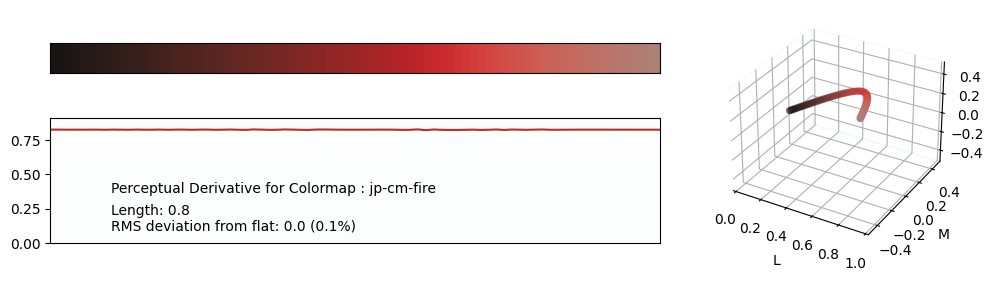
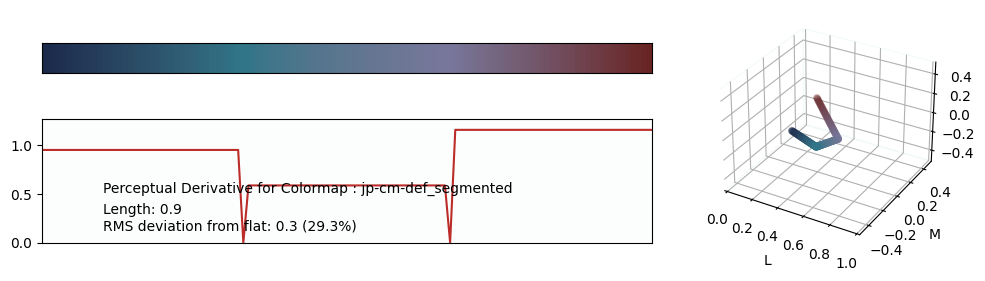
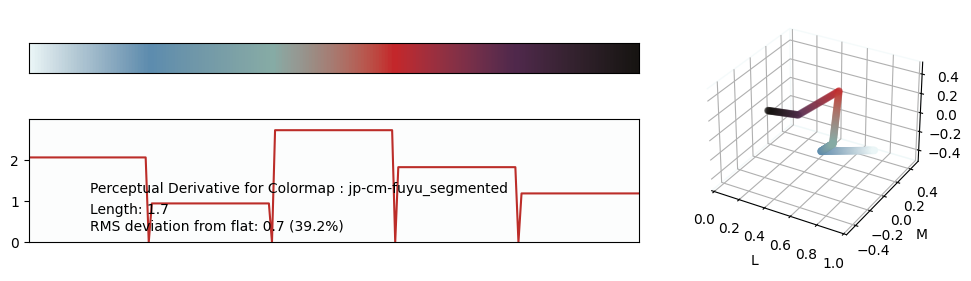
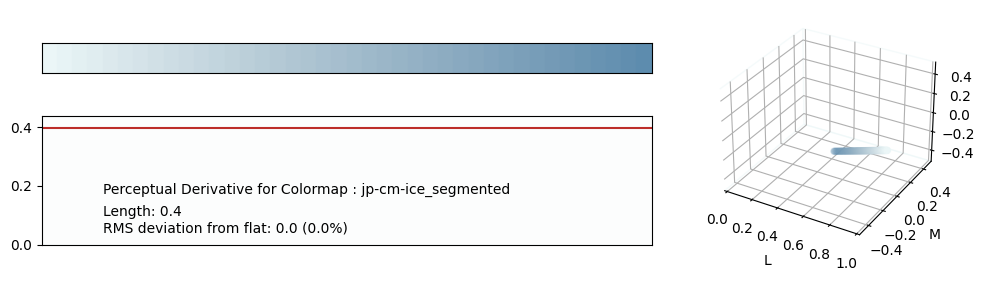
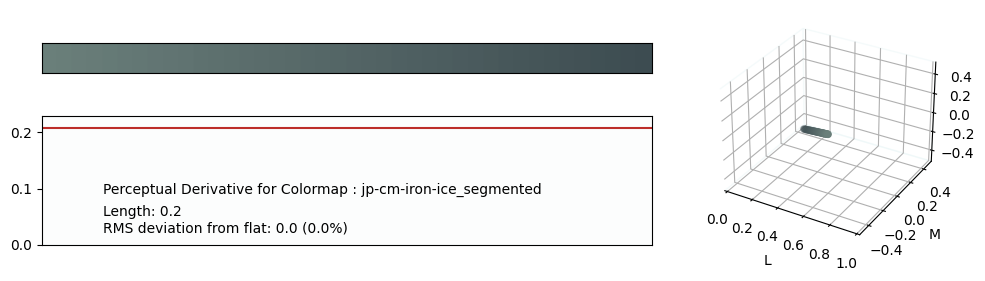
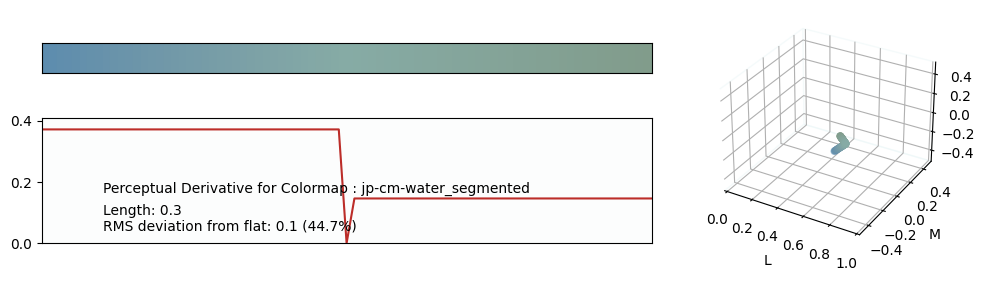
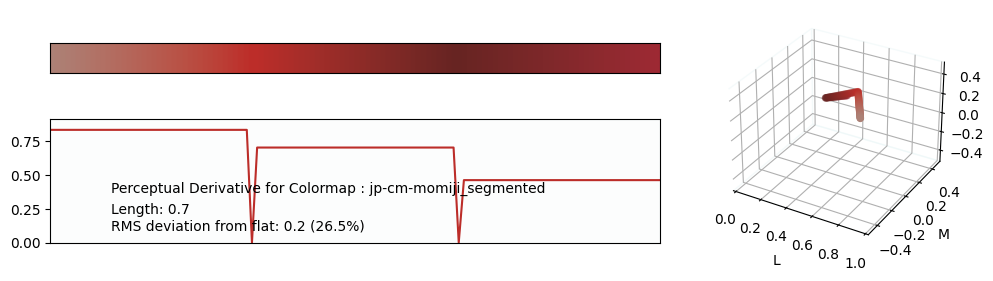
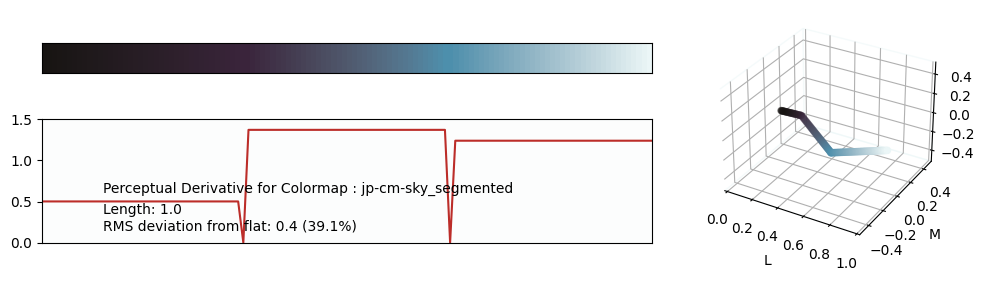
Release history Release notifications | RSS feed


Download files
Download the file for your platform. If you're not sure which to choose, learn more about installing packages.
Source Distribution
Built Distribution
Filter files by name, interpreter, ABI, and platform.
If you're not sure about the file name format, learn more about wheel file names.
Copy a direct link to the current filters
File details
Details for the file jpcm-0.1.28.tar.gz.
File metadata
- Download URL: jpcm-0.1.28.tar.gz
- Upload date:
- Size: 13.2 kB
- Tags: Source
- Uploaded using Trusted Publishing? No
- Uploaded via: twine/6.1.0 CPython/3.13.7
File hashes
| Algorithm | Hash digest | |
|---|---|---|
| SHA256 |
de88dcda727daa3514a39d55edcc1f43f45b230feb97de1ecdba4e42d0b25b0a
|
|
| MD5 |
92df1bb8de0b17d172592d040aa0b84a
|
|
| BLAKE2b-256 |
bf80d6ebd083a1ab2fd2ef232b472052ecdbb75b4f51a2b35ccbb37b3af76e7d
|
File details
Details for the file jpcm-0.1.28-py3-none-any.whl.
File metadata
- Download URL: jpcm-0.1.28-py3-none-any.whl
- Upload date:
- Size: 13.8 kB
- Tags: Python 3
- Uploaded using Trusted Publishing? No
- Uploaded via: twine/6.1.0 CPython/3.13.7
File hashes
| Algorithm | Hash digest | |
|---|---|---|
| SHA256 |
9f5fed1999e797635c7ea2958b2c8f320f00a2c5594f08ab434852cdd7d2a682
|
|
| MD5 |
6b972e545f75d2c17ebe5988fb53d57e
|
|
| BLAKE2b-256 |
861cd721c09eb001e22cae34c0d44c5491396c691855b1fa2767d72e5b526e2b
|






