
A package to convert JPG images to HEIF format

Project description
JPG to HEIF Converter
This project allows you to freely convert JPG images to HEIF format. HEIF (High Efficiency Image Format) is a more efficient image format in terms of storage and quality compared to traditional formats like JPG.
Why HEIF?
HEIF, as the name suggests, is a high-efficiency image format. Not only does it offer smaller file sizes compared to JPG, but it also provides better image quality. This makes it an excellent choice for anyone looking to save storage space without compromising on image quality.
Getting Started
To get started with this project, follow the steps below:
-
Clone the repository:
git clone https://github.com/Devasy23/JPG2HEIF
-
Create a virtual environment:
python3 -m venv venv
-
Activate the virtual environment:
- On Windows:
.\venv\Scripts\activate
- On Unix or MacOS:
source venv/bin/activate
- On Windows:
-
Install the required packages:
pip install -r requirements.txt
Usage
Using the CLI
To convert a JPG image to HEIF using the command line interface, use the following command:
jpg2heif file file.jpg file.heic
You can also convert a folder of images or a zip file:
jpg2heif folder input_folder output_folder
jpg2heif zip input.zip output.zip
To benchmark the conversion algorithm:
jpg2heif file file.jpg file.heic --benchmark
To compare SSIM index of other converted images with the original:
jpg2heif file original.jpg --compare converted1.heic converted2.heic
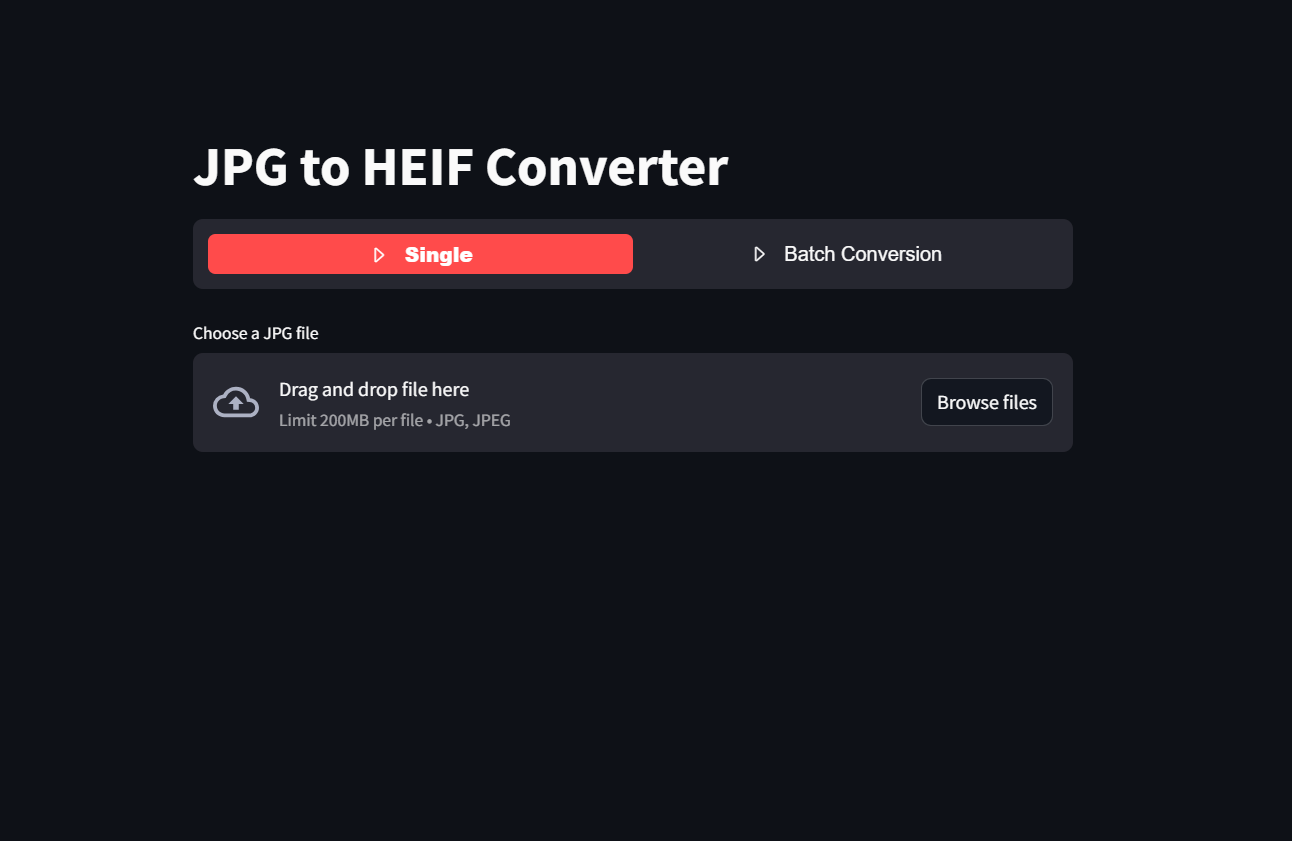
Using the Streamlit App
To convert a JPG image to HEIF using the Streamlit app, use the following command:
streamlit run app.py
or using the link
Images:

Release history Release notifications | RSS feed


Download files
Download the file for your platform. If you're not sure which to choose, learn more about installing packages.
Source Distribution
Built Distribution
Filter files by name, interpreter, ABI, and platform.
If you're not sure about the file name format, learn more about wheel file names.
Copy a direct link to the current filters
File details
Details for the file jpg2heif-0.1.4.tar.gz.
File metadata
- Download URL: jpg2heif-0.1.4.tar.gz
- Upload date:
- Size: 2.3 kB
- Tags: Source
- Uploaded using Trusted Publishing? No
- Uploaded via: twine/6.1.0 CPython/3.9.21
File hashes
| Algorithm | Hash digest | |
|---|---|---|
| SHA256 |
38acafbdd92cd317bdabb54d84e64c5b2c40df9a02871e3f9082b2f166f6d825
|
|
| MD5 |
5e58e0f38d4c5947fea5bc9a1641eade
|
|
| BLAKE2b-256 |
80189feadd9e1a247e942144d0502c3f716e4e49d107617f49e8a8bd1ddaf78f
|
File details
Details for the file jpg2heif-0.1.4-py3-none-any.whl.
File metadata
- Download URL: jpg2heif-0.1.4-py3-none-any.whl
- Upload date:
- Size: 2.3 kB
- Tags: Python 3
- Uploaded using Trusted Publishing? No
- Uploaded via: twine/6.1.0 CPython/3.9.21
File hashes
| Algorithm | Hash digest | |
|---|---|---|
| SHA256 |
59eacaac1e7bd934cd96c012f7d99b81ec267d0743b2e53d844803eb80c4ef58
|
|
| MD5 |
4ba3b9ed90c26f5ff3fb93c650ff80a1
|
|
| BLAKE2b-256 |
2319bf2aef4c78dda207ecce1de3f66d4f3b18b8ffe0202b28df52f76793013c
|






