
Capture data science evidence, notes, and documentation snapshots in JupyterLab.

Project description



DS Snapshot
A lightweight JupyterLab extension for capturing data science evidence, review notes, and documentation snapshots directly from notebooks.
Available for:
- JupyterLab 4.0+
- VS Code
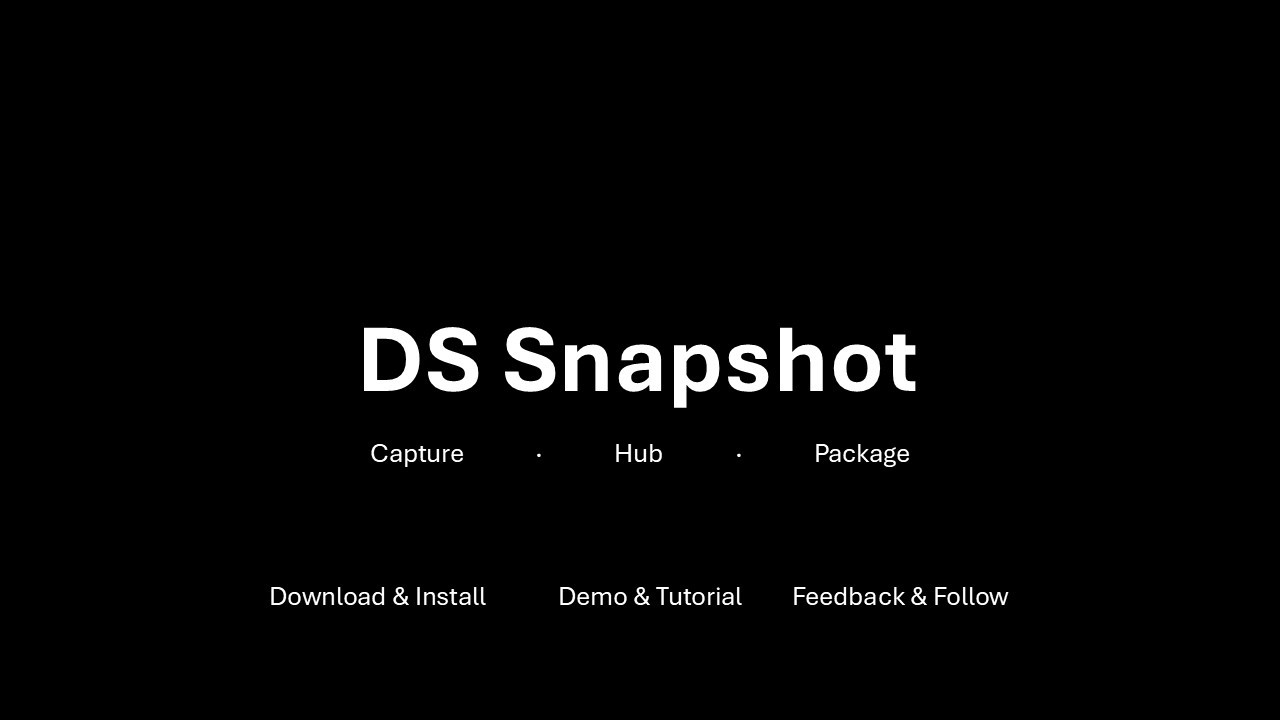
DS Snapshot helps data scientists keep a structured record of important spot checks, intermediate outputs, review notes, and supporting evidence without turning every notebook check into a formal workflow step. It is designed for local-first analytical work, model review, reproducibility, audit trails, and handoff.
Why DS Snapshot?
Clean notebooks are useful, but real data science work often includes many small checks that are easy to lose: row-count checks, missing-value checks, outlier investigations, comparison tables, chart inspections, and review notes. DS Snapshot creates a lightweight evidence archive under a JupyterLab-root path that you choose and can export a review package that is easier to share than a long notebook.
Features
- Capture selected notebook evidence into a structured archive
- Save review notes and evidence summaries as Markdown and HTML
- Maintain a registry of captured evidence
- Generate an evidence hub for quick navigation
- Export a review package for review, audit, or handoff
- Works locally inside JupyterLab
Demo
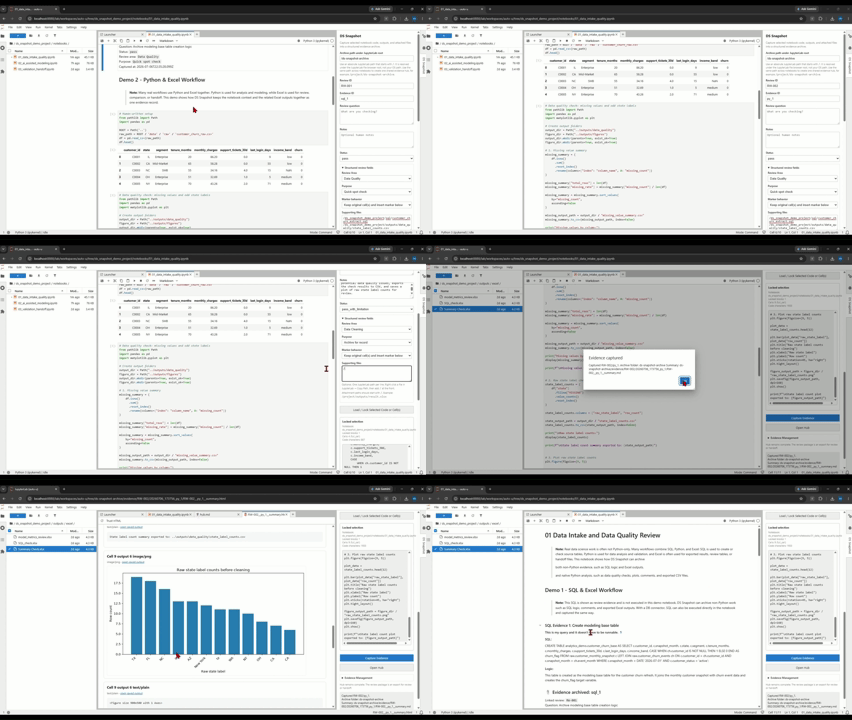
Capture
Save important evidence from your workflow as you work.
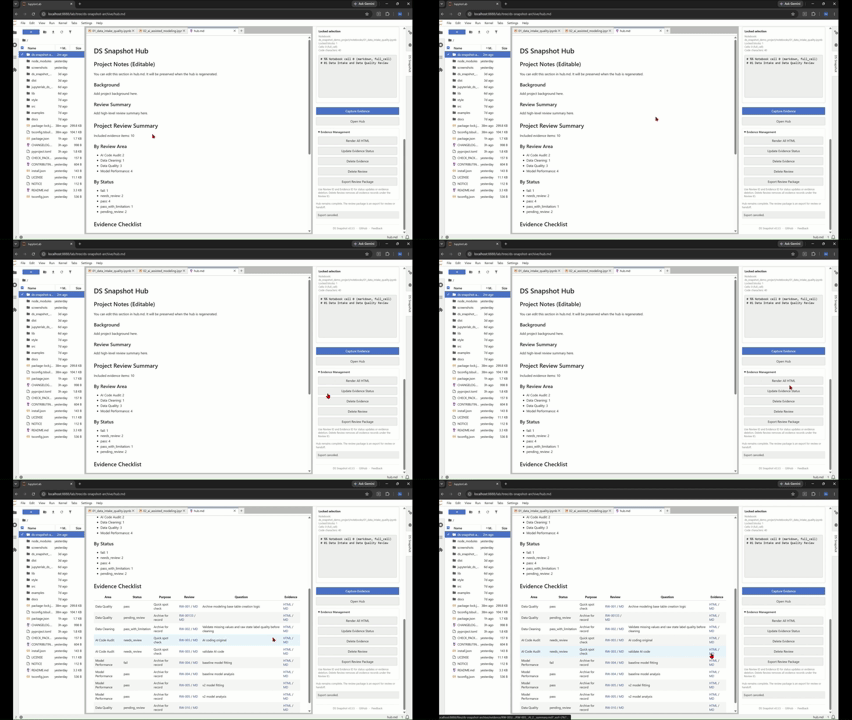
Hub
Review captured evidence in one place.
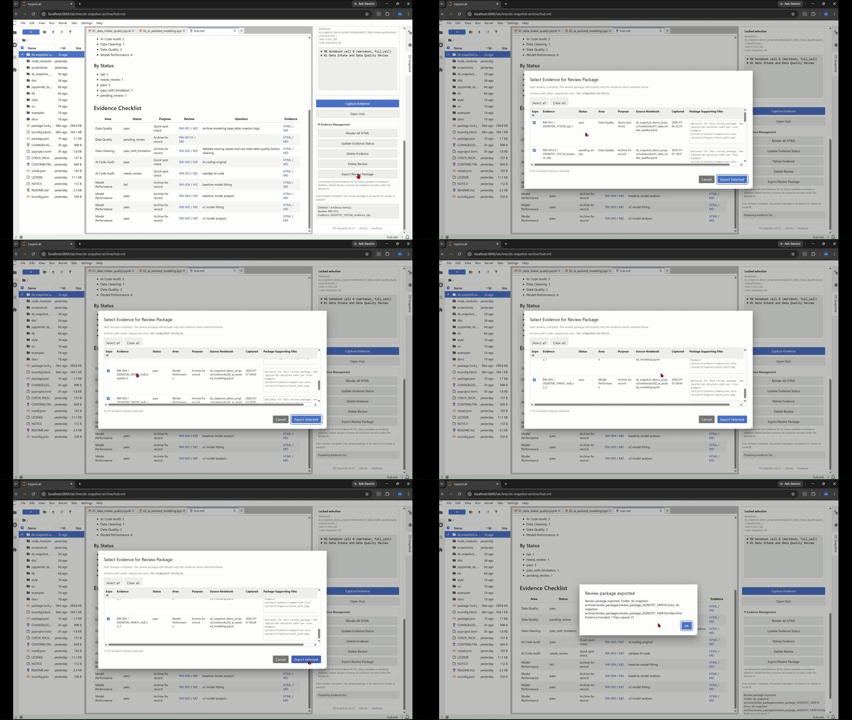
Package
Select and export evidence for review, documentation, or handoff.
Tutorials
Panel Overview
Capture Evidence
Evidence Management
Installation
Public package release is planned. After release, the target installation command will be:
pip install jupyterlab-ds-snapshot
For local development:
git clone https://github.com/<your-username>/jupyterlab-ds-snapshot.git
cd jupyterlab-ds-snapshot
pip install -e .
npm install
npm run build
jupyter lab
Quick start
- Open JupyterLab.
- Open the DS Snapshot side panel.
- Choose an absolute JupyterLab archive path, such as
/ds-snapshot-archiveor/project/ds-snapshot-archive. - Capture evidence from the active notebook.
- Open the hub or export a review package.
The extension creates files under the selected archive path. If multiple notebooks use the same path, they share the same registry and hub. For example:
/ds-snapshot-archive/
  registry.json
  hub.md
  hub.html
  reviews/
  evidence/
  review_packages/
Archive path rule
The archive path must start with / and is resolved under the JupyterLab file browser root. It is not a Windows or macOS local OS path.
Use the same archive path across multiple notebooks to create one shared evidence hub. Use different archive paths when you want separate archives.
Review packages
The review package export currently collects review notes, evidence summaries, and navigation pages into a shareable folder. The archive remains complete; the exported package is intended for review or handoff:
/ds-snapshot-archive/
  review_packages/
    review_package_<timestamp>/
      index.html
      hub.html
      hub.md
      README.md
      manifest.json
      reviews/
      evidence/
This package is intended to help reviewers, future maintainers, or AI agents understand what was checked and where the supporting evidence lives.
Development
Build the TypeScript source and JupyterLab prebuilt extension:
npm run build
Run JupyterLab locally:
jupyter lab
Build the Python package:
python -m build
Status
This project is an early public preview. APIs, folder layouts, and generated documentation formats may change before a stable release.
License
Apache License 2.0. See LICENSE.
Release history Release notifications | RSS feed


Download files
Download the file for your platform. If you're not sure which to choose, learn more about installing packages.
Source Distribution
Built Distribution
Filter files by name, interpreter, ABI, and platform.
If you're not sure about the file name format, learn more about wheel file names.
Copy a direct link to the current filters
File details
Details for the file jupyterlab_ds_snapshot-0.3.6.tar.gz.
File metadata
- Download URL: jupyterlab_ds_snapshot-0.3.6.tar.gz
- Upload date:
- Size: 166.0 kB
- Tags: Source
- Uploaded using Trusted Publishing? No
- Uploaded via: twine/6.2.0 CPython/3.11.15
File hashes
| Algorithm | Hash digest | |
|---|---|---|
| SHA256 |
04ca8bab743f57205297881fe7fce317eed1b2c23a5452d3f6e0bdd1f059bda7
|
|
| MD5 |
b1a0360b3977d451759a03679bddf951
|
|
| BLAKE2b-256 |
9d4c47c7f00aa91057486a8264508c0351159e697327a9608e37a17598cb1956
|
File details
Details for the file jupyterlab_ds_snapshot-0.3.6-py3-none-any.whl.
File metadata
- Download URL: jupyterlab_ds_snapshot-0.3.6-py3-none-any.whl
- Upload date:
- Size: 179.2 kB
- Tags: Python 3
- Uploaded using Trusted Publishing? No
- Uploaded via: twine/6.2.0 CPython/3.11.15
File hashes
| Algorithm | Hash digest | |
|---|---|---|
| SHA256 |
02ca7b0d996a9c7994a70b0fbbf0425894f4de33ca1cd0dd89d77a52fcd518be
|
|
| MD5 |
c3824e2918c4407289a5596863db33dc
|
|
| BLAKE2b-256 |
ab04b50fc6de68e28e828559c86161298f08eac93ba16ee6e16e43e3c78073d2
|






