
tools for building JupyterLite sites


Project description
JupyterLite




JupyterLite is a JupyterLab distribution that runs entirely in the browser built from the ground-up using JupyterLab components and extensions.
⚡ Status ⚡
Although JupyterLite is currently being developed by core Jupyter developers, the project is still unofficial.
Not all the usual features available in JupyterLab and the Classic Notebook will work with JupyterLite, but many already do!
Don't hesitate to check out the documentation for more information and project updates.
✨ Try it in your browser ✨
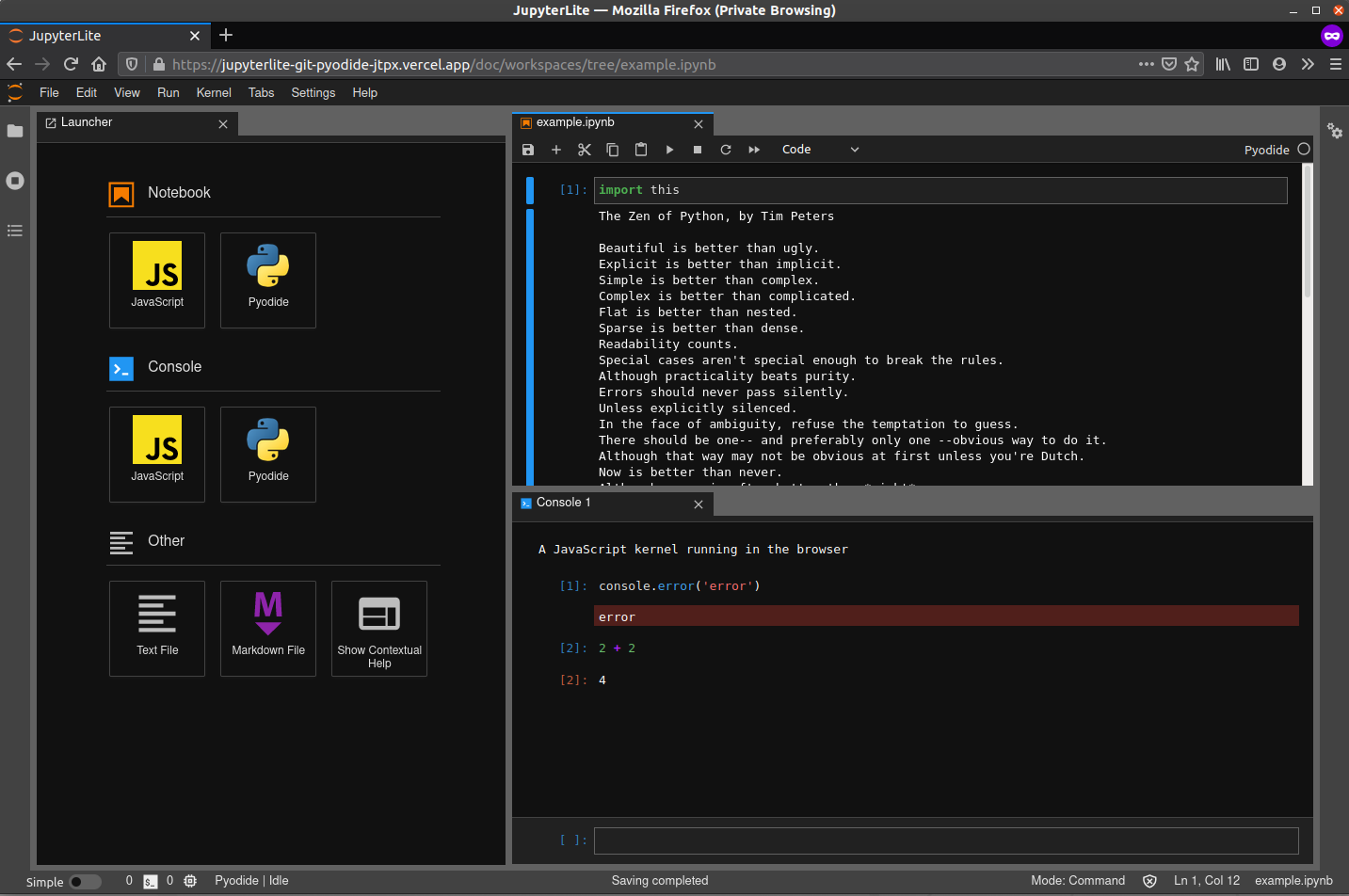
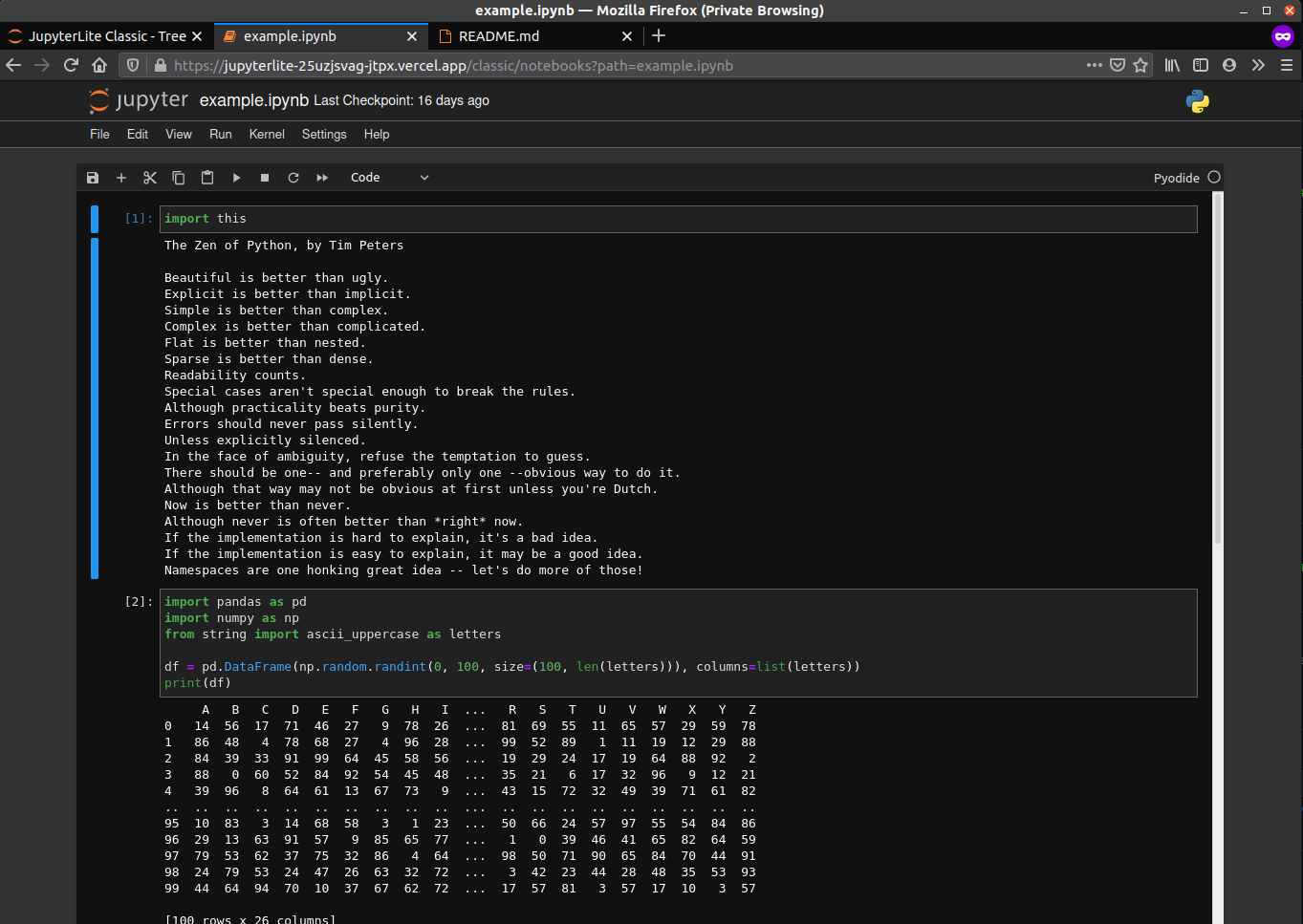
JupyterLite works with both JupyterLab and RetroLab.
| Try it with JupyterLab! | Try it with RetroLab! |
|---|---|
 |
 |
🏗️ Build your own JupyterLite 🏗️
Install jupyterlite from PyPI, which comes with the CLI and a pre-built, empty site
archive.
python -m pip install --pre jupyterlite
Use the jupyter lite CLI to build, check, or create a reproducible,
remixable archive of your site, then publish your built site to any static host,
such as GitHub Pages or ReadTheDocs.
jupyter lite |
description | extras |
|---|---|---|
init |
build an empty site from the bundled app archive | |
build |
add your own notebooks, labextensions, and settings | jupyter_server for indexing content |
serve |
try out your site locally | tornado for snappier serving |
check |
check your site's metadata | jsonschema for schema validation |
archive |
create a single-file archive |
Features
For more details, see the JupyterLite documentation.
Browser-based Interactive Computing
- Python kernel backed by Pyodide running in a Web Worker
- Initial support for interactive visualization libraries such as
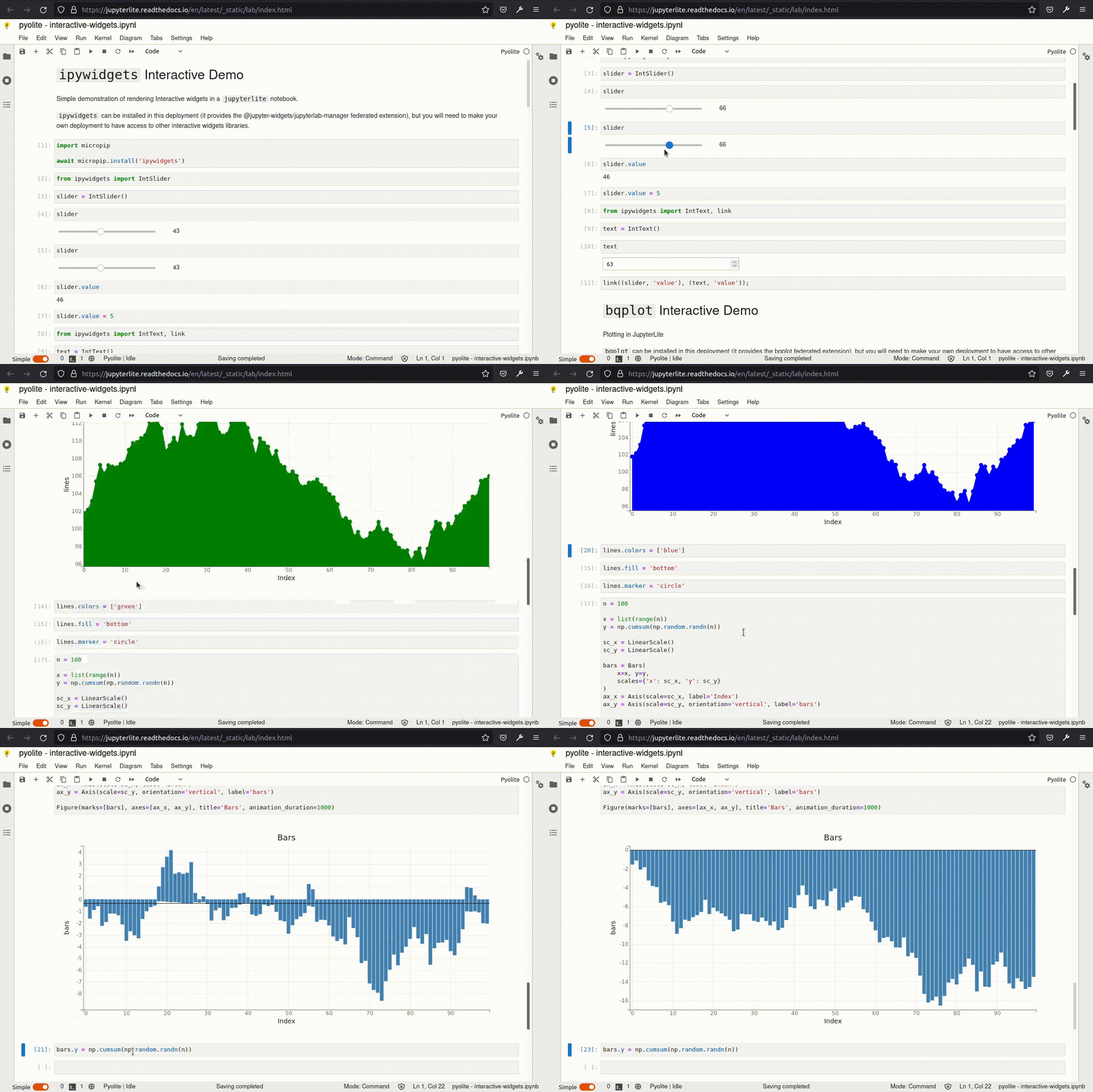
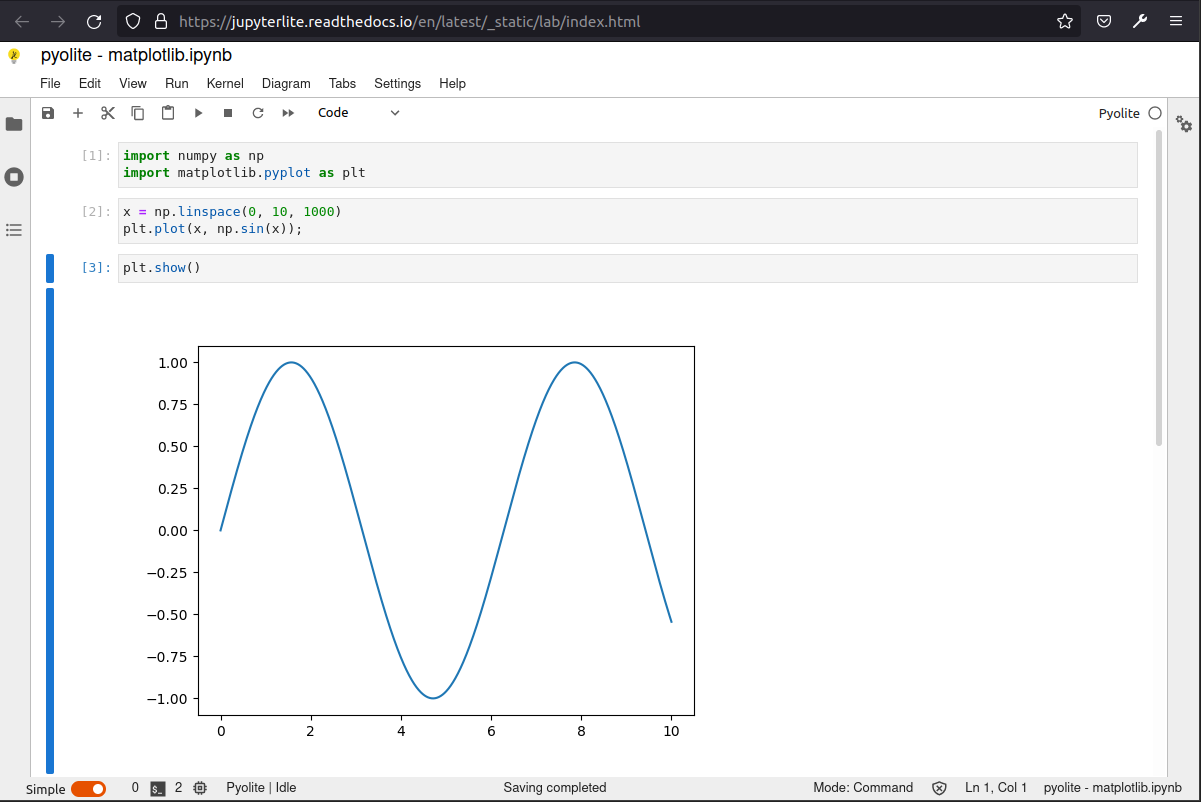
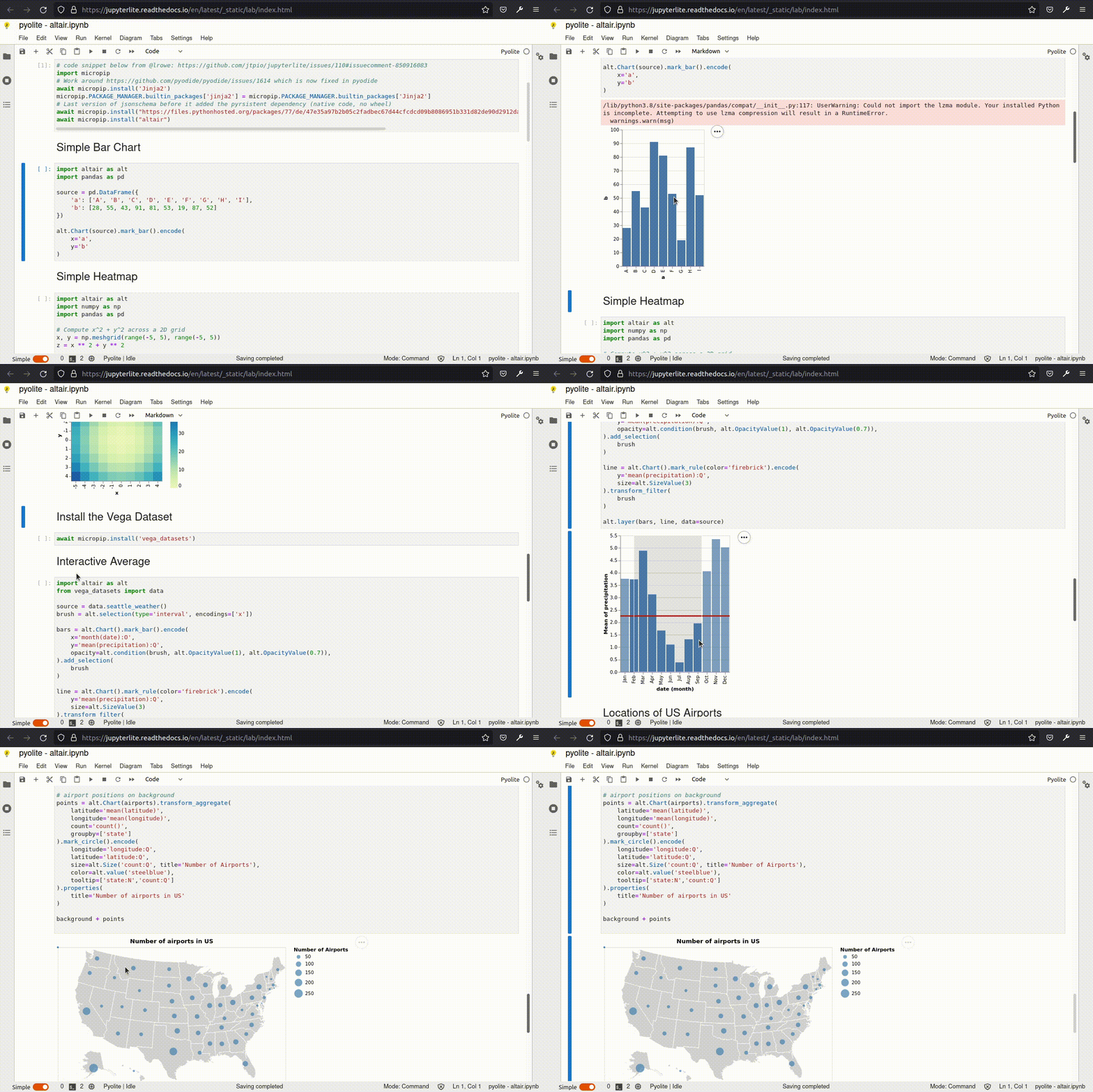
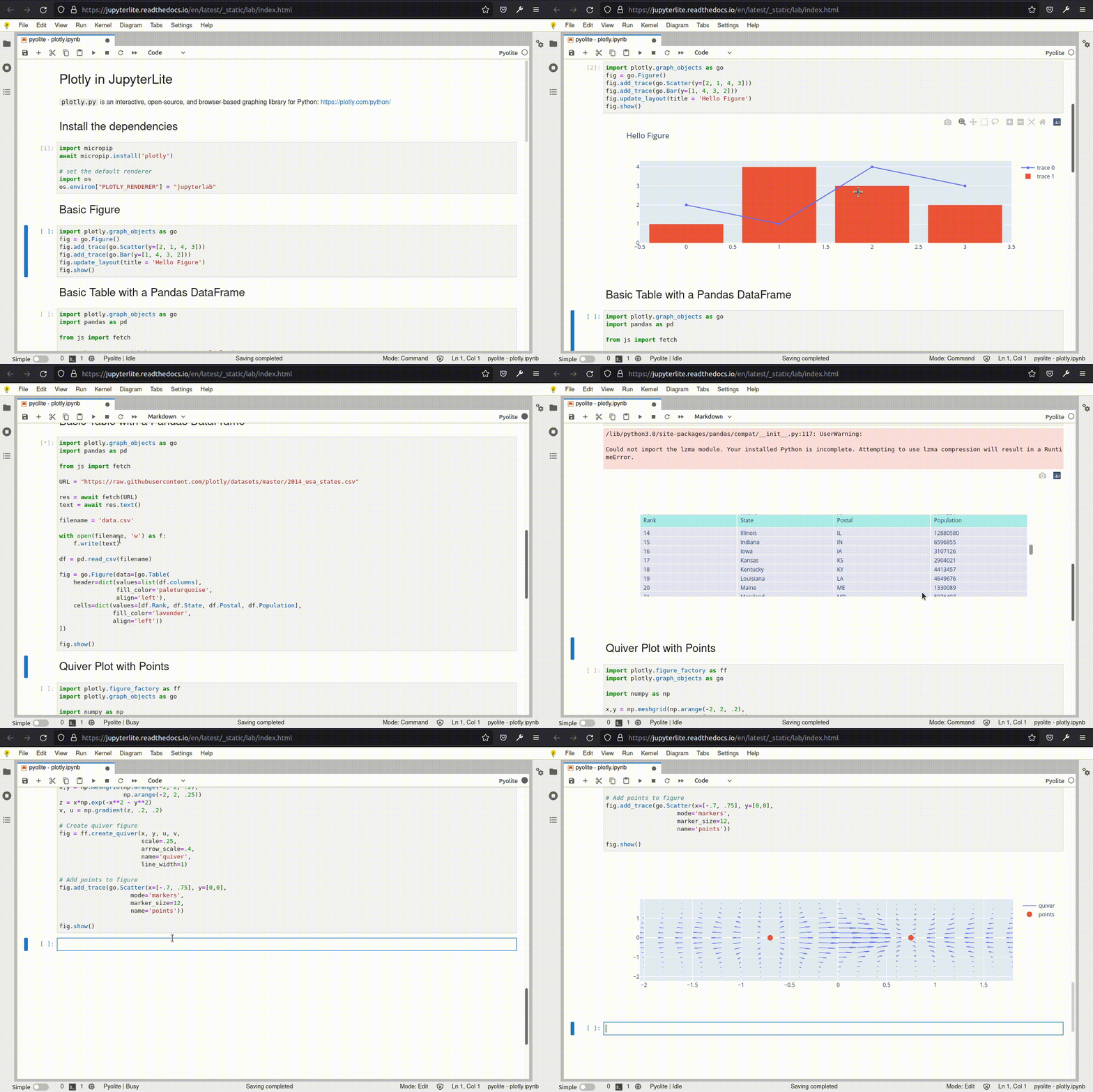
altair,bqplot,ipywidgets,matplotlib, andplotly
- Initial support for interactive visualization libraries such as
- JavaScript and P5.js kernels running in an
IFrame - View hosted example Notebooks and other files, then edit, save, and download from the
browser's
IndexDB(orlocalStorage) - Support for saving settings for JupyterLab/Lite core and federated extensions
- Basic session and kernel management to have multiple kernels running at the same time
- Support for Code Consoles
Ease of Deployment
- Served via well-cacheable, static HTTP(S), locally or on most static web hosts
- Embeddable within larger applications
- Requires no dedicated application server much less a container orchestrator
- Fine-grained configurability of page settings, including reuse of federated extensions
Showcase
Jupyter Interactive Widgets
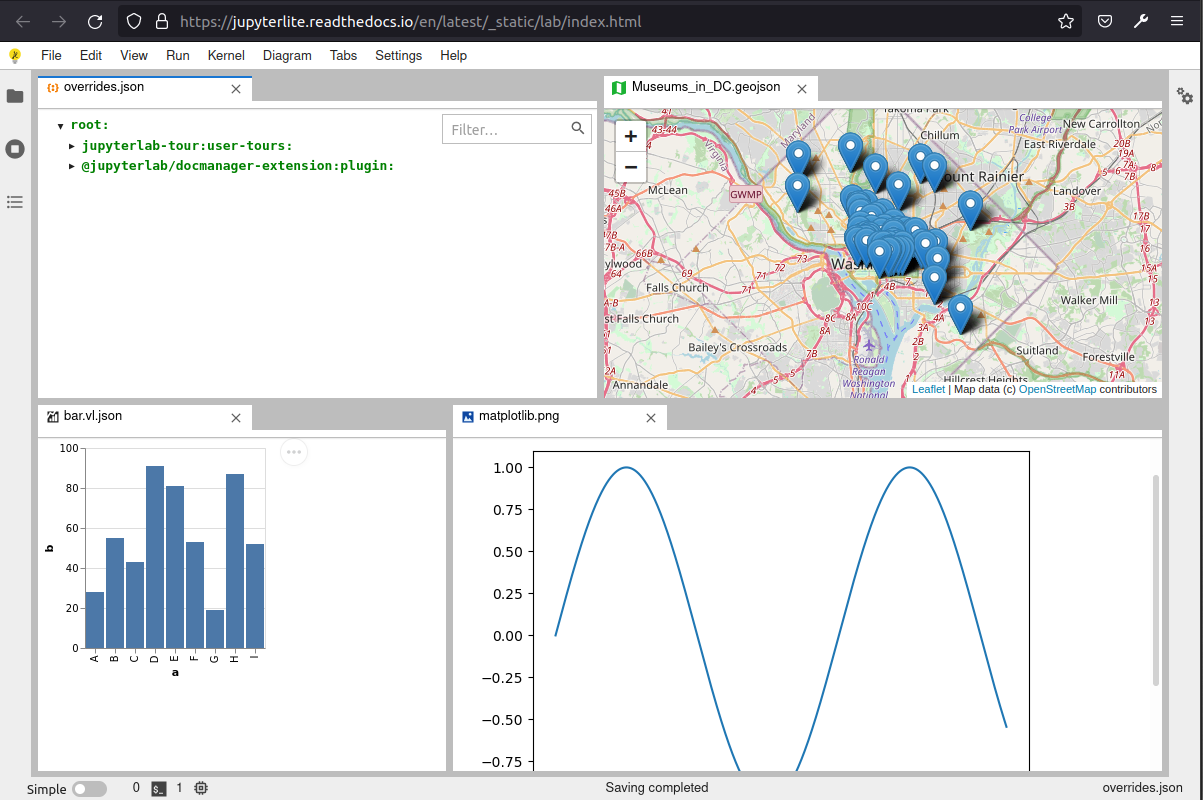
JupyterLab Mimerender Extensions
Matplotlib Figures
Altair
Plotly
Development install
See the contributing guide for a development installation.
Related
JupyterLite is a reboot of several attempts at making a full static Jupyter distribution that runs in the browser, without having to start the Python Jupyter Server on the host machine.
The goal is to provide a lightweight computing environment accessible in a matter of seconds with a single click, in a web browser and without having to install anything.
This project is a collection of packages that can be remixed together in variety of ways to create new applications and distributions. Most of the packages in this repo focus on providing server-like components that run in the browser (to manage kernels, files and settings), so existing JupyterLab extensions and plugins can be reused out of the box.
See also:
- p5-notebook: A minimal Jupyter Notebook UI for p5.js kernels running in the browser
- jyve: Jupyter Kernels, right inside JupyterLab
- Starboard Notebook: In-browser literal notebooks
- Basthon: A Jupyter notebook implementation using Pyodide
Project details
Release history Release notifications | RSS feed


Download files
Download the file for your platform. If you're not sure which to choose, learn more about installing packages.
Source Distribution
Built Distribution
Filter files by name, interpreter, ABI, and platform.
If you're not sure about the file name format, learn more about wheel file names.
Copy a direct link to the current filters
File details
Details for the file jupyterlite-0.1.0a23.tar.gz.
File metadata
- Download URL: jupyterlite-0.1.0a23.tar.gz
- Upload date:
- Size: 8.0 MB
- Tags: Source
- Uploaded using Trusted Publishing? No
- Uploaded via: twine/3.8.0 pkginfo/1.8.2 readme-renderer/32.0 requests/2.27.1 requests-toolbelt/0.9.1 urllib3/1.26.8 tqdm/4.62.3 importlib-metadata/4.11.1 keyring/23.5.0 rfc3986/2.0.0 colorama/0.4.4 CPython/3.10.2
File hashes
| Algorithm | Hash digest | |
|---|---|---|
| SHA256 |
c0550ff29e28af74104efa814f37287e3873f29c35ee9ec6c2a098122486879f
|
|
| MD5 |
84daac4d7a92395c29af2cf1545173e9
|
|
| BLAKE2b-256 |
5496ebbb947b7f9c3551e69f50ca46cb5b782851730a23133cd499b3e0109852
|
File details
Details for the file jupyterlite-0.1.0a23-py3-none-any.whl.
File metadata
- Download URL: jupyterlite-0.1.0a23-py3-none-any.whl
- Upload date:
- Size: 8.0 MB
- Tags: Python 3
- Uploaded using Trusted Publishing? No
- Uploaded via: twine/3.8.0 pkginfo/1.8.2 readme-renderer/32.0 requests/2.27.1 requests-toolbelt/0.9.1 urllib3/1.26.8 tqdm/4.62.3 importlib-metadata/4.11.1 keyring/23.5.0 rfc3986/2.0.0 colorama/0.4.4 CPython/3.10.2
File hashes
| Algorithm | Hash digest | |
|---|---|---|
| SHA256 |
86b5170dccb3f46817f74d9f99867f496b4d9917aa7057464e31190c6ea1b4e6
|
|
| MD5 |
f9757ab7ec08d9e88d45e45813782eba
|
|
| BLAKE2b-256 |
09ba8a6bad4268bbf7b0135793a5f18a260324f005a5a22152ce27d49e999674
|






