
No project description provided

Project description
K3D Jupyter





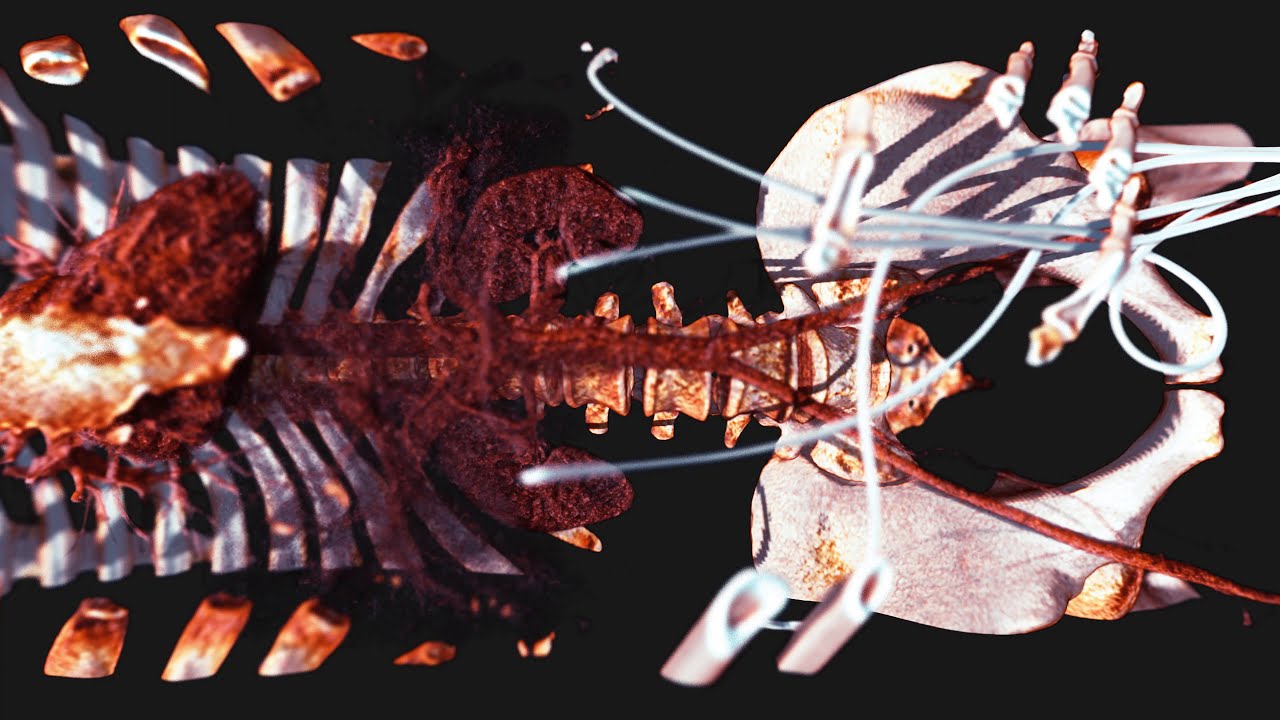
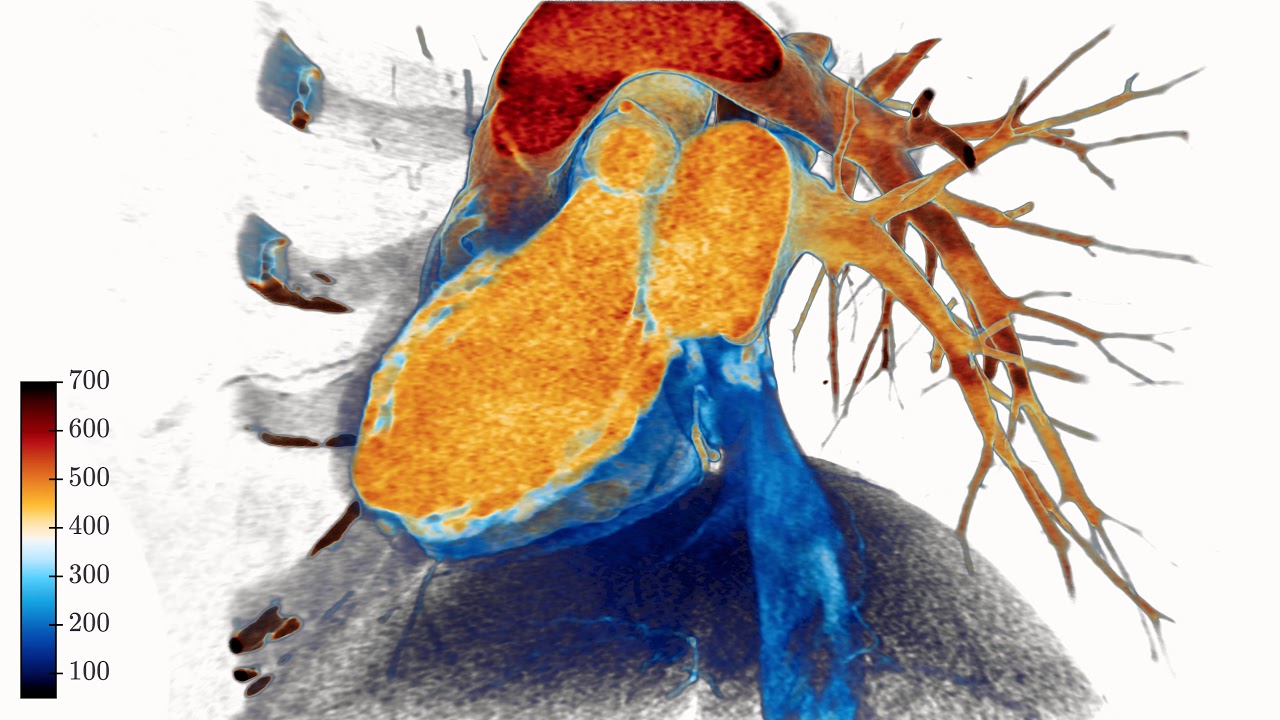
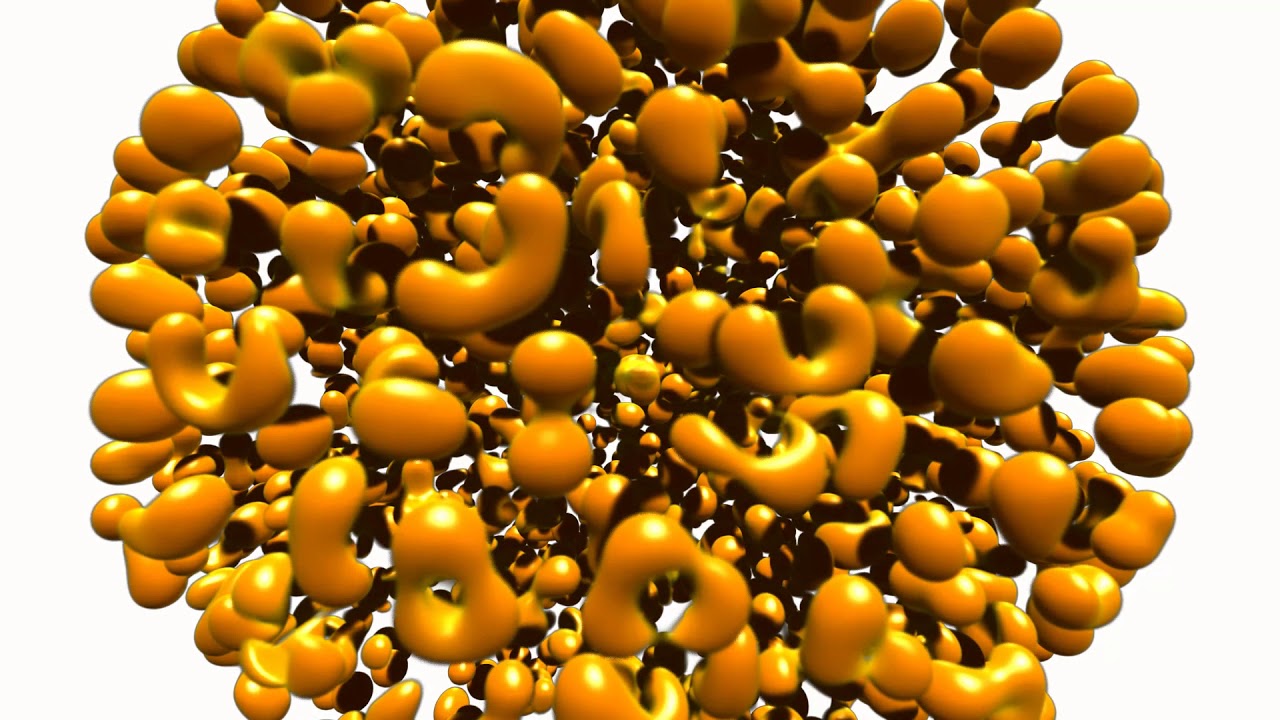
K3D lets you create 3D plots backed by WebGL with high-level API (surfaces, isosurfaces, voxels, mesh, point clouds, vtk objects, volume renderer, colormaps, etc). The primary aim of K3D-jupyter is to be easy to use as a standalone package like matplotlib, but also to allow interoperation with existing libraries as VTK. K3D can be run as:
- Jupyter Notebook extension 🚀
- Jupyter Lab extension 🎉
- Google Colab extension 🧪 [still experimental]
- Standalone HTML/JS 📑
Documentation: https://k3d-jupyter.org
Showcase:


YouTube:
Click to watch at YouTube:

Try it Now!
Watch: Interactive showcase gallery
Jupyter
version:

Installation
PyPI
To install from PyPI use pip:
$ pip install k3d
Conda/Anaconda
To install from conda-forge use:
$ conda install -c conda-forge k3d
Google Colab
First you need to install k3d:
!pip install k3d
!jupyter nbextension install --py --user k3d
!jupyter nbextension enable --py --user k3d
After that you need to activate custom widgets and switch k3d to text protocol:
import k3d
from google.colab import output

output.enable_custom_widget_manager()

k3d.switch_to_text_protocol()
Installing directly from GitHub
To install directly from this repository (requires git and node.js + npm to build):
$ pip install git+https://github.com/K3D-tools/K3D-jupyter
This also makes possible installing the most up-to-date development version (same requirements):
$ pip install git+https://github.com/K3D-tools/K3D-jupyter@devel
To install any historical version, replace devel above with any tag or commit hash.
Source
For a development installation (requires npm and node.js),
$ git clone https://github.com/K3D-tools/K3D-jupyter.git
$ cd K3D-jupyter
$ pip install -e .
Then, if required, JupyterLab installation:
$ jupyter labextension install ./js
Code of Conduct
K3D-jupyter follows the Python Software Foundation Code of Conduct in everything we do.
Kudos
- Jupyter is my ❤️
- OpenDreamKit is 🚀
- Three.js is 🥇
Acknowledgments

|
Research Infrastructure project This package was created as part of the Horizon 2020 European OpenDreamKit (grant agreement #676541). |
Release history Release notifications | RSS feed


Download files
Download the file for your platform. If you're not sure which to choose, learn more about installing packages.
Source Distribution
Built Distribution
Filter files by name, interpreter, ABI, and platform.
If you're not sure about the file name format, learn more about wheel file names.
Copy a direct link to the current filters
File details
Details for the file k3d-2.17.0.tar.gz.
File metadata
- Download URL: k3d-2.17.0.tar.gz
- Upload date:
- Size: 11.9 MB
- Tags: Source
- Uploaded using Trusted Publishing? No
- Uploaded via: twine/6.1.0 CPython/3.12.3
File hashes
| Algorithm | Hash digest | |
|---|---|---|
| SHA256 |
7dd41fe72a51065d302f04761502f965378693f12bf3a831152b61ce00050c4c
|
|
| MD5 |
b2d34aca6c246985e87766574ff58670
|
|
| BLAKE2b-256 |
96fafed52aae3928bc646a1490663514c8b44a0653ddd75a97d26c585e904f32
|
File details
Details for the file k3d-2.17.0-py3-none-any.whl.
File metadata
- Download URL: k3d-2.17.0-py3-none-any.whl
- Upload date:
- Size: 28.2 MB
- Tags: Python 3
- Uploaded using Trusted Publishing? No
- Uploaded via: twine/6.1.0 CPython/3.12.3
File hashes
| Algorithm | Hash digest | |
|---|---|---|
| SHA256 |
b4cf6833e48e11a534d22d454ace83a5f19e2cea434547c3ee968ca109c78a01
|
|
| MD5 |
f82dcb181d9821c8b0a99001c4bbff59
|
|
| BLAKE2b-256 |
702e05a28556829cfa9d660736e9e73a089ea3ccc2c4db0d0e095fb36003e93b
|






