
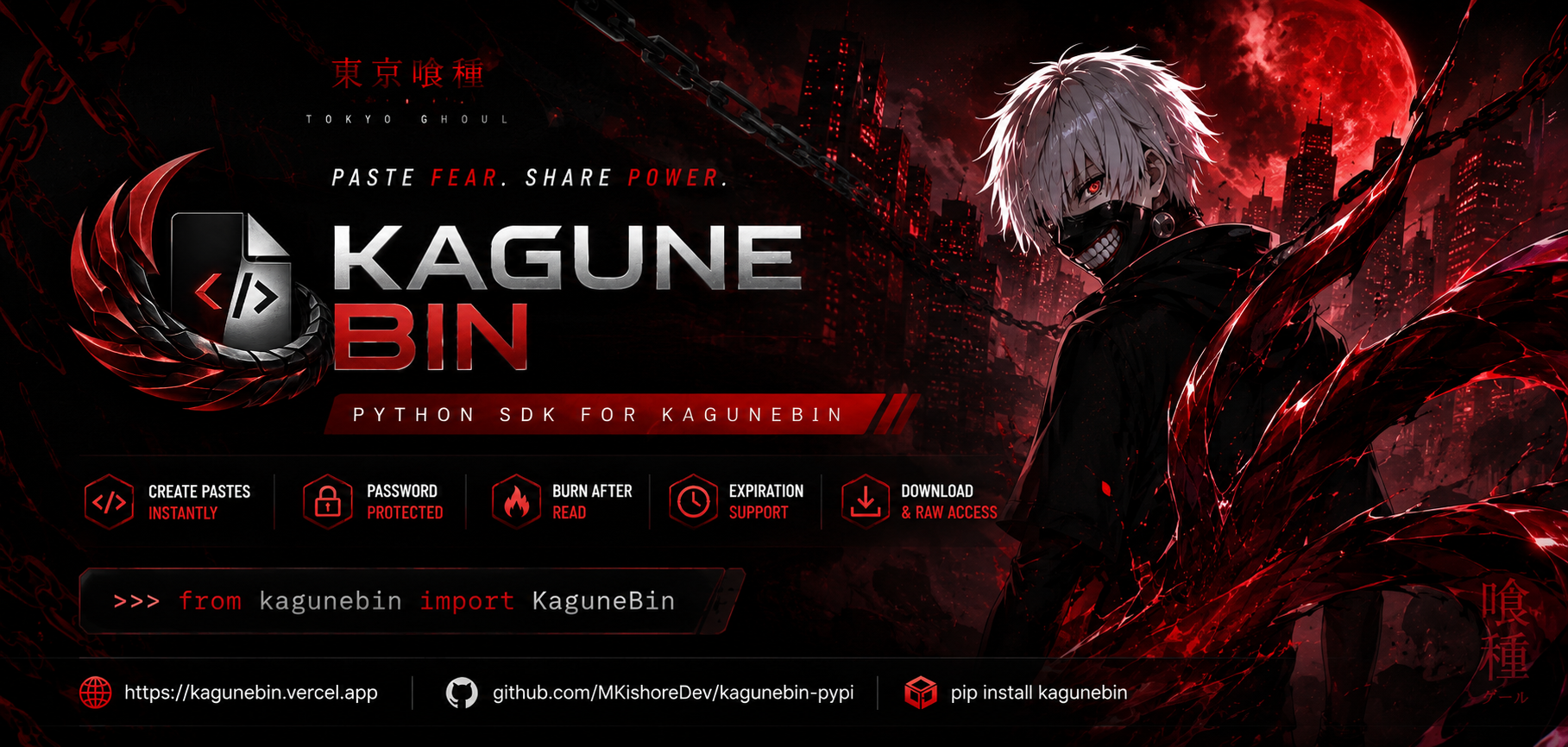
KaguneBin Python SDK
🩸 Paste Fear. Share Power.
Official Python SDK for the KaguneBin anonymous paste sharing service.




🌌 About
KaguneBin is a high-performance, dark-themed paste service inspired by the world of Tokyo Ghoul.
This official Python library lets you programmatically create, fetch, download, and manage pastes with full support for:
- 🔒 Zero-Trust Password Protection (bcrypt)
- 🔥 Burn-After-Read (instant self-destruction upon reading)
- ⏳ Automated Expiration (hours, days, or scheduled timestamps)
- 📥 Binary & File Downloads
- ⚡ Synchronous & Asynchronous Clients
- 🛡️ Typed Custom Exception Hierarchy
📦 Installation
# Standard synchronous client
pip install kagunebin

# With asynchronous support (httpx)
pip install "kagunebin[async]"
⚡ Quick Start
from kagunebin import KaguneBin

# Initialize client
kb = KaguneBin()

# Create a paste
paste = kb.create(
    title="Main Execution Script",
    content="import os\nprint('System initialized successfully.')",
    syntax="python",
    expires_in_hours=24
)

print("Paste Created Successfully!")
print("ID:", paste["id"])
print("URL:", paste["full_url"])
🎯 Core Features & Code Recipes
1. 🔒 Password Protected Pastes
Pastes can be secured with bcrypt encryption:
from kagunebin import KaguneBin

kb = KaguneBin()

# Create protected paste
paste = kb.create(
    title="Confidential API Credentials",
    content="DATABASE_SECRET_KEY=super_secure_99812",
    syntax="yaml",
    password="my_vault_password"
)

# Fetching requires the password
result = kb.get(paste["id"], password="my_vault_password")
print(result["content"])
2. 🔥 Burn-After-Read (Self-Destructing)
Burn-after-read pastes are permanently purged from the database after their very first retrieval:
paste = kb.create(
    title="One-Time Verification Token",
    content="AUTH_OTP_77192",
    burn_after_read=True
)

# Read 1: Success
content = kb.raw(paste["id"])
print("Token:", content)

# Read 2: Raises KaguneBinNotFoundError or KaguneBinExpiredError
3. ⏳ Expiring Pastes
Set automated lifetimes in hours or days:
# Expire in 6 hours
paste_6h = kb.create(
    content="Temporary debug trace",
    syntax="text",
    expires_in_hours=6
)

# Expire in 7 days
paste_7d = kb.create(
    content="Weekly report summary",
    syntax="markdown",
    expires_in_days=7
)
4. 📄 Raw Content Access
Fetch pure plaintext directly for piping or logging:
raw_text = kb.raw("kgn_a1b2c3d4")
print(raw_text)
5. 💾 Downloading Pastes to Disk
# Download and save directly to file
kb.download("kgn_a1b2c3d4", save_as="output_script.py")

# Or obtain raw bytes
data_bytes = kb.download("kgn_a1b2c3d4")
6. 🩺 Service Health Check & Latency
health = kb.verify()
print(f"Status: {health['status']} | Latency: {health['latency_ms']}ms")
7. 🛡️ Robust Error Handling
The SDK provides granular, typed exceptions for safe integration:
from kagunebin import (
    KaguneBin,
    KaguneBinAuthError,
    KaguneBinNotFoundError,
    KaguneBinExpiredError,
    KaguneBinValidationError,
    KaguneBinConnectionError,
    KaguneBinError,
)

kb = KaguneBin()

try:
    paste = kb.get("kgn_sample123", password="wrong_pass")
except KaguneBinAuthError:
    print("❌ Incorrect or missing password!")
except KaguneBinNotFoundError:
    print("❌ Paste does not exist.")
except KaguneBinExpiredError:
    print("⚠️ Paste has expired or was already burned.")
except KaguneBinConnectionError as e:
    print(f"🌐 Network connection error: {e}")
except KaguneBinError as e:
    print(f"🚨 API error: {e}")
⚡ Asynchronous Support (AsyncKaguneBin)
For high-throughput applications, FastAPI backends, and Discord/Telegram bots:
import asyncio
from kagunebin import AsyncKaguneBin

async def main():
    async with AsyncKaguneBin() as kb:
        paste = await kb.create(
            title="Async Log Dump",
            content="[2026-10-04] System worker cluster running smoothly.",
            syntax="text",
            expires_in_hours=12
        )
        print("Async URL:", paste["full_url"])

asyncio.run(main())
🤖 Telegram Bot Integration Example (Pyrogram)
from pyrogram import Client, filters
from pyrogram.types import Message
from kagunebin import KaguneBin

app = Client("kagunebin_bot", api_id=12345, api_hash="your_hash", bot_token="your_token")
kb = KaguneBin()

@app.on_message(filters.command("paste") & filters.reply)
async def paste_handler(client: Client, message: Message):
    text_to_paste = message.reply_to_message.text or message.reply_to_message.caption
    if not text_to_paste:
        return await message.reply("Please reply to a text message.")

    status_msg = await message.reply("🩸 Creating KaguneBin paste...")

    try:
        paste = kb.create(
            title=f"Paste by {message.from_user.first_name}",
            content=text_to_paste,
            syntax="plaintext",
            expires_in_days=3
        )
        await status_msg.edit(
            f"✅ **Paste Created!**\n\n"
            f"🔗 **URL:** {paste['full_url']}\n"
            f"⏳ **Expires In:** 3 Days"
        )
    except Exception as e:
        await status_msg.edit(f"❌ Failed to create paste: {e}")

app.run()
🎨 Supported Syntaxes
kb = KaguneBin()
print(kb.syntaxes())
Supported languages include:
python, javascript, typescript, java, cpp, c, csharp, go, rust, php, ruby, swift, kotlin, html, css, scss, json, xml, yaml, sql, bash, shell, text, plaintext, markdown, dockerfile.
📄 License
MIT License © 2026 Kishore M
🩸 Made with passion by Kishore M
1 maintainer

Metadata
1 maintainer
Release files for kagunebin 1.0.1
For a detailed explanation of source distributions (sdists) and built distributions (wheels), please see the package formats documentation.
Source distribution (sdist)
| File | Size | Uploaded | |
|---|---|---|---|
| kagunebin-1.0.1.tar.gz | 10.9 kB | Details |
Built distribution (wheel)
| File | Interpreter | ABI | Platform | Reset |
|---|---|---|---|---|
| kagunebin-1.0.1-py3-none-any.whl | Python 3 | none | any | Details |
Total release size: 19.6 kB
Release files / kagunebin-1.0.1.tar.gz
| Download URL | kagunebin-1.0.1.tar.gz |
|---|---|
| Size | 10.9 kB |
| Tags | Source |
|
SHA-256 checksum How to use checksums |
4e7068cc37bc6308e5a4a445549828da857f4e794a8ca63542164296ba4460a1
|
|
BLAKE2b-256 checksum How to use checksums |
d4e332e9d126cad4481a7850f74ee625a1cc26aecc3a155462055ca70c74525d
|
| Upload date | |
|
Uploaded using Trusted Publishing? What is trusted publishing? |
No |
| Uploaded via |
twine/7.0.0 CPython/3.13.14
|
Release files / kagunebin-1.0.1-py3-none-any.whl
| Download URL | kagunebin-1.0.1-py3-none-any.whl |
|---|---|
| Size | 8.7 kB |
| Tags | Python 3 |
|
SHA-256 checksum How to use checksums |
d9ed70a2b6fa93f37135e7a4d38de25f5df4a4277cfbab9336a0769975916007
|
|
BLAKE2b-256 checksum How to use checksums |
d918d3865736c54373130db9eda9f31e6329946077ef1364b3e0e3790d17f241
|
| Upload date | |
|
Uploaded using Trusted Publishing? What is trusted publishing? |
No |
| Uploaded via |
twine/7.0.0 CPython/3.13.14
|














