
CLI, LSP, and future MCP server for kb-yaml-to-lens dashboard compiler

Project description
kb-dashboard-cli
CLI, LSP, and future MCP server for the kb-yaml-to-lens dashboard compiler.
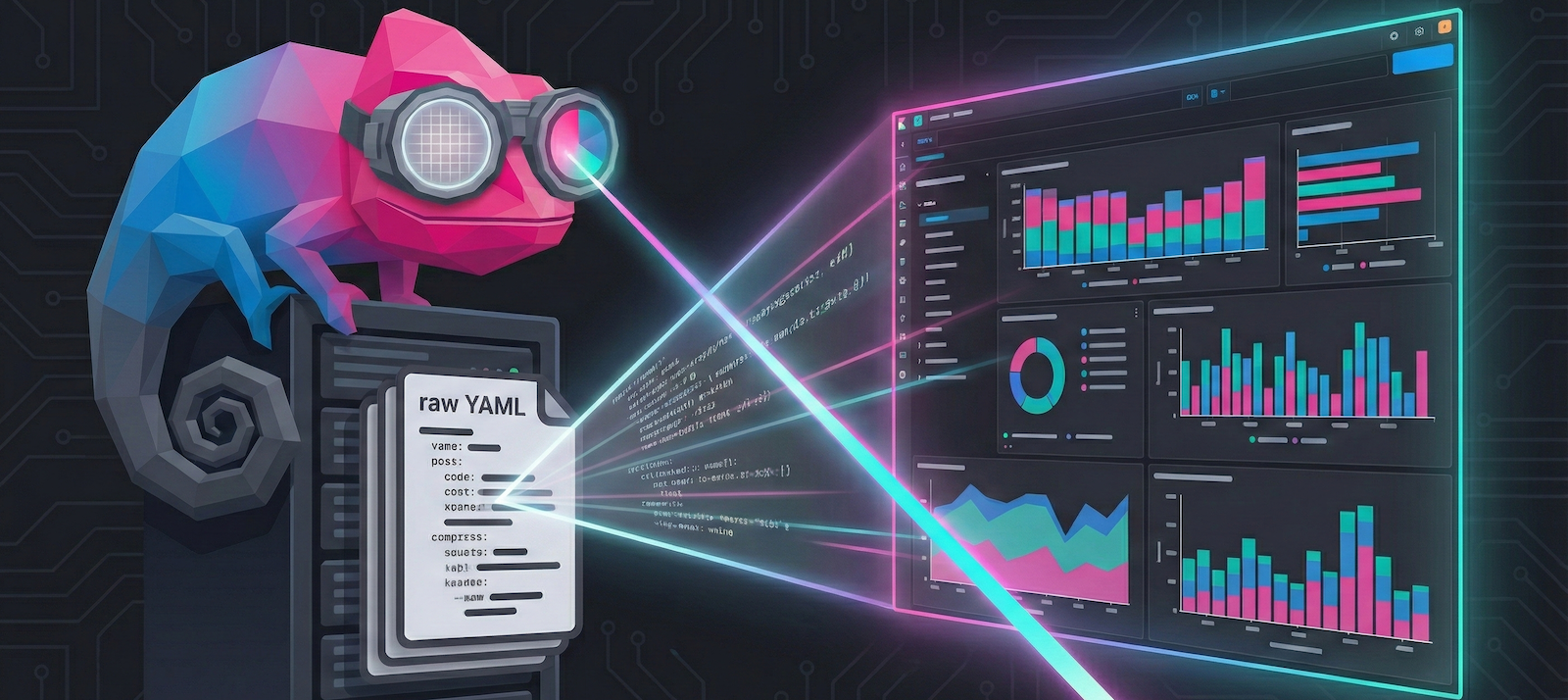
This package provides command-line tools and language server capabilities for building Kibana dashboards from YAML definitions. It converts human-friendly YAML dashboard definitions into Kibana NDJSON format:
Features
- YAML-based Dashboard Definition – Define dashboards, panels, filters, and queries in simple YAML
- Rich Panel Support – Lens visualizations (metric, pie, XY charts), Markdown, Links, Image panels, and more
- Advanced Controls – Control groups with options lists, range sliders, and time sliders with chaining
- Filter Support – Exists, phrase, range, and custom DSL with AND/OR/NOT operators
- Direct Upload – Optional direct upload to Kibana with authentication support
Prerequisites
For ⭐ VS Code Extension (Recommended):
- VS Code 1.85.0+ or compatible editor (Cursor, VSCodium, etc.)
- No Python installation required - bundled binary included!
For CLI (Automation/CI):
- uv for running via
uvx(recommended - no Python setup required) - Or Python 3.12+ with pip/uv for traditional installation
Quick Start
Option 1: ⭐ VS Code Extension (Recommended for Getting Started)
Best for: Interactive dashboard development, visual editing, live preview
The VS Code extension is the fastest way to start building Kibana dashboards. It includes:
- Pre-built snippets for quick dashboard scaffolding
- Live preview as you type
- Visual drag-and-drop grid editor
- One-click upload to Kibana
- No Python installation required - LSP server binary is bundled
Installation
From OpenVSX Registry (Cursor, VS Code forks):
- Open Extensions view (Ctrl+Shift+X)
- Search for "Kibana Dashboard Compiler"
- Click Install
Manual VSIX Install:
Download platform-specific .vsix from releases page
Verify Installation
After installation, verify the extension is working:
- Open Command Palette (Ctrl+Shift+P / Cmd+Shift+P)
- Type "YAML Dashboard" - you should see all extension commands
- Create a test file:
test-dashboard.yaml - Type
dashboardand press Tab - a snippet should insert
If commands don't appear, restart VS Code and check the Output panel (View → Output → "Kibana Dashboard Compiler").
Your First Dashboard in VS Code
- Create a new file:
my-dashboard.yaml - Start typing
dashboardand press Tab to insert snippet - Save (Ctrl+S) - auto-compiles in background
- Run command (Ctrl+Shift+P): "YAML Dashboard: Preview Dashboard"
- Configure Kibana URL in settings, then run: "YAML Dashboard: Open in Kibana"
Learn more: VS Code Extension Documentation
Option 2: CLI (Best for Automation & CI/CD)
Best for: Scripting, CI/CD pipelines, batch processing, programmatic usage
The CLI provides multiple installation methods:
Click to expand CLI installation options
Using uvx (Recommended)
Run the CLI directly without cloning or installing anything (requires uv):
uvx kb-dashboard-cli compile --help
This downloads and runs the published package automatically. No Python environment setup required!
Using Docker
Run the compiler in a container without installing Python or dependencies:
# Pull the pre-built image
docker pull ghcr.io/strawgate/kb-yaml-to-lens/kb-dashboard-compiler:latest

# Or build locally (from repo root)
just cli docker-build
Standalone Binary
Download a platform-specific binary from the releases page:
- Linux (x64):
kb-dashboard-linux-x64 - macOS (Intel):
kb-dashboard-darwin-x64 - macOS (Apple Silicon):
kb-dashboard-darwin-arm64 - Windows (x64):
kb-dashboard-windows-x64.exe
No Python installation required!
From Source (For Development)
Clone the repository and install dependencies:
git clone https://github.com/strawgate/kb-yaml-to-lens
cd kb-yaml-to-lens
just cli install
See DEVELOPING.md for full development setup.
Compile Your First Dashboard (CLI)
- Create a YAML dashboard file in
inputs/directory:
dashboards:
- name: My First Dashboard
  description: A simple dashboard with markdown
  panels:
    - title: Welcome
      size: { w: 24, h: 15 }        # Size on 48-column grid
      position: { x: 0, y: 0 }     # Position on the grid
      markdown:
        content: |
          # Welcome to Kibana!

          This is my first dashboard compiled from YAML.
- Compile to NDJSON:
If using uvx: uvx kb-dashboard-cli compile --input-dir inputs --output-dir output
If using Docker:
docker run --rm -v $(pwd)/inputs:/inputs -v $(pwd)/output:/output \
  ghcr.io/strawgate/kb-yaml-to-lens/kb-dashboard-compiler:latest \
  compile --input-dir /inputs --output-dir /output
If using standalone binary: ./kb-dashboard-<platform> compile --input-dir inputs --output-dir output
- (Optional) Upload directly to Kibana:
Add --upload --kibana-url http://localhost:5601 --kibana-username elastic --kibana-password changeme to the compile command above.
The --upload flag will automatically open your dashboard in the browser upon successful upload.
Learn more: CLI Documentation
Documentation
Getting Started
- VS Code Extension Guide - Visual dashboard development (recommended for beginners)
- CLI Reference - Command-line compilation and automation
- Complete Examples - Real-world dashboard examples you can copy
Deep Dive
- Full Documentation Site - Complete user guide and API reference
- Programmatic Usage Guide - Create dashboards entirely in Python code
- Architecture - Technical design and data flow overview
- Contributing Guide - How to contribute and add new capabilities
License
MIT
Support
For issues and feature requests, please refer to the repository's issue tracker.
Release history Release notifications | RSS feed


Download files
Download the file for your platform. If you're not sure which to choose, learn more about installing packages.
Source Distribution
Built Distribution
Filter files by name, interpreter, ABI, and platform.
If you're not sure about the file name format, learn more about wheel file names.
Copy a direct link to the current filters
File details
Details for the file kb_dashboard_cli-0.3.2.tar.gz.
File metadata
- Download URL: kb_dashboard_cli-0.3.2.tar.gz
- Upload date:
- Size: 34.1 kB
- Tags: Source
- Uploaded using Trusted Publishing? Yes
- Uploaded via: uv/0.10.11 {"installer":{"name":"uv","version":"0.10.11","subcommand":["publish"]},"python":null,"implementation":{"name":null,"version":null},"distro":{"name":"Ubuntu","version":"24.04","id":"noble","libc":null},"system":{"name":null,"release":null},"cpu":null,"openssl_version":null,"setuptools_version":null,"rustc_version":null,"ci":true}
File hashes
| Algorithm | Hash digest | |
|---|---|---|
| SHA256 |
5f7c10f160e86981c84c831252b180490f579c714d286a9a924bdaac720b58ec
|
|
| MD5 |
c7b09a4bd5c36e889f4ed7a643513fe2
|
|
| BLAKE2b-256 |
3ea10bd753b02d3b61fdb90414b2bc11fc451e23a6cc4d48f6eebdc96fed1dca
|
File details
Details for the file kb_dashboard_cli-0.3.2-py3-none-any.whl.
File metadata
- Download URL: kb_dashboard_cli-0.3.2-py3-none-any.whl
- Upload date:
- Size: 40.7 kB
- Tags: Python 3
- Uploaded using Trusted Publishing? Yes
- Uploaded via: uv/0.10.11 {"installer":{"name":"uv","version":"0.10.11","subcommand":["publish"]},"python":null,"implementation":{"name":null,"version":null},"distro":{"name":"Ubuntu","version":"24.04","id":"noble","libc":null},"system":{"name":null,"release":null},"cpu":null,"openssl_version":null,"setuptools_version":null,"rustc_version":null,"ci":true}
File hashes
| Algorithm | Hash digest | |
|---|---|---|
| SHA256 |
9d47c5b354e0a069edc8333eb5b7de9f552e133fe7d34b3ddf6e422c13396369
|
|
| MD5 |
f3160e595914af554a0e607a43285331
|
|
| BLAKE2b-256 |
0e3539fcc59b3ef5fd38f37f2bccfe0cc4cca445e38afd4e698b6189595c81ae
|






