
YAML ➤ Lens Dashboard Compiler
Making Dashboards in Kibana is so much fun! Sometimes though, it's nice to build dashboards and visualizations without clicking and clacking in a web browser.
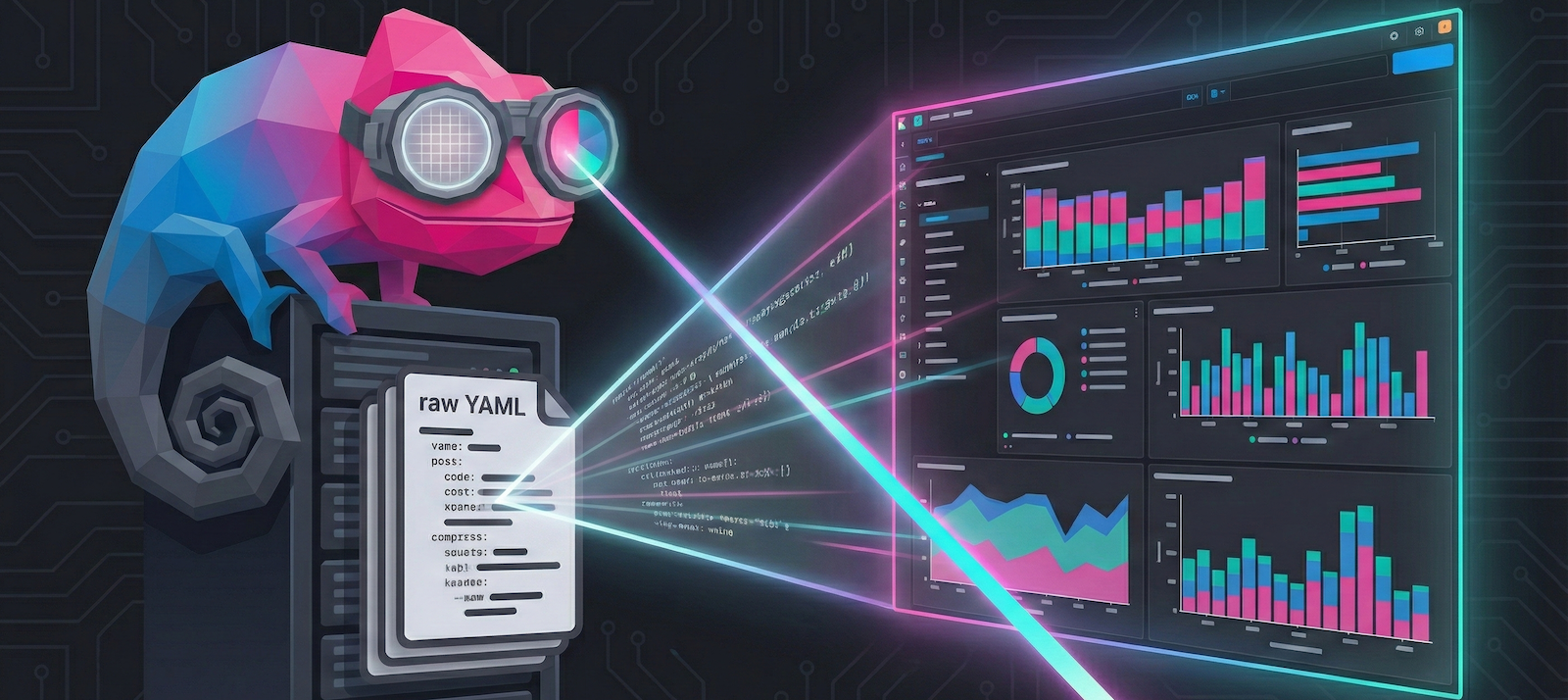
That's where the Yaml ➤ Lens Dashboard Compiler comes in. It converts human-friendly YAML dashboard definitions into Kibana NDJSON format:
Features
- YAML-based Dashboard Definition – Define dashboards, panels, filters, and queries in simple YAML
- Rich Panel Support – Lens visualizations (metric, pie, XY charts), Markdown, Links, Image panels, and more
- Advanced Controls – Control groups with options lists, range sliders, and time sliders with chaining
- Filter Support – Exists, phrase, range, and custom DSL with AND/OR/NOT operators
- Direct Upload – Optional direct upload to Kibana with authentication support
Prerequisites
For ⭐ VS Code Extension (Recommended):
- VS Code 1.85.0+ or compatible editor (Cursor, VSCodium, etc.)
- No Python installation required - bundled binary included!
For CLI (Automation/CI):
- Python 3.12+
- uv (recommended for dependency management)
Quick Start
Option 1: ⭐ VS Code Extension (Recommended for Getting Started)
Best for: Interactive dashboard development, visual editing, live preview
The VS Code extension is the fastest way to start building Kibana dashboards. It includes:
- Pre-built snippets for quick dashboard scaffolding
- Live preview as you type
- Visual drag-and-drop grid editor
- One-click upload to Kibana
- No Python installation required - LSP server binary is bundled
Installation
From OpenVSX Registry (Cursor, VS Code forks):
- Open Extensions view (Ctrl+Shift+X)
- Search for "Kibana Dashboard Compiler"
- Click Install
Manual VSIX Install:
Download platform-specific .vsix from releases page
Verify Installation
After installation, verify the extension is working:
- Open Command Palette (Ctrl+Shift+P / Cmd+Shift+P)
- Type "YAML Dashboard" - you should see all extension commands
- Create a test file:
test-dashboard.yaml - Type
dashboardand press Tab - a snippet should insert
If commands don't appear, restart VS Code and check the Output panel (View → Output → "Kibana Dashboard Compiler").
Your First Dashboard in VS Code
- Create a new file:
my-dashboard.yaml - Start typing
dashboardand press Tab to insert snippet - Save (Ctrl+S) - auto-compiles in background
- Run command (Ctrl+Shift+P): "YAML Dashboard: Preview Dashboard"
- Configure Kibana URL in settings, then run: "YAML Dashboard: Open in Kibana"
Learn more: VS Code Extension Documentation
Option 2: CLI (Best for Automation & CI/CD)
Best for: Scripting, CI/CD pipelines, batch processing, programmatic usage
The CLI provides three installation methods:
Click to expand CLI installation options
Using uv (Recommended for Development)
This project uses uv for fast, reliable Python package management.
For basic usage (compiling dashboards):
uv sync
Using Docker
Run the compiler in a container without installing Python or dependencies:
# Pull the pre-built image
docker pull ghcr.io/strawgate/kb-yaml-to-lens/kb-dashboard-compiler:latest

# Or build locally
cd compiler && make docker-build
Standalone Binary
Download a platform-specific binary from the releases page:
- Linux (x64):
kb-dashboard-linux-x64 - macOS (Intel):
kb-dashboard-darwin-x64 - macOS (Apple Silicon):
kb-dashboard-darwin-arm64 - Windows (x64):
kb-dashboard-windows-x64.exe
No Python installation required!
Compile Your First Dashboard (CLI)
- Create a YAML dashboard file in
inputs/directory:
dashboards:
- name: My First Dashboard
  description: A simple dashboard with markdown
  panels:
    - title: Welcome
      grid: { x: 0, y: 0, w: 24, h: 15 }  # Position and size on 48-column grid
      markdown:
        content: |
          # Welcome to Kibana!

          This is my first dashboard compiled from YAML.
- Compile to NDJSON:
If using uv: uv run kb-dashboard compile --input-dir inputs --output-dir output
If using Docker:
docker run --rm -v $(pwd)/inputs:/inputs -v $(pwd)/output:/output \
  ghcr.io/strawgate/kb-yaml-to-lens/kb-dashboard-compiler:latest \
  compile --input-dir inputs --output-dir output
If using standalone binary: ./kb-dashboard-<platform> compile --input-dir inputs --output-dir output
- (Optional) Upload directly to Kibana:
Add --upload --kibana-url http://localhost:5601 --kibana-username elastic --kibana-password changeme to the compile command above.
The --upload flag will automatically open your dashboard in the browser upon successful upload.
Learn more: CLI Documentation
Documentation
Getting Started
- VS Code Extension Guide - Visual dashboard development (recommended for beginners)
- CLI Reference - Command-line compilation and automation
- Complete Examples - Real-world dashboard examples you can copy
Deep Dive
- Full Documentation Site - Complete user guide and API reference
- Programmatic Usage Guide - Create dashboards entirely in Python code
- Architecture - Technical design and data flow overview
- Contributing Guide - How to contribute and add new capabilities
License
MIT
Support
For issues and feature requests, please refer to the repository's issue tracker.
1 maintainer

Release files for kb-dashboard-compiler 0.1.10
For a detailed explanation of source distributions (sdists) and built distributions (wheels), please see the package formats documentation.
Source distribution (sdist)
| File | Size | Uploaded | |
|---|---|---|---|
| kb_dashboard_compiler-0.1.10.tar.gz | 131.7 kB | Details |
Built distribution (wheel)
| File | Interpreter | ABI | Platform | Reset |
|---|---|---|---|---|
| kb_dashboard_compiler-0.1.10-py3-none-any.whl | Python 3 | none | any | Details |
Total release size: 324.4 kB
Release files / kb_dashboard_compiler-0.1.10.tar.gz
| Download URL | kb_dashboard_compiler-0.1.10.tar.gz |
|---|---|
| Size | 131.7 kB |
| Tags | Source |
|
SHA-256 checksum How to use checksums |
453b4713ec39496910b21f99589f6bf33a7d64b858836b9b365000ad41f3aac3
|
|
BLAKE2b-256 checksum How to use checksums |
0f9305ddb8cd041f6f3e7cefc98e133d2a835397d6eaf206f84115242be5e1c8
|
| Upload date | |
|
Uploaded using Trusted Publishing? What is trusted publishing? |
Yes |
| Uploaded via |
uv/0.9.25 {"installer":{"name":"uv","version":"0.9.25","subcommand":["publish"]},"python":null,"implementation":{"name":null,"version":null},"distro":{"name":"Ubuntu","version":"24.04","id":"noble","libc":null},"system":{"name":null,"release":null},"cpu":null,"openssl_version":null,"setuptools_version":null,"rustc_version":null,"ci":true}
|
Release files / kb_dashboard_compiler-0.1.10-py3-none-any.whl
| Download URL | kb_dashboard_compiler-0.1.10-py3-none-any.whl |
|---|---|
| Size | 192.7 kB |
| Tags | Python 3 |
|
SHA-256 checksum How to use checksums |
58eddd93380882c9aba437e6afbb8a8d9d89c9061c5c3cd88b52bd216a9b6b2c
|
|
BLAKE2b-256 checksum How to use checksums |
99c25902a325000dd0928cfd7b90c7bb5968b78b9f02f784d75d7bd1e070fddd
|
| Upload date | |
|
Uploaded using Trusted Publishing? What is trusted publishing? |
Yes |
| Uploaded via |
uv/0.9.25 {"installer":{"name":"uv","version":"0.9.25","subcommand":["publish"]},"python":null,"implementation":{"name":null,"version":null},"distro":{"name":"Ubuntu","version":"24.04","id":"noble","libc":null},"system":{"name":null,"release":null},"cpu":null,"openssl_version":null,"setuptools_version":null,"rustc_version":null,"ci":true}
|














