
Keep Presence
This program moves the mouse or presses a key when it detects that you are away from your computer.
It does nothing if you are using your computer, making it useful for tricking your machine into thinking you are still using it.
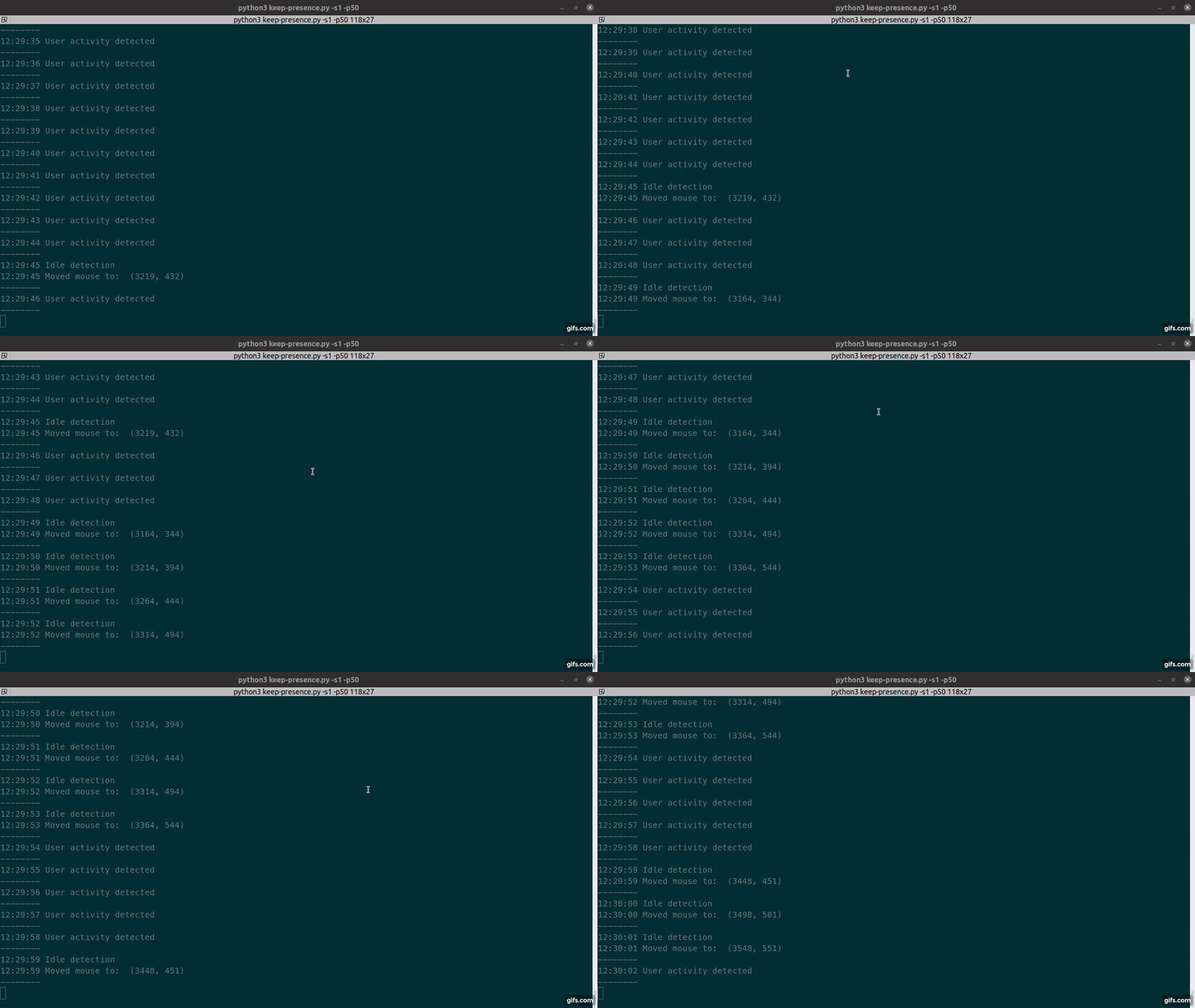
Demo
Install from Pypi
python3 -m pip install keep_presence
https://pypi.org/project/keep-presence/
Run
keep-presence

# or

python3 -m keep_presence
Install with Snap
sudo snap install keep-presence

Run
keep-presence
Manual installation
git clone https://github.com/carrot69/keep-presence.git

cd keep-presence

python3 -m pip install pynput

python3 src/keep-presence.py
Optional arguments
-h, --help                        show this help message and exit

-s SECONDS, --seconds SECONDS     Define in seconds how long to wait after a user is
                                  considered idle. Default 300.

-p PIXELS, --pixels PIXELS        Set how many pixels the mouse should move. Default 1.

-c, --circular                    Move mouse in a circle. Default move diagonally.

-m MODE, --mode MODE              Available options: keyboard, mouse, both (mouse & keyboard) and scroll.
                                  Default is mouse.
                                  This is the action that will be executed when the user is idle.
                                  If keyboard is selected, the program will press the shift key.
                                  If mouse is selected, the program will move the mouse.
                                  If both is selected, the program will do both actions.

-r RANDOM RANDOM, --random RANDOM RANDOM
                                  Usage: two numbers (ex. -r 3 10). Execute actions based on a
                                  random interval between start and stop seconds.
                                  Note: Overwrites the seconds argument.
Donations:
If you've found Keep Presence to be helpful, you can buy me a coffee, thanks!

1 maintainer

Metadata
1 maintainer
Release files for keep-presence 1.0.7.1
For a detailed explanation of source distributions (sdists) and built distributions (wheels), please see the package formats documentation.
Source distribution (sdist)
| File | Size | Uploaded | |
|---|---|---|---|
| keep_presence-1.0.7.1.tar.gz | 7.0 kB | Details |
Built distribution (wheel)
| File | Interpreter | ABI | Platform | Reset |
|---|---|---|---|---|
| keep_presence-1.0.7.1-py3-none-any.whl | Python 3 | none | any | Details |
Total release size: 14.7 kB
Release files / keep_presence-1.0.7.1.tar.gz
| Download URL | keep_presence-1.0.7.1.tar.gz |
|---|---|
| Size | 7.0 kB |
| Tags | Source |
|
SHA-256 checksum How to use checksums |
692af0a6f90839a2dcb497ee16b511d462525dedd45787e08fa9deb54aa28692
|
|
BLAKE2b-256 checksum How to use checksums |
cd8c9a7cd60e1dc4247d3182922077cef973058986fe8bd2aad111f3da3ce875
|
| Upload date | |
|
Uploaded using Trusted Publishing? What is trusted publishing? |
No |
| Uploaded via |
twine/4.0.2 CPython/3.10.12
|
Release files / keep_presence-1.0.7.1-py3-none-any.whl
| Download URL | keep_presence-1.0.7.1-py3-none-any.whl |
|---|---|
| Size | 7.7 kB |
| Tags | Python 3 |
|
SHA-256 checksum How to use checksums |
818b1c92831eedf4d606e6a42adf3214120f914fa78e759da33b1f286f911043
|
|
BLAKE2b-256 checksum How to use checksums |
8b15684a7a9fe5b04f46513cc991675597688694d5ddca9c604f93a09ad2b6fc
|
| Upload date | |
|
Uploaded using Trusted Publishing? What is trusted publishing? |
No |
| Uploaded via |
twine/4.0.2 CPython/3.10.12
|














