
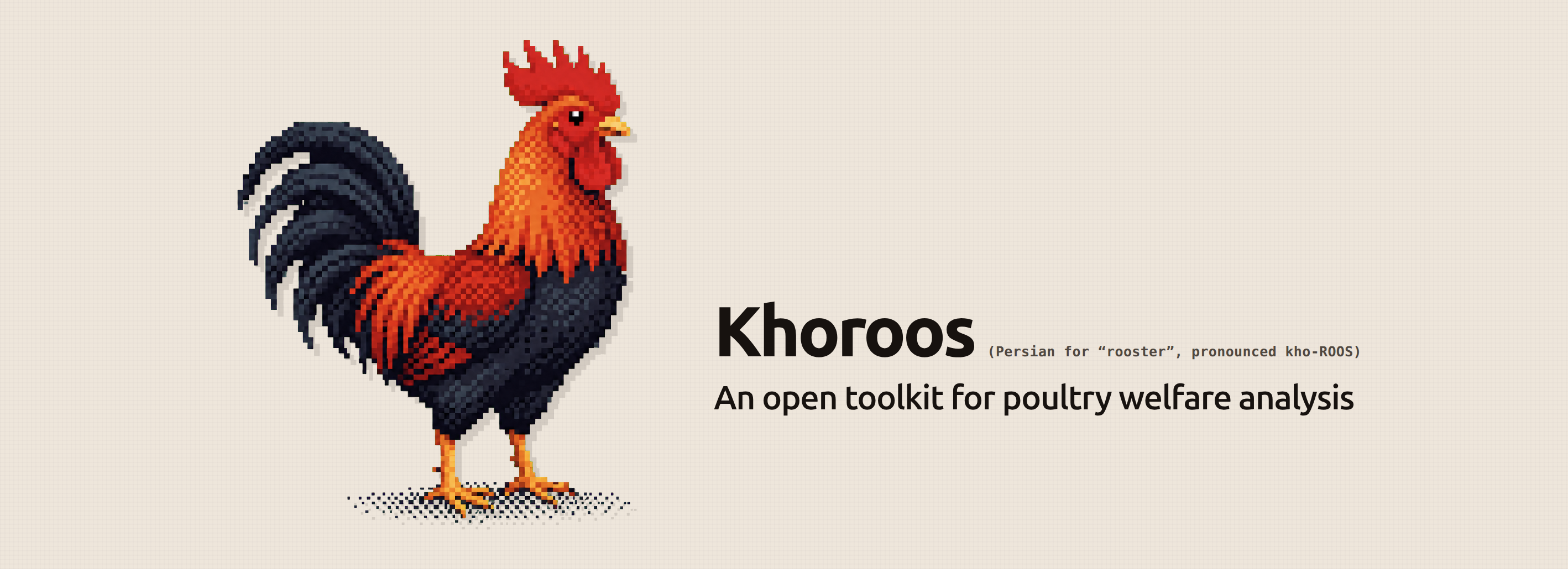




Khoroos turns poultry videos into bird tracks, behavior timelines, and descriptive statistics. Use it to measure how observed birds spend their time, compare activity across a recording, and export data for further analysis.
Developed at the UT Smart Agriculture Lab.
Features
- Detection and tracking: locate chickens and follow their trajectories across frames.
- Behavior recognition: classify single-bird clips into 15 behaviors, or select a subset such as feeding and drinking.
- Descriptive statistics: time budgets, behavior bouts, detection counts, spatial summaries, and per-track measurements.
- Interactive review: inspect tracks and behavior timelines alongside the video in a browser.
- Exports: save JSON, CSV tables, and an optional annotated video.
- Replaceable components: bring your own detector, classifier, tracker, or statistics functions. Convert bounding-box annotations between YOLO and COCO formats.
Get started
Requires Python 3.12+ and FFmpeg. A GPU is recommended for inference.
python3 -m venv .venv
source .venv/bin/activate
python -m pip install "khoroos[web]"
khoroos models download
khoroos ui
The default models are public; no Hugging Face login is required. Downloads are cached for later runs, including offline use.
Open http://127.0.0.1:8000, select a video, choose a detail level, and start the analysis.
Use the timeline to seek through the recording, select a track to follow one bird, and download
the results when the run finishes.
Docker
With Docker and the NVIDIA Container Toolkit installed:
git clone https://github.com/amirivojdan/khoroos.git
cd khoroos
docker compose up --build
Open http://localhost:8000. Startup downloads the models automatically and reuses them on
later starts. Model files and results persist in a volume; the web job list resets on restart.
See the Docker guide for requirements and storage details.
Command line
Start with a short section of video:
khoroos analyze farm.mp4 -o results/ --max-seconds 60
Analyze a full recording and save an annotated video:
khoroos analyze farm.mp4 -o results/ --overlay
Report selected behaviors:
khoroos analyze farm.mp4 -o results/ --set action_classes=feeding,drinking
Choose --preset fast, balanced (default), or thorough to adjust sampling detail.
If GPU memory runs out, reduce --action-batch-size first. See the
CLI guide for all options.
Python
Analyze a video directly:
from khoroos import analyze_video

result = analyze_video("farm.mp4", preset="balanced")
print(result.metrics["time_budget"])
Reuse the models across recordings and save each export bundle:
from pathlib import Path
from khoroos import AnalysisRunner

runner = AnalysisRunner()
for video in Path("videos").glob("*.mp4"):
    runner.run(video, output_dir=Path("results") / video.stem)
See the Python guide for parameters and progress callbacks.
Results
Each exported analysis includes:
| File | Contents |
|---|---|
result.json |
Tracks, predictions, run parameters, and metadata |
metrics.json |
Behavior budgets, bouts, detection counts, spatial summaries, and timelines |
predictions.csv |
One row per classified clip |
time_budget.csv |
Duration and proportion per behavior |
per_bird.csv |
Statistics per track |
annotated.mp4 |
Video with boxes and labels, when --overlay is enabled |
Statistics describe model-assigned labels. Uncertain predictions are reported separately, and track IDs represent trajectories rather than verified animal identities. See Outputs for field definitions and duration calculations.
Extend Khoroos
Subclass Detector, VideoClassifier, or Tracker to use your own algorithms.
VideoAnalyzer accepts custom models, and PipelineComponents configures the reader, tracker,
cropper, and metrics. Class labels and behavior groups are configurable.
Follow the extension guide for working examples, or the configuration guide for devices, model sources, and cache paths.
Development
From a source checkout:
uv sync --locked --extra web --extra dev --extra docs
uv run pytest
uv run ruff check src tests
uv run mkdocs serve
Tests use stub models and generated videos; no model download is needed.
Resources and licenses
- Documentation
- ChickenAct dataset and training notebook
- Public models: chicken detector and action classifier, licensed under CC BY-NC-SA 4.0.
- Code: PolyForm Noncommercial License 1.0.0.
1 maintainer

Metadata
1 maintainer
Release files for khoroos 0.2.0
For a detailed explanation of source distributions (sdists) and built distributions (wheels), please see the package formats documentation.
Source distribution (sdist)
| File | Size | Uploaded | |
|---|---|---|---|
| khoroos-0.2.0.tar.gz | 599.2 kB | Details |
Built distribution (wheel)
| File | Interpreter | ABI | Platform | Reset |
|---|---|---|---|---|
| khoroos-0.2.0-py3-none-any.whl | Python 3 | none | any | Details |
Total release size: 1.2 MB
Release files / khoroos-0.2.0.tar.gz
| Download URL | khoroos-0.2.0.tar.gz |
|---|---|
| Size | 599.2 kB |
| Tags | Source |
|
SHA-256 checksum How to use checksums |
fc92475048048a61d248581f0900b5e65b7b1bf1e4a303ba162dc2956cf6b575
|
|
BLAKE2b-256 checksum How to use checksums |
22f52ef58343c81d6d5179a3795f206b673a69c2f9fc2c27df04f492206252b3
|
| Upload date | |
|
Uploaded using Trusted Publishing? What is trusted publishing? |
Yes |
| Uploaded via |
twine/7.0.0 CPython/3.13.14
|
Provenance
Provenance describes where a file came from. On PyPI, provenance is shared via attestations, which provide a verifiable record of the build or publishing details. View details, limitations and caveats.


PyPI Publish Attestation
PyPI verified that this artifact, at this checksum, originated from the publisher listed below.
Signed by GitHub Actions, verified by PyPI on Sep 10, 2026.
Transparency logRelease files / khoroos-0.2.0-py3-none-any.whl
| Download URL | khoroos-0.2.0-py3-none-any.whl |
|---|---|
| Size | 616.2 kB |
| Tags | Python 3 |
|
SHA-256 checksum How to use checksums |
2cd741d3abb115f49d40c345fabb86440d21f5a9a12b0a288ade238cb95f159e
|
|
BLAKE2b-256 checksum How to use checksums |
0c73769e61d22a10b2befb6beeee887f4ec3fb5318581c45cd9a3ac5d837dec7
|
| Upload date | |
|
Uploaded using Trusted Publishing? What is trusted publishing? |
Yes |
| Uploaded via |
twine/7.0.0 CPython/3.13.14
|
Provenance
Provenance describes where a file came from. On PyPI, provenance is shared via attestations, which provide a verifiable record of the build or publishing details. View details, limitations and caveats.
PyPI Publish Attestation
PyPI verified that this artifact, at this checksum, originated from the publisher listed below.
Signed by GitHub Actions, verified by PyPI on Sep 10, 2026.
Transparency log













