









Update: We've released a large offline dataset of expert trajectories here!
Kinetix
Kinetix is a framework for reinforcement learning in a 2D rigid-body physics world, written entirely in JAX. Kinetix can represent a huge array of physics-based tasks within a unified framework. We use Kinetix to investigate the training of large, general reinforcement learning agents by procedurally generating millions of tasks for training. You can play with Kinetix in our online editor, or have a look at the JAX physics engine and graphics library we made for Kinetix. Finally, see our docs for more information and more in-depth examples.
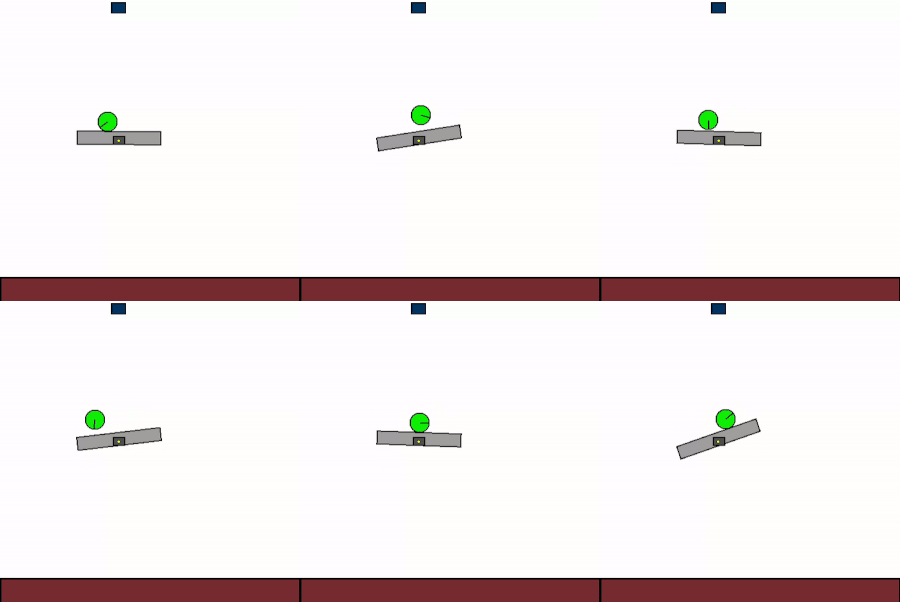
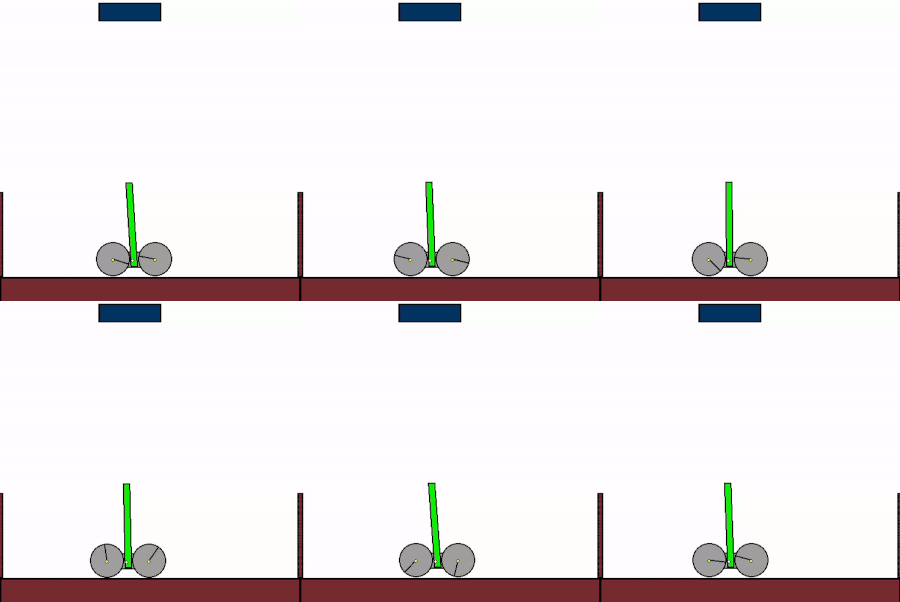
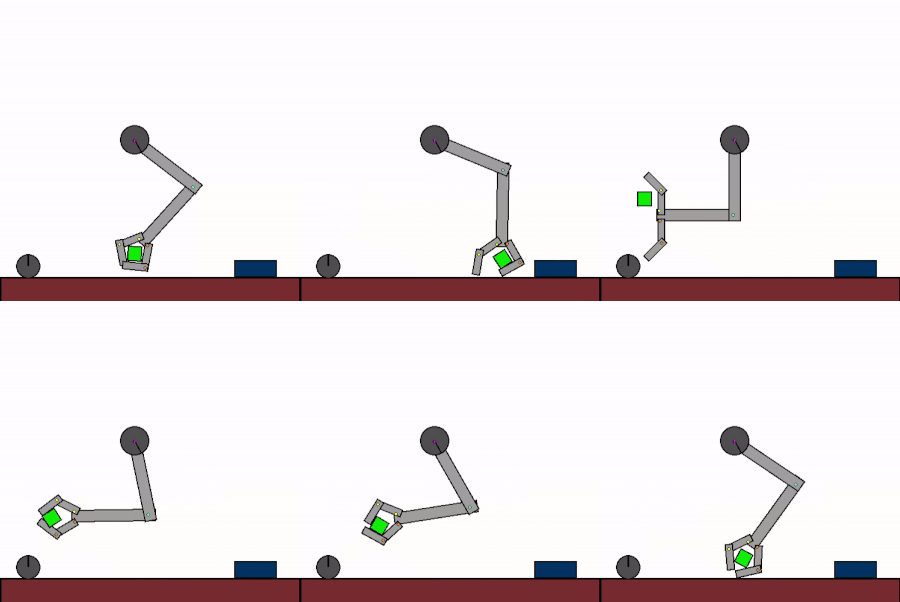

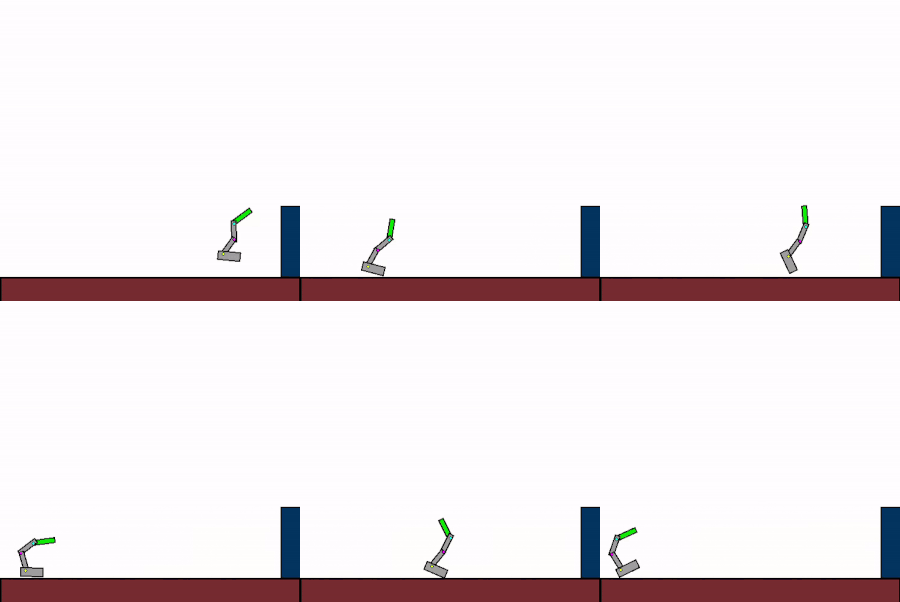

The above shows specialist agents trained on their respective levels.
📊 Paper TL; DR
We train a general agent on millions of procedurally generated physics tasks. Every task has the same goal: make the green and blue touch, without green touching red. The agent can act through applying torque via motors and force via thrusters.
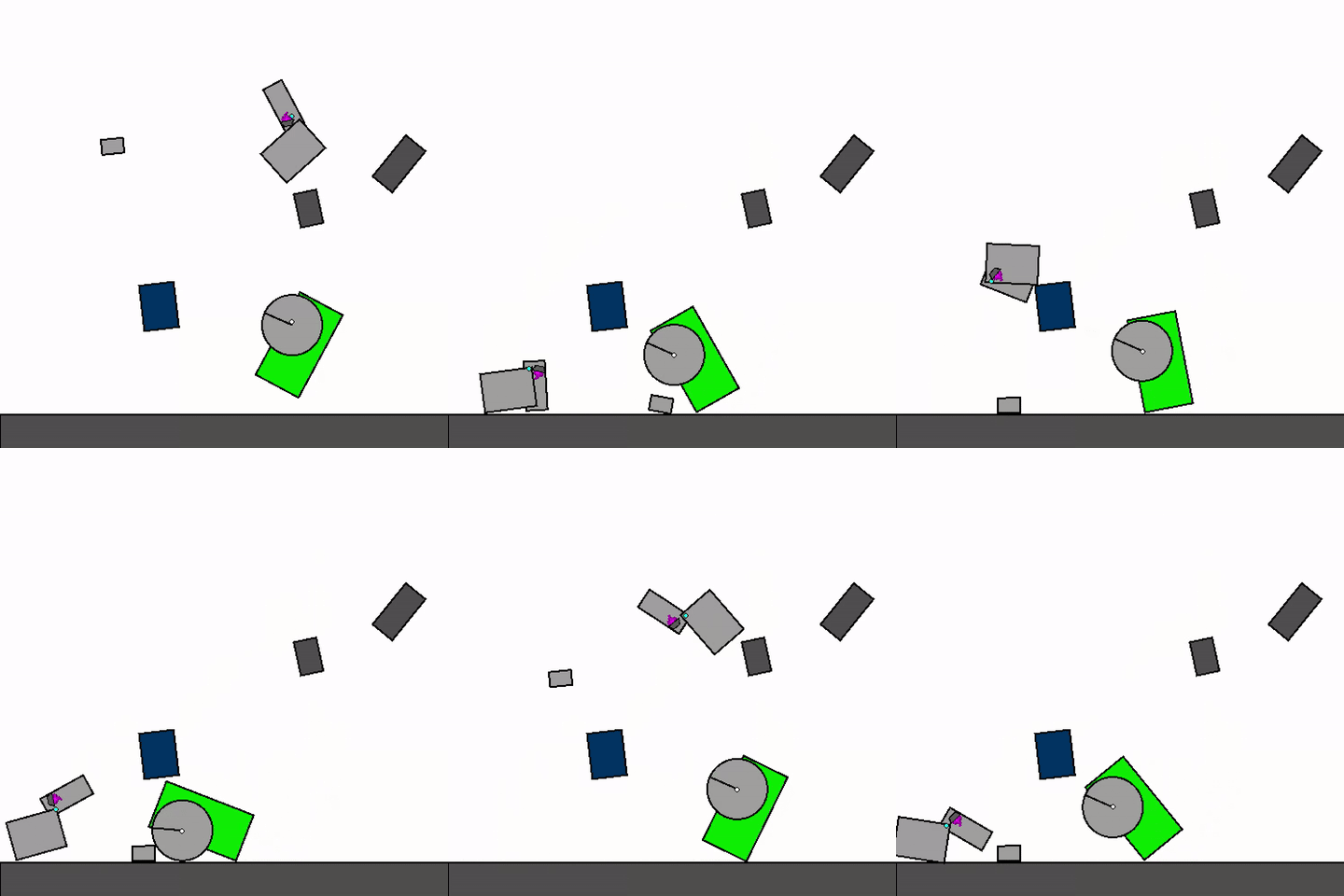
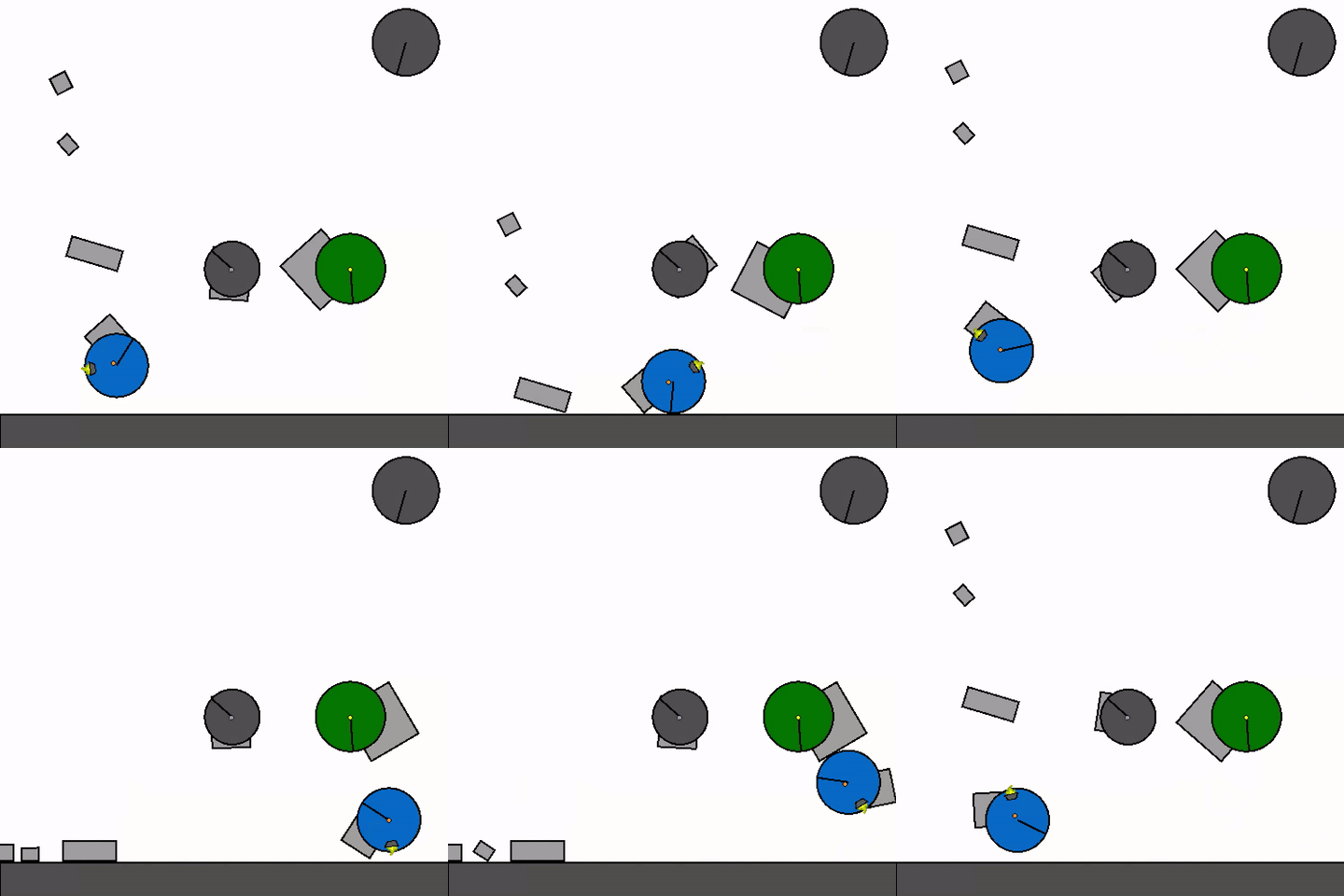
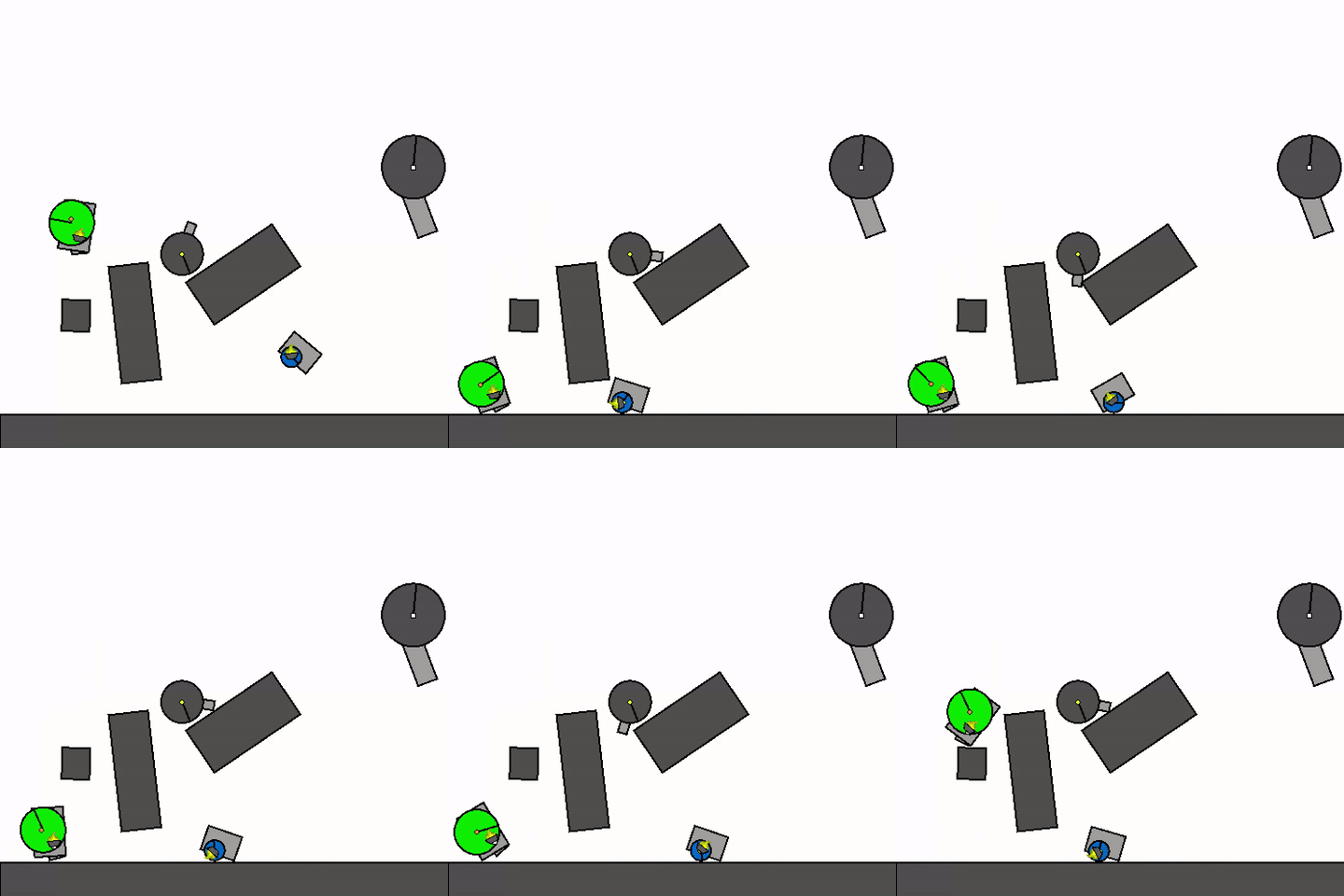

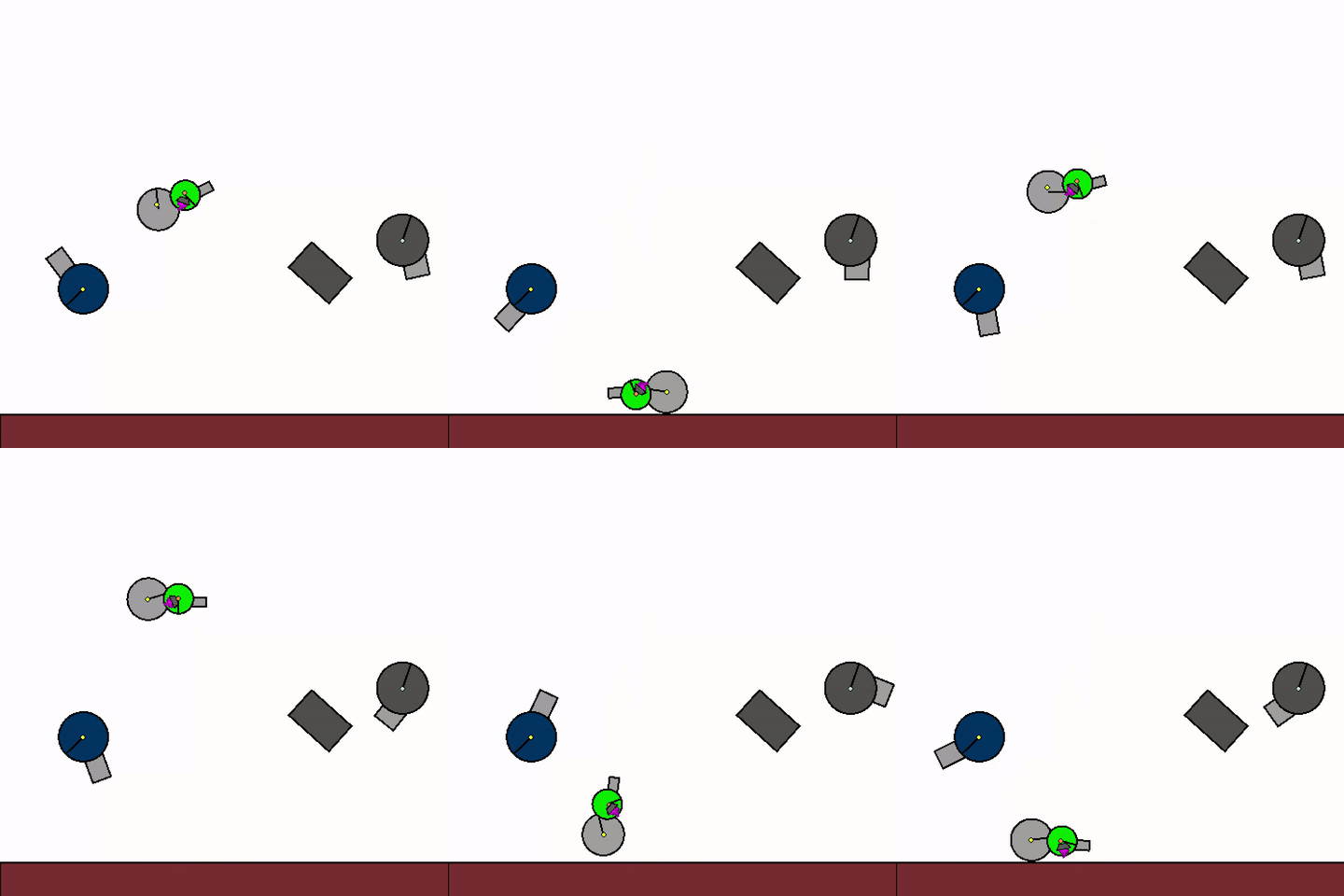
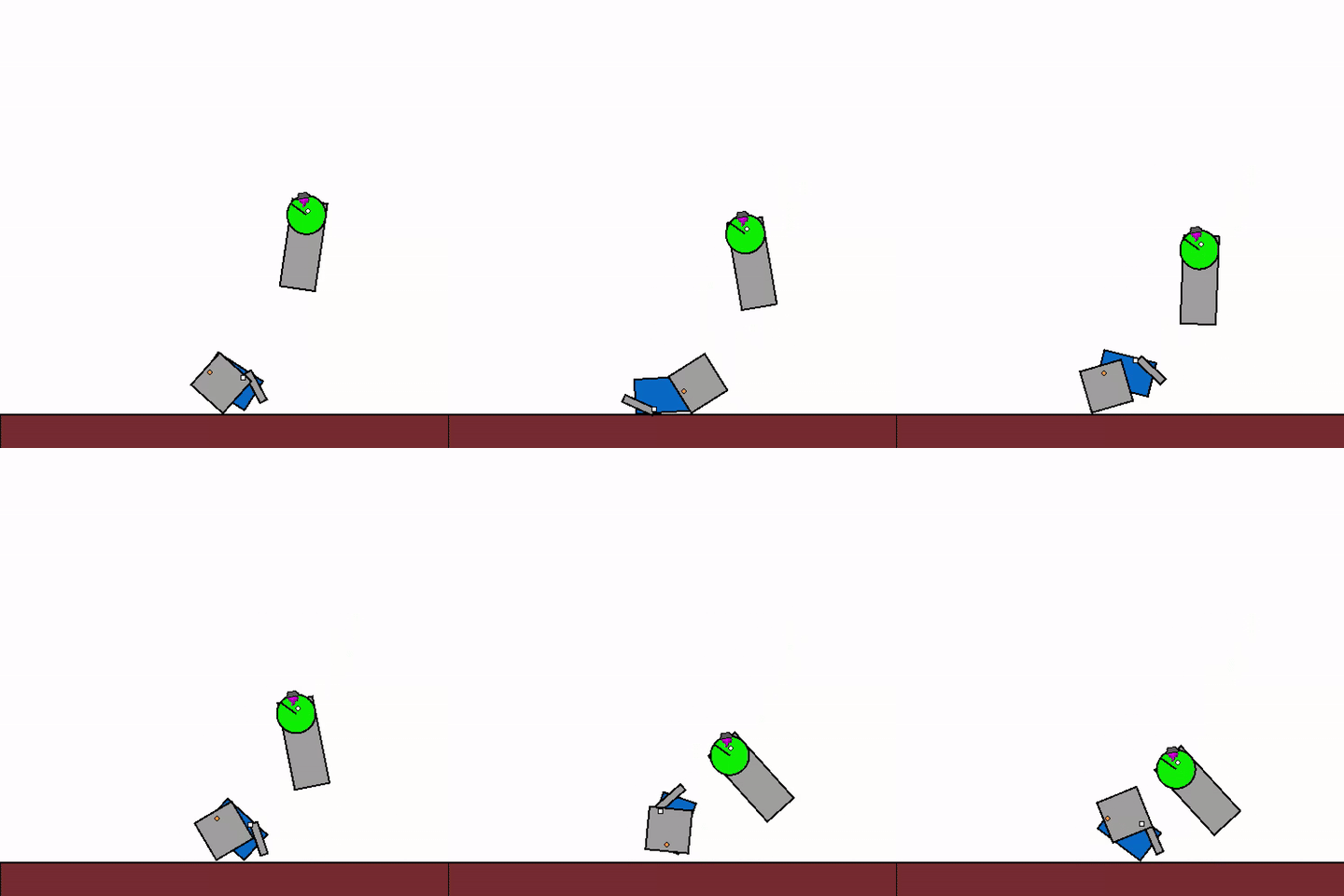
The above shows a general agent zero-shotting unseen randomly generated levels.
We then investigate the transfer capabilities of this agent to unseen handmade levels. We find that the agent can zero-shot simple physics problems, but still struggles with harder tasks.


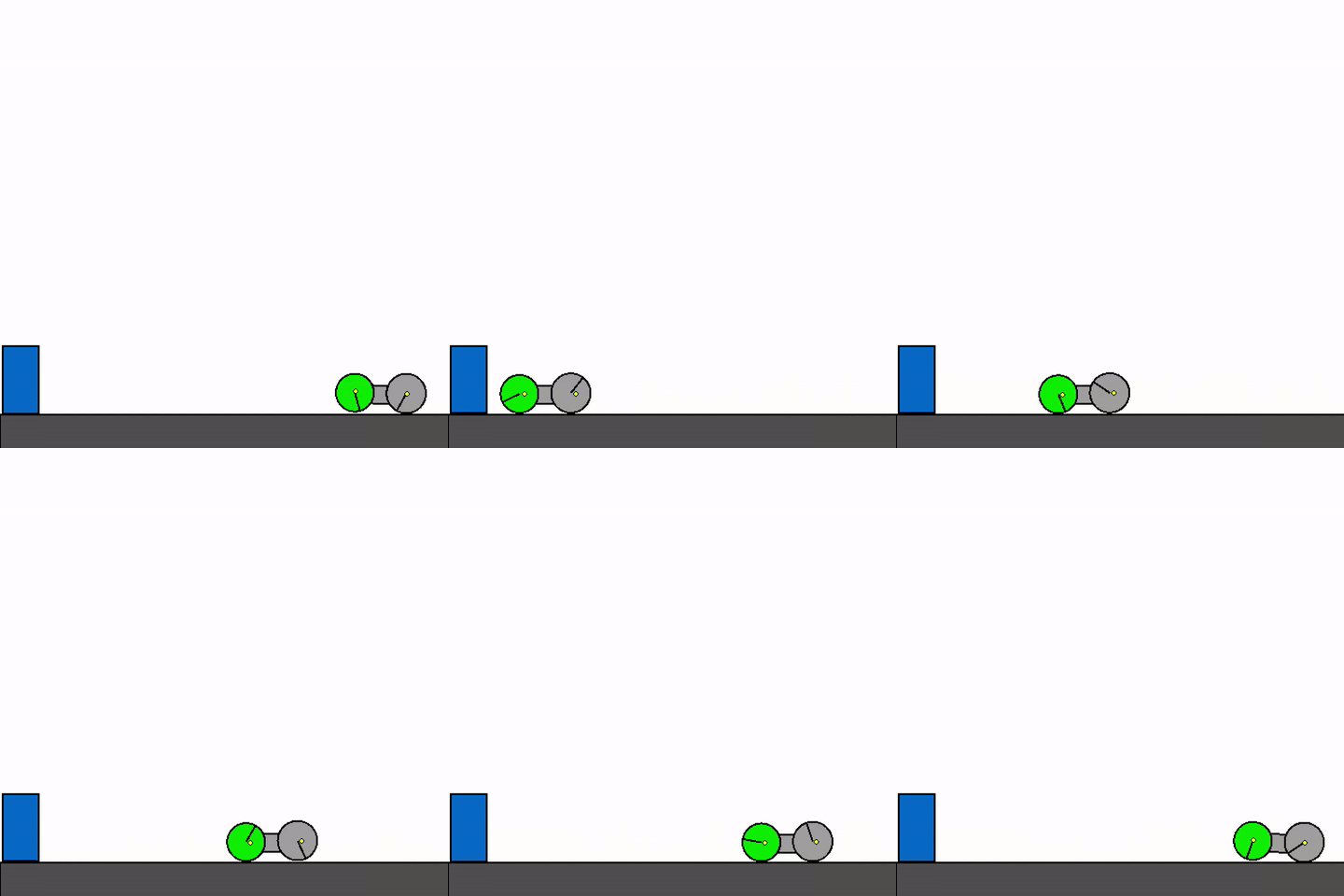
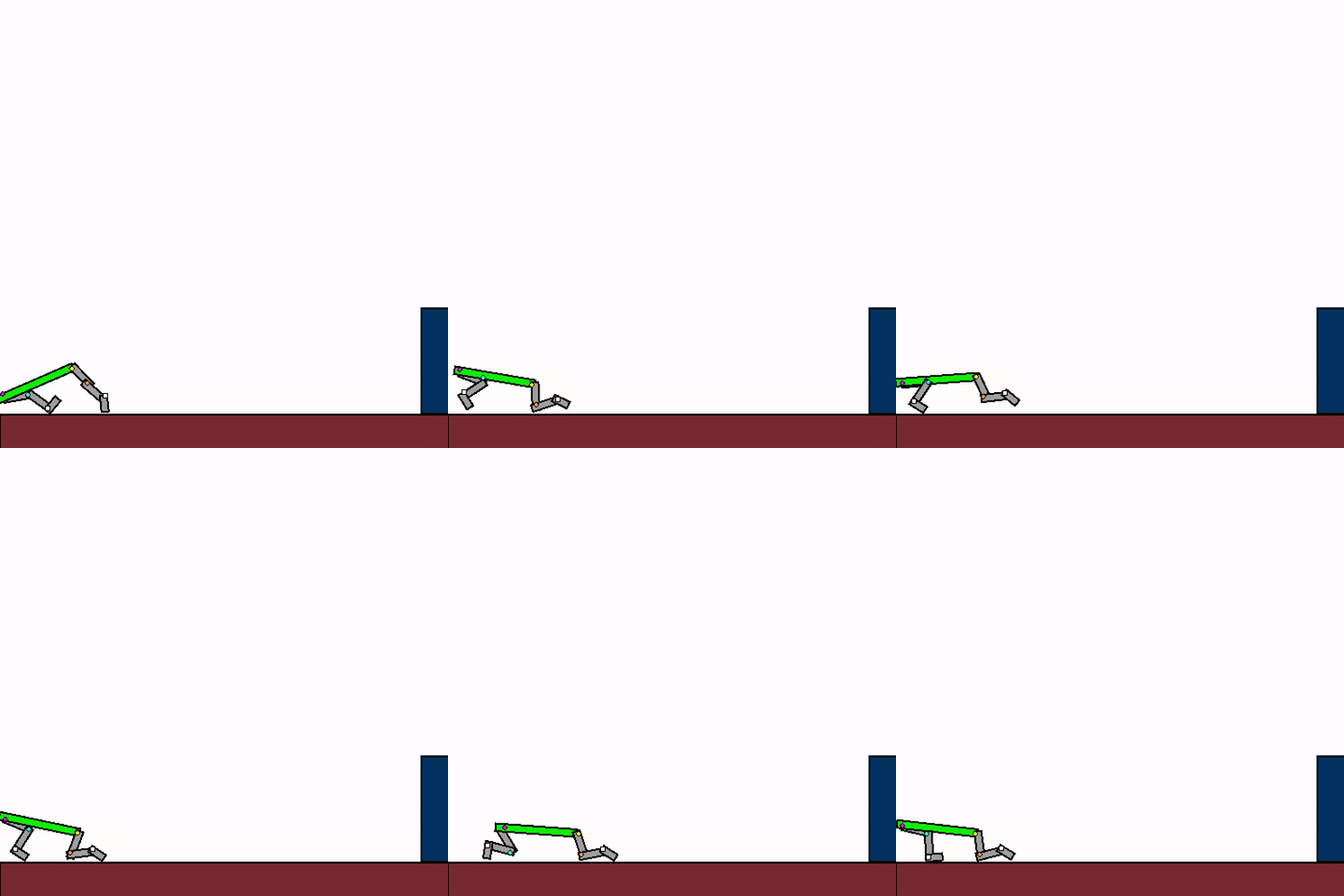

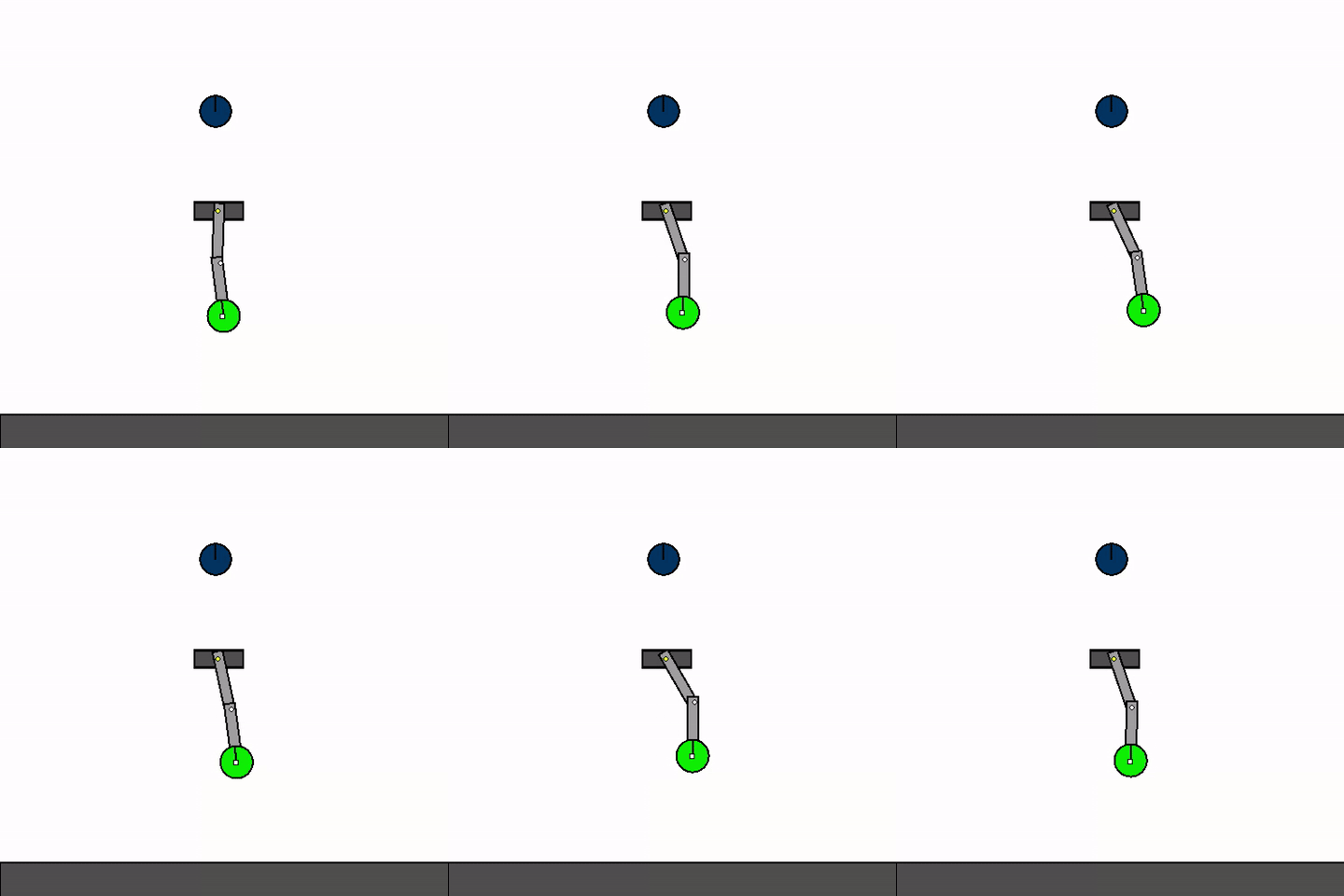
The above shows a general agent zero-shotting unseen handmade levels.
📜 Basic Usage
Kinetix follows the interface established in gymnax:
# Use default parameters
env_params = EnvParams()
static_env_params = StaticEnvParams()

# Create the environment
env = make_kinetix_env(
  observation_type=ObservationType.PIXELS,
  action_type=ActionType.CONTINUOUS,
  reset_fn=make_reset_fn_sample_kinetix_level(env_params, static_env_params),
  env_params=env_params,
  static_env_params=static_env_params,
)

# Reset the environment state (this resets to a random level)
_rngs = jax.random.split(jax.random.PRNGKey(0), 3)

obs, env_state = env.reset(_rngs[0], env_params)

# Take a step in the environment
action = env.action_space(env_params).sample(_rngs[1])
obs, env_state, reward, done, info = env.step(_rngs[2], env_state, action, env_params)

# Render environment
renderer = make_render_pixels(env_params, env.static_env_params)

pixels = renderer(env_state)

plt.imshow(pixels.astype(jnp.uint8).transpose(1, 0, 2)[::-1])
plt.show()
⬇️ Installation
To install Kinetix (tested with python3.10):
git clone https://github.com/FlairOx/Kinetix.git
cd Kinetix
pip install -e ".[dev]"
pre-commit install
Please see here to install jax for your accelerator.
Kinetix is also available on PyPi, and can be installed using pip install kinetix-env
🎯 Editor
We recommend using the KinetixJS editor, but also provide a native (less polished) Kinetix editor.
To open this editor run the following command.
python3 kinetix/editor.py
The controls in the editor are:
- Move between
editandplaymodes usingspacebar - In
editmode, the type of edit is shown by the icon at the top and is changed by scrolling the mouse wheel. For instance, by navigating to the rectangle editing function you can click to place a rectangle.- You can also press the number keys to cycle between modes.
- To open handmade levels press ctrl-O and navigate to the ones in the L folder.
- When playing a level use the arrow keys to control motors and the numeric keys (1, 2) to control thrusters.
📈 Experiments
We have three primary experiment files,
- SFL: Training on levels with high learnability, this is how we trained our best general agents.
- PLR PLR/DR/ACCEL in the JAXUED style.
- PPO Normal PPO in the PureJaxRL style.
To run experiments with default parameters run any of the following:
python3 experiments/sfl.py
python3 experiments/plr.py
python3 experiments/ppo.py

python3 experiments/plr.py ued.replay_prob=0 # for DR
We use hydra for managing our configs. See the configs/ folder for all the hydra configs that will be used by default, or the docs.
If you want to run experiments with different configurations, you can either edit these configs or pass command line arguments as follows:
python3 experiments/sfl.py model.transformer_depth=8
These experiments use wandb for logging by default.
🏋️ Training RL Agents
We provide several different ways to train RL agents, with the three most common options being, (a) Training an agent on random levels, (b) Training an agent on a single, hand-designed level or (c) Training an agent on a set of hand-designed levels.
Training on random levels
This is the default option, but we give the explicit command for completeness
python3 experiments/ppo.py train_levels=random
Training on a single hand-designed level
python3 experiments/ppo.py train_levels=s train_levels.train_levels_list='["s/h4_thrust_aim.json"]'
Training on a set of hand-designed levels
python3 experiments/ppo.py train_levels=s env_size=s eval=eval_auto
# python3 experiments/ppo.py train_levels=m env_size=m eval=eval_auto
# python3 experiments/ppo.py train_levels=l env_size=l eval=eval_auto
Or, on a custom set:
python3 experiments/ppo.py eval=eval_auto train_levels=l env_size=l train_levels.train_levels_list='["s/h2_one_wheel_car","l/h11_obstacle_avoidance"]'
🤖 Pretrained Agents
We release two general agents, trained with SFL on randomly generated levels. Both use the transformer architecture from the paper (tf-paper, 786k parameters) and entity observations with multi-discrete actions.
| Checkpoint | Description | Trained on | Parallel envs | Env steps | Hand-designed (S / M / L / all) | Random (S / M / L / all) |
|---|---|---|---|---|---|---|
sfl-paper |
The generalist agent from the Kinetix paper | random l levels |
2,048 | 18B | 0.42 / 0.32 / 0.11 / 0.22 | 0.33 / 0.24 / 0.16 / 0.24 |
sfl-1m-envs |
The same architecture, trained at a much larger scale | random m levels |
1,048,576 | 376B | 0.70 / 0.43 / 0.18 / 0.33 | 0.56 / 0.36 / 0.22 / 0.38 |
The numbers are average solve rates on the 74 hand-designed levels in configs/eval/eval_all.yaml (20 attempts per level) and on 512 random levels per size (5 attempts per level), sampled as in SFL training (see get_randomly_sampled_eval_levels). "all" averages over all levels, so larger sizes, with more levels, count for more.
The checkpoints are hosted on Hugging Face:
hf download mbeukman/Kinetix-Checkpoints --local-dir ./checkpoints
Each checkpoint directory contains params.safetensors and a config.json, whose model entry holds the options the network must be created with:
from kinetix.models import make_network_from_config
from kinetix.util import load_pretrained_checkpoint

params, pretrained_config = load_pretrained_checkpoint("./checkpoints/sfl-1m-envs")
config |= pretrained_config["model"]  # your normalised config
network = make_network_from_config(env, env_params, config)
hstate, pi, value = network.apply(params, hstate, (obs, done))
See examples/example_pretrained.py for a complete example that evaluates a checkpoint on the hand-designed levels:
python3 examples/example_pretrained.py --checkpoint_dir ./checkpoints/sfl-1m-envs --size m
🗃️ Offline Data & Behavioural Cloning
Kinetix now includes data-loading utilities for training from pre-collected datasets of transitions or trajectories.
Data format
Datasets are stored as zarr archives. Each shard is a zarr array of structured numpy records.
Trajectory batches have shape (batch_size, T, *dims) (T=256) and are returned as ActionEnvStateMask objects with the following fields:
| Field | Shape | Description |
|---|---|---|
action |
(B, T, A) |
Expert action at each timestep |
env_state |
(B, T, ...) |
Full environment state |
mask |
(B, T) |
Indicator of successful trajectories. Since this dataset is only comprised of successful trajectories, this is always true. |
action_mask |
(B, T, A) |
Boolean — which action dimensions are active in this level (motors and thrusters that actually exist) |
done |
(B, T) |
Episode termination flags |
Dataset statistics
Each dataset was generated by training a specialist PPO agent on each level independently, then rolling out the trained policy to collect trajectories.
Datasets are named {policy_steps}/{size}, where policy_steps is the number of RL training steps used for each specialist agent and size is the environment size (small, medium, large).
Unique Levels is the number of distinct levels for which trajectories were collected; Transitions is the total number of individual environment steps across all trajectories.
| Expert Training Steps | Size | Unique Levels | Transitions | Size on Disk |
|---|---|---|---|---|
1M |
s |
5.98M | 1.53B | 123G |
1M |
m |
3.45M | 883.76M | 98G |
1M |
l |
1.05M | 268.01M | 82G |
10M |
s |
637.4k | 163.18M | 12G |
10M |
m |
422.1k | 108.07M | 11G |
| Total | 11.54M | 2.95B | 326G |
Downloading the dataset
The dataset is hosted on Hugging Face. You can install the Huggingface CLI using pip install huggingface_hub
Download the entire dataset (~326 GB):
hf download mbeukman/Kinetix-Offline --repo-type dataset --local-dir ./data
Download a single folder (e.g. 1M/m, the medium-size 1M-step split):
hf download mbeukman/Kinetix-Offline --repo-type dataset --local-dir ./data --include "1M/m/*"
Replace 1M/m with any other {policy_steps}/{size} combination from the table above.
Loading data
from kinetix.data import TrajectoryDatasetManager

traj_manager = TrajectoryDatasetManager(
    dataset_dir="/path/to/traj_data",
    batch_size=64,          # number of trajectories per batch
)
traj_batch = traj_manager.load_next_batch() # shape (64, T, *dims)
See examples/example_data_loading.py for a self-contained runnable example.
Offline BC training
experiments/offline_bc.py trains a policy via behavioural cloning on a zarr dataset:
python3 experiments/offline_bc.py dataset_dir=/path/to/data.zarr
Configuration lives in configs/offline_bc.yaml.
🗲 Multi-Device Parallelism
The PPO and SFL scripts now both support transparent multi-GPU training via JAX's shard_map.
These scripts automatically parallelise over all available devices, and allows you to do large-scale training as is done here.
num_train_envs corresponds to the total number of environments, and these are evenly divided across devices.
💨 Compilation Speed
Since Kinetix is quite complex, it generally takes quite a long time to compile. In particular, running plr.py or sfl.py may take a long time to get to actually executing code. This can be a burden when you are implementing new features, and just want to debug quickly. To make this easier, we provide two options: train_levels=dummy env.dummy_env=True (e.g. using python experiments/sfl.py train_levels=dummy env.dummy_env=True). These options replace the actual environment step and reset logic with no-ops, meaning that the compilation process will be much faster. However, no logic will be executed, so this is only to check syntax / shape / jax errors, and not to debug learning issues.
❌ Errata
- The left wall was erroneously misplaced 5cm to the left in all levels and all experiments in the paper (each level is a square with side lengths of 5 metres). This error has been fixed in the latest version of Jax2D, but we have pinned Kinetix to the old version for consistency and reproducability with the original paper. Further improvements have been made, so if you wish to reproduce the paper's results, please use kinetix version 0.1.0, which is tagged on github.
🔎 See Also
- 🌐 Kinetix.js Kinetix reimplemented in Javascript, with a live demo here.
- 🍎 Jax2D The physics engine we made for Kinetix.
- 👨💻 JaxGL The graphics library we made for Kinetix.
- 📋 Our Paper for more details and empirical results.
🙏 Acknowledgements
The permutation invariant MLP model (enabled by setting model.permutation_invariant_mlp=True) was added by Anya Sims. Thanks to Thomas Foster for fixing some macOS specific issues. We'd also like to thank to Thomas Foster, Alex Goldie, Matthew Jackson, Sebastian Towers and Andrei Lupu for useful feedback.
📚 Citation
If you use Kinetix in your work, please cite it as follows:
@article{matthews2024kinetix,
      title={Kinetix: Investigating the Training of General Agents through Open-Ended Physics-Based Control Tasks},
      author={Michael Matthews and Michael Beukman and Chris Lu and Jakob Foerster},
      booktitle={The Thirteenth International Conference on Learning Representations},
      year={2025},
      url={https://arxiv.org/abs/2410.23208}
}
1 maintainer

Release files for kinetix-env 3.0.2
For a detailed explanation of source distributions (sdists) and built distributions (wheels), please see the package formats documentation.
Source distribution (sdist)
| File | Size | Uploaded | |
|---|---|---|---|
| kinetix_env-3.0.2.tar.gz | 224.2 kB | Details |
Built distribution (wheel)
| File | Interpreter | ABI | Platform | Reset |
|---|---|---|---|---|
| kinetix_env-3.0.2-py3-none-any.whl | Python 3 | none | any | Details |
Total release size: 507.9 kB
Release files / kinetix_env-3.0.2.tar.gz
| Download URL | kinetix_env-3.0.2.tar.gz |
|---|---|
| Size | 224.2 kB |
| Tags | Source |
|
SHA-256 checksum How to use checksums |
c4cd4820068cd1652144823f724cc606c54f7400668d937683777e9292d7ec51
|
|
BLAKE2b-256 checksum How to use checksums |
5ddda1dbd75eb8f07b64877279b1959719ea05e0f84214b2a3255459a6ef35ac
|
| Upload date | |
|
Uploaded using Trusted Publishing? What is trusted publishing? |
No |
| Uploaded via |
twine/6.2.0 CPython/3.13.12
|
Release files / kinetix_env-3.0.2-py3-none-any.whl
| Download URL | kinetix_env-3.0.2-py3-none-any.whl |
|---|---|
| Size | 283.7 kB |
| Tags | Python 3 |
|
SHA-256 checksum How to use checksums |
6eb909475f075f666b6d2fbfe5268d9b3bb3ca2f917939a05d3e232b4efb9eeb
|
|
BLAKE2b-256 checksum How to use checksums |
93cc7b9ba12035b1a3e8c4b8bbc0118401fd38b8e57c475c5b2c7f6c6a5d4cb8
|
| Upload date | |
|
Uploaded using Trusted Publishing? What is trusted publishing? |
No |
| Uploaded via |
twine/6.2.0 CPython/3.13.12
|














