
Kivy Reloader
Hot reload your Kivy app on multiple Android phones, emulators and computer at the same time, in real‑time.
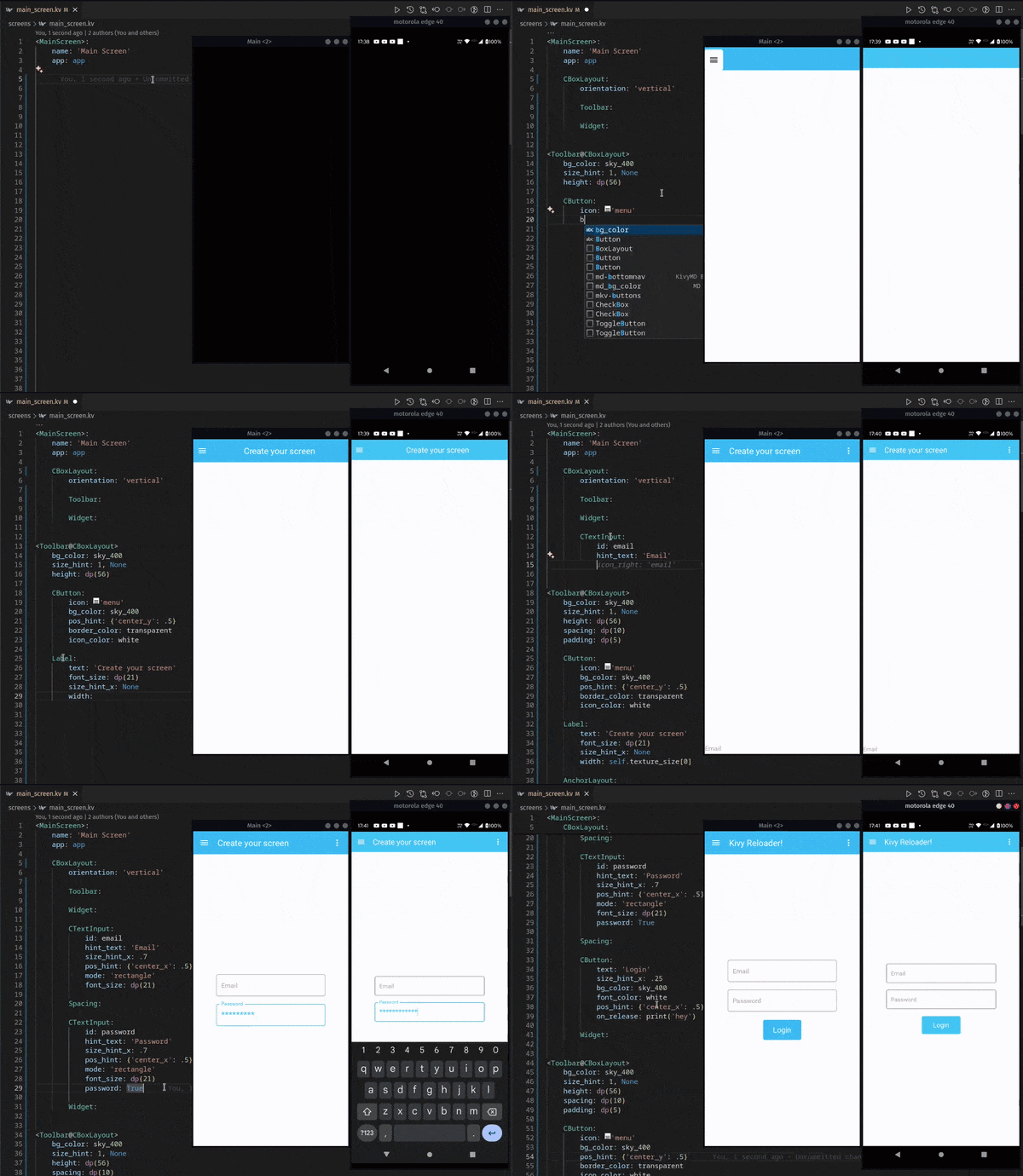
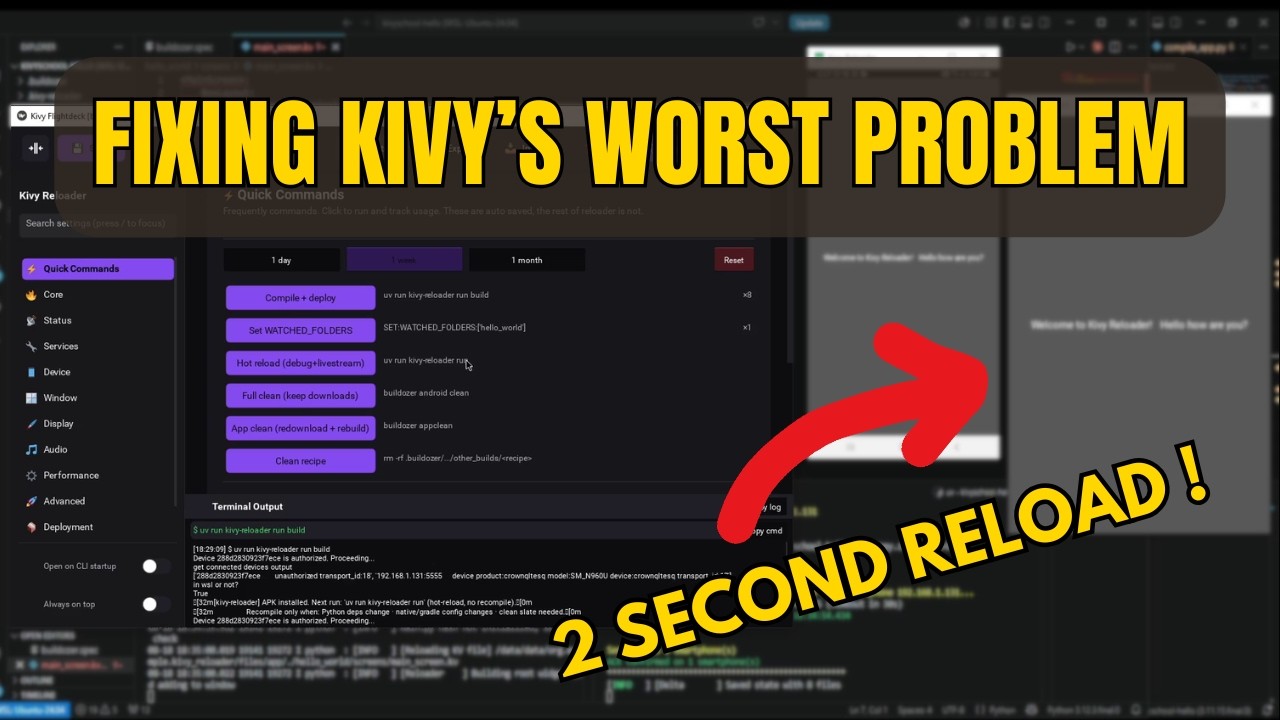
This tool allows you to instantly update your Kivy app on multiple devices simultaneously by pressing Ctrl + S, without having to restart / recompile every time you make a change, saving your precious development time and effort.
It uses Kaki (file watching via watchdog) under the hood and a small Trio server on-device to receive file updates.
Check out the 📚 Kivy School tutorial to learn how to use this tool, or follow the documentation below.
- 📚 Full docs: https://kivyschool.com/kivy-reloader/
- Install: https://kivyschool.com/kivy-reloader/installation/
- How to use: https://kivyschool.com/kivy-reloader/how-to-use/
Quickstart
1) Install the toolchain + helpers
Pick your OS and run the one‑liners below. These scripts set up the Android toolchain, uv, Buildozer deps, scrcpy, bundletool, etc.
Linux
curl -LsSf https://kivyschool.com/kivy-android-ubuntu.sh | bash
macOS
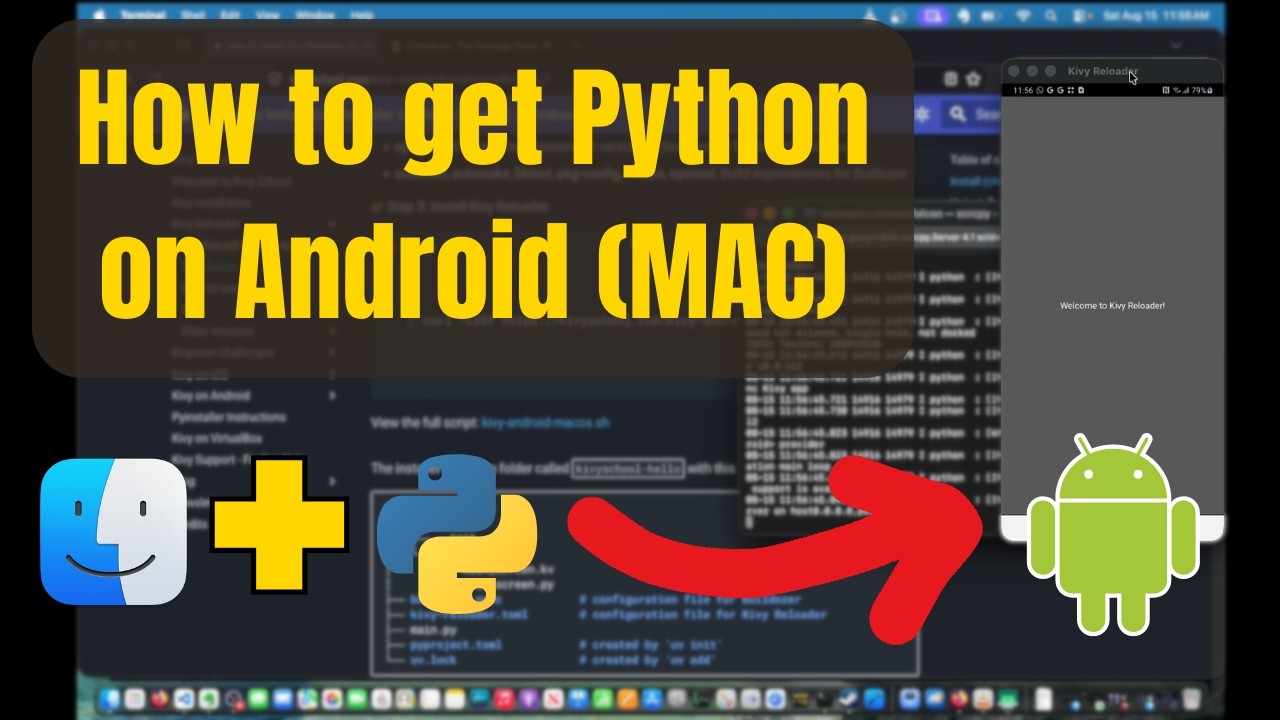
After installing Homebrew, close & reopen the terminal so
brewis in PATH.
# Install Homebrew (if needed)
/bin/bash -c "$(curl -fsSL https://raw.githubusercontent.com/Homebrew/install/HEAD/install.sh)"

# System deps + OpenJDK 17 and symlink so macOS tools can find it
brew install android-platform-tools openjdk@17 autoconf automake libtool pkg-config cmake openssl
sudo ln -sfn $(brew --prefix openjdk@17)/libexec/openjdk.jdk \
  /Library/Java/JavaVirtualMachines/openjdk-17.jdk

# Kivy Reloader setup
curl -LsSf https://kivyschool.com/kivy-android-macos.sh | sh
Windows
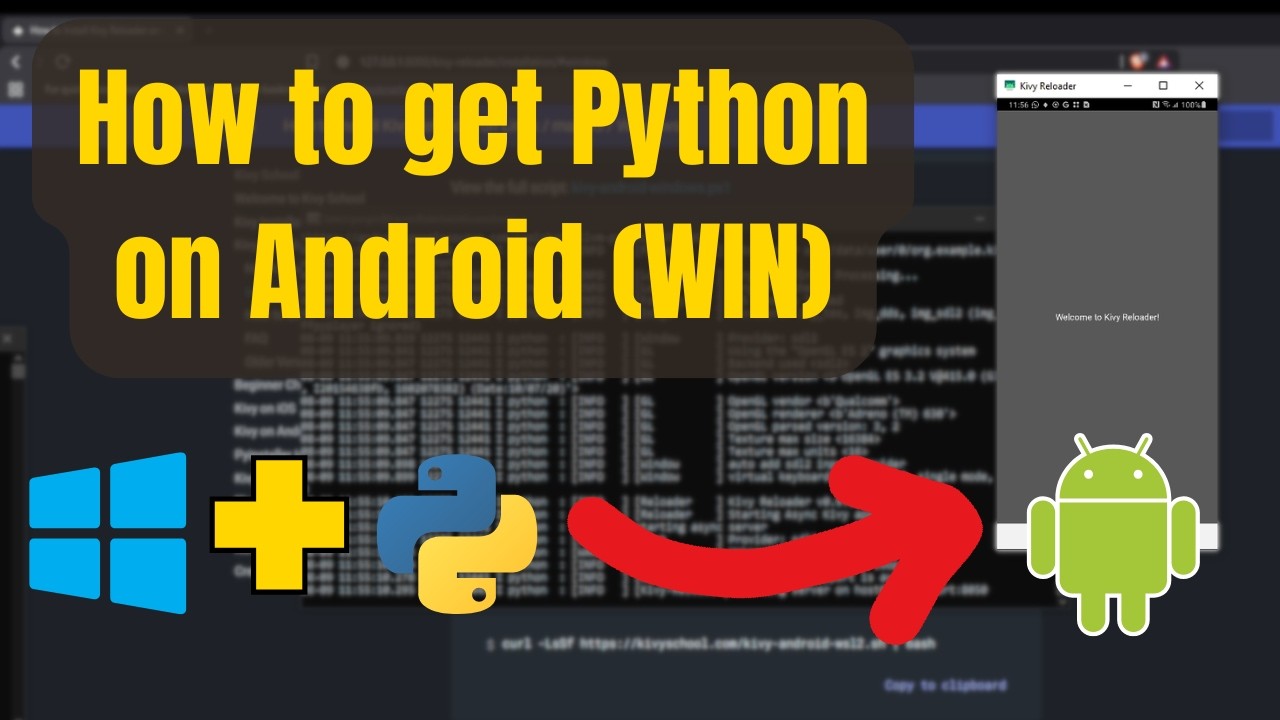
Run PowerShell as Administrator:
# Base setup (scrcpy + adb init)
powershell -ExecutionPolicy ByPass -c "irm https://kivyschool.com/kivy-android-windows.ps1 | iex"

# Install WSL2 + Ubuntu 24.04
wsl --install -d Ubuntu-24.04
Then, inside the new Ubuntu terminal:
curl -LsSf https://kivyschool.com/kivy-android-wsl2.sh | bash
2) Create a tiny demo project (pick one)
Beginner (single file)
mkdir kivyschool-hello
cd kivyschool-hello
uv init
uv add --dev "kivy-reloader[desktop]>=0.9.112"
Project tree:
kivyschool-hello
├── main.py
├── pyproject.toml
├── README.md
└── uv.lock
main.py
import trio
from kivy.lang import Builder
from kivy_reloader.app import App

kv = """
Button:
    text: "Hello World"
"""


class MainApp(App):
    def build(self):
        return Builder.load_string(kv)


app = MainApp()
trio.run(app.async_run, 'trio')
Advanced (recommended package structure)
mkdir -p kivyschool-hello/hello_world/screens
cd kivyschool-hello
uv init
uv add --dev "kivy-reloader[desktop]>=0.9.112"
Project tree:
kivyschool-hello
├── hello_world
│   ├── app.py
│   └── screens
│       ├── main_screen.py
│       └── main_screen.kv
├── main.py
├── pyproject.toml
├── README.md
└── uv.lock
main.py
import trio
from hello_world import HelloWorldApp

app = HelloWorldApp()
trio.run(app.async_run, 'trio')
hello_world/app.py
from kivy_reloader.app import App
from hello_world.screens.main_screen import MainScreen


class HelloWorldApp(App):
    def build(self):
        return MainScreen()
hello_world/screens/main_screen.kv
<MainScreen>:
  BoxLayout:
    orientation: "vertical"
    Button:
      text: "Welcome to Kivy Reloader!"
hello_world/screens/main_screen.py
from kivy.uix.screenmanager import Screen
from kivy_reloader.lang import Builder

Builder.load_file(__file__)


class MainScreen(Screen):
    pass
3) Initialize Kivy Reloader in your project
uv run kivy-reloader init
This creates kivy-reloader.toml (config) and a minimal buildozer.spec.

Minimal config example:
[kivy_reloader]
HOT_RELOAD_ON_PHONE = true
FULL_RELOAD_FILES = ["main.py"]
WATCHED_FOLDERS_RECURSIVELY = ["."]
STREAM_USING = "USB"  # or "WIFI" (requires initial cable setup)
Usage
Step 1 — Run on your computer
uv run main.py
This starts your app and the reloader background watcher.
Step 2 — Deploy to Android
uv run kivy-reloader run
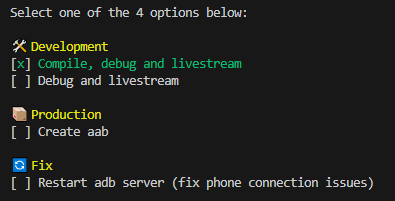
Select the first option to build + install the APK via Buildozer. Once running on your phone, hot reload is already active.
Step 3 — Develop with hot reload ♻️
When you save a watched file:
- If it matches
FULL_RELOAD_FILES→ the app restarts on computer and device(s). - If it's inside
WATCHED_FOLDERS_RECURSIVELY,WATCHED_FOLDERSor named inWATCHED_FILES→ the app hot reloads. - With
HOT_RELOAD_ON_PHONE = falseonly your desktop app reloads/restarts.
Build APK via GitHub Actions
Build your APK on GitHub's servers — no local Buildozer install needed. Flightdeck downloads the finished APK and installs it on your phone automatically.
Step 1 — Workflow file
kivy-reloader init project creates .github/workflows/build-apk.yml automatically. If it's missing, create it manually:
name: Build APK

on:
  workflow_dispatch:

jobs:
  build:
    runs-on: ubuntu-latest
    container: kivy/buildozer
    steps:
      - uses: actions/checkout@v6

      - name: Cache buildozer
        uses: actions/cache@v6
        with:
          path: |
            .buildozer
            /github/home/.buildozer
          key: buildozer-${{ hashFiles('buildozer.spec') }}
          restore-keys: buildozer-

      - run: yes | buildozer android debug

      - uses: actions/upload-artifact@v7
        with:
          name: app-debug.apk
          path: bin/*.apk
Step 2 — Add [github] to your kivy-reloader.toml
[github]
repo = "your-username/your-repo"
workflow = "build-apk.yml"
Step 3 — Click Build APK in Flightdeck
Open Flightdeck → Quick Commands → Build APK (GitHub). On first use you'll be asked to authenticate with GitHub (one-time only). After that:
- GitHub Actions triggers the build on their servers (~10–15 min)
- Flightdeck polls until the run completes
- APK downloads automatically
- Installs on your connected phone via ADB
- scrcpy + logcat start immediately
- First build is around ~10-15min. The process after the first build takes ~3 minutes.
Tip: If your build fails with
charset_normalizerwheel errors, addcharset-normalizer==2.1.1to yourbuildozer.specrequirements.
Security: GitHub tokens are stored in your OS keychain (Windows Credential Manager, macOS Keychain, Linux libsecret) when available. If the keychain is unavailable, tokens fall back to
~/.config/kivy-reloader/credentials.toml.
How it works (high level)
- Watches files using watchdog (via Kaki).
- On change, syncs files and signals your app(s) to reload.
- An on‑device Trio server receives files during development for instant updates.
Running kivy-reloader from a local editable clone (dev / contributor setup)
Use this when you want to test changes to kivy-reloader itself — the desktop app, Flightdeck, build logic, etc. — against a real project without publishing to PyPI.
cd ~
mkdir reloadtest && cd reloadtest

uv init --python 3.13
uv add "kivy>=2.3.1"
git clone --branch macfix_gaimwsl https://github.com/kivy-school/kivy-reloader
uv add --editable "./kivy-reloader[desktop]"
uv run kivy-reloader init project
To also test on the phone (so the phone app picks up your local changes too), add the local path to buildozer.spec requirements:
# buildozer.spec
requirements = python3,kivy==2.3.0,...,git+file:///home/youruser/reloadtest/kivy-reloader
Replace /home/youruser/reloadtest/kivy-reloader with the path to your local clone.
Run the app:
# Terminal 1 — Flightdeck + hot reload watcher
uv run kivy-reloader run

# Terminal 2 — trigger a reload (or just save a watched file)
uv run python main.py
Both uv run kivy-reloader run and uv run python main.py work. If the phone app isn't running and the desktop tries to reach it, the connection times out — that's normal behavior, not an error.
Contribution
Have ideas or found a bug? Please open an issue or a pull request.
Need help?
Come say hi in the Kivy Discord support channels — we're happy to help!
2 maintainers


Download files
Download the file for your platform. If you're not sure which to choose, learn more about installing packages.
Source Distribution
Built Distribution
Filter files by name, interpreter, ABI, and platform.
If you're not sure about the file name format, learn more about wheel file names.
Copy a direct link to the current filters
File details
Details for the file kivy_reloader-0.9.114.tar.gz.
File metadata
- Download URL: kivy_reloader-0.9.114.tar.gz
- Upload date:
- Size: 223.9 kB
- Tags: Source
- Uploaded using Trusted Publishing? No
- Uploaded via:
uv/0.10.8 {"installer":{"name":"uv","version":"0.10.8","subcommand":["publish"]},"python":null,"implementation":{"name":null,"version":null},"distro":{"name":"Ubuntu","version":"24.04","id":"noble","libc":null},"system":{"name":null,"release":null},"cpu":null,"openssl_version":null,"setuptools_version":null,"rustc_version":null,"ci":null}
File hashes
| Algorithm | Hash digest | |
|---|---|---|
| SHA256 |
2e5bbac43c296e8fdae4034e2b32d77bad8f4e56cdcd8645c91b23d8620fa98d
|
|
| MD5 |
e0433cea261ef93e70879eabc53480d8
|
|
| BLAKE2b-256 |
8190bdbc9c22e3cc312afc7d37f9d0eece59349a7748338506505930aa32314f
|
File details
Details for the file kivy_reloader-0.9.114-py3-none-any.whl.
File metadata
- Download URL: kivy_reloader-0.9.114-py3-none-any.whl
- Upload date:
- Size: 273.2 kB
- Tags: Python 3
- Uploaded using Trusted Publishing? No
- Uploaded via:
uv/0.10.8 {"installer":{"name":"uv","version":"0.10.8","subcommand":["publish"]},"python":null,"implementation":{"name":null,"version":null},"distro":{"name":"Ubuntu","version":"24.04","id":"noble","libc":null},"system":{"name":null,"release":null},"cpu":null,"openssl_version":null,"setuptools_version":null,"rustc_version":null,"ci":null}
File hashes
| Algorithm | Hash digest | |
|---|---|---|
| SHA256 |
3f4268e4f7ad57719dbf24a74176ff96f08f30e398fae6e3b118e342f15d67bc
|
|
| MD5 |
5a3c6f6cb8689365633f72bf21532209
|
|
| BLAKE2b-256 |
e977650e84682a63a4d11c7e782c269d6a724df6e6018def9951eb0db9d122ad
|














