
Turn any Markdown document into an audio tutorial and MP4 video

Project description
LearnX

Turn any Markdown document into an audio tutorial and MP4 video from a terminal shell.
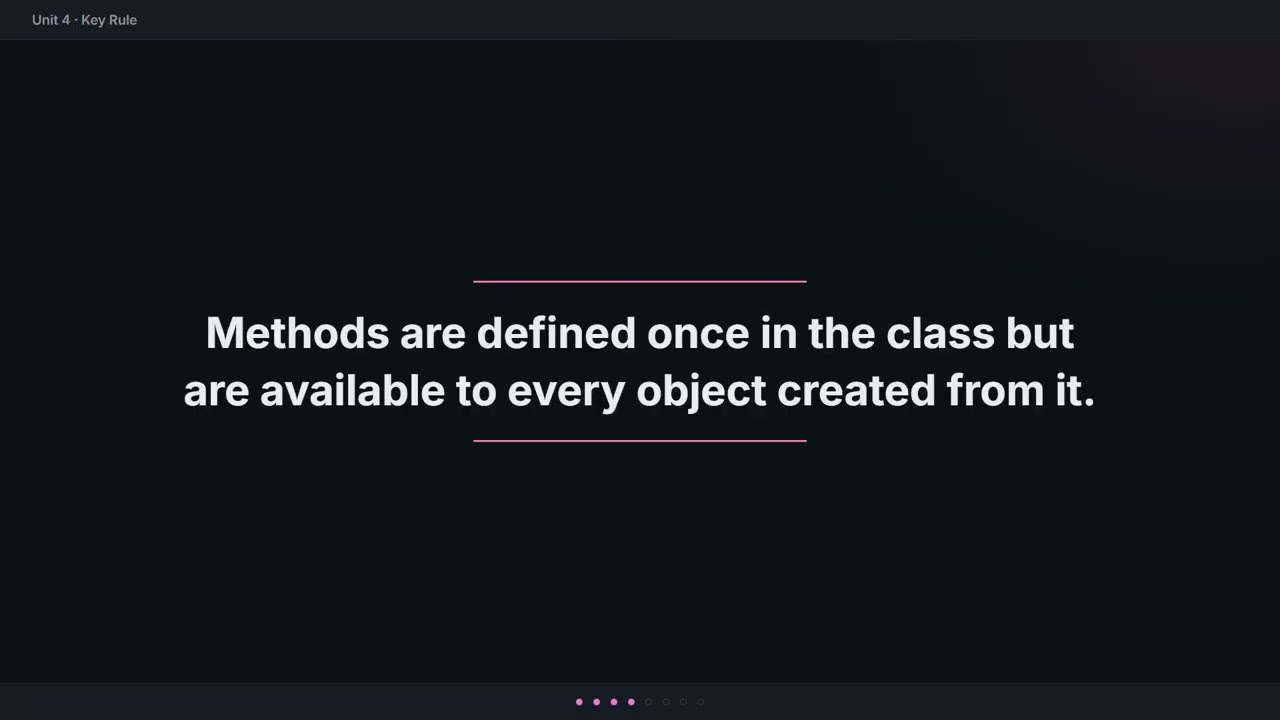
Example output: Java Concepts tutorial generated from learning/javaConcept.md
.md file → LLM curriculum → TTS audio → interactive player + Q&A
                           → LLM segment plan → HTML slides → MP4 video

Quick start
pip install -r requirements.txt
echo "GROQ_API_KEY=gsk_..." > tutor/.env
playwright install chromium
python -m tutor
Requires Python 3.12+, ffmpeg in PATH. Free API key at console.groq.com.
LearnX > /generate notes.md    # markdown → dialogue → audio
LearnX > /play                  # interactive player with live Q&A
LearnX > /video                 # render slides + assemble MP4
LearnX > /help                  # all commands
How it was built
Two layers share this repository:
- LearnX CLI (
tutor/) — the product. Audio tutorial generator. - DevLoop (
scripts/) — the build system. Runs Claude in Docker, manages the spec-driven development loop, orchestrates a 5-agent review pipeline.
Spec-driven development — every feature started as a written specification before any
code was written. 31 spec days across v0–v11. Full spec chain in specs/.
Full workflow documentation in DEVLOOP.md.

Dev workflow
Each spec day follows this loop:
write spec → create branch → devloop launch → review report → merge
Claude implements the spec inside a Docker container. When it exits, E2E tests and a two-phase 5-agent review run automatically. Phase 1 discovers issues and applies fixes; Phase 2 verifies resolution.
One-time setup
Do this once on a new machine.
1. Install Docker Desktop
Download from docker.com/products/docker-desktop. Open Docker Desktop and wait for the status bar to show "Engine running".
2. Build the Docker image (from the project root)
docker build -t learnx-dev .
Takes 2–5 minutes. Only re-run when requirements.txt changes.
3. Activate the Python venv
.\.venv\Scripts\Activate.ps1
If blocked by execution policy:
Set-ExecutionPolicy -ExecutionPolicy RemoteSigned -Scope CurrentUser
Running a spec day
Step 1 — Open Docker Desktop
Make sure the status bar shows "Engine running" before continuing.
Step 2 — Open a PowerShell window
Must be a real PowerShell window — not inside a Claude Code session.
cd C:\Users\yusup\LearnX-CLI
.\.venv\Scripts\Activate.ps1
Step 3 — Create the branch
git checkout main
git checkout -b sandbox/dayN
Replace dayN with the actual day number (e.g. day32).
Step 4 — Dry run
python scripts/devloop.py --spec specs/v11/dayN.md --review --dry-run
Prints the commands that will run without executing anything. Check it looks right.
Step 5 — Launch
python scripts/devloop.py --spec specs/v11/dayN.md --review
Claude Code opens inside the container. When you see the > prompt, paste the
handoff from dev_setup/handoff_template.md.
Then walk away.
Step 6 — What happens automatically
After Claude finishes and exits the container:
- E2E smoke tests run inside the container (ffmpeg + Playwright available)
- Phase 1 review — 3 agents discover issues and apply fixes
- Phase 2 review — 2 agents verify the fixes and check for regressions
- A consolidated report prints with
MERGE READYorNEEDS FIXES
Step 7 — After the report
If MERGE READY:
git checkout main
git pull origin main
gh pr create --title "dayN: ..." --body "..."
If NEEDS FIXES: read the findings, fix the issues, re-run the merge gate:
python -m pytest tutor/tests/ --ignore=tutor/tests/e2e/ -v
python -m ruff check tutor/
Launcher modes
Docker is the default. Always.
| Command | Effect |
|---|---|
python scripts/devloop.py --spec X |
Docker — implement spec X, no review |
python scripts/devloop.py --spec X --review |
Docker — implement X, then E2E + two-phase review |
python scripts/devloop.py --version vN --review |
Docker — run all specs in vN sequentially with review |
python scripts/devloop.py --version vN --serve |
Same, with live dashboard at localhost:8080 |
python scripts/devloop.py --explore |
Host only — read-only, no code changes |
python scripts/devloop.py --dry-run |
Print commands without executing |
--version runs every spec in specs/vN/ in day-number order. Each spec gets
its own sandbox branch (sandbox/vN-dayN). Rate-limit retries and session/idle
timeouts are handled automatically.
--serve (with --version) starts a dashboard at http://localhost:8080 showing
live container output and per-spec status as the run progresses. Port is configurable
via --port N or LEARNX_DASHBOARD_PORT env var or devloop.toml.
--explore starts Claude on the host with read-only permissions (Read, Grep, Glob,
git read commands). Use it to ask questions about the codebase without risking
accidental edits.
Always use forward slashes in
--spec:specs/v11/day1.mdnotspecs\v11\day1.md. Backslashes corrupt the path (\vis a vertical-tab character).
Which model?
Change model inside any Claude session with /model:
| Model | Speed | Best for |
|---|---|---|
claude-sonnet-4-6 |
fast | default — most tasks |
claude-opus-4-7 |
slower, smarter | complex reasoning, hard bugs |
claude-haiku-4-5 |
fastest | simple tasks, quick lookups |
Release history Release notifications | RSS feed

Download files
Download the file for your platform. If you're not sure which to choose, learn more about installing packages.
Source Distribution
Built Distribution
Filter files by name, interpreter, ABI, and platform.
If you're not sure about the file name format, learn more about wheel file names.
Copy a direct link to the current filters
File details
Details for the file learnx_cli-0.3.0.tar.gz.
File metadata
- Download URL: learnx_cli-0.3.0.tar.gz
- Upload date:
- Size: 2.5 MB
- Tags: Source
- Uploaded using Trusted Publishing? No
- Uploaded via: twine/6.2.0 CPython/3.14.4
File hashes
| Algorithm | Hash digest | |
|---|---|---|
| SHA256 |
8abcf866999d650b1a9f39070910303b6da35f89db2259754d349a23dbf22251
|
|
| MD5 |
ac5d6fd7d048e1f07dfe7b65f3f07b93
|
|
| BLAKE2b-256 |
bdc1da988d580342e09fae6ad6bd517b83d3540204a38fc0d90afe92d3dedc45
|
File details
Details for the file learnx_cli-0.3.0-py3-none-any.whl.
File metadata
- Download URL: learnx_cli-0.3.0-py3-none-any.whl
- Upload date:
- Size: 563.7 kB
- Tags: Python 3
- Uploaded using Trusted Publishing? No
- Uploaded via: twine/6.2.0 CPython/3.14.4
File hashes
| Algorithm | Hash digest | |
|---|---|---|
| SHA256 |
c4785aa6f338d3874d3c9544cf0c49d3a3061bd82ed697ded075da2fadca27d7
|
|
| MD5 |
b5973c79a6da406d52af1d1180c3f940
|
|
| BLAKE2b-256 |
fd9606e96021327dc8b423c52bcd5bf7ac50227c7e3503df22cf026f4364bc1b
|






