
led-ticker



led-ticker is an open-source Python toolkit that drives RGB LED matrix panels — storefront marquees, gym and class schedules, sports scores, transit times, scrolling messages — from a Raspberry Pi, all from a single TOML config. Try it on your laptop with no hardware in about two minutes, then deploy the same Docker image to a Pi when your panels arrive.
A capability that sets led-ticker apart: inline value tokens — drop a :weather.nyc: or :clock.now: token into any widget's text and it resolves to a live, self-updating value. A single scrolling message can read NYC: 72°F Sunny · 9:01 AM, each piece refreshing on its own — live data composes into ordinary text instead of being locked to dedicated widgets.
Two reference builds share one codebase and one image:
- Smallsign — Pi 4 + 5× chained 16×32 panels = 160×16 logical canvas
- Bigsign — Pi 5 + 8× P3 32×64 panels in a 2×4 vertical-serpentine layout = 256×64 canvas
New to LED signs? Why led-ticker? covers when a Raspberry Pi HUB75 sign is the right tool — and when WLED, Tidbyt, or an ESP32 clock fits better.
Full documentation: https://docs.ledticker.dev
Showcase
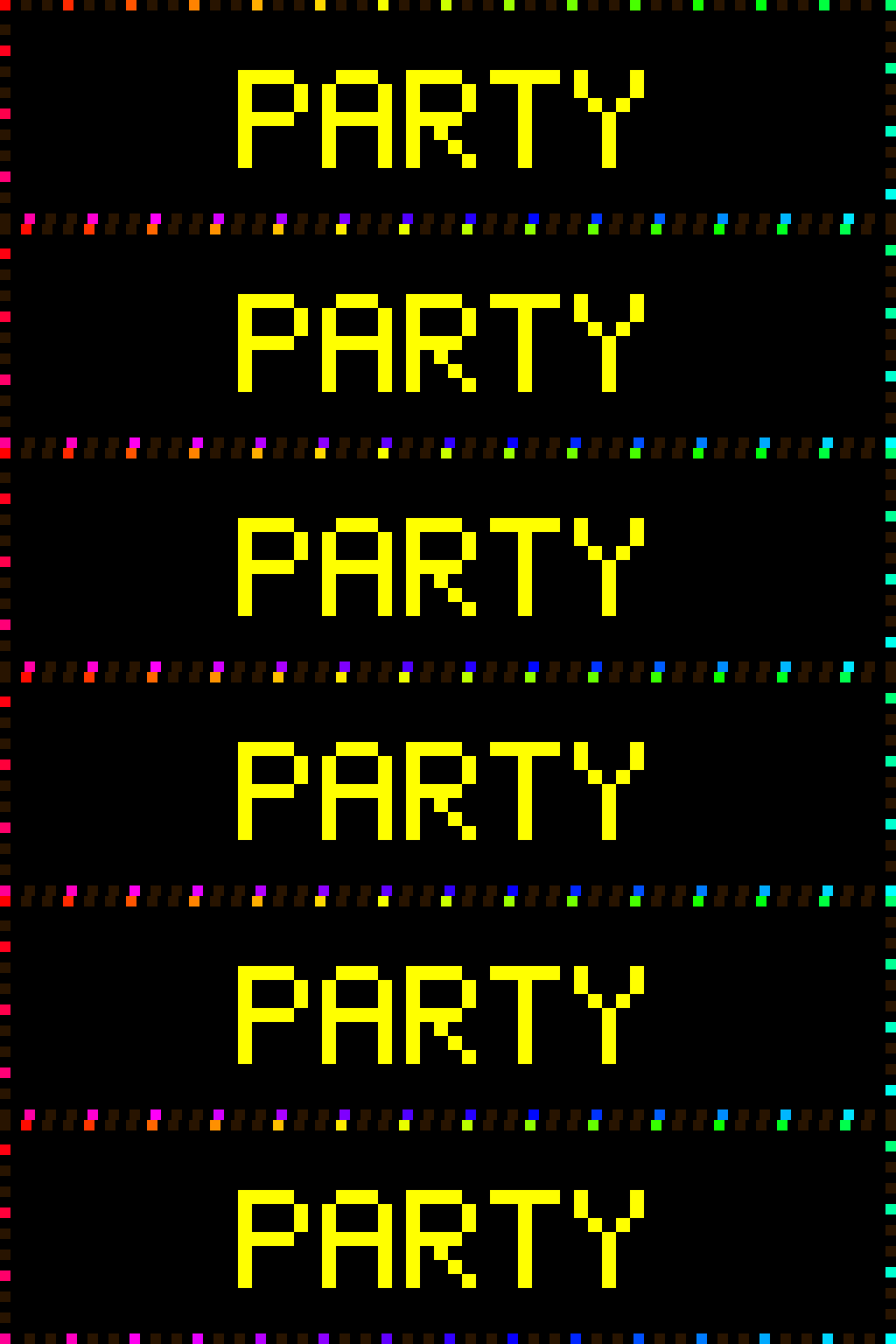
A few of the things a config can put on the wall — every cell links to the page that explains it:
 |
 |
 |
| Held top + scrolling bottom | Inline :slug: emoji |
Hi-res fonts |
 |
 |
 |
| Sprite-trail transitions | Animated borders | Animations + color providers |
Quick start — no hardware required
No panel, no Pi. With Docker installed:
git clone https://github.com/JamesAwesome/led-ticker.git
cd led-ticker
make try
make try builds the image and starts a headless display engine plus the web UI — no panel, no Pi. Open http://localhost:8080 and click the live preview tab to watch the sign rendering in your browser. By default it runs the bundled demo (config/config.try.example.toml); create config/config.toml and make try previews your own config instead, hot-reloading as you edit. To stop: press Ctrl-C, then run make try-down.
Ready for hardware? The Getting started guide walks the full Raspberry Pi deploy end to end (make setup → docker compose up -d), and building your own covers the physical build — BOM, wiring, and panel tuning.
Configuration
Everything is configured via a TOML file. Three reference configs ship in config/:
config.example.toml— smallsign starter (160×16)config.bigsign.example.toml— bigsign withpixel_mapper_config, scaling, RP1 tuning (256×64)config.firebird.example.toml— realistic bigsign storefront layout (Firebird Yoga)
Pre-flight any config before deploying:
make validate CONFIG=config/config.toml
led-ticker validate checks the config against a registry of decision rules — bad font sizes, scroll-mode + stretch collisions, content-height overflow. It exits non-zero on errors, so it's handy in CI. Full output format: https://docs.ledticker.dev/tools/validate/.
Full config reference: https://docs.ledticker.dev/reference/config-options/. Per-widget pages document every knob: https://docs.ledticker.dev/widgets/.
Plugins
The display engine ships on PyPI as led-ticker-core (pip install led-ticker-core); extra widgets and other extension points install separately as plugins that register themselves at startup. The first-party plugins live in the led-ticker-plugins monorepo — one package each, each with its own README. Declare the ones you want in a pip-requirements file:
cp config/requirements-plugins.example.txt config/requirements-plugins.txt
# edit to add/remove plugins, then restart (no image rebuild needed):
docker compose restart
The live config/requirements-plugins.txt is gitignored (it's yours to customize); the tracked .example lists all the first-party plugins (pool, baseball, crypto, calendar, RSS, weather, and the flair transitions) as a starting point — trim it to what your sign uses. Installed plugins auto-register via their led_ticker.plugins entry point — no [plugins] config change needed.
First-party data plugins are on PyPI — add them by name:
| Plugin | PyPI package | Widget types |
|---|---|---|
| Pool | led-ticker-pool |
pool.monitor |
| Baseball / MLB | led-ticker-baseball |
baseball.scores, .standings, .promotions, .statcast, .attendance |
| CoinGecko crypto | led-ticker-crypto |
crypto.coingecko |
| Calendar (.ics) | led-ticker-calendar |
calendar.events |
| RSS/Atom feeds | led-ticker-rss |
rss.feed |
| Weather | led-ticker-weather |
weather.current |
The flair sprite-trail transitions (nyancat, pokeball, pacman, sailor_moon) ship together on PyPI as led-ticker-flair — one install adds all four (transition = "nyancat.forward" etc.) plus the :pokeball.ball: emoji.
Browse the first-party plugins in the led-ticker-plugins monorepo — they double as worked examples. Building your own? The plugin authoring guide walks you through shipping it as a standalone package in your own repo — no fork, no monorepo PR needed.
Development
Working on led-ticker itself? Run it from a clone — no Docker, no hardware:
make dev        # Install deps (requires uv)
make test       # Run tests (no Docker needed; uses test stubs for rgbmatrix)
make lint       # Run ruff linter
make format     # Auto-format code
make validate CONFIG=config/config.toml  # Pre-flight a config
Tests use a stub rgbmatrix package so they run on any machine — no Raspberry Pi or Docker required. ~1450 tests, ~2 min on a laptop.
New contributors: start with CONTRIBUTING.md (setup, the change flow, where things live). CLAUDE.md holds the load-bearing invariants — the hardware-rendering constraints and per-subsystem rules — and has the step-by-step recipes for adding a widget or transition + the test-stub canvas contract.
Deployment
Docker on Raspberry Pi
make setup
The compose file mounts ./config read-only into the container; edit TOML on the host and the running display hot-reloads most changes live (widgets, sections, schedule, brightness) — a restart is needed only for hardware-level fields like the panel chain or scaling.
Web UI (optional)
An optional sidecar serves a read-only status dashboard (live preview, monitors, plugins, inventory) plus a token-gated config editor. Enable it with the webui compose profile — COMPOSE_PROFILES=webui make up. Details: https://docs.ledticker.dev/concepts/web-status-ui/.

The header shows the deployed build (build <branch>@<sha>). Use make update to rebuild the image (with a real version baked in) and recreate the running services. The webui sidecar is included when you've enabled the webui profile (e.g. COMPOSE_PROFILES=webui in .env).
The compose file's restart: unless-stopped policy handles auto-restart on crash and on Pi reboot. Full deploy walkthrough: https://docs.ledticker.dev/hardware/building-your-own/.
Hardware
The single Docker image detects the SoC at runtime and selects the BCM2711 GPIO backend (Pi 4) or the RP1 PIO/RIO backend (Pi 5). On the Pi 5 the RP1 RIO backend is the default; the runtime CLI accepts --led-rp1-pio=1 to force the low-CPU PIO backend. For chain ≥ 2 with flicker raise gpio_slowdown from 2 to 3+.
Hardware reference (BOM, wiring, panel-tuning knobs): https://docs.ledticker.dev/hardware/building-your-own/.
Hardware compatibility
led-ticker works with the same hardware as the underlying jamesawesome/rpi-rgb-led-matrix library (our fork of hzeller/rpi-rgb-led-matrix):
- Controller boards: Adafruit RGB Matrix HAT and RGB Matrix Bonnet (
hardware_mapping = "adafruit-hat"). Other HUB75 wiring/GPIO mappings supported by the library also work. - Panels: HUB75 RGB LED matrix panels — any pitch (P3, P4, P5, …). The reference builds use P3 32×64 and 16×32 panels; chains and serpentine layouts are configured in TOML.
- Raspberry Pi: Pi 4 (BCM2711 GPIO backend) and Pi 5 (RP1 PIO/RIO backend).
See the hardware reference for BOMs, wiring diagrams, and panel-tuning knobs.
Calibration & diagnostics
Two deterministic helpers for the moment you power on a freshly wired sign and the output is blank, the wrong colors, or scrambled:
panel-test(make panel-test) — paints the whole wall solid R → G → B → White → Black so you can rule out wiring, driver, and RGB-order problems before touching any TOML. Docspanel-map(make panel-map-reveal→ photo →derive→verify) — when your panels are chained in a serpentine layout and text comes out mirrored or scrambled, this derives thepixel_mapper_config"Remap" string for you instead of hand-iterating with random text. Docs
Community
- Questions, ideas, show-and-tell: GitHub Discussions
- Bugs & feature requests: Issues
- Contributing: CONTRIBUTING.md
- Build a plugin: the authoring guide — ship a standalone plugin in your own repo, no fork needed
- Be excellent to each other: Code of Conduct
- Security: report privately — see SECURITY.md
- General contact: hello@ledticker.dev
Origins & transparency
led-ticker began as an original asyncio LED-ticker library written by James Awesome, and was developed further with the use of Claude AI.
License
MIT © James Awesome
1 maintainer

Download files
Download the file for your platform. If you're not sure which to choose, learn more about installing packages.
Source Distribution
Built Distribution
Filter files by name, interpreter, ABI, and platform.
If you're not sure about the file name format, learn more about wheel file names.
Copy a direct link to the current filters
File details
Details for the file led_ticker_core-4.7.0.tar.gz.
File metadata
- Download URL: led_ticker_core-4.7.0.tar.gz
- Upload date:
- Size: 21.8 MB
- Tags: Source
- Uploaded using Trusted Publishing? Yes
- Uploaded via:
twine/6.1.0 CPython/3.13.13
File hashes
| Algorithm | Hash digest | |
|---|---|---|
| SHA256 |
b9eab1cbbe07d1dd42f3d3704d9b8c4a0411658720c4337a0b493630402486d7
|
|
| MD5 |
3a6649cf34c3a6e033c5901e78816b81
|
|
| BLAKE2b-256 |
b123e08aee72ef5b8433c17fb57890047c1620d6c6b7801d18128cb55da175cf
|
Provenance
The following attestation bundles were made for led_ticker_core-4.7.0.tar.gz:
Publisher:
publish.yml on JamesAwesome/led-ticker
-
Statement:
-
Statement type:
https://in-toto.io/Statement/v1 -
Predicate type:
https://docs.pypi.org/attestations/publish/v1 -
Subject name:
led_ticker_core-4.7.0.tar.gz -
Subject digest:
b9eab1cbbe07d1dd42f3d3704d9b8c4a0411658720c4337a0b493630402486d7 - Sigstore transparency entry: 2084598003
- Sigstore integration time:
-
Permalink:
JamesAwesome/led-ticker@3972e062ea5f676ce20b29611a32bf6f73e7ff61 -
Branch / Tag:
refs/tags/v4.7.0 - Owner: https://github.com/JamesAwesome
-
Access:
public
-
Token Issuer:
https://token.actions.githubusercontent.com -
Runner Environment:
github-hosted -
Publication workflow:
publish.yml@3972e062ea5f676ce20b29611a32bf6f73e7ff61 -
Trigger Event:
release
-
Statement type:
File details
Details for the file led_ticker_core-4.7.0-py3-none-any.whl.
File metadata
- Download URL: led_ticker_core-4.7.0-py3-none-any.whl
- Upload date:
- Size: 1.0 MB
- Tags: Python 3
- Uploaded using Trusted Publishing? Yes
- Uploaded via:
twine/6.1.0 CPython/3.13.13
File hashes
| Algorithm | Hash digest | |
|---|---|---|
| SHA256 |
05b4e4e53c930b9879d8f92fdd990c171697904c39ec61743fdeb0913a137398
|
|
| MD5 |
345172f2939e9ded4ecb52d683f6e19d
|
|
| BLAKE2b-256 |
37fc03d8ac3d468a8eae5bede9bffc3cce27611e5271c973b47e106318225613
|
Provenance
The following attestation bundles were made for led_ticker_core-4.7.0-py3-none-any.whl:
Publisher:
publish.yml on JamesAwesome/led-ticker
-
Statement:
-
Statement type:
https://in-toto.io/Statement/v1 -
Predicate type:
https://docs.pypi.org/attestations/publish/v1 -
Subject name:
led_ticker_core-4.7.0-py3-none-any.whl -
Subject digest:
05b4e4e53c930b9879d8f92fdd990c171697904c39ec61743fdeb0913a137398 - Sigstore transparency entry: 2084598040
- Sigstore integration time:
-
Permalink:
JamesAwesome/led-ticker@3972e062ea5f676ce20b29611a32bf6f73e7ff61 -
Branch / Tag:
refs/tags/v4.7.0 - Owner: https://github.com/JamesAwesome
-
Access:
public
-
Token Issuer:
https://token.actions.githubusercontent.com -
Runner Environment:
github-hosted -
Publication workflow:
publish.yml@3972e062ea5f676ce20b29611a32bf6f73e7ff61 -
Trigger Event:
release
-
Statement type:














