
Python SDK for Lightning Rod AI-powered forecasting dataset generation


Project description
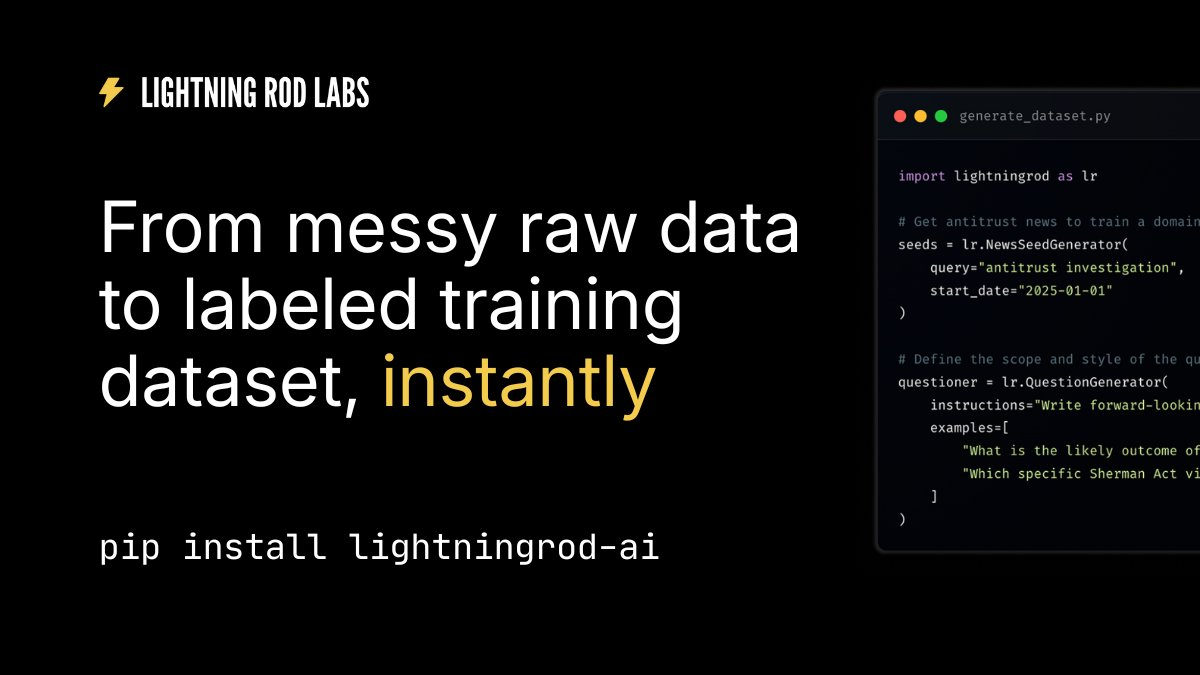
Lightning Rod Python SDK 
The Lightning Rod SDK provides a simple Python API for generating custom forecasting datasets to train your LLMs. Transform news articles, documents, and other real-world data into high-quality training samples automatically.
Based on our research: Future-as-Label: Scalable Supervision from Real-World Outcomes
👋 Quick Start
1. Install the SDK
pip install lightningrod-ai
2. Get your API key
Sign up at dashboard.lightningrod.ai to get your API key and $50 of free credits.
3. Generate your first dataset
Generate 1000+ forecasting questions in minutes - from raw sources to labeled dataset, automatically. ⚡
from lightningrod import LightningRod, AnswerType, QuestionPipeline, NewsSeedGenerator, ForwardLookingQuestionGenerator, WebSearchLabeler

lr = LightningRod(api_key="your-api-key")

binary_answer = AnswerType(answer_type=AnswerTypeEnum.BINARY)

pipeline = QuestionPipeline(
    seed_generator=NewsSeedGenerator(
        start_date=datetime.now() - timedelta(days=90),
        end_date=datetime.now(),
        search_query=["Trump"],
    ),
    question_generator=ForwardLookingQuestionGenerator(
        instructions="Generate binary forecasting questions about Trump's actions and decisions.",
        examples=[
            "Will Trump impose 25% tariffs on all goods from Canada by February 1, 2025?",
            "Will Pete Hegseth be confirmed as Secretary of Defense by February 15, 2025?",
        ]
    ),
    labeler=WebSearchLabeler(answer_type=binary_answer),
)

dataset = lr.transforms.run(pipeline, max_questions=3000)
dataset.flattened() # Ready-to-use data for your training pipelines
We use this to generate the Future-as-Label training dataset for our research paper.
✨ Examples
We have some example notebooks to help you get started! If you have trouble using the SDK, please submit an issue on Github.
| Example Name | Path | Google Colab Link |
|---|---|---|
| Quick Start | notebooks/01_quick_start.ipynb |
 |
| News Datasource | notebooks/02_news_datasource.ipynb |
|
| Custom Documents | notebooks/03_custom_documents_datasource.ipynb |
|
| Binary Answer Type | notebooks/04_binary_answer_type.ipynb |
|
| Continuous Answer Type | notebooks/05_continuous_answer_type.ipynb |
|
| Multiple Choice Answer Type | notebooks/06_multiple_choice_answer_type.ipynb |
|
| Free Response Answer Type | notebooks/07_free_response_answer_type.ipynb |
|
For complete API reference documentation, see API.md. This includes overview of the core system concepts, methods and types.
License
MIT License - see LICENSE file for details
Release history Release notifications | RSS feed


Download files
Download the file for your platform. If you're not sure which to choose, learn more about installing packages.
Source Distribution
Built Distribution
Filter files by name, interpreter, ABI, and platform.
If you're not sure about the file name format, learn more about wheel file names.
Copy a direct link to the current filters
File details
Details for the file lightningrod_ai-0.1.7.tar.gz.
File metadata
- Download URL: lightningrod_ai-0.1.7.tar.gz
- Upload date:
- Size: 62.1 kB
- Tags: Source
- Uploaded using Trusted Publishing? No
- Uploaded via: twine/6.2.0 CPython/3.11.2
File hashes
| Algorithm | Hash digest | |
|---|---|---|
| SHA256 |
c3ced3d3b026165bfc791f51f1c309d587e3a0874a562812eeb509168a8a015d
|
|
| MD5 |
a3708ee13ce93260a21d936b02a5ac2b
|
|
| BLAKE2b-256 |
7efde417beda95f631fcb300af3bf608767765d548c059e9da9339ed214eaa57
|
File details
Details for the file lightningrod_ai-0.1.7-py3-none-any.whl.
File metadata
- Download URL: lightningrod_ai-0.1.7-py3-none-any.whl
- Upload date:
- Size: 133.3 kB
- Tags: Python 3
- Uploaded using Trusted Publishing? No
- Uploaded via: twine/6.2.0 CPython/3.11.2
File hashes
| Algorithm | Hash digest | |
|---|---|---|
| SHA256 |
788a8af8514f56885ee3e84fa6882ce88425cc6ac2381d58753e8d892f4e8f8b
|
|
| MD5 |
d79a5fbab589cb0132ce48ada638f12c
|
|
| BLAKE2b-256 |
142705c2c5c7cb615b0bc9443e403901c6bcf1f9ae15a6fbffc2c69c118fa585
|






