
Live-ish illustration for your role-playing campaign

Project description
TTRPG live_illustrate
ASR + LLM + Diffusion = ???
This project:
- Uses Whisper to transcribe live audio of a tabletop RPG session
- Uses GPT-3.5 to extract a description of the current setting from the transcript
- Uses DALL-E to draw the setting
- Uses Flask & HTMX to display a new image every few minutes
And like most AI projects, it simultaneously works better and worse than one might expect. The images generated are never a perfect rendition of what's going on, but are almost too good to be just ambient background flavor.
Demo Reel
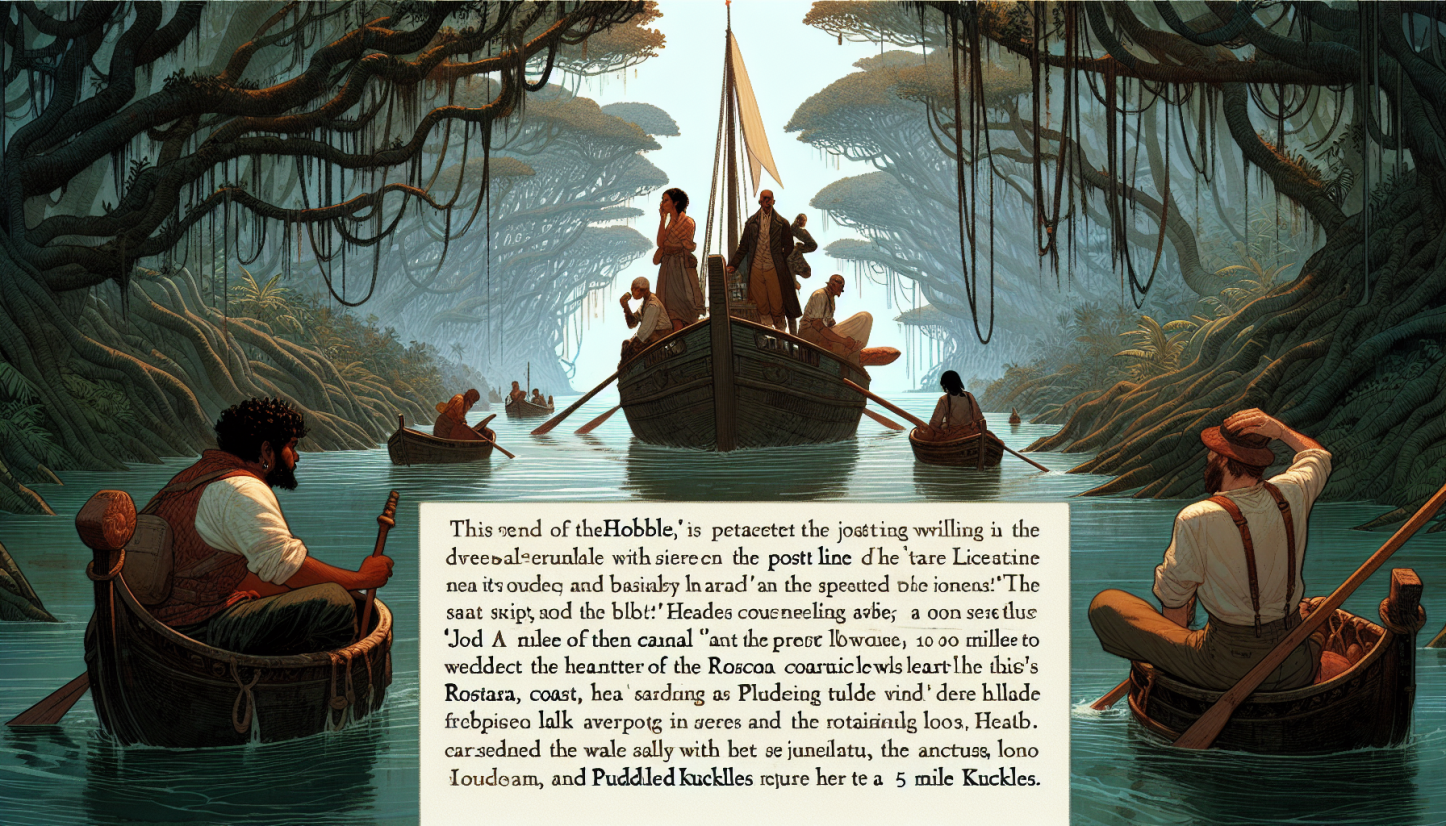
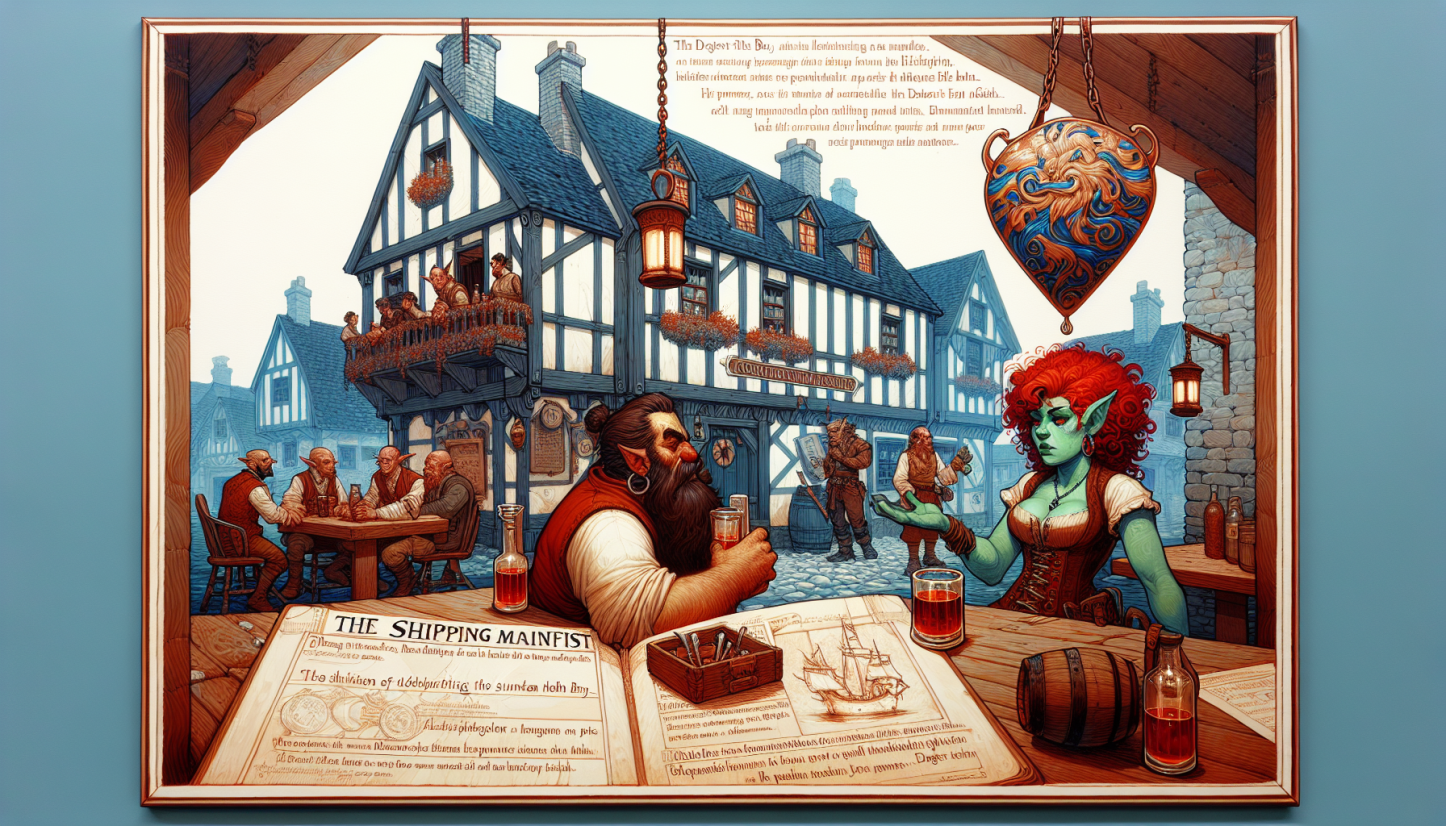
Some scenes from our party's first trial session:


Installation
I recommend installing in a virtual environment.
# From PyPI:
pip install live_illustrate

# Or locally:
git clone git@github.com:ehennenfent/live_illustrate.git
cd live_illustrate
pip install -e .
Whisper will be much faster if you use a cuda-enabled pytorch build. I recommend installing this manually afterwards.
pip install --index-url https://download.pytorch.org/whl/cu118 torch torchvision torchaudio # https://pytorch.org/get-started/locally/
You'll need an OpenAI API key, exposed via environment variable or in the .env file, like so: OPENAI_API_KEY=<my_secret_api_key>.
With the default settings, it costs about $1/hour to run. You can lower the cost by reducing the size of the generated images, or increasing the interval between them.
Running
Once installed, run the illustrate command line tool, which will automatically start recording with your default microphone.
A few words about the most important command line options:
--wait_minutes: This controls how frequently the tool draws an image, which directly translates into how expensive it is to run. The default of 7.5 minutes seems to work well for our campaign.--max_context: Each interval, the tool looks back at the transcript and collects up tomax_contexttokens to send to GPT3. It will get as close as possible, so some of these tokens may come from before the previous image was generated. GPT can be a bit slow about summarizing large amounts of text, so be careful about making this too large. The default of 2000 tokens seems to correspond very roughly to about ten minutes of conversation from one of our sessions, but YMMV.--persistence_of_memoryWhen summarizing long conversations, the LLM can seem to get "stuck" on the first setting described. This argument controls what fraction of the previous context is retained each time an image is generated. The default setting of 0.2 may lead to some discontinuity if your party is in one place for a long time.
Release history Release notifications | RSS feed


Download files
Download the file for your platform. If you're not sure which to choose, learn more about installing packages.
Source Distribution
Built Distribution
Filter files by name, interpreter, ABI, and platform.
If you're not sure about the file name format, learn more about wheel file names.
Copy a direct link to the current filters
File details
Details for the file live_illustrate-0.1.0.tar.gz.
File metadata
- Download URL: live_illustrate-0.1.0.tar.gz
- Upload date:
- Size: 15.9 kB
- Tags: Source
- Uploaded using Trusted Publishing? Yes
- Uploaded via: twine/4.0.2 CPython/3.11.7
File hashes
| Algorithm | Hash digest | |
|---|---|---|
| SHA256 |
e1ca893148541b5ea0c84aaf7bdabf841a79501e4117aa8fa7c1ef99fb3c52ab
|
|
| MD5 |
852ca5a154c0e72d3c6f20da937ac751
|
|
| BLAKE2b-256 |
2baefeddec81380d9d4d74b3efb2a357b31a5dffa9e02ab20c1f203777c0271f
|
File details
Details for the file live_illustrate-0.1.0-py3-none-any.whl.
File metadata
- Download URL: live_illustrate-0.1.0-py3-none-any.whl
- Upload date:
- Size: 5.0 kB
- Tags: Python 3
- Uploaded using Trusted Publishing? Yes
- Uploaded via: twine/4.0.2 CPython/3.11.7
File hashes
| Algorithm | Hash digest | |
|---|---|---|
| SHA256 |
2d2be58d906b927005982d3ac8ad0adb08d7afd700fcb88f3727bff1c4a019df
|
|
| MD5 |
fe2df98ddf3de703777c811f15d887cf
|
|
| BLAKE2b-256 |
889ee22c09f1b546636123d83bd3f2cfb7bb205c987b38152e02e6a102049a16
|






