
LocalQL packages csvql, a DuckDB-powered CLI for querying local CSV files like SQL tables.
Verified details
These details have been verified by PyPIProject links
GitHub Statistics
Maintainers

Project description
LocalQL




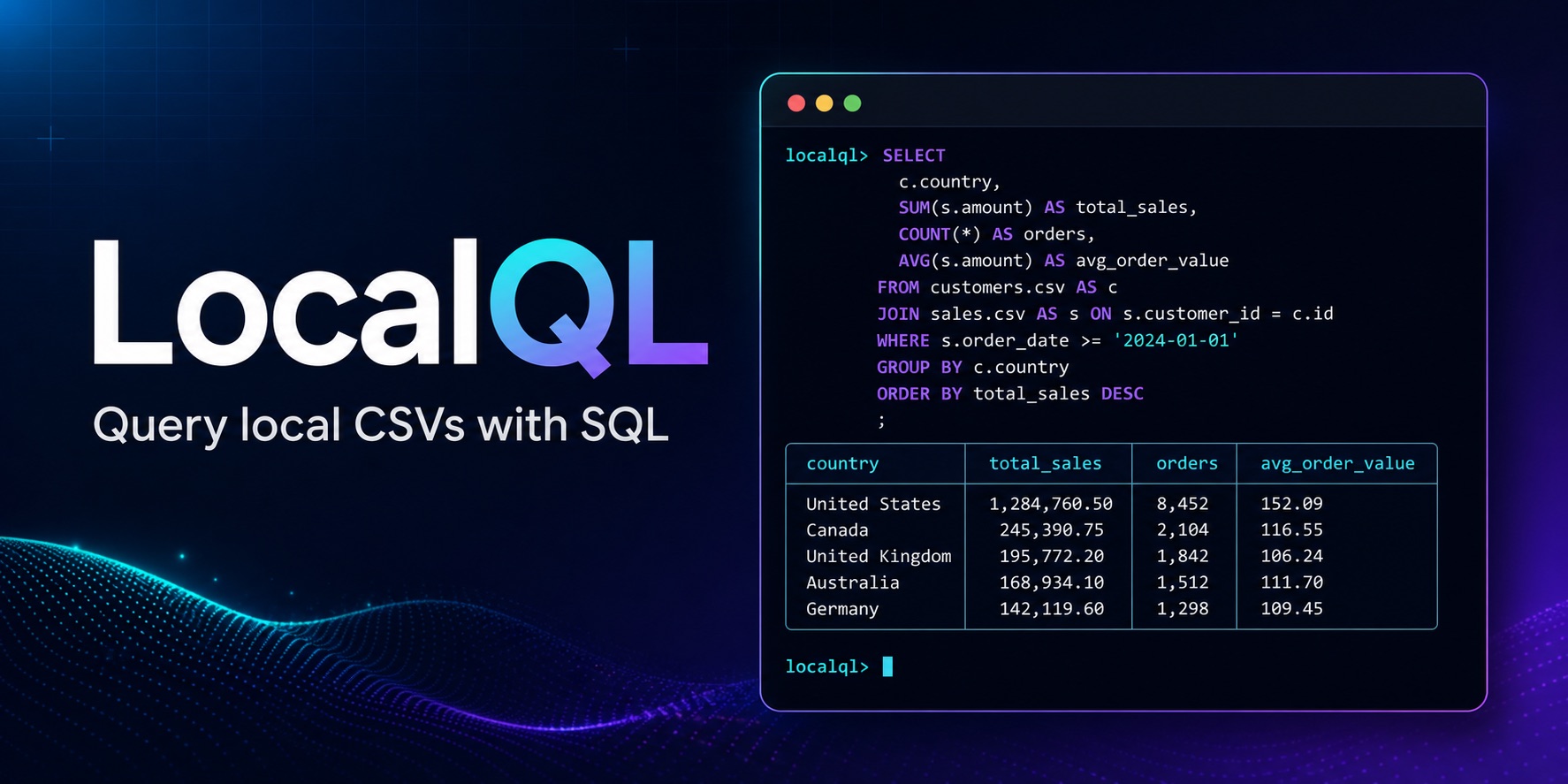
LocalQL is a lightweight DuckDB-powered tool for querying local CSV files with
SQL. It installs the csvql command and provides named tables, saved SQL,
readable output, exports, and an optional terminal menu.
Contents
Quickstart
Install LocalQL:
pip install localql
The query below uses the example data in this repository. From another directory, replace the path with one of your own CSV files.
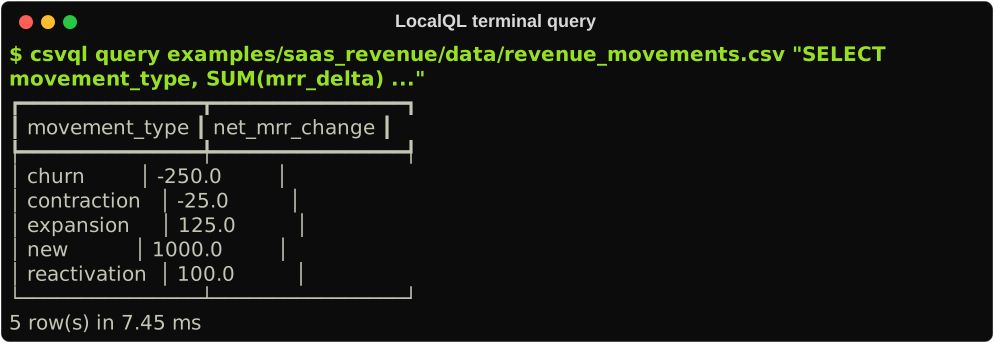
Query the example CSV:
csvql query examples/saas_revenue/data/revenue_movements.csv \
  "SELECT movement_type, SUM(mrr_delta) AS net_mrr_change
   FROM revenue_movements
   GROUP BY movement_type
   ORDER BY movement_type"
For a complete copy-and-paste walkthrough, see Getting started.
Core workflows
| When you want to… | Start here |
|---|---|
| Query a CSV or join named tables | CLI reference |
| Reuse a project catalog and saved SQL | Project catalogs |
| Inspect, sample, or profile a source | Inspect, sample, and profile |
| Export a result or reuse it as a CSV source | Save and reuse results |
| Check configured data-quality rules | Data-quality checks |
CSVQL does not implement a SQL engine. DuckDB executes SQL; CSVQL manages the local workflow around table aliases, project configuration, output, and exports.
Terminal menu
The optional csvql menu workbench provides sources, a SQL editor, results,
history, and explicit export actions in the terminal:
pip install "localql[tui]"
csvql menu
csvql menu /path/to/orders.csv
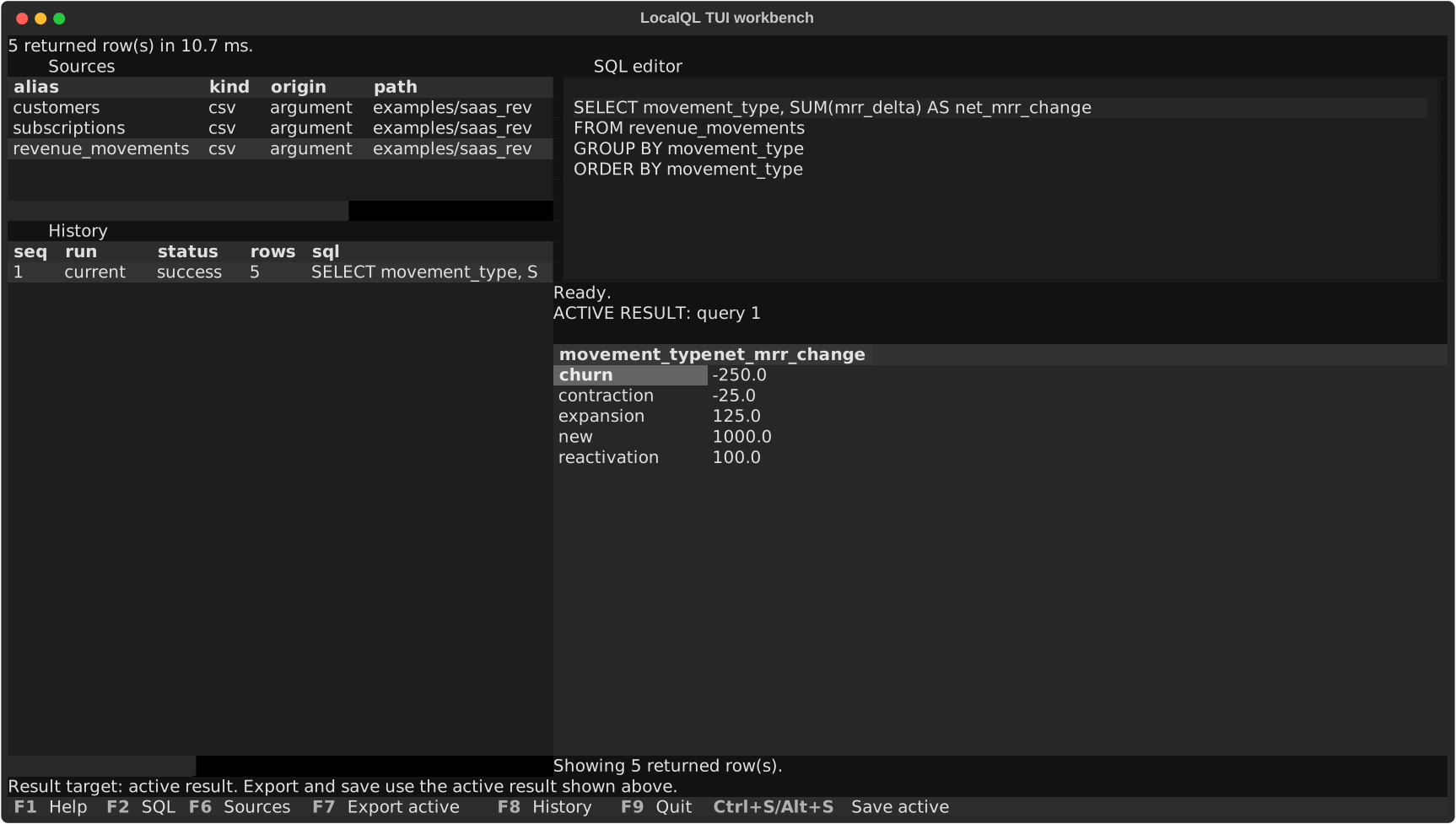
The terminal menu is optional; all core commands also work without it. See the Terminal menu guide for keys, source actions, history, and result handling.
Safety
LocalQL treats user-authored SQL as trusted local DuckDB SQL. It does not sandbox DuckDB or restrict filesystem access. Run only SQL you trust.
Documentation
Use LocalQL
Reference
Project and support
Project details
Verified details
These details have been verified by PyPIProject links
GitHub Statistics
Maintainers
Release history Release notifications | RSS feed


Download files
Download the file for your platform. If you're not sure which to choose, learn more about installing packages.
Source Distribution
Built Distribution
Filter files by name, interpreter, ABI, and platform.
If you're not sure about the file name format, learn more about wheel file names.
Copy a direct link to the current filters
File details
Details for the file localql-1.0.1.tar.gz.
File metadata
- Download URL: localql-1.0.1.tar.gz
- Upload date:
- Size: 1.9 MB
- Tags: Source
- Uploaded using Trusted Publishing? Yes
- Uploaded via: twine/6.1.0 CPython/3.13.13
File hashes
| Algorithm | Hash digest | |
|---|---|---|
| SHA256 |
bd6b93ea88326a798e57012d65b090873e208546197bdcddad6d97a864037439
|
|
| MD5 |
cf969a6cdd4c8b9b1c8159581a972a84
|
|
| BLAKE2b-256 |
4d80bed117336f0d8b7699947a5e37b85c809af0dded2fb2e8335731f1f2d147
|
Provenance
The following attestation bundles were made for localql-1.0.1.tar.gz:
Publisher:
publish.yml on highlordleonas/csvql
-
Statement:
-
Statement type:
https://in-toto.io/Statement/v1 -
Predicate type:
https://docs.pypi.org/attestations/publish/v1 -
Subject name:
localql-1.0.1.tar.gz -
Subject digest:
bd6b93ea88326a798e57012d65b090873e208546197bdcddad6d97a864037439 - Sigstore transparency entry: 2141118056
- Sigstore integration time:
-
Permalink:
highlordleonas/csvql@f238b6daff0adc048224743095a79def07d38056 -
Branch / Tag:
refs/tags/v1.0.1 - Owner: https://github.com/highlordleonas
-
Access:
public
-
Token Issuer:
https://token.actions.githubusercontent.com -
Runner Environment:
github-hosted -
Publication workflow:
publish.yml@f238b6daff0adc048224743095a79def07d38056 -
Trigger Event:
workflow_dispatch
-
Statement type:
File details
Details for the file localql-1.0.1-py3-none-any.whl.
File metadata
- Download URL: localql-1.0.1-py3-none-any.whl
- Upload date:
- Size: 86.0 kB
- Tags: Python 3
- Uploaded using Trusted Publishing? Yes
- Uploaded via: twine/6.1.0 CPython/3.13.13
File hashes
| Algorithm | Hash digest | |
|---|---|---|
| SHA256 |
fbdc19fdd520b070520522f71297124c61a4838f005631806ff3217165ee8f52
|
|
| MD5 |
8e7ead1ad083b98ef6dc0fc0ba7cfc3b
|
|
| BLAKE2b-256 |
9476c1f1be41b50b6d038db6cb5ab47cea09ee21ee1d5536734830e34df81e52
|
Provenance
The following attestation bundles were made for localql-1.0.1-py3-none-any.whl:
Publisher:
publish.yml on highlordleonas/csvql
-
Statement:
-
Statement type:
https://in-toto.io/Statement/v1 -
Predicate type:
https://docs.pypi.org/attestations/publish/v1 -
Subject name:
localql-1.0.1-py3-none-any.whl -
Subject digest:
fbdc19fdd520b070520522f71297124c61a4838f005631806ff3217165ee8f52 - Sigstore transparency entry: 2141118126
- Sigstore integration time:
-
Permalink:
highlordleonas/csvql@f238b6daff0adc048224743095a79def07d38056 -
Branch / Tag:
refs/tags/v1.0.1 - Owner: https://github.com/highlordleonas
-
Access:
public
-
Token Issuer:
https://token.actions.githubusercontent.com -
Runner Environment:
github-hosted -
Publication workflow:
publish.yml@f238b6daff0adc048224743095a79def07d38056 -
Trigger Event:
workflow_dispatch
-
Statement type:






