
Local-first document translation and conversion toolkit
Verified details
These details have been verified by PyPIProject links
GitHub Statistics
Maintainers

Project description
Loctran — private AI PDF translator




Translate PDFs locally. No cloud. No API key. Just Ollama.
Features
| What it does | Why it matters |
|---|---|
| Rasterises PDFs with pypdfium2 | No Poppler / Ghostscript dependency |
| Dual-pass OCR (Tesseract + inverted image) | Catches light-on-dark and low-contrast text |
| Batched LLM translation via Ollama | Works with any local chat model |
| HTML overlay output | Translations positioned over the original layout |
| Web UI with real-time progress | Upload and translate from any browser |
| PDF compression | Reduce file size without proprietary tools |
| 100 % local — files never leave your machine | Full privacy, no API keys, works offline |
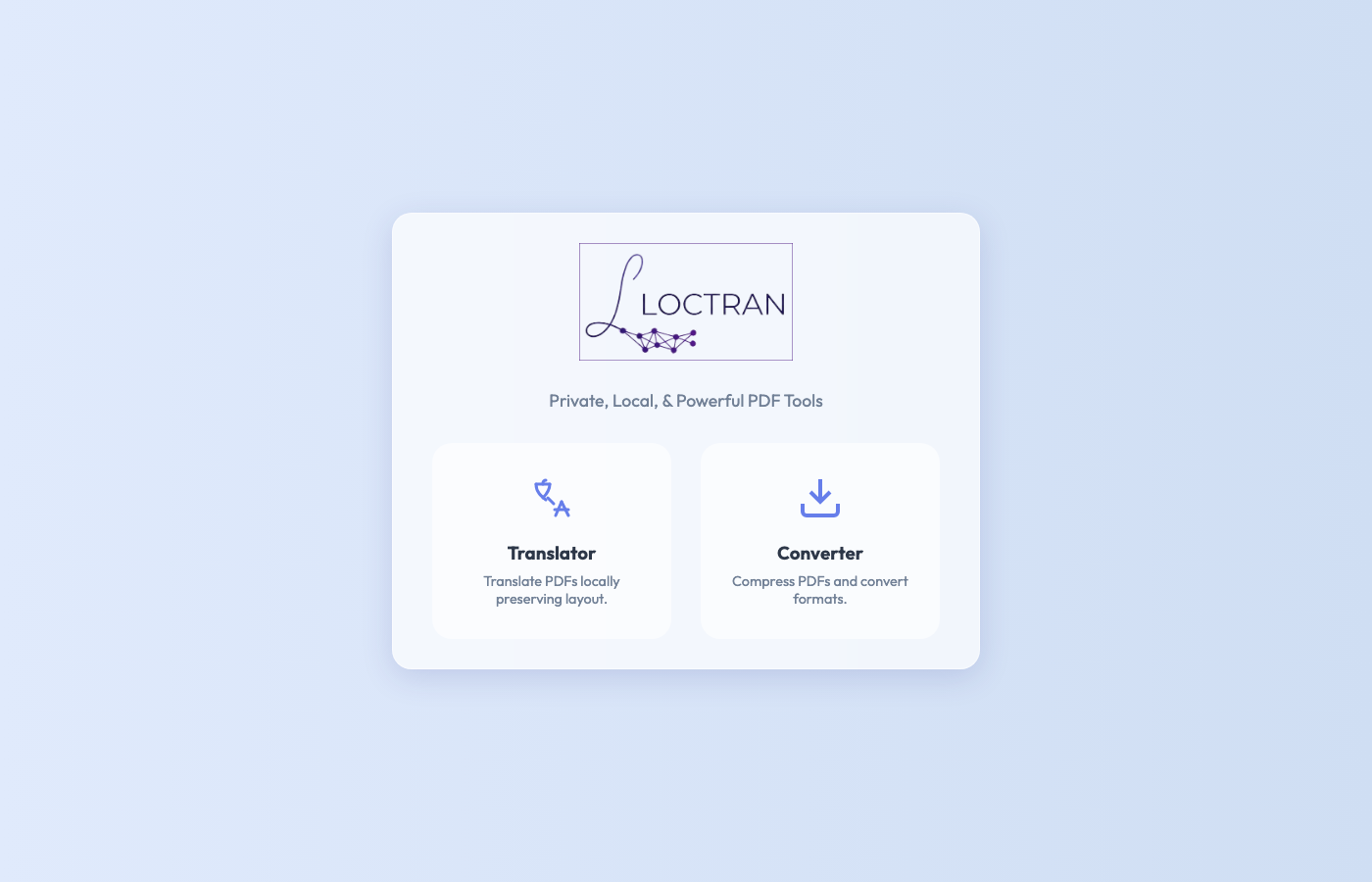
Screenshots
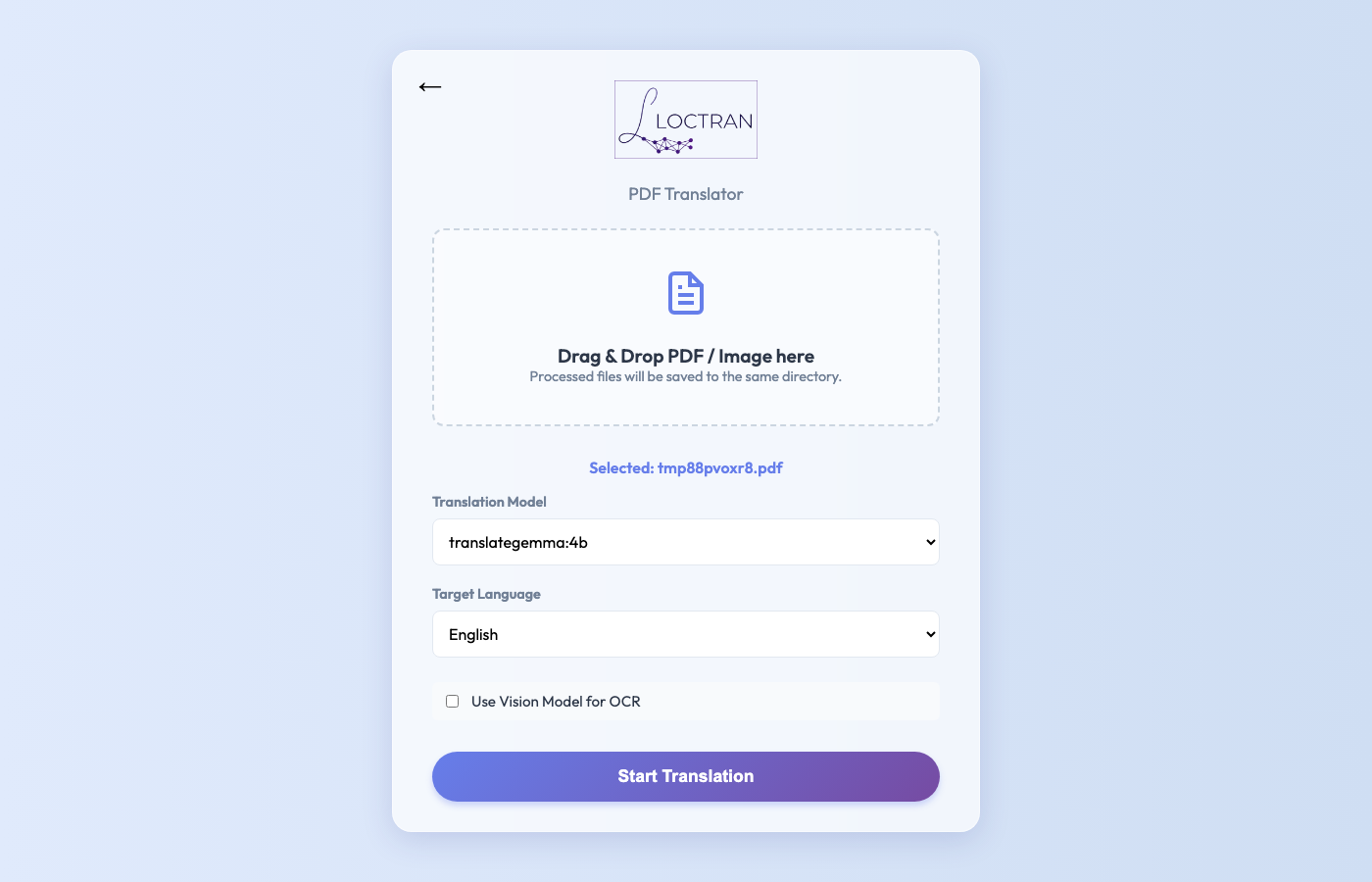
| 1. Home | 1.1 PDF Upload |
|---|---|
 |
 |
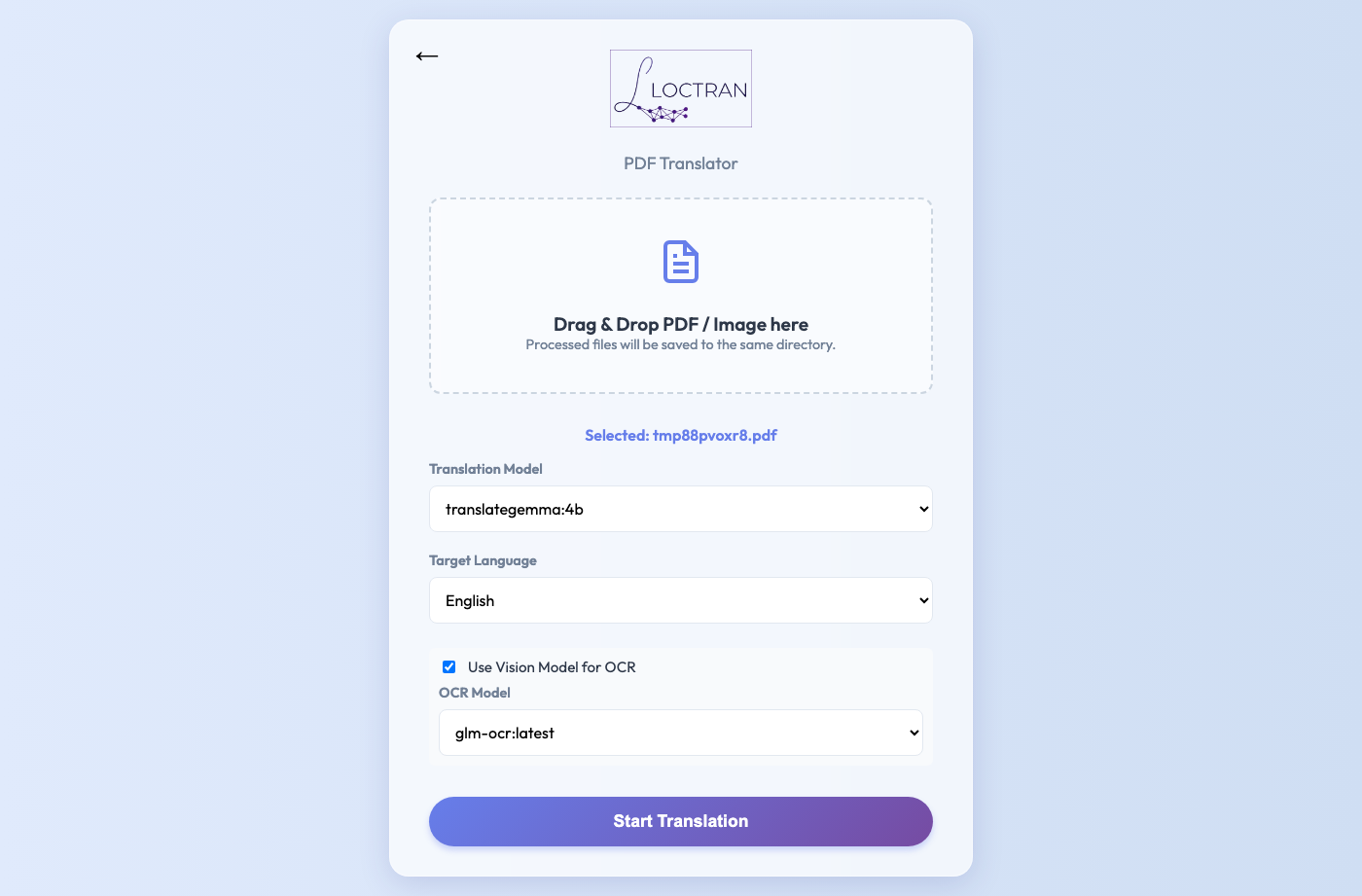
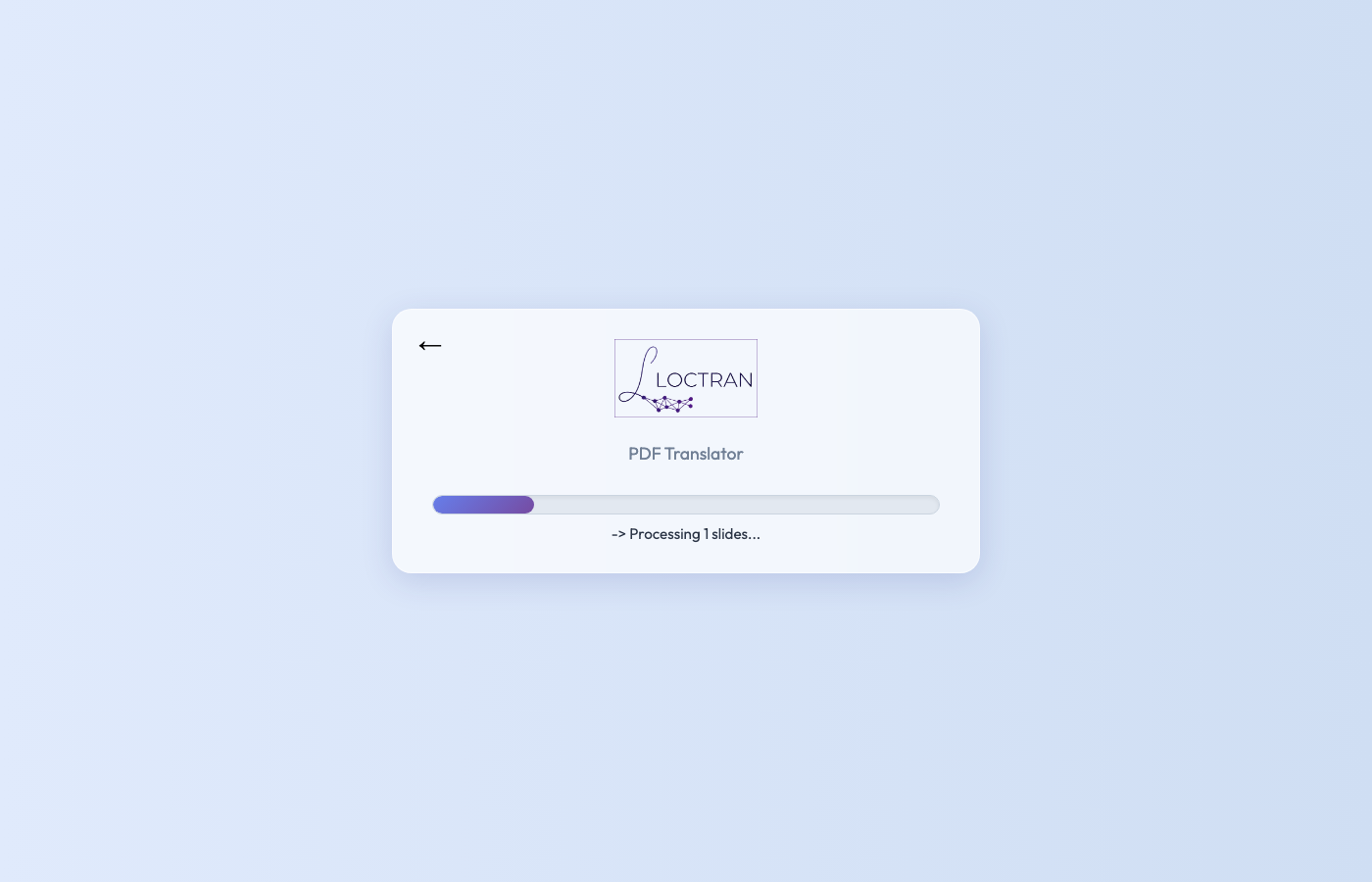
| 2. Translation Configured | 2.1 Translation In Progress |
|---|---|
 |
 |
| 3. Result | 3.1 Translation Complete |
|---|---|
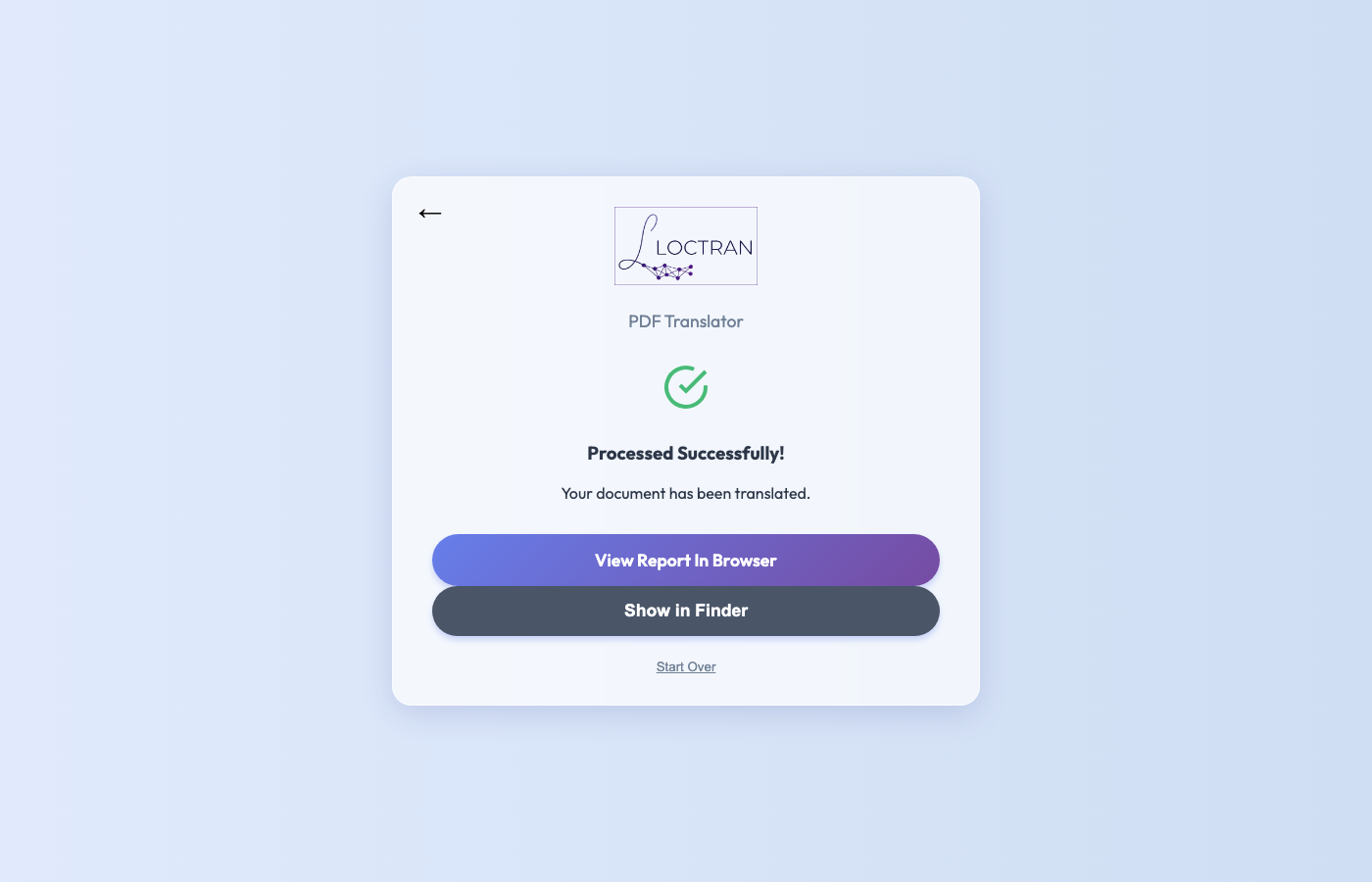 |
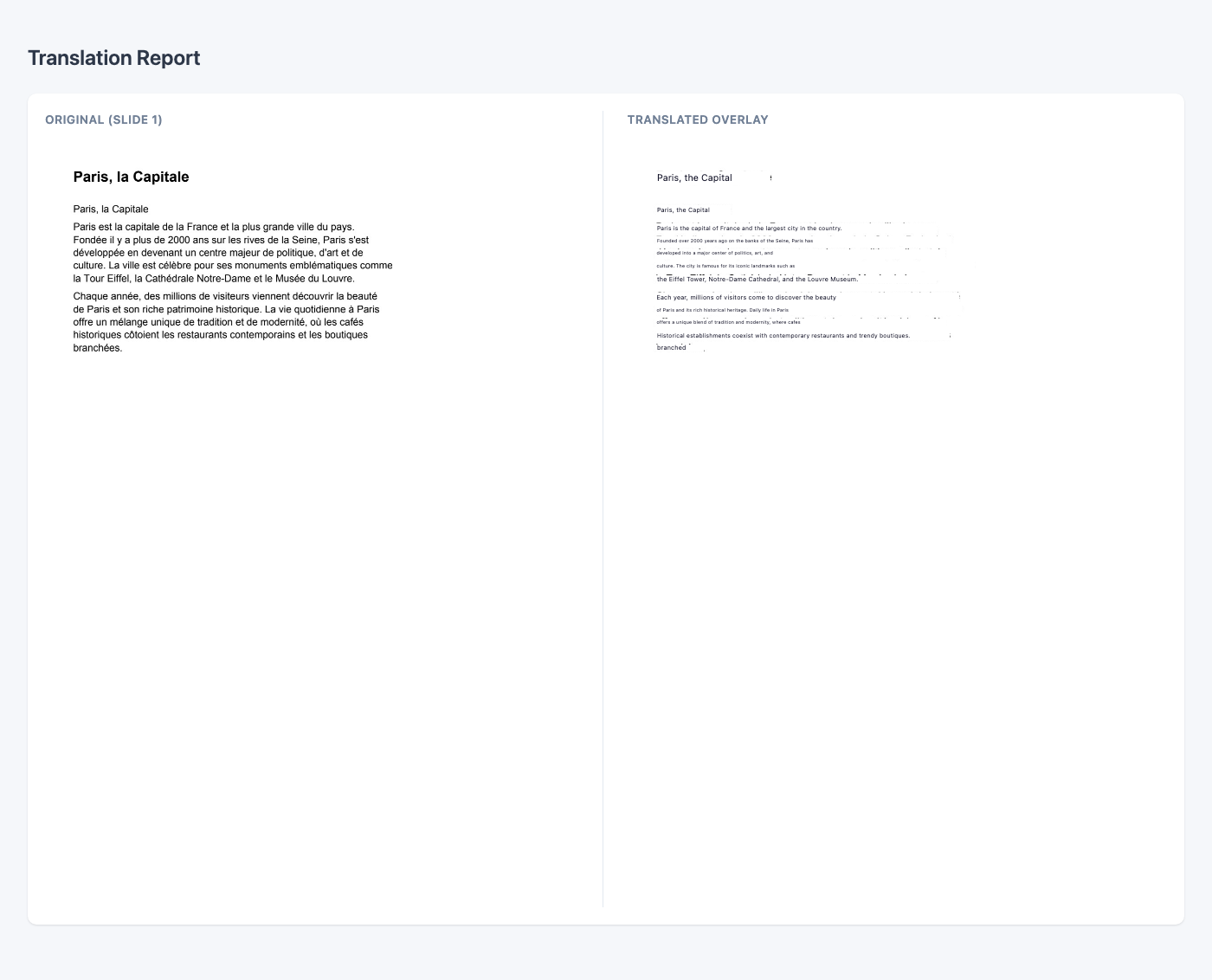 |
30-second install
The default install includes the Web UI. A plain pip install loctran is enough to start the app.
pip install loctran
ollama pull glm-ocr
ollama pull translategemma:4b
loctran
# opens Web UI at http://127.0.0.1:8000
# CLI translation example
loctran translate document.pdf --lang French
How it works
PDF
 └─► rasterise pages (pypdfium2)
      └─► dual-pass OCR (Tesseract normal + inverted)
           └─► deduplicate & group words into segments
                └─► batch translate (Ollama LLM)
                     └─► HTML overlay output
Each page becomes an image with absolutely-positioned translation boxes sized to match the original text bounding boxes. For PDFs with a digital text layer, pdfplumber extracts text directly — no OCR needed.
Requirements
- OS: macOS, Linux, or Windows
- Python ≥ 3.9
- Ollama running locally — download
- Tesseract —
brew install tesseract tesseract-lang(macOS) orapt install tesseract-ocr tesseract-ocr-all(Linux)
On startup, Loctran will try to start Ollama if it is installed and will pull the configured OCR and translation models when they are missing. The first launch still depends on the user having Ollama available and network access for any model downloads.
Run loctran doctor to check everything at once:
loctran-doctor v0.1.2b1
─────────────────────────────────────
✓  Python         3.11.9
✓  Tesseract      5.3.4  (langs: eng fra deu jpn +47)
✓  Ollama         0.3.1  (running)
✓  glm-ocr        pulled (2.2 GB)
✓  translategemma:4b pulled (3.3 GB)
─────────────────────────────────────
All required dependencies satisfied.
Web UI
Start the server and open your browser:
loctran serve
# → http://localhost:8000
Upload a PDF, choose a target language and model, then watch the real-time progress bar. The translated HTML opens automatically when done.
CLI reference
Usage: loctran [OPTIONS] COMMAND [ARGS]...

Commands:
  serve      Run the local web UI server.
  translate  Translate a file or folder using local OCR + Ollama.
  doctor     Run environment diagnostics for dependencies and models.
# Translate to Spanish using a higher-quality translation model
loctran translate report.pdf --lang Spanish --model translategemma:12b

# Extract text only, save to custom folder
loctran translate scan.pdf --extract-only --output ~/Desktop/extracted

# Use smaller batches to avoid context overflow on long documents
loctran translate book.pdf --lang German --batch-size 3

# Run dependency diagnostics
loctran doctor
Updating README screenshots
pip install -e ".[dev]"
python -m playwright install chromium
make screenshots
This writes screenshots to docs/screenshots/ using scripts/capture_screenshots.py.
FAQ
Does this send my documents anywhere?
No. Everything runs locally on your machine. Loctran talks only to Ollama at localhost:11434. No telemetry, no analytics, no cloud.
Which Ollama models work?
Any locally installed Ollama model appears in the Loctran model picker automatically. Run ollama list to see what is available. For this project, use glm-ocr for OCR and translategemma:4b for translation. On 16 GB+ machines, translategemma:12b is the higher-quality option.
What about scanned PDFs?
Loctran automatically detects whether a PDF has a digital text layer. If it does, pdfplumber extracts text directly (fast, accurate). If not — or if you pass --force-ocr — Tesseract runs a dual-pass OCR (normal + inverted image) to catch light-on-dark text. Pass --use-ai-ocr to route OCR through an Ollama vision model for the highest accuracy on complex layouts.
Docker
docker run -p 8000:8000 -v ~/Documents:/docs ghcr.io/anzalks/loctran
Contributing
See CONTRIBUTING.md for development setup, running tests, and submitting PRs.
License
Apache 2.0 — © 2026 Anzal K Shahul
Project details
Verified details
These details have been verified by PyPIProject links
GitHub Statistics
Maintainers
Release history Release notifications | RSS feed


Download files
Download the file for your platform. If you're not sure which to choose, learn more about installing packages.
Source Distribution
Built Distribution
Filter files by name, interpreter, ABI, and platform.
If you're not sure about the file name format, learn more about wheel file names.
Copy a direct link to the current filters
File details
Details for the file loctran-0.1.2b1.tar.gz.
File metadata
- Download URL: loctran-0.1.2b1.tar.gz
- Upload date:
- Size: 116.6 kB
- Tags: Source
- Uploaded using Trusted Publishing? Yes
- Uploaded via: twine/6.1.0 CPython/3.13.12
File hashes
| Algorithm | Hash digest | |
|---|---|---|
| SHA256 |
30f97836420ff06b02a96d2cd8c59dd8613f815116d69a7c4d0af02451b41a2b
|
|
| MD5 |
98d408bbc881d9c0951897c08da6fce0
|
|
| BLAKE2b-256 |
d1074c1b65ca06d58e6e92badd54c60103724327925d7a450fb04e3bf43b8074
|
Provenance
The following attestation bundles were made for loctran-0.1.2b1.tar.gz:
Publisher:
release.yml on anzalks/loctran
-
Statement:
-
Statement type:
https://in-toto.io/Statement/v1 -
Predicate type:
https://docs.pypi.org/attestations/publish/v1 -
Subject name:
loctran-0.1.2b1.tar.gz -
Subject digest:
30f97836420ff06b02a96d2cd8c59dd8613f815116d69a7c4d0af02451b41a2b - Sigstore transparency entry: 1998852846
- Sigstore integration time:
-
Permalink:
anzalks/loctran@5e9e01bcf57b3657e1d36358420bf59cf9e0e073 -
Branch / Tag:
refs/tags/v0.1.2b1 - Owner: https://github.com/anzalks
-
Access:
public
-
Token Issuer:
https://token.actions.githubusercontent.com -
Runner Environment:
github-hosted -
Publication workflow:
release.yml@5e9e01bcf57b3657e1d36358420bf59cf9e0e073 -
Trigger Event:
push
-
Statement type:
File details
Details for the file loctran-0.1.2b1-py3-none-any.whl.
File metadata
- Download URL: loctran-0.1.2b1-py3-none-any.whl
- Upload date:
- Size: 101.0 kB
- Tags: Python 3
- Uploaded using Trusted Publishing? Yes
- Uploaded via: twine/6.1.0 CPython/3.13.12
File hashes
| Algorithm | Hash digest | |
|---|---|---|
| SHA256 |
8ef2dc030550113d9e42e32d8910f68ab390e68b26e37c2d6033a2a5f36b5eea
|
|
| MD5 |
3f103046c0f458d3173b47df7ff81670
|
|
| BLAKE2b-256 |
acc3e02ae9a35bc9657fb8b18ef1693e5cf28f24b9bb67a598fcf6d42af71d2e
|
Provenance
The following attestation bundles were made for loctran-0.1.2b1-py3-none-any.whl:
Publisher:
release.yml on anzalks/loctran
-
Statement:
-
Statement type:
https://in-toto.io/Statement/v1 -
Predicate type:
https://docs.pypi.org/attestations/publish/v1 -
Subject name:
loctran-0.1.2b1-py3-none-any.whl -
Subject digest:
8ef2dc030550113d9e42e32d8910f68ab390e68b26e37c2d6033a2a5f36b5eea - Sigstore transparency entry: 1998852919
- Sigstore integration time:
-
Permalink:
anzalks/loctran@5e9e01bcf57b3657e1d36358420bf59cf9e0e073 -
Branch / Tag:
refs/tags/v0.1.2b1 - Owner: https://github.com/anzalks
-
Access:
public
-
Token Issuer:
https://token.actions.githubusercontent.com -
Runner Environment:
github-hosted -
Publication workflow:
release.yml@5e9e01bcf57b3657e1d36358420bf59cf9e0e073 -
Trigger Event:
push
-
Statement type:






