
Developer-friendly load testing framework


Project description
Locust





Locust is an open source performance/load testing tool for HTTP and other protocols. Its developer-friendly approach lets you define your tests in regular Python code.
Locust tests can be run from command line or using its web-based UI. Throughput, response times and errors can be viewed in real time and/or exported for later analysis.
You can import regular Python libraries into your tests, and with Locust's pluggable architecture it is infinitely expandable. Unlike when using most other tools, your test design will never be limited by a GUI or domain-specific language.
To get started right away, head over to the documentation.
Features
Write user test scenarios in plain old Python
If you want your users to loop, perform some conditional behaviour or do some calculations, you just use the regular programming constructs provided by Python. Locust runs every user inside its own greenlet (a lightweight process/coroutine). This enables you to write your tests like normal (blocking) Python code instead of having to use callbacks or some other mechanism. Because your scenarios are “just python” you can use your regular IDE, and version control your tests as regular code (as opposed to some other tools that use XML or binary formats)
from locust import HttpUser, task, between

class QuickstartUser(HttpUser):
    wait_time = between(1, 2)

    def on_start(self):
        self.client.post("/login", json={"username":"foo", "password":"bar"})

    @task
    def hello_world(self):
        self.client.get("/hello")
        self.client.get("/world")

    @task(3)
    def view_item(self):
        for item_id in range(10):
            self.client.get(f"/item?id={item_id}", name="/item")
Distributed & Scalable - supports hundreds of thousands of users
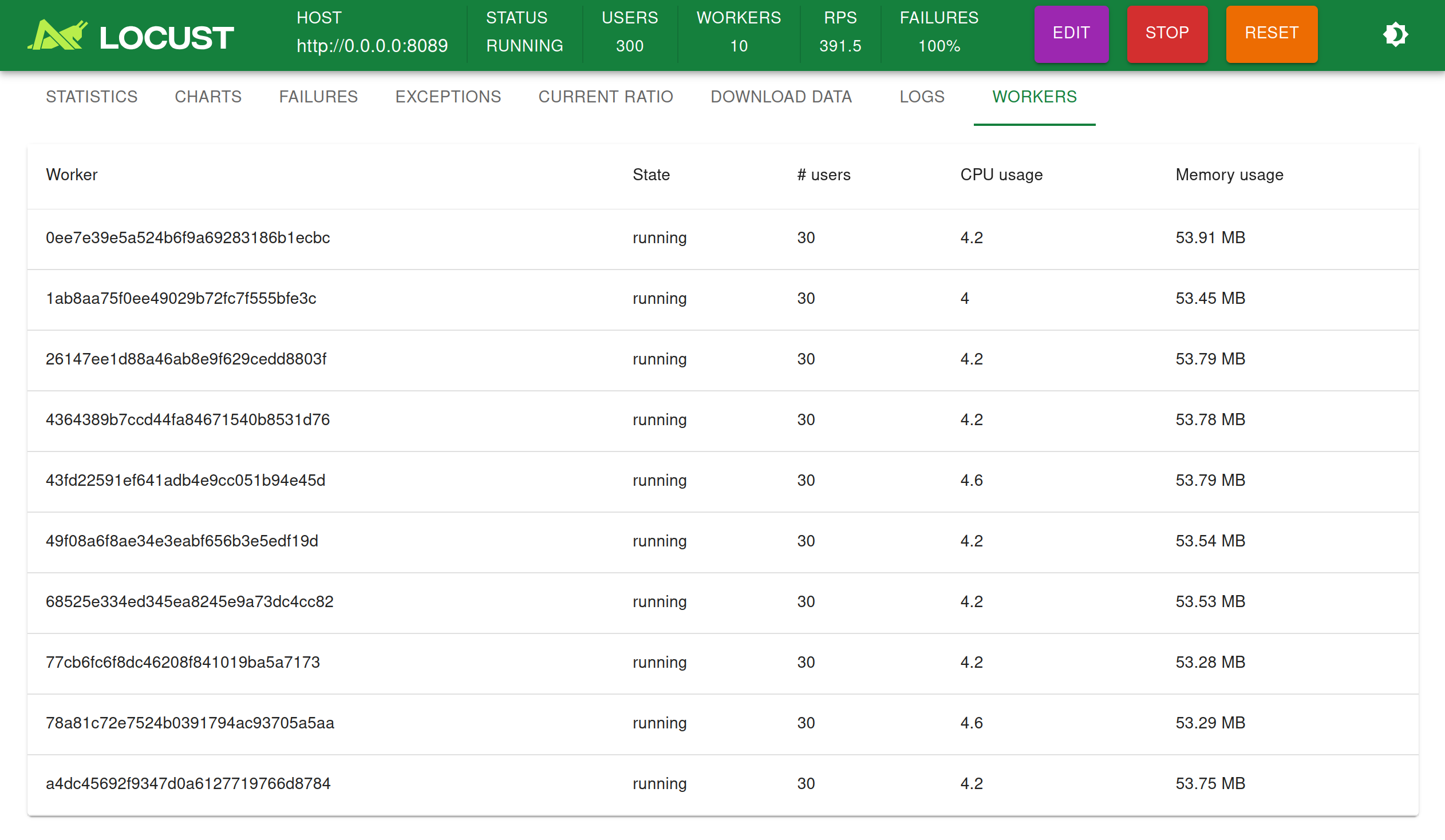
Locust makes it easy to run load tests distributed over multiple machines. It is event-based (using gevent), which makes it possible for a single process to handle many thousands concurrent users. While there may be other tools that are capable of doing more requests per second on a given hardware, the low overhead of each Locust user makes it very suitable for testing highly concurrent workloads.
Web-based UI
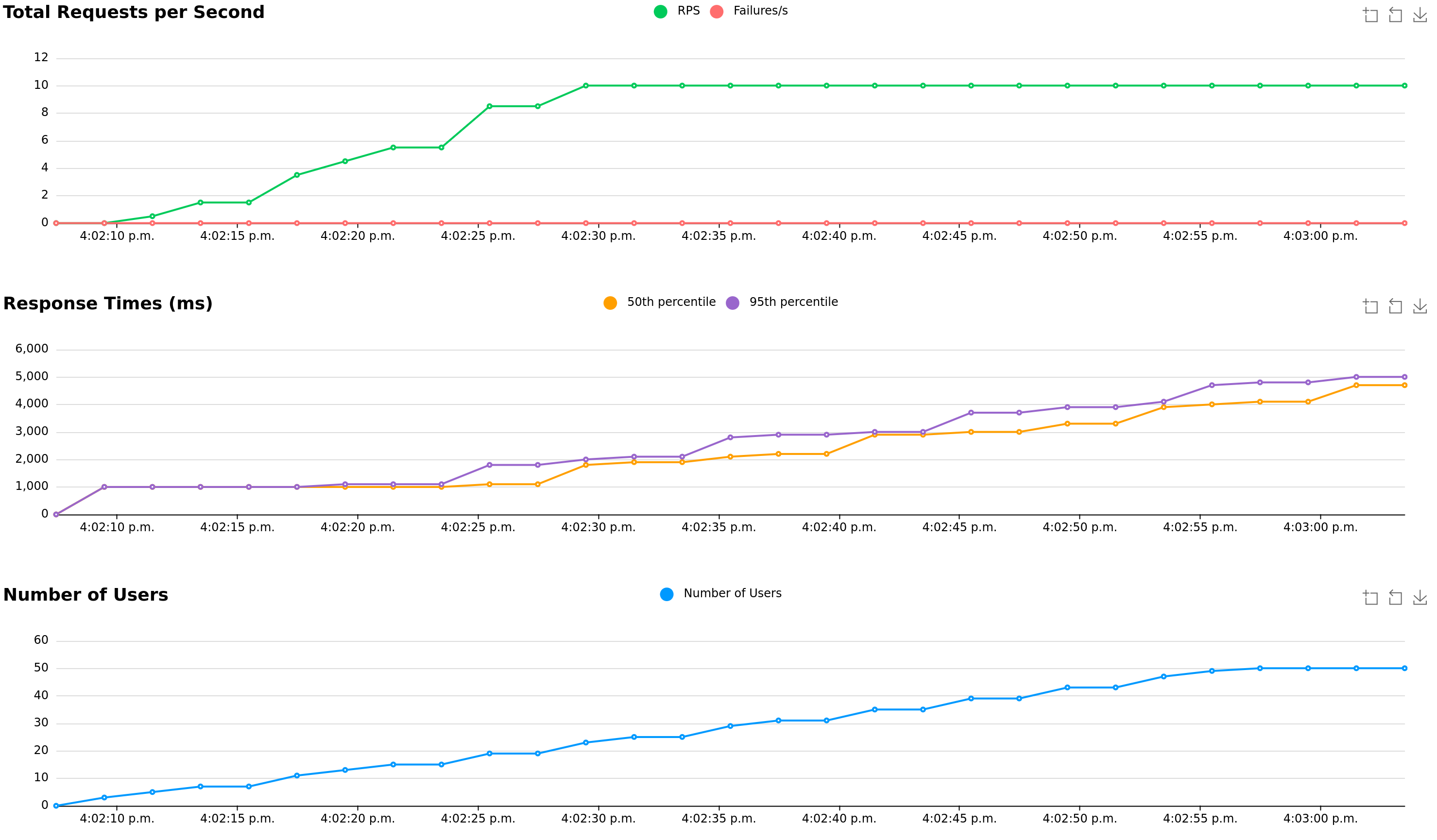
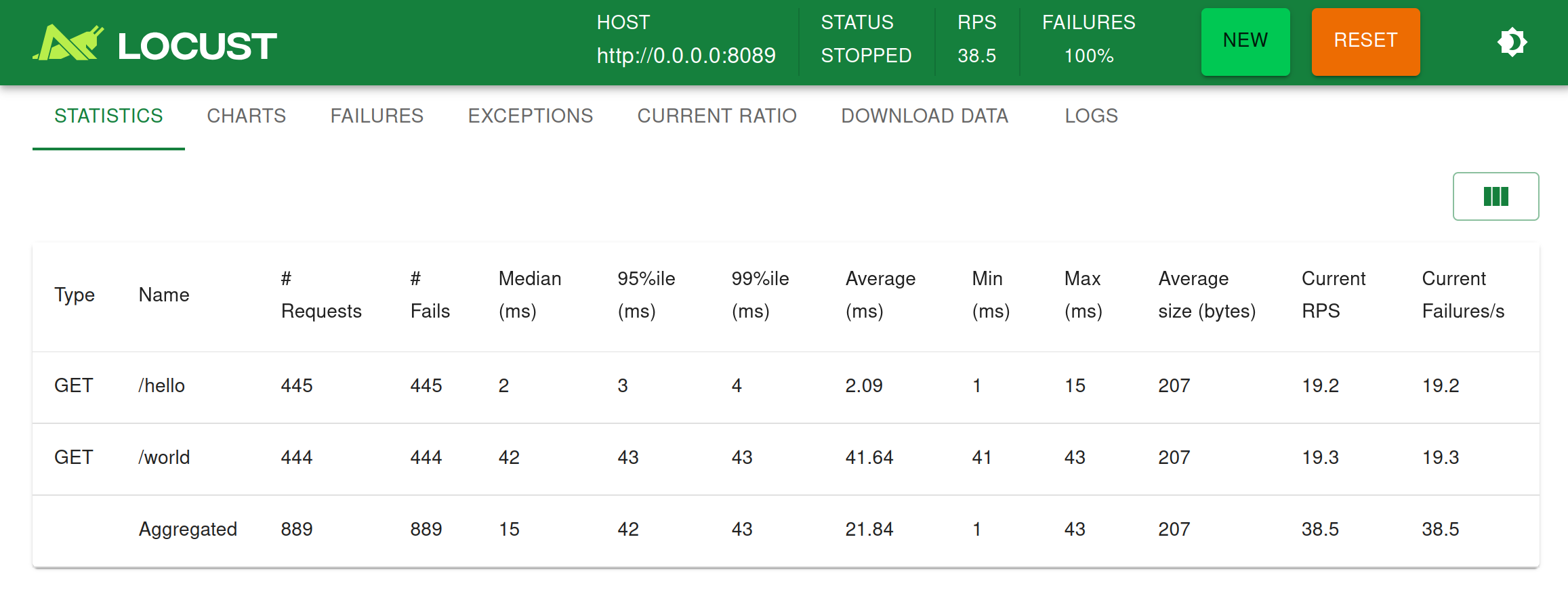
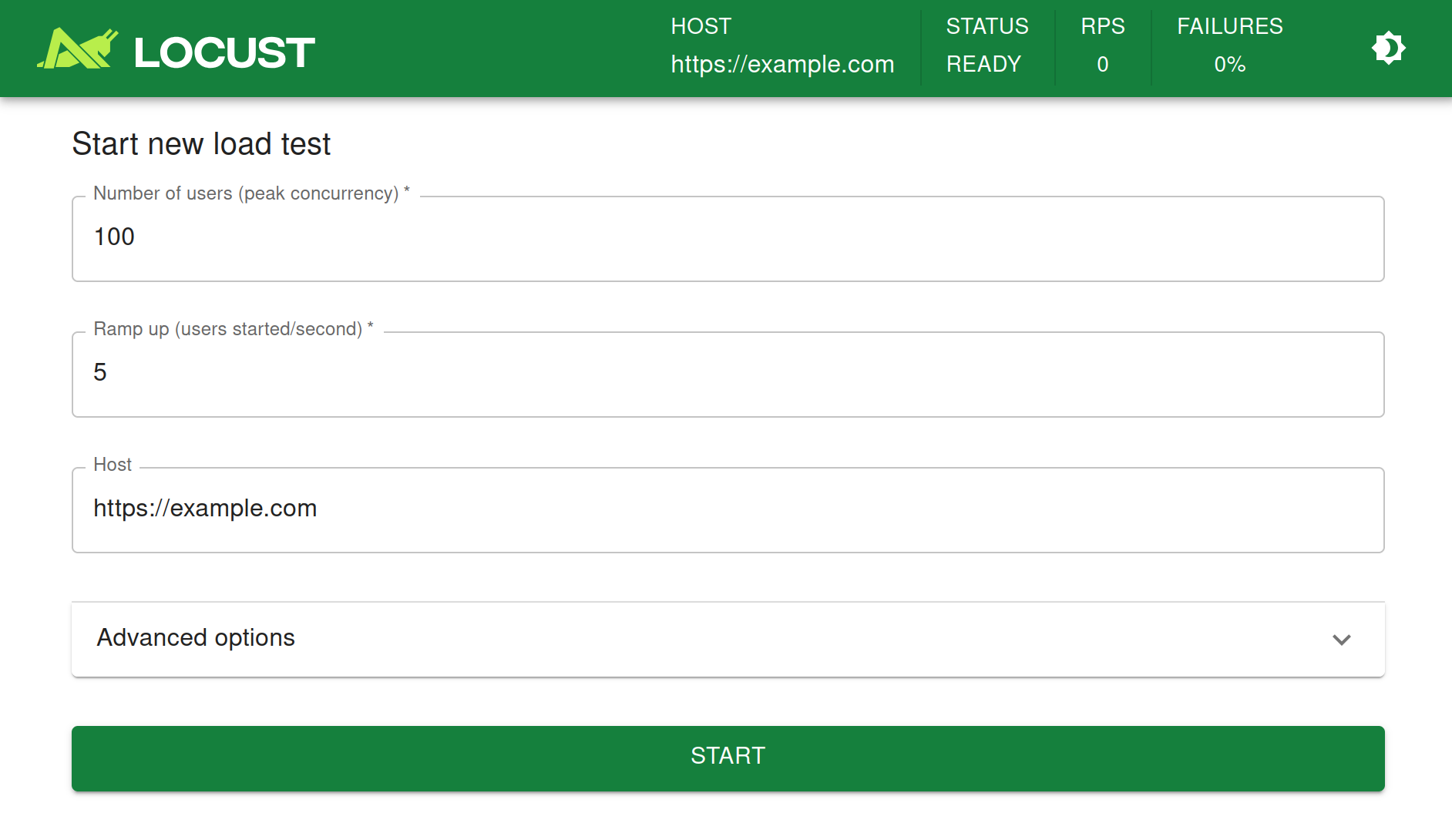
Locust has a user friendly web interface that shows the progress of your test in real-time. You can even change the load while the test is running. It can also be run without the UI, making it easy to use for CI/CD testing.
Can test any system
Even though Locust primarily works with web sites/services, it can be used to test almost any system or protocol. Just write a client for what you want to test, or explore some created by the community.
Hackable
Locust's code base is intentionally kept small and doesn't solve everything out of the box. Instead, we try to make it easy to adapt to any situation you may come across, using regular Python code. There is nothing stopping you from:
- Send real time reporting data to TimescaleDB and visualize it in Grafana
- Wrap calls to handle the peculiarities of your REST API
- Use a totally custom load shape/profile
- ...
VS Code extension
Microsoft has built an excellent VS Code extension that uses Copilot to help you create and run Locust tests. Here's a video to get you started:

Azure Load Testing
Azure offers a managed load-testing service that lets you run and scale Locust tests easily.
- Scalable and flexible, with no need to host your own infrastructure
- If your application is hosted on Azure, it can combine test results with detailed resource metrics to help pinpoint bottlenecks and optimize performance.
- Integrates well with Azure DevOps and GitHub for CI/CD pipelines, enabling automated performance testing as part of your development workflow.
Links
- Documentation: docs.locust.io
- Support/Questions: StackOverflow
- Chat/discussion: Discord
Authors
- Maintainer: Lars Holmberg
- UI: Andrew Baldwin
- Original creator: Jonatan Heyman
- Massive thanks to all of our contributors
Special thanks

License
Open source licensed under the MIT license (see LICENSE file for details).
Release history Release notifications | RSS feed


Download files
Download the file for your platform. If you're not sure which to choose, learn more about installing packages.
Source Distribution
Built Distribution
Filter files by name, interpreter, ABI, and platform.
If you're not sure about the file name format, learn more about wheel file names.
Copy a direct link to the current filters
File details
Details for the file locust-2.44.5.dev5.tar.gz.
File metadata
- Download URL: locust-2.44.5.dev5.tar.gz
- Upload date:
- Size: 1.4 MB
- Tags: Source
- Uploaded using Trusted Publishing? No
- Uploaded via: twine/6.1.0 CPython/3.13.12
File hashes
| Algorithm | Hash digest | |
|---|---|---|
| SHA256 |
72dbdabcfabd3b856b0d186da1e260c802dfe4d04035a90073756eb498dbe3f1
|
|
| MD5 |
41216990bf02875a7f121019699f5017
|
|
| BLAKE2b-256 |
c0db2b4475dcbb571128df6faa9a9cf06f18c3ea5ce7035336be8fe828fbbdbe
|
File details
Details for the file locust-2.44.5.dev5-py3-none-any.whl.
File metadata
- Download URL: locust-2.44.5.dev5-py3-none-any.whl
- Upload date:
- Size: 1.5 MB
- Tags: Python 3
- Uploaded using Trusted Publishing? No
- Uploaded via: twine/6.1.0 CPython/3.13.12
File hashes
| Algorithm | Hash digest | |
|---|---|---|
| SHA256 |
279e126f2ae582f6b93c1e9d8e38fd4bb76cb4cdddec45fbca0ae332f59db94c
|
|
| MD5 |
222b7217d5c2491b4d418d52bbb8dfd0
|
|
| BLAKE2b-256 |
f85eb69f264c7ec4544182ed7e799a1dfd9fb29aa286b8d6fdc4393ff2801d84
|






