
Logic Lab
Python translations of creative coding examples using py5. Each simulation is organized by domain, demonstrating core computational creativity concepts: physics, steering behaviors, genetic algorithms, neural networks, fractals, cellular automata, tiling patterns, and mathematical systems.
MCP Server
Logic Lab is available as an MCP server for AI agents. Agents can search the Logic Lab manifest, find algorithms by visual intent or category, read short summaries, and fetch bounded source snippets for selected examples.
Option 1: Quick Start
If you just want to use the MCP server directly via Glama or your AI agent without cloning the repository, you can run it remotely using uvx.
Add the following to your AI tool's MCP
configuration:
{
  "mcpServers": {
    "logic-lab": {
      "command": "uvx",
      "args": [
        "--from",
        "logic-lab",
        "logic-lab-mcp"
      ]
    }
  }
}
Option 2: Manual Installation (For local development)
Requires uv. Clone this repository locally if you want to modify the algorithms or run the server from your local source.
git clone https://github.com/asamiile/logic-lab.git
cd logic-lab
uv sync
Registration (Local)
After manual installation, register the local server with your AI tool using the logic-lab-mcp command:
Claude Code:
claude mcp add logic-lab -- logic-lab-mcp
Codex:
codex mcp add logic-lab -- logic-lab-mcp
GitHub Copilot in VS Code (.vscode/mcp.json or user MCP settings):
{
  "servers": {
    "logic-lab": {
      "type": "stdio",
      "command": "logic-lab-mcp"
    }
  }
}
Cursor (.cursor/mcp.json or ~/.cursor/mcp.json):
{
  "mcpServers": {
    "logic-lab": {
      "type": "stdio",
      "command": "logic-lab-mcp"
    }
  }
}
Available Tools
303 algorithms across 11 domains are accessible via 6 MCP tools:
| Tool | Description |
|---|---|
search_algorithms(query, category, limit) |
Free-text search across titles, concepts, and visual descriptions. Start here. |
search_by_mood(mood, style, limit) |
Find algorithms by aesthetic mood: ethereal, chaotic, geometric, organic, cosmic, minimal, and 6 more. |
recommend_combinations(intent, count) |
Returns layered multi-algorithm recipes for a given artistic intent. |
get_algorithm_summary(path) |
Returns manifest metadata and README excerpt for a path. Check relevance before fetching source. |
get_algorithm(path, max_chars) |
Returns source code for a specific algorithm file. Read-only, size-limited. |
get_manifest() |
Returns the full manifest JSON. Use when you need to enumerate all entries or categories. |
Recommended workflow: search_algorithms → get_algorithm_summary → get_algorithm
See src/logic_lab/mcp/README.md for full parameter reference, security notes, and resource endpoints.
Agent Conversation Example
User: I want to create flowing smoke with invisible force fields.
Agent: Running
search_algorithms("flowing smoke invisible force fields")...
steering_behaviors/flow_field.py— particles following a fluid vector fieldphysics/fluid_simulation.py— grid-based fluid dynamicsChecking details with
get_algorithm_summary("steering_behaviors/flow_field.py")... complexity: medium, concepts: [flow field, Perlin noise, autonomous agents]Fetching source with
get_algorithm("steering_behaviors/flow_field.py")to use as reference for implementation.
Algorithm Domains
- mathematical/ - Generative geometry, color harmony, noise functions, fractals
- physics/ - Particle systems, forces, spring physics, fluid dynamics, collision
- steering_behaviors/ - Autonomous agents, flocking, pathfinding, flow fields
- genetic_algorithms/ - Evolution, selection, crossover, mutation
- neuro_evolution/ - Neural networks evolved via genetic algorithms
- fractals/ - Recursive structures, space-filling curves, Mandelbrot sets
- cellular_automata/ - Rule-based systems, Game of Life, emergence
- tiling_patterns/ - Symmetry, tessellations, ornamental patterns
- research/ - Experimental systems combining multiple domains
- simulation/ - Prototype implementations and archived experiments
- shader/ - GLSL fragment shaders for TouchDesigner and UE5
Example: Autonomous Artwork Generation
py5-media-art — a project that uses the Logic Lab MCP server with Claude Code to autonomously generate py5 sketches. Claude searches Logic Lab for relevant algorithms, adapts them into new compositions, and optionally writes accompanying articles.
Gallery
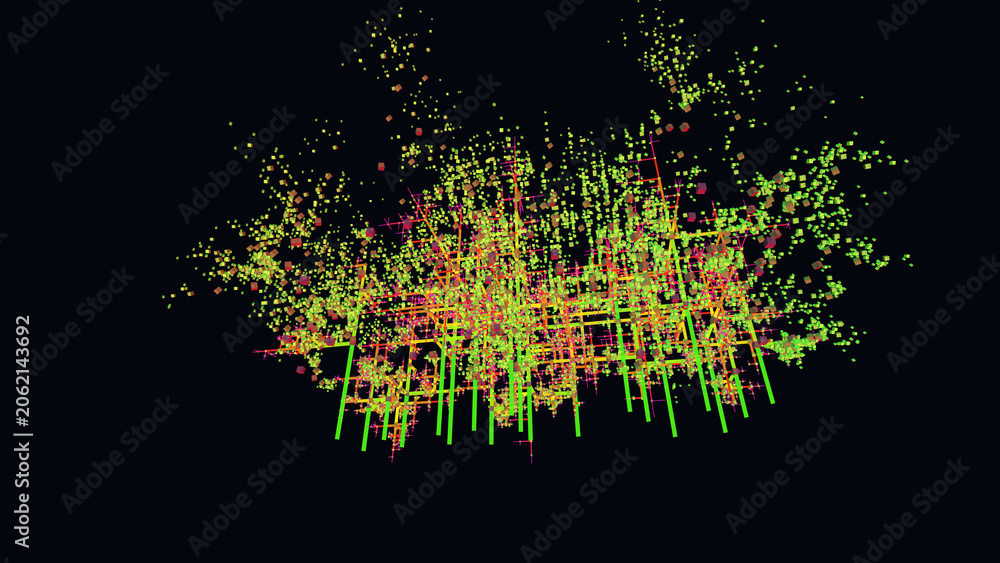
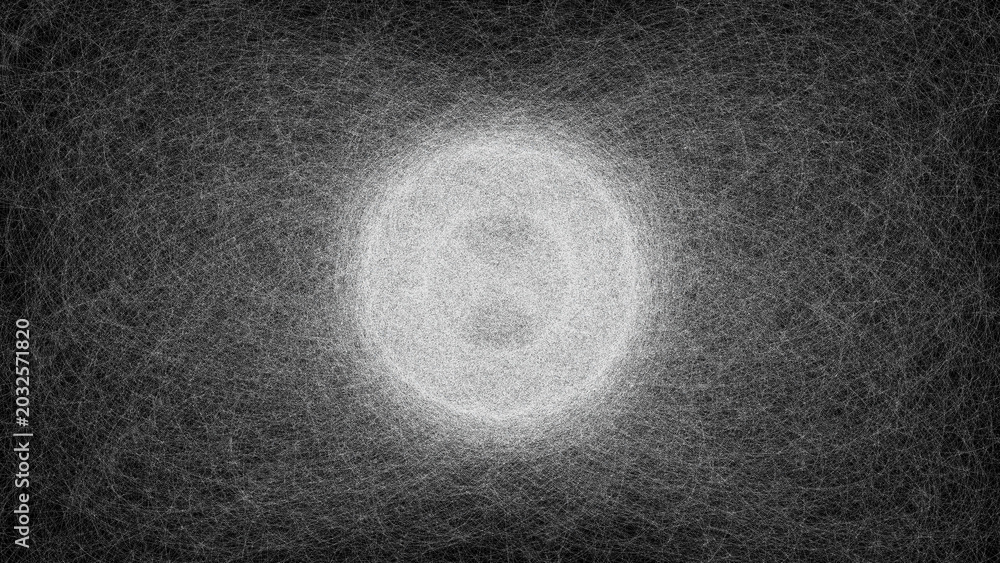
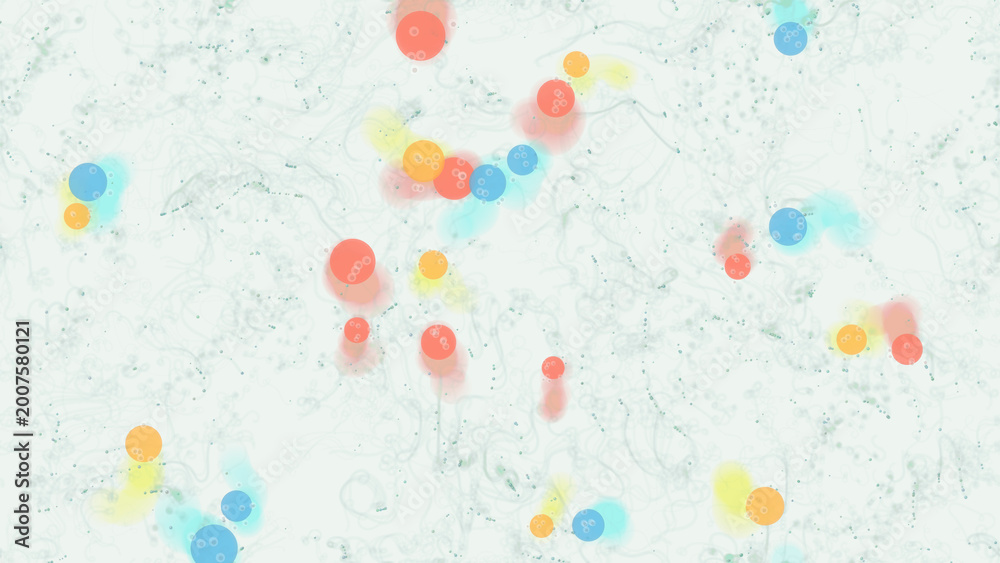
Examples of generative art created with Logic Lab algorithms:








Development
To contribute new algorithms or fixes, see CONTRIBUTING.md for detailed guidelines on:
- Development setup with
uv - Algorithm addition workflow
- py5 code patterns and templates
- Testing requirements
- Conventional Commits specification
- Automated release process
Setup
Install dependencies:
uv sync
Running Tests
# Install dev dependencies
uv sync --group dev

# Run all tests
uv run pytest tests/

# Run with coverage
uv run pytest tests/ --cov=src/logic_lab
Code Quality
# Lint with ruff
uv run ruff check src/ tests/

# Format with black
uv run black src/ tests/

# Lint and fix
uv run ruff check --fix src/ tests/
Repository Structure
logic-lab/
├── src/logic_lab/                 # Package root
│   ├── __init__.py
│   ├── mcp/                       # MCP server for AI agent access
│   ├── physics/                   # Motion, forces, particles, simulations
│   ├── steering_behaviors/        # Autonomous agents, flow fields, flocking
│   ├── genetic_algorithms/        # Selection, mutation, evolutionary search
│   ├── neuro_evolution/           # Neural networks evolved via genetics
│   ├── fractals/                  # Recursion, trees, Koch curves, L-systems
│   ├── cellular_automata/         # Rule-based grids, lattice systems
│   ├── mathematical/              # Noise, curves, geometry, harmony
│   ├── tiling_patterns/           # Symmetry, tessellation, ornaments
│   ├── research/                  # Experimental and hybrid systems
│   ├── simulation/                # Prototypes and reference implementations
│   ├── shared/                    # Reusable utilities and helpers
│   └── shader/                    # GLSL shader experiments
├── tests/                         # Pytest test suite
├── CONTRIBUTING.md                # Contributor guidelines and conventions
├── CHANGELOG.md                   # Version history and release notes
├── pyproject.toml                 # Package configuration and dependencies
└── .github/workflows/
    ├── test.yml                   # CI: lint and test automation
    └── release.yml                # CD: automated releases with release-please
Reference
License

Author
If you find this helpful, consider supporting the work:

1 maintainer

Metadata
1 maintainer
Release files for logic-lab 0.4.0
For a detailed explanation of source distributions (sdists) and built distributions (wheels), please see the package formats documentation.
Source distribution (sdist)
| File | Size | Uploaded | Provenance | |
|---|---|---|---|---|
| logic_lab-0.4.0.tar.gz | 507.9 kB | With provenance | Details |
Built distribution (wheel)
| File | Interpreter | ABI | Platform | Reset |
|---|---|---|---|---|
| logic_lab-0.4.0-py3-none-any.whl | Python 3 | none | any | Details |
Total release size: 1.5 MB
Release files / logic_lab-0.4.0.tar.gz
| Download URL | logic_lab-0.4.0.tar.gz |
|---|---|
| Size | 507.9 kB |
| Tags | Source |
|
SHA-256 checksum How to use checksums |
a3137657e4a407c052bfa2c6f22b1903483cf0f4883876d9cb380fb45917f4d6
|
|
BLAKE2b-256 checksum How to use checksums |
1d6a2ddd2c67a2990edcdd7f662b5e1505177a1690a97a7517911084e70b860f
|
| Upload date | |
|
Uploaded using Trusted Publishing? What is trusted publishing? |
Yes |
| Uploaded via |
twine/7.0.0 CPython/3.13.14
|
Provenance
Provenance describes where a file came from. On PyPI, provenance is shared via attestations, which provide a verifiable record of the build or publishing details. View details, limitations and caveats.


PyPI Publish Attestation
PyPI verified that this artifact, at this checksum, originated from the publisher listed below.
Signed by GitHub Actions, verified by PyPI on Aug 28, 2026.
Transparency logRelease files / logic_lab-0.4.0-py3-none-any.whl
| Download URL | logic_lab-0.4.0-py3-none-any.whl |
|---|---|
| Size | 1.0 MB |
| Tags | Python 3 |
|
SHA-256 checksum How to use checksums |
32e8b016e9c9cc3cf18e271d8d7eda7ecb291c63a5524b0987aa7513454873e6
|
|
BLAKE2b-256 checksum How to use checksums |
22f9073f6ec98b9b44c42d1ddc142b5a9aec3f7d1688ad118be6fd4c4688fb66
|
| Upload date | |
|
Uploaded using Trusted Publishing? What is trusted publishing? |
Yes |
| Uploaded via |
twine/7.0.0 CPython/3.13.14
|
Provenance
Provenance describes where a file came from. On PyPI, provenance is shared via attestations, which provide a verifiable record of the build or publishing details. View details, limitations and caveats.
PyPI Publish Attestation
PyPI verified that this artifact, at this checksum, originated from the publisher listed below.
Signed by GitHub Actions, verified by PyPI on Aug 28, 2026.
Transparency logSecurity for logic-lab 0.4.0
Provenance
Provenance describes where a file came from. On PyPI, provenance is shared via attestations, which provide a verifiable record of the build or publishing details. View details, limitations and caveats.
Full provenance
All 2 files in this release have been uploaded with provenance metadata.
Attestation for logic_lab-0.4.0.tar.gz
PyPI Publish Attestation
PyPI verified that this artifact, at this checksum, originated from the publisher listed below.
Signed by GitHub Actions, verified by PyPI on Aug 28, 2026.
Transparency logA note on package security
PyPI is a repository for distributing packages, not a service for auditing them. While third-party security researchers and our staff do their best to detect and remove malicious packages, PyPI cannot guarantee the quality, security or suitability of any given package.
To learn more about protecting yourself from malicious actors, visit our package security documentation.













