




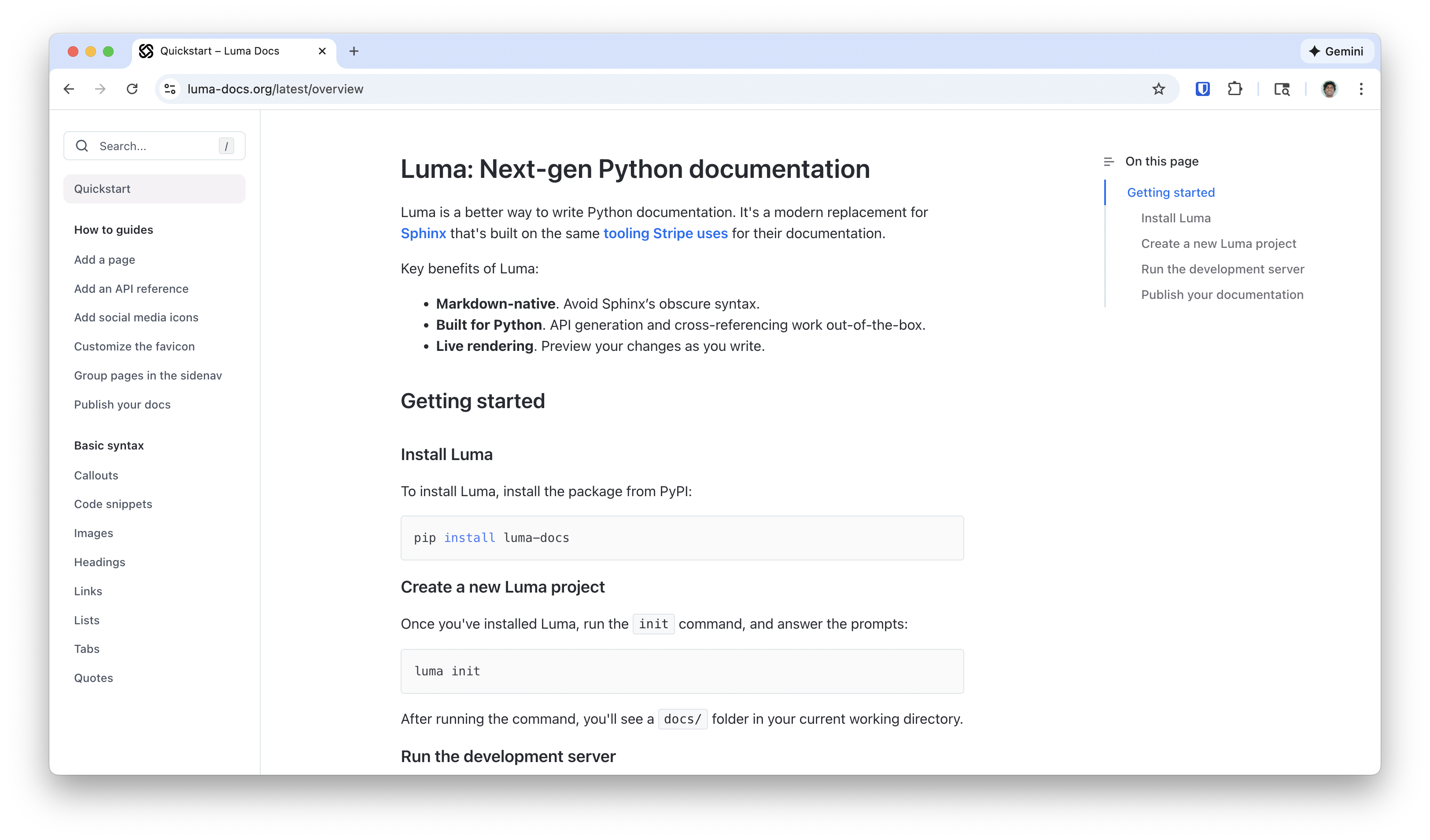
Luma is better way to write Python documentation. It's a modern replacement for Sphinx that's built on the same tooling Stripe uses for their documentation.
Key benefits of Luma:
- Markdown-native: Avoid Sphinx’s obscure syntax.
- Built for Python: API generation and cross-referencing work out-of-the-box.
- Live rendering: Preview your changes as you write.
Getting started
Install Luma
To install Luma, install the package from PyPI:
pip install luma-docs
Create a new Luma project
Once you've installed Luma, run the init command, and answer the prompts:
luma init
After running the command, you'll see a docs/ folder in your current working
directory.
Run the development server
cd into the docs/ folder, and run the dev command to start the local development
server. Then, open the printed address in your browser. The address is usually
http://localhost:3000/.
cd docs
luma dev
Hit Ctrl + C to stop the development server.
Publish your documentation
Join our Discord to acquire an API key. Then, run the
deploy command to publish your documentation.
luma deploy
After a minute, your documentation will be accessible at
https://{your-package}.luma-docs.org.
1 maintainer

Metadata
1 maintainer
Release files for luma-docs 0.0.14
For a detailed explanation of source distributions (sdists) and built distributions (wheels), please see the package formats documentation.
Source distribution (sdist)
| File | Size | Uploaded | |
|---|---|---|---|
| luma_docs-0.0.14.tar.gz | 246.7 kB | Details |
Built distribution (wheel)
| File | Interpreter | ABI | Platform | Reset |
|---|---|---|---|---|
| luma_docs-0.0.14-py3-none-any.whl | Python 3 | none | any | Details |
Total release size: 510.5 kB
Release files / luma_docs-0.0.14.tar.gz
| Download URL | luma_docs-0.0.14.tar.gz |
|---|---|
| Size | 246.7 kB |
| Tags | Source |
|
SHA-256 checksum How to use checksums |
0d9d47e1722c02548f3bfed10929ec7112e61428660f916245f15367e3b6a2be
|
|
BLAKE2b-256 checksum How to use checksums |
7b67d712393d138afd2a2bc70dc6633a31ecd659de79a2fb90ac339e6c5fd51e
|
| Upload date | |
|
Uploaded using Trusted Publishing? What is trusted publishing? |
No |
| Uploaded via |
poetry/1.8.4 CPython/3.12.4 Darwin/23.6.0
|
Release files / luma_docs-0.0.14-py3-none-any.whl
| Download URL | luma_docs-0.0.14-py3-none-any.whl |
|---|---|
| Size | 263.8 kB |
| Tags | Python 3 |
|
SHA-256 checksum How to use checksums |
877da3d426b4e2063952f9daad95ff7dfdc8e9770afba5a7a2fd07a3a03badbf
|
|
BLAKE2b-256 checksum How to use checksums |
70449f287c7fabd4a82d935aaf44dd6786bb11cdb152a08d3608c1543542a179
|
| Upload date | |
|
Uploaded using Trusted Publishing? What is trusted publishing? |
No |
| Uploaded via |
poetry/1.8.4 CPython/3.12.4 Darwin/23.6.0
|














