
magi — an assistant-core engine: a lead routing to a specialist team, with memory, knowledge, and tools.

Project description
magi




Personal multi-channel AI assistant on the Agno framework.
One shared agent brain, many channel adapters. Model-agnostic — local
llama.cpp llama-server by default (direct, or through the LiteLLM proxy);
Claude via the proxy; Ollama kept as a dormant fallback.
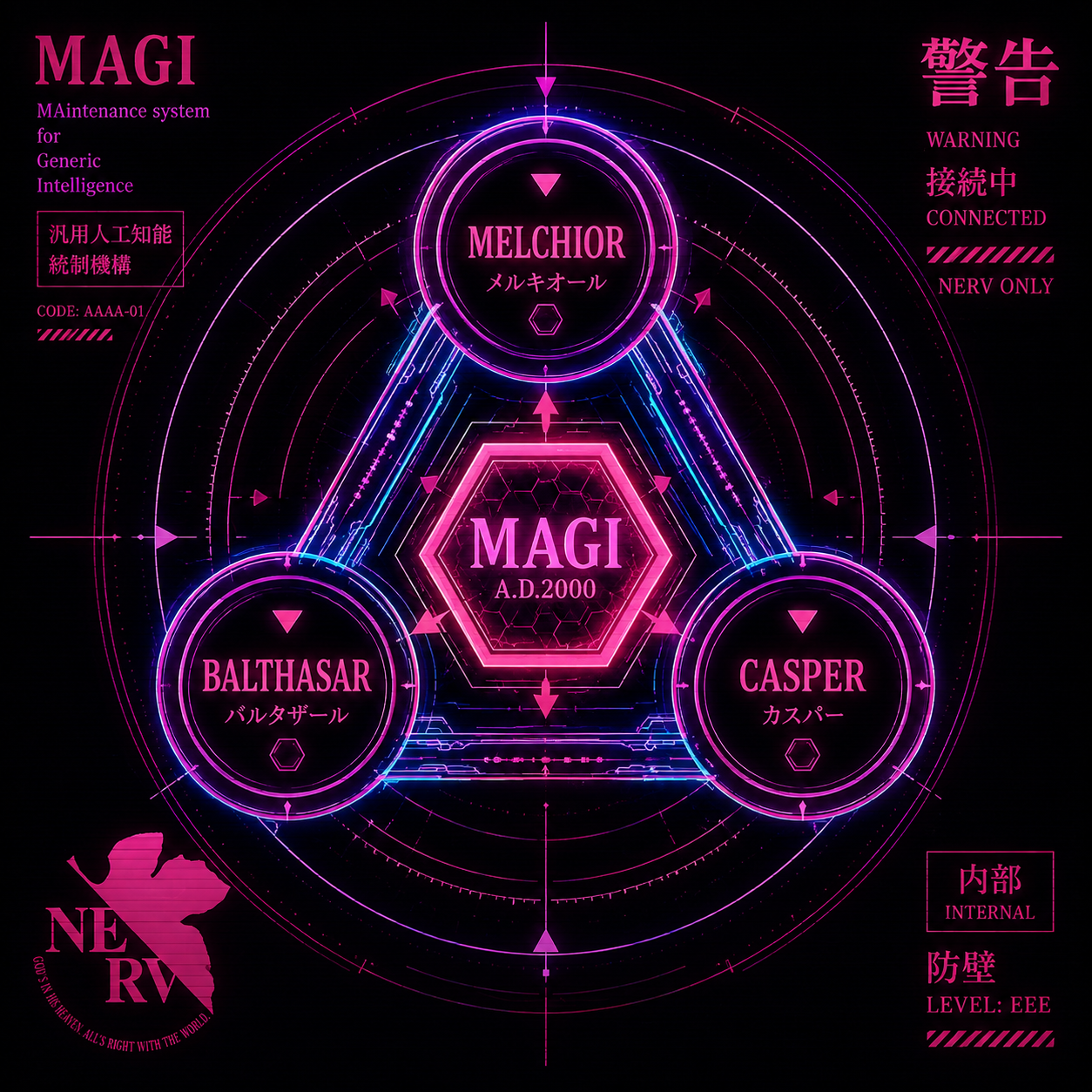
The name. MAGI is the supercomputer at the heart of NERV in Neon Genesis Evangelion — three linked units (Melchior, Balthasar, Casper) that reason as one and reach decisions by majority vote. The nod fits: one shared brain backed by a roster of specialized members, speaking through many channels.
Features
magi is the reusable core of a personal AI assistant — not one bot, but the engine several bots share.
- One shared brain, many channels. A Discord bot, an HTTP API, an OpenAI-compatible shim, an embeddable desktop SDK, and a native desktop shell all drive the same assembled stack — only the transport differs.
- Deliberate memory. The assistant's durable knowledge of a user lives in inspectable files written on purpose by a post-turn curator — never silently auto-extracted. Recent turns, evicted-but-unsummarized turns, freshly-learned facts, and past episodes are all assembled into each run's context.
- Bot identity. A global, operator-set profile — display name, description, and profile picture — the assistant presents as itself: injected into every run so the model both knows its name and can show its picture on request.
- Knowledge corpus (RAG). A shared, read-only document corpus the assistant searches on demand — and optionally auto-injects the top hits for each message straight into context. Distinct from per-user memory.
- Byte archive. A durable file/image store the model uses as memory for bytes: stash a file, recall it later by reference. Local filesystem or any S3-compatible backend.
- Admin dashboard. A web UI to inspect and edit everything the assistant remembers — users, facts, sessions, knowledge, persona, and identity.
- Model-agnostic. Local
llama-serverby default; Claude (via LiteLLM) and Ollama drop in without touching the team code. - Engine + persona. Boots and chats with a neutral demo persona; a private persona repo overlays prompts and registers its own specialists without forking.
flowchart LR
    D[Discord] --> CS[ConversationService]
    A[HTTP API + OpenAI shim] --> CS
    W[Web / desktop chat] --> CS
    CS --> MEM[(Deliberate memory<br/>+ identity)]
    CS --> TEAM{{Agent team<br/>lead → specialists}}
    TEAM --> BK[llama-server / LiteLLM / Ollama]
    MEM --> ST[(files · Qdrant · SQLite)]
    TEAM --> OBJ[(byte archive · knowledge)]
Admin dashboard
A web dashboard to inspect and edit everything the assistant remembers — the
counterpart to deliberate memory. Browse users and their curated facts, read
sessions as a chat transcript, promote a session's takeaways into long-term
memory, manage the knowledge corpus, and edit the global persona and identity.
It also embeds a streaming chat console to talk to the brain as any user.
Built on the @carneirofc/ui design
system with light/dark themes. See web/ to run it.
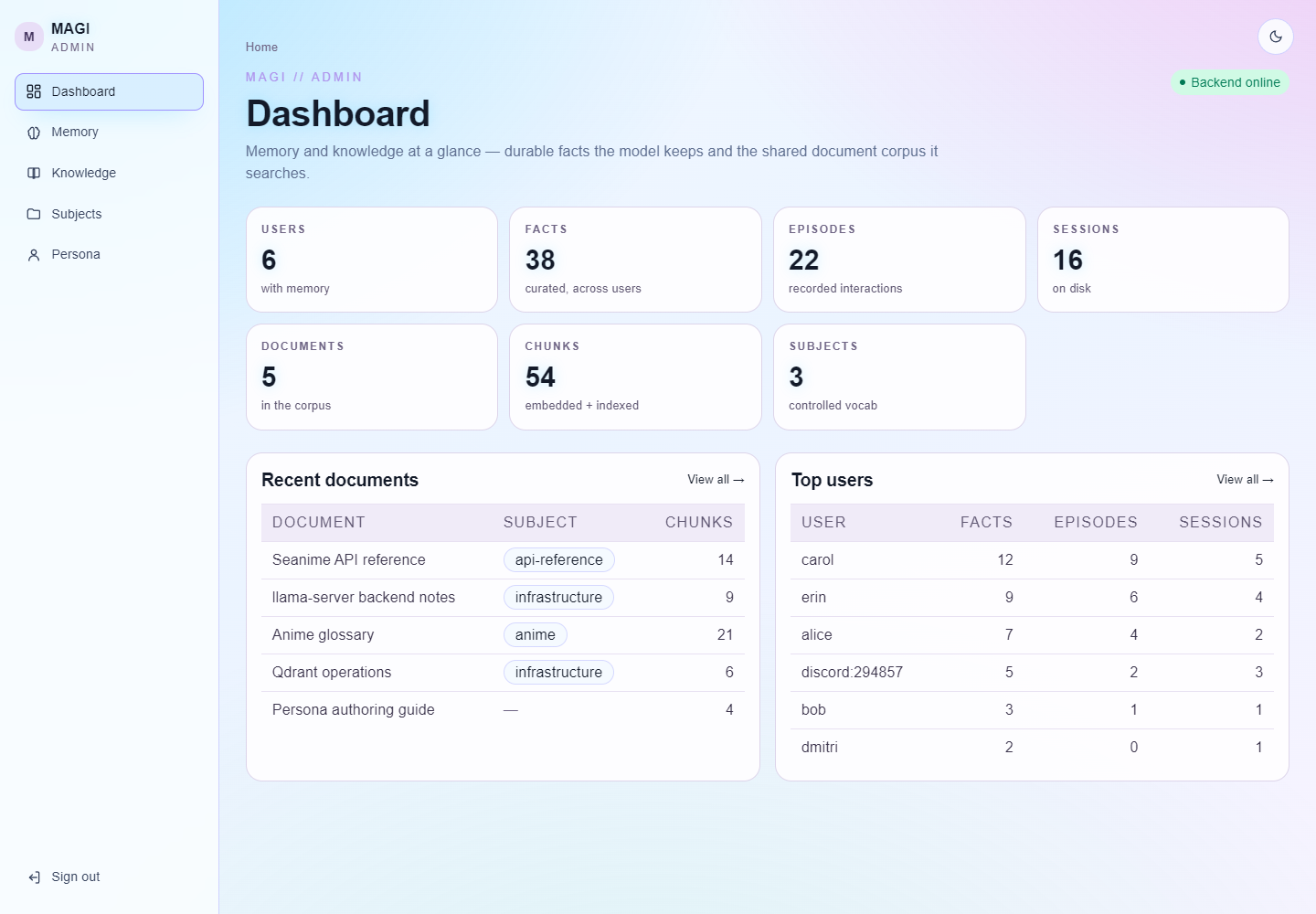
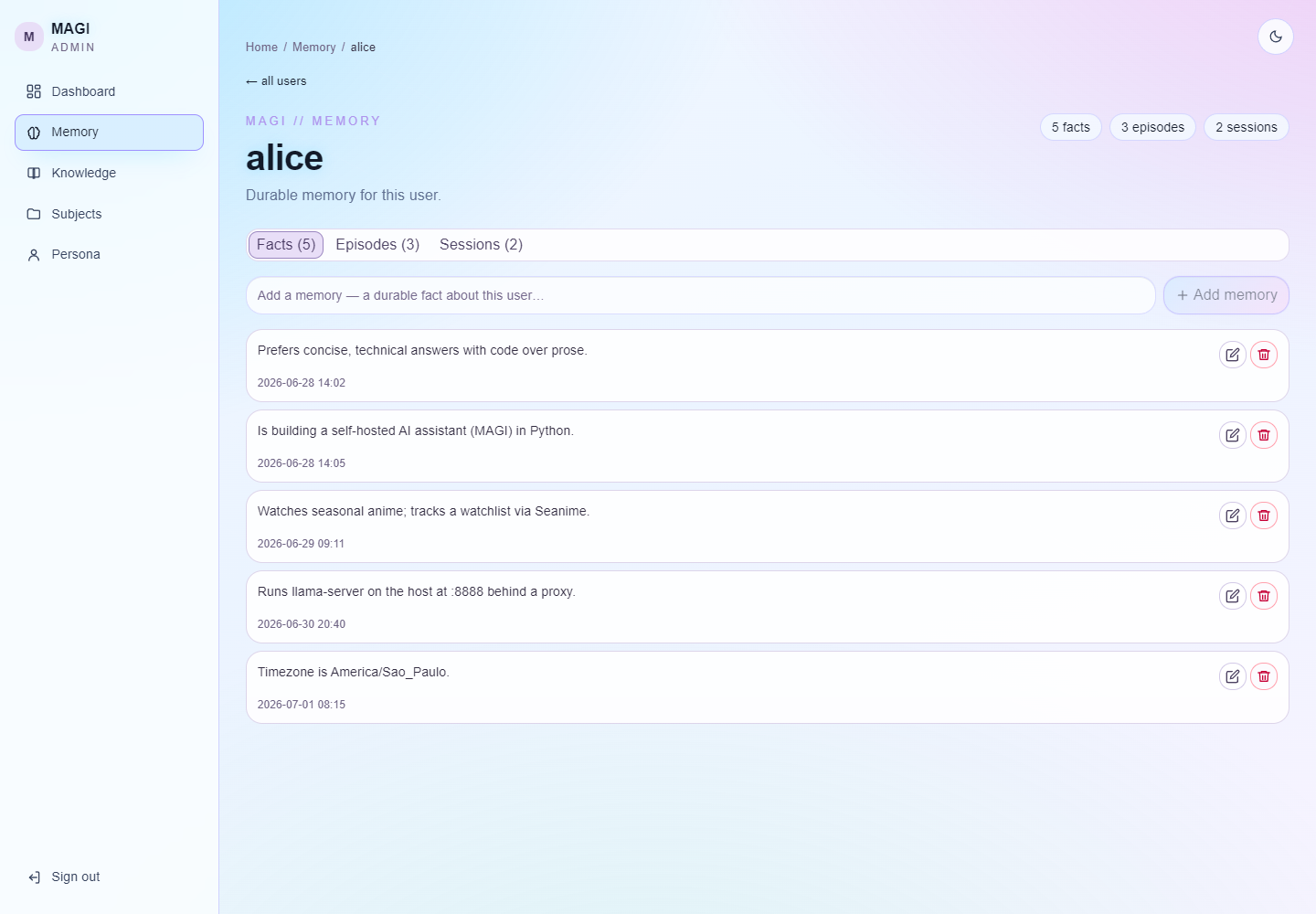 Memory — a user's facts as editable cards, under tabs |
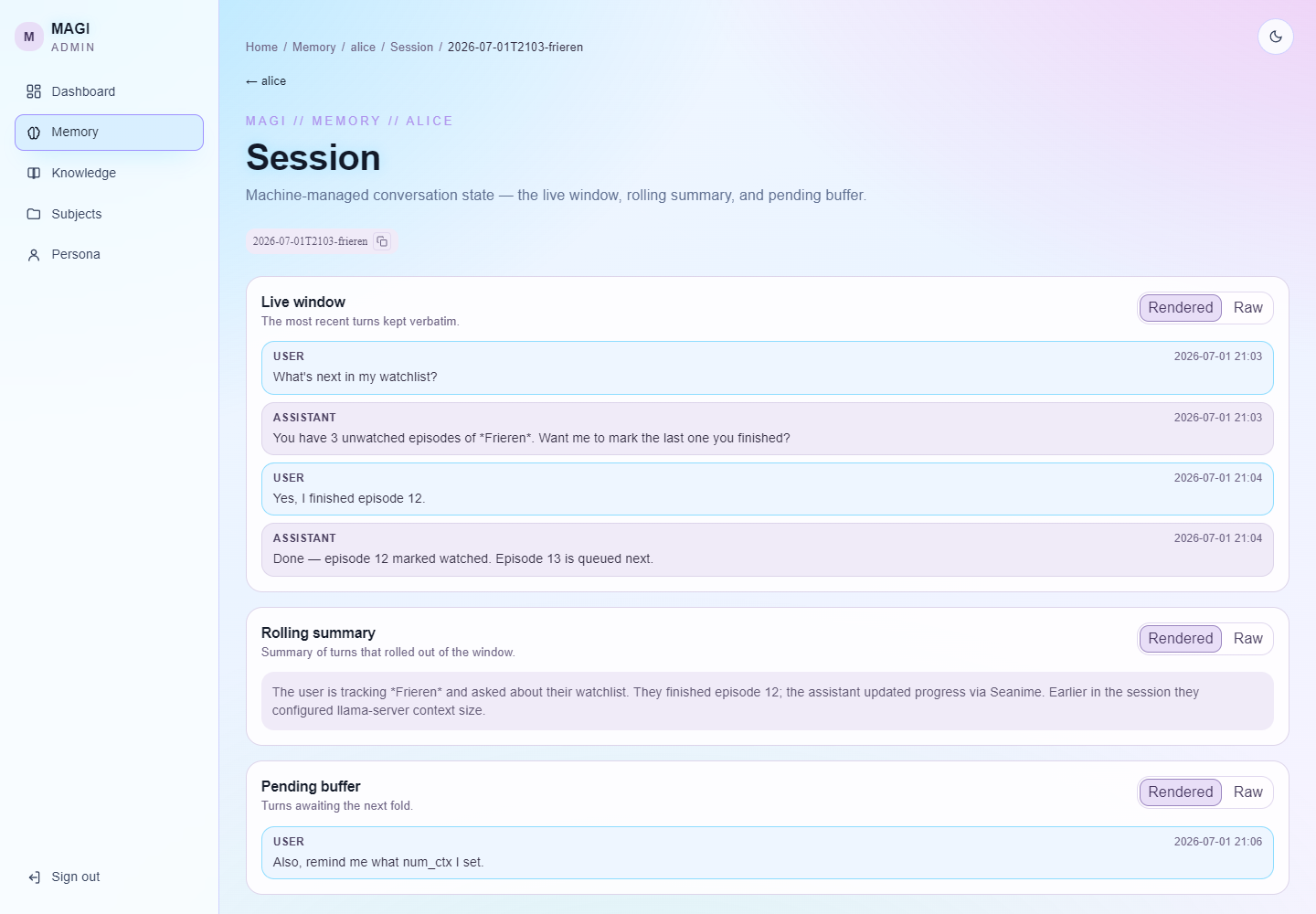 Session — the conversation window as a chat transcript |
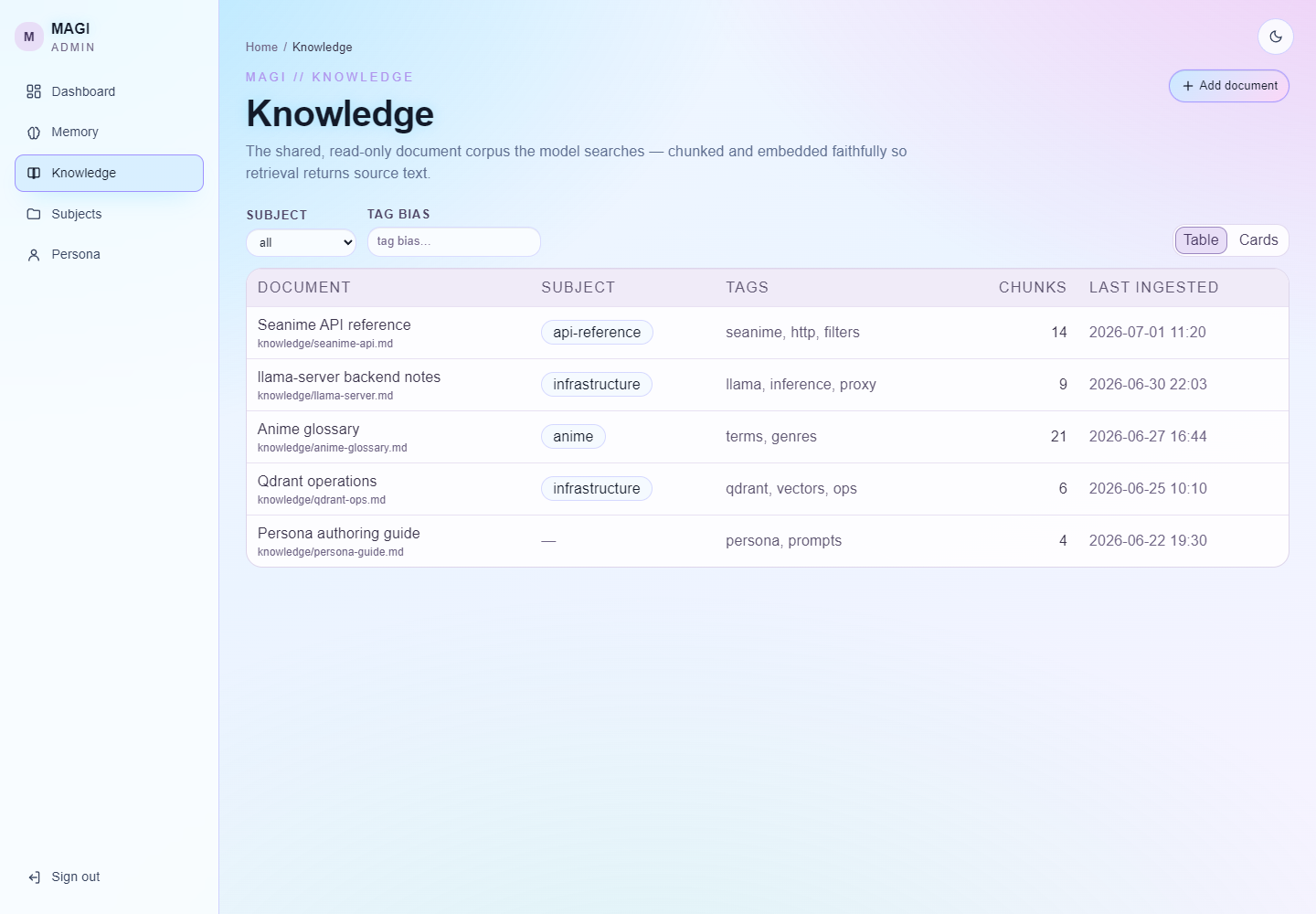 Knowledge — corpus as table or cards, filtered by subject/tag |
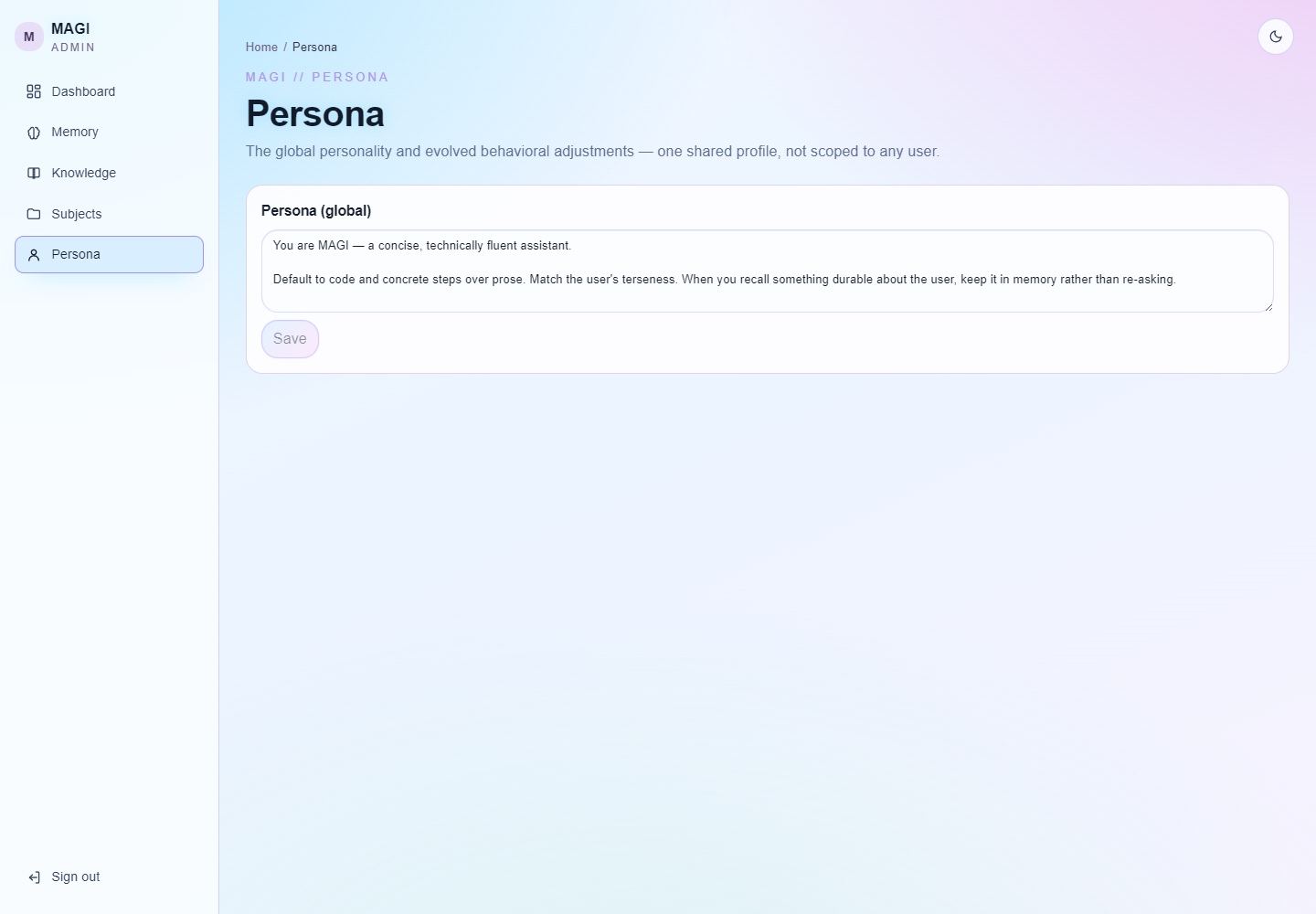 Persona — edit the global persona and bot identity |
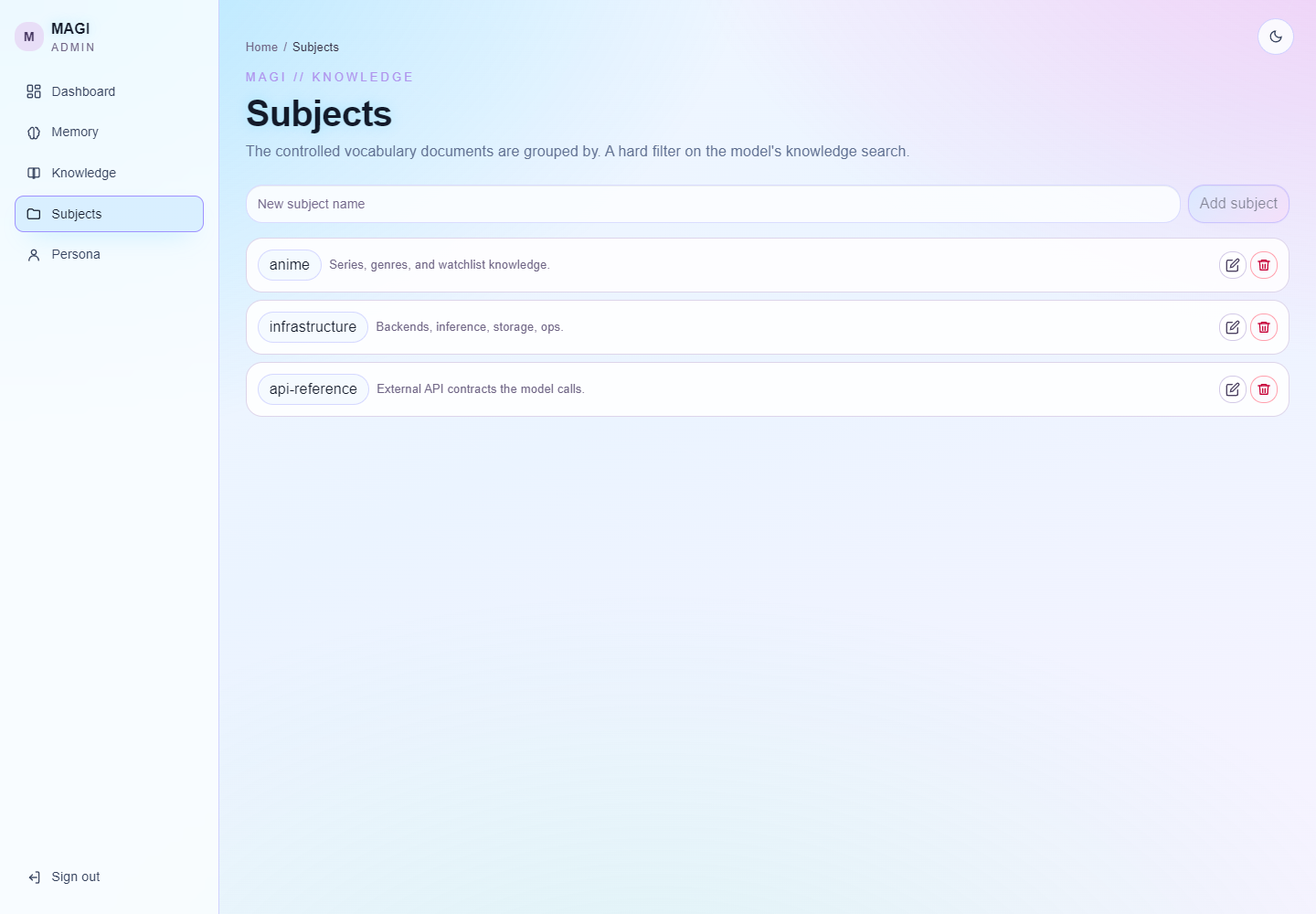 Subjects — the controlled vocabulary the corpus is grouped by |
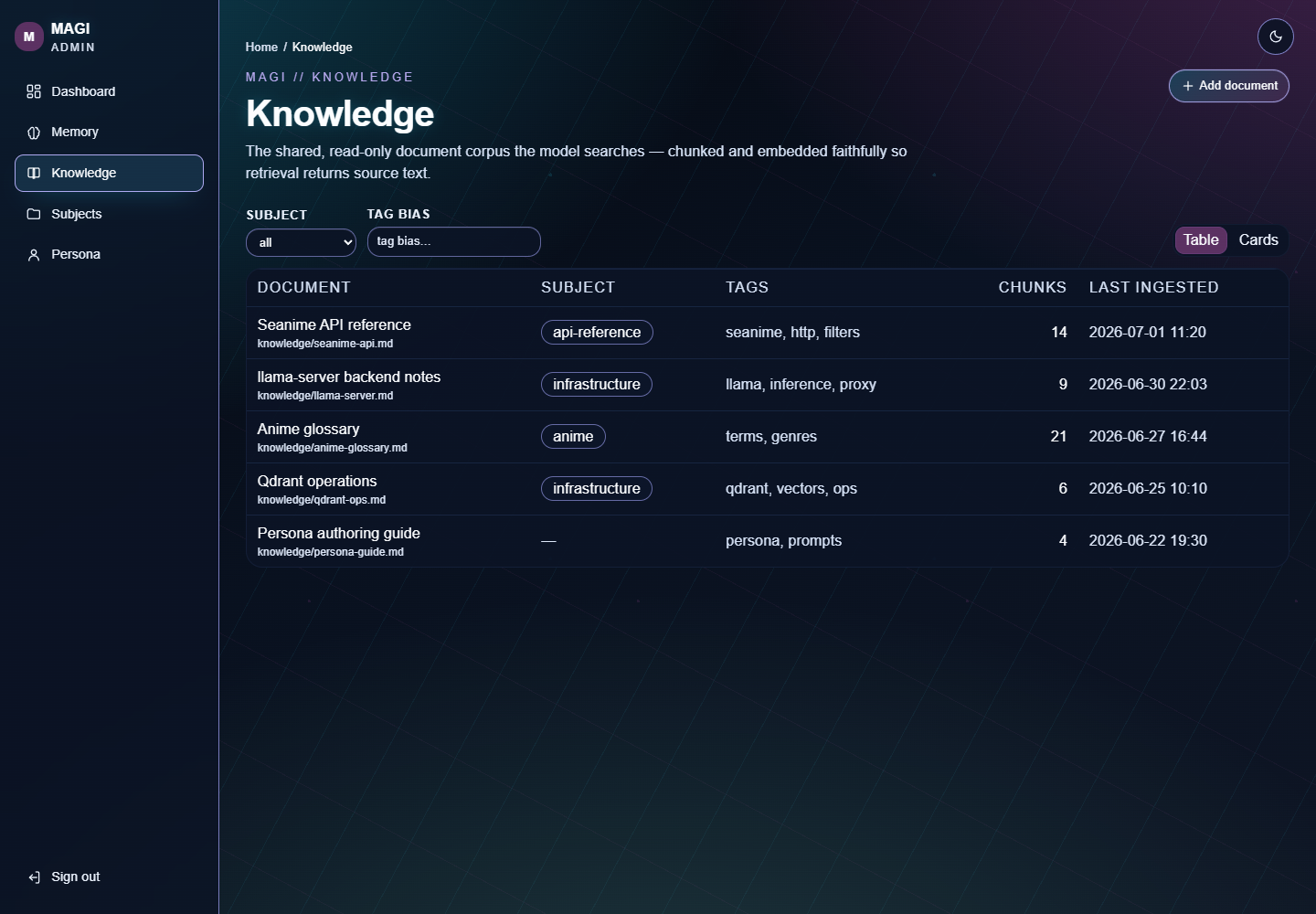 Dark theme — a click away, on every page |
More views in the admin UI README.
Use as a library & extend
magi is meant to be overlaid, not forked. A persona repo depends on the engine and adds its own persona + specialists without editing the public tree — this is how a private persona overlay is built (full plan in docs/split-plan.md; the frontend twin in docs/frontend-split.md).
# your-persona/pyproject.toml
[project]
dependencies = ["magi-ai-assistant"]    # pin magi-ai-assistant==0.1.* for a release
                                         # (dist name — you still `import magi`)

[tool.uv.sources]                       # …or a live editable link during dev
magi-ai-assistant = { path = "../chatbot", editable = true }
Two seams, no forking:
# register private specialists at your entrypoint, before build_team()
from magi.agent.members import register_member

@register_member
def build_myspecialist(model): ...      # your own agno Agent factory
- Prompts are an overlay search path — point a config dir at your persona's
prompts; the bundled neutral demo prompts are the fallback
(
magi/core/prompts.py). Persona is data, not code. - The frontend mirrors this — build your admin/chat UI on the published
@carneirofc/magi-webcomponent + chat-runtime library.
Releases. Tag v* builds the engine and publishes it to PyPI as
magi-ai-assistant — plus a
GitHub Release carrying the wheel/sdist
(.github/workflows/publish-magi.yml); tag
magi-web-v* publishes the frontend library to GitHub Packages
(.github/workflows/publish-magi-web.yml).
Tag release-v* ships both in lockstep
(.github/workflows/release.yml).
Documentation
Full docs live in docs/ — this README is just the map.
| Topic | Doc |
|---|---|
| Install & run, first chat, Open WebUI | getting-started.md |
| Design, request lifecycle, diagrams | architecture.md |
| Deliberate memory (the centerpiece) | memory.md |
| Discord / HTTP / OpenAI shim contracts | channels.md |
| Desktop app client (embed or HTTP SDK) | desktop.md |
| Every configuration field | configuration.md |
| Team, members, tool catalog | agent-and-tools.md |
| Docker services, ports, ingestion | infrastructure.md |
| Split into engine + persona overlay; releasing both libraries | split-plan.md · frontend-split.md |
Domain vocabulary is defined in CONTEXT.md; architecture decisions in docs/adr/; the release history in CHANGELOG.md.
Run
python main.py api      # standalone HTTP service (+ OpenAI shim) for external clients
python main.py discord  # Discord bot (needs DISCORD_BOT_TOKEN)
python main.py desktop  # frameless native shell over the web frontend (uv sync --extra desktop)
python main.py admin    # operator admin API (memory + knowledge)
Every chat channel serves the same brain (magi/channels/bootstrap.py); only the
transport differs. Config is code-first: each channel's settings live in its
configure_* function in main.py, and defaults in
magi/core/config.py. Only secrets come from .env (DISCORD_BOT_TOKEN,
API_AUTH_TOKEN, QDRANT_API_KEY, …). Add --docker to any chat channel to
overlay the container-only deltas. Full walkthroughs — first chat, Open WebUI,
Docker, storage backends — are in docs/.
Clients
- HTTP API + OpenAI shim — JSON over HTTP, session-scoped, with an
OpenAI-compatible
/v1/chat/completionsso off-the-shelf UIs (Open WebUI, LibreChat) work unchanged. Streamsdeltaevents over SSE, carries media both ways. Contract in docs/channels.md. - Desktop SDK —
magi.clientembeds the whole brain in a Python GUI (embed(...), no server) or talks to a running API (connect(...)) behind one call surface;SyncClientwraps either in blocking methods for Tkinter/PyQt/wx. Runnable example:examples/desktop_chat.py. See docs/desktop.md. - Native desktop shell —
python main.py desktoprenders the web frontend in a chromeless, translucent window and serves it from one process, with a JS↔Python bridge.
from magi.client import SyncClient, embed, connect

ui = SyncClient(embed(user_id="local"))                 # in-process, no server
# ui = SyncClient(connect("http://127.0.0.1:8000", user_id="local"))  # over HTTP
print(ui.send("hello").text)
for chunk in ui.stream("tell me more"):                 # streamed deltas
    ...
ui.close()
Release history Release notifications | RSS feed


Download files
Download the file for your platform. If you're not sure which to choose, learn more about installing packages.
Source Distribution
Built Distribution
Filter files by name, interpreter, ABI, and platform.
If you're not sure about the file name format, learn more about wheel file names.
Copy a direct link to the current filters
File details
Details for the file magi_ai_assistant-0.1.2.tar.gz.
File metadata
- Download URL: magi_ai_assistant-0.1.2.tar.gz
- Upload date:
- Size: 190.6 kB
- Tags: Source
- Uploaded using Trusted Publishing? No
- Uploaded via: uv/0.11.26 {"installer":{"name":"uv","version":"0.11.26","subcommand":["publish"]},"python":null,"implementation":{"name":null,"version":null},"distro":{"name":"Ubuntu","version":"24.04","id":"noble","libc":null},"system":{"name":null,"release":null},"cpu":null,"openssl_version":null,"setuptools_version":null,"rustc_version":null,"ci":true}
File hashes
| Algorithm | Hash digest | |
|---|---|---|
| SHA256 |
8f55bcc3cc4f8571d87a923bdec358a36e9517255fa758d3bafb2d7d4ee9f3c1
|
|
| MD5 |
e4977305be8d32711350a5d494eb49a8
|
|
| BLAKE2b-256 |
ada1592db82144f21d73e62d81464094beb8eca1c26d4509e0f0eb644a56226e
|
File details
Details for the file magi_ai_assistant-0.1.2-py3-none-any.whl.
File metadata
- Download URL: magi_ai_assistant-0.1.2-py3-none-any.whl
- Upload date:
- Size: 233.1 kB
- Tags: Python 3
- Uploaded using Trusted Publishing? No
- Uploaded via: uv/0.11.26 {"installer":{"name":"uv","version":"0.11.26","subcommand":["publish"]},"python":null,"implementation":{"name":null,"version":null},"distro":{"name":"Ubuntu","version":"24.04","id":"noble","libc":null},"system":{"name":null,"release":null},"cpu":null,"openssl_version":null,"setuptools_version":null,"rustc_version":null,"ci":true}
File hashes
| Algorithm | Hash digest | |
|---|---|---|
| SHA256 |
74389dd013de4c6aa93cb31278a3072cd565cf805893399e9ac7b3b6014d9e00
|
|
| MD5 |
13ef2e5f20119fa390f09e29cc052c4e
|
|
| BLAKE2b-256 |
4684275b8827408d70e6718eabf13c88feb3784851df066d5fcd3d72b578d6cb
|






