
No project description provided

Project description



About this Project
This project is a Python Module that provides a set of icons from the Nerd Fonts project for the usage with Manim. Manim can use any font in principle. Nerd Fonts and their icons can be used in Manim as well! This project allows you to create Nerd Font icons in Manim by referencing the icon name or unicode. This might be more convenient than copy pasting items as strings into your code. This package also takes care of providing a font, so you even don't need to have a nerd font installed on your system.
Installation
Install the package with pip:
pip install manim-nerdfont-icons
Minimal Example
Please make sure you have manim installed and running on your machine
Below is a minimal example of how to use the Module.
import manim as m
from manim_nerdfont_icons.icons import nerdfont_icon


class NerdfontIconUnicodeExample(m.Scene):

    def construct(self):
        # Set the background color
        self.camera.background_color = "#ece6e2"

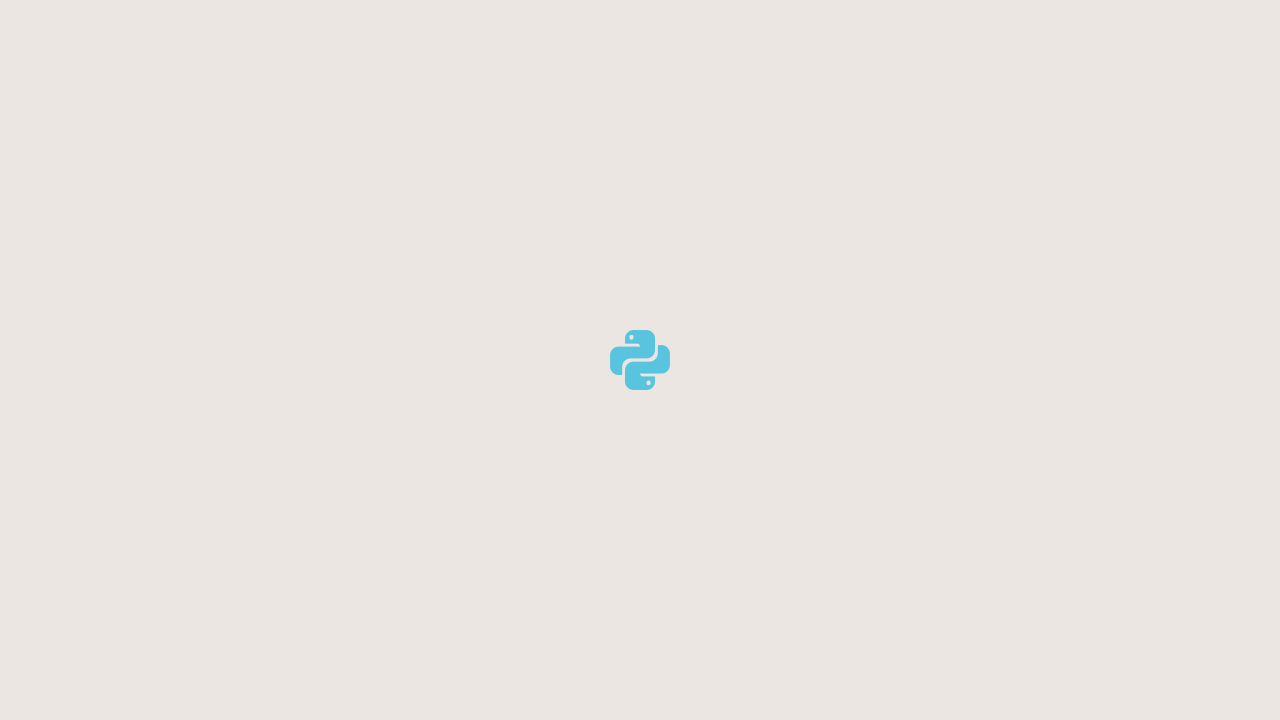
        icon = nerdfont_icon("language-python", color=m.BLUE)

        self.add(icon)


if __name__ == '__main__':
    import os
    from pathlib import Path

    FLAGS = "-pqm"
    SCENE = "NerdfontIconUnicodeExample"

    file_path = Path(__file__).resolve()
    os.system(f"manim {Path(__file__).resolve()} {SCENE} {FLAGS}")
This should yield a Scene that looks like so:
Documentation
This project uses sphinx for generating the documentation.
It also uses a lot of sphinx extensions to make the documentation more readable and interactive.
For example the extension myst-parser is used to enable markdown support in the documentation (instead of the usual .rst-files).
It also uses the sphinx-autobuild extension to automatically rebuild the documentation when changes are made.
By running the following command, the documentation will be automatically built and served, when changes are made (make sure to run this command in the root directory of the project):
sphinx-autobuild ./docs/source/ ./docs/build/html/
If sphinx extensions were added the requirements_dev.txt file needs to be updated.
These are the requirements, that readthedocs uses to build the documentation.
The file can be updated using this command:
poetry export -f requirements.txt --output requirements.txt --with dev
This project features most of the extensions featured in this Tutorial: Document Your Scientific Project With Markdown, Sphinx, and Read the Docs | PyData Global 2021.
Release history Release notifications | RSS feed


Download files
Download the file for your platform. If you're not sure which to choose, learn more about installing packages.
Source Distribution
Built Distribution
Filter files by name, interpreter, ABI, and platform.
If you're not sure about the file name format, learn more about wheel file names.
Copy a direct link to the current filters
File details
Details for the file manim_nerdfont_icons-1.0.1.tar.gz.
File metadata
- Download URL: manim_nerdfont_icons-1.0.1.tar.gz
- Upload date:
- Size: 1.4 MB
- Tags: Source
- Uploaded using Trusted Publishing? No
- Uploaded via: twine/6.1.0 CPython/3.11.9
File hashes
| Algorithm | Hash digest | |
|---|---|---|
| SHA256 |
f8b43071766053b6ca863f5ffd8c495d7b26874326dfc5586c8995e6f536130e
|
|
| MD5 |
4af942469bf82d23b4630160ea5ec193
|
|
| BLAKE2b-256 |
6eb26ff3550ccf3de552903f02c86e69c3a8836e70461bc1275f020beb4c06cd
|
File details
Details for the file manim_nerdfont_icons-1.0.1-py3-none-any.whl.
File metadata
- Download URL: manim_nerdfont_icons-1.0.1-py3-none-any.whl
- Upload date:
- Size: 1.4 MB
- Tags: Python 3
- Uploaded using Trusted Publishing? No
- Uploaded via: twine/6.1.0 CPython/3.11.9
File hashes
| Algorithm | Hash digest | |
|---|---|---|
| SHA256 |
93ab7ff530231db2c61f1dc4079f8457c4ef302a302f904e67098091158cebf0
|
|
| MD5 |
e2f5f47b540f4abf46ee500531813a18
|
|
| BLAKE2b-256 |
c9ec76e9906bc41bd2caeaf4f9cf98178f3b4906cb64e351c08de25911f81328
|






