
State-driven animation helpers for Manim scenes

Project description
Manim Stateflow
State-driven Manim scenes without manual updater wiring.
Manim Stateflow generalizes the idea behind ValueTracker. A state can hold a
number, color, array, string, dataclass, or any Python object. Animate the
state, and every object that depends on it moves with the animation.
Instead of manually updating each dependent dot, label, line, brace, number, graph, or custom mobject, describe the relationship once: this object depends on this state, this computed value, or this other object.
All normal Manim features still work. Use self.play(...), Create,
Transform, camera moves, updaters, and regular mobjects as usual. Stateflow
is an extension layer that changes the programming style: define state, connect
dependencies, then animate the state.
Start Here
Install from GitHub:
pip install "manim-stateflow[manim] @ git+https://github.com/rehanmm/manim-stateflow.git"
If Manim is already installed in your environment, pip install
git+https://github.com/rehanmm/manim-stateflow.git is enough.
Install For Development
git clone https://github.com/rehanmm/manim-stateflow.git
cd manim-stateflow
python -m pip install -e ".[test]"
Use ".[test,manim]" when you also want to render the example scenes from that
environment.
Three Tiny API Snippets
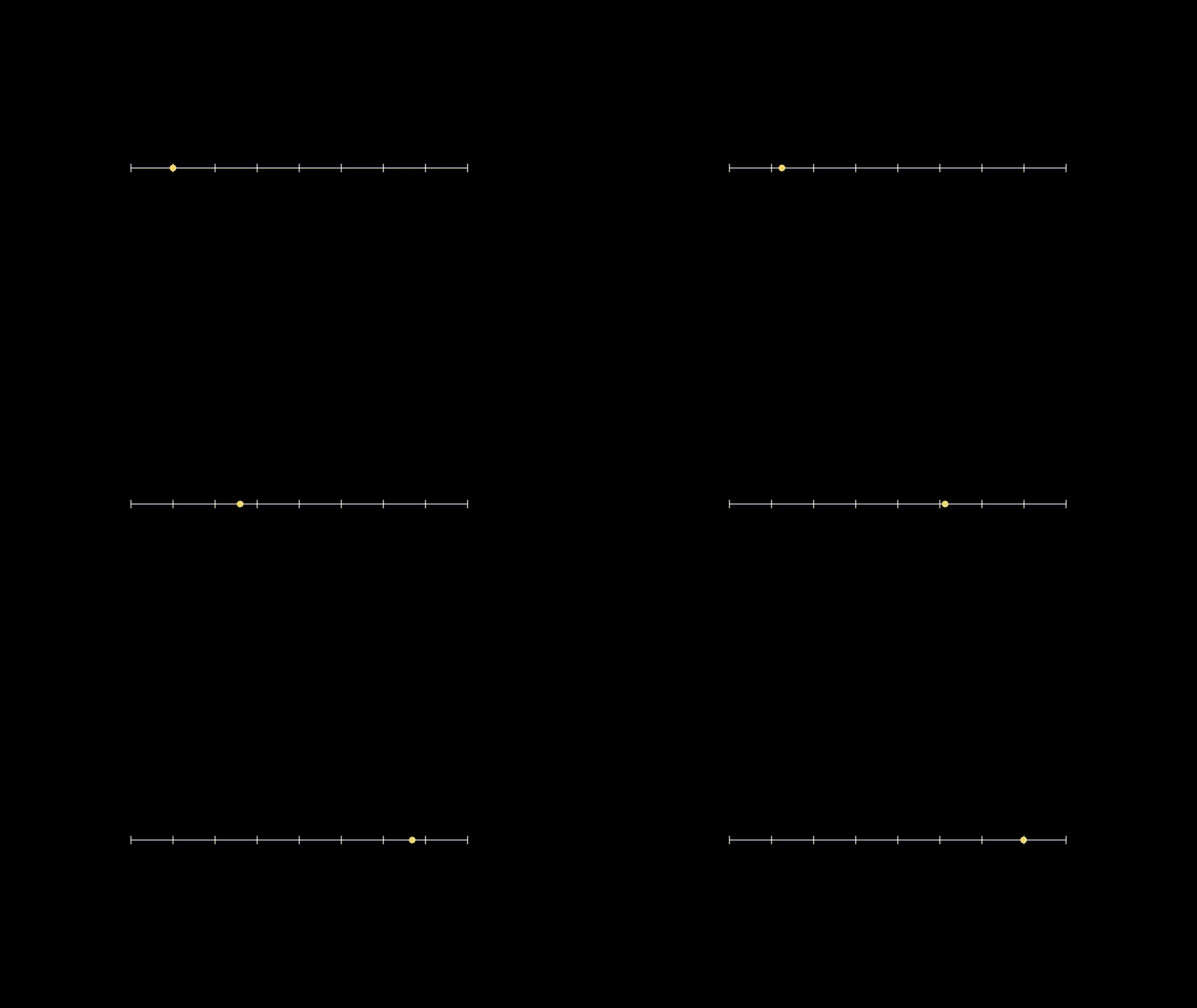
Move A Dot From State
from manim import *
from manim_stateflow import ReactiveScene, d


class MovingDot(ReactiveScene):
    def construct(self):
        x = self.state(-3)
        dot = d.Dot([x, 0, 0], color=YELLOW)

        self.add(NumberLine(x_range=[-4, 4, 1]), dot)
        self.play(x.animate_to(3), run_time=3)
Compute A Point With lift(...)
from manim import *
import numpy as np

from manim_stateflow import ReactiveScene, d, lift


class SinePoint(ReactiveScene):
    def construct(self):
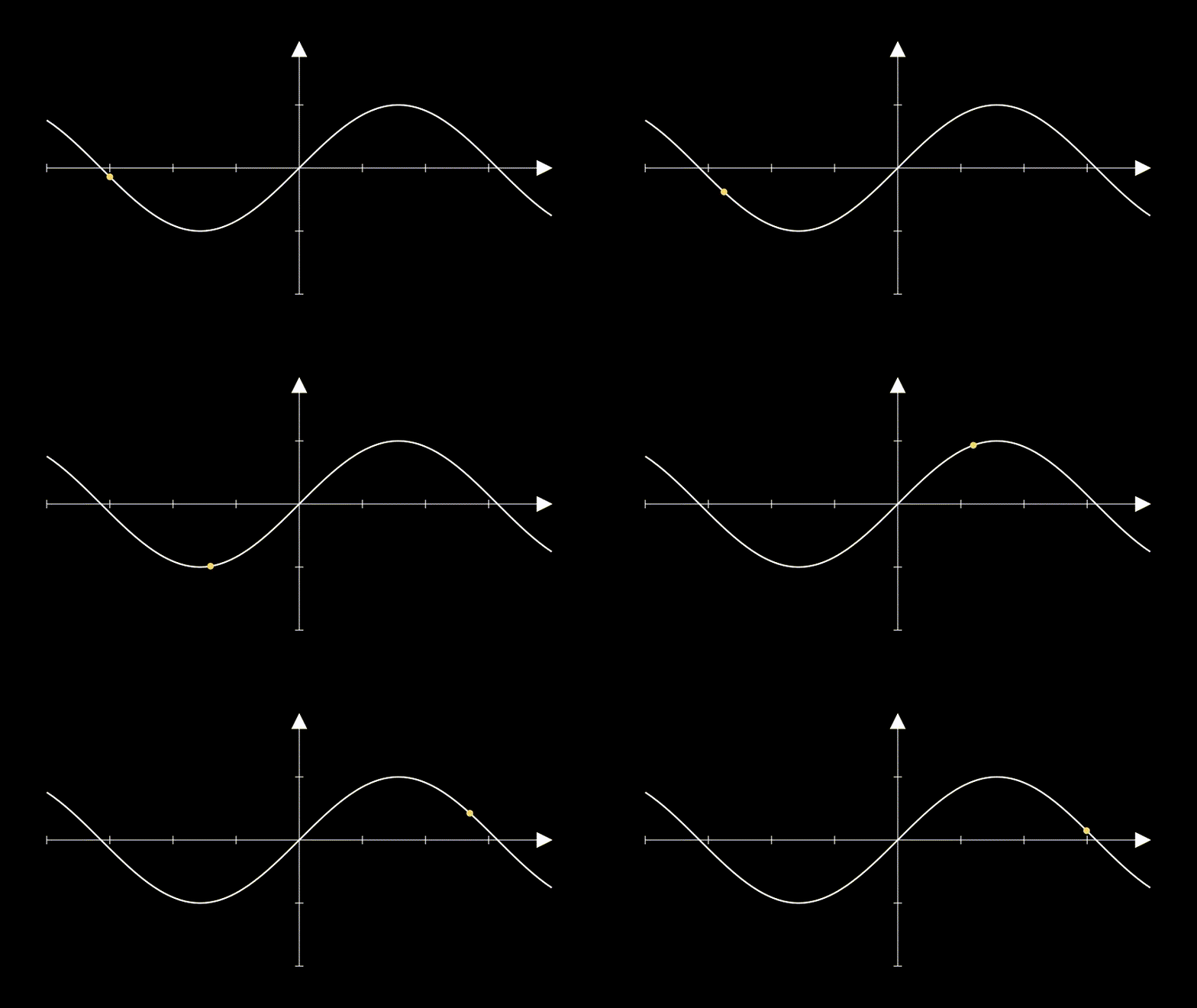
        axes = Axes(x_range=[-4, 4, 1], y_range=[-2, 2, 1])
        x = self.state(-3.0)

        y = lift(lambda value: np.sin(value), x)
        point = lift(lambda x_value, y_value: axes.c2p(x_value, y_value), x, y)
        dot = d.Dot(point, color=YELLOW)

        self.add(axes, axes.plot(np.sin, x_range=[-4, 4]), dot)
        self.play(x.animate_to(3.0), run_time=4)
Use Mixed State Types
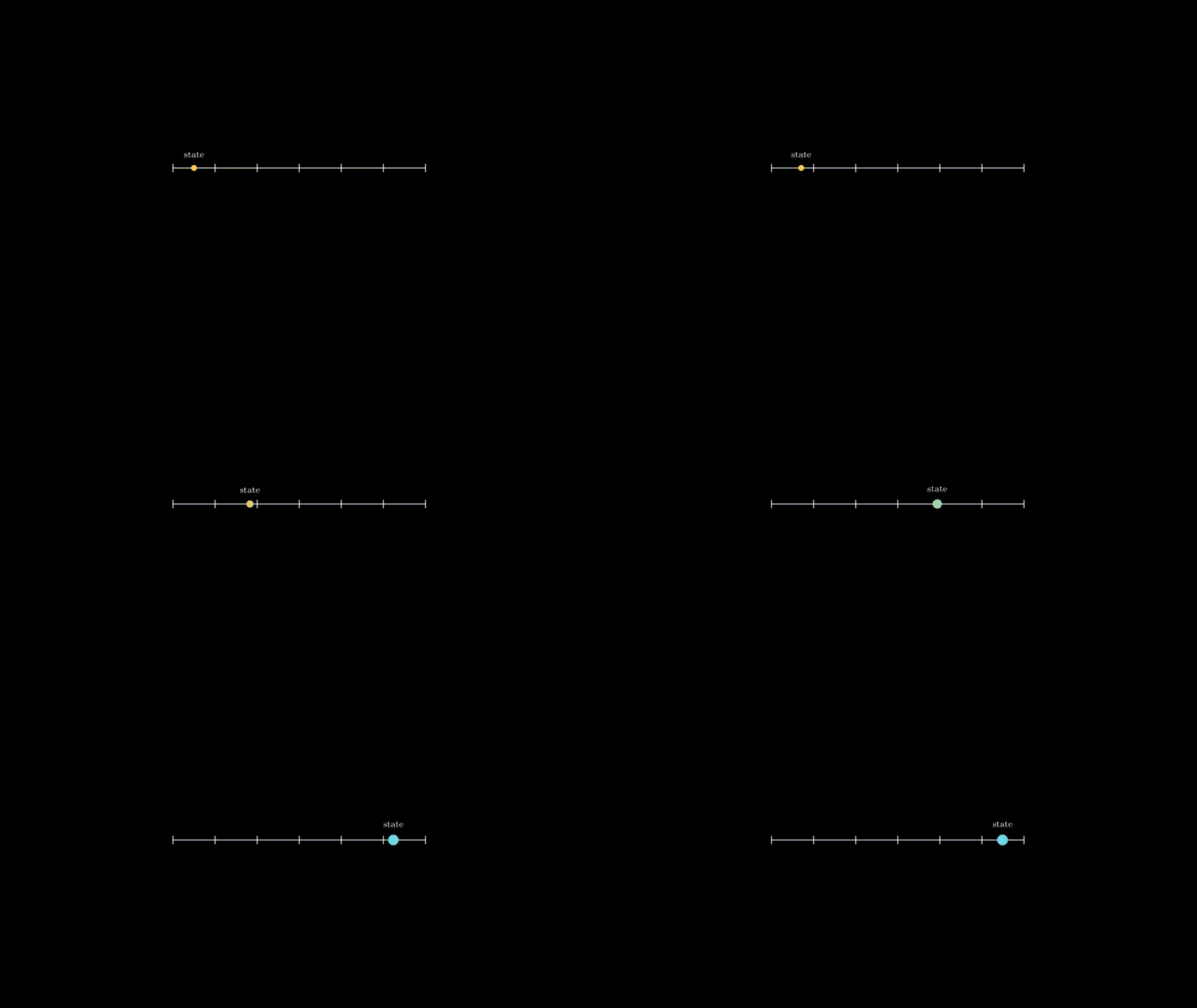
State does not have to be one scalar. One self.state(...) object can hold
independent fields, and those fields can have different types.
from manim import *

from manim_stateflow import ReactiveScene, d


class MixedStateTypes(ReactiveScene):
    def construct(self):
        state = self.state(x=-2.5, radius=0.07, color="#ffcc44")

        dot = d.Dot([state.x, 0, 0], radius=state.radius, color=state.color)
        label = MathTex(r"\text{state}").scale(0.45)
        label.d.next_to(dot, UP, buff=0.18)

        self.add(NumberLine(x_range=[-3, 3, 1]), dot, label)
        self.play(
            state.animate_to(x=2.5, radius=0.13, color="#66d9ef"),
            run_time=3,
        )
Core Example
This one scene shows the main pattern:
state -> lift -> d.<ManimMobject> / d.call -> mobject.d.<method>
from math import cos, sin

from manim import *
import numpy as np

from manim_stateflow import ReactiveScene, d, lift


class CorePattern(ReactiveScene):
    def construct(self):
        center = ORIGIN

        # state: multiple independent source values in one object
        state = self.state(angle=0.25, radius=1.15)

        # lift: computed values derived from state
        point = lift(
            lambda angle, radius: center
            + radius * np.array([cos(angle), sin(angle), 0.0]),
            state.angle,
            state.radius,
        )

        # d.<ManimMobject>: normal Manim constructors with reactive inputs
        dot = d.Dot(point, radius=0.1, color=YELLOW)

        # d.call: custom Manim builders from reactive inputs
        orbit = d.call(
            lambda radius: Circle(radius=radius, color=BLUE)
            .move_to(center)
            .set_stroke(width=4, opacity=0.35),
            state.radius,
        )
        radius_line = d.Line(center, point, color=BLUE, stroke_width=6)

        # mobject.d.<method>: existing objects follow reactive objects
        label = MathTex("p").scale(0.8)
        label.d.next_to(dot, UR, buff=0.12)

        title = MathTex(r"\text{state}\rightarrow\text{lift}\rightarrow\text{object}")
        title.scale(0.68).to_edge(UP, buff=0.45)

        self.play(Write(title), FadeIn(orbit), FadeIn(radius_line), FadeIn(dot), FadeIn(label))
        self.play(state.animate_to(angle=TAU * 0.82), run_time=4)
        self.play(state.animate_to(radius=1.75), run_time=2)

All Examples
The examples are the full tutorial. Each source file has comments explaining what to notice and how to run it.
00. Quickstart

examples/01_quickstart.py
A compact calculus scene using state, lift(...), d.call(...), and object wiring.
01. Core Pattern
examples/beginner/01_core_pattern.py
The core state -> lift -> d.Object / d.call -> mobject.d.<method> pattern.
02. Frame Simulation Pattern

examples/beginner/02_frame_simulation_pattern.py
Frame-time simulation with .d.on_frame(...) and dt.
03. Smooth Interpolation

examples/beginner/03_smooth_interpolation.py
Smooth interpolation for numbers, NumPy arrays, and hex colors.
04. Jump Is Necessary

examples/beginner/04_jump_is_necessary.py
Discrete state changes with jump(...).
05. Multiple State Values And Types

examples/beginner/05_multiple_state_values_and_types.py
Multiple independent state fields in one named state object.
06. Matrix State

examples/intermediate/06_matrix_state.py
A NumPy matrix driving a linear transformation.
07. Object Wiring

examples/intermediate/07_object_wiring.py
Labels, braces, and values following reactive geometry.
08. Custom Builder With d.call(...)

examples/intermediate/08_d_call_custom_builder.py
Rebuilding a composed chart visual with d.call(...).
09. Custom Python Object State

examples/intermediate/09_custom_python_object_state.py
Dataclass state switched through exact states with jump(...).
10. d.call(...) Vs .d.apply(...)

examples/intermediate/10_call_vs_apply.py
The difference between rebuilding with d.call(...) and mutating with .d.apply(...).
11. Reactive Surface 3D
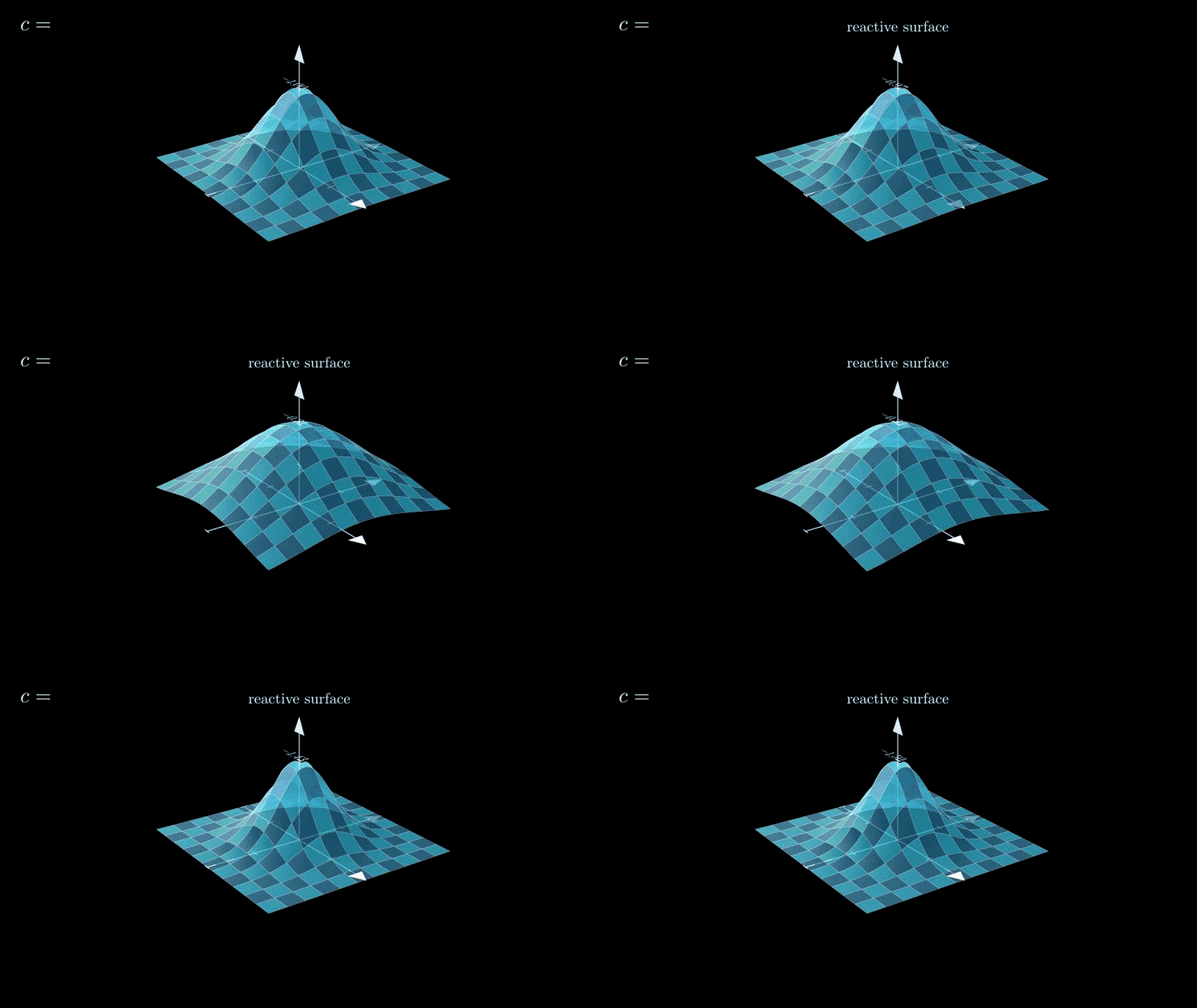
examples/advanced/11_reactive_surface_3d.py
A 3D surface rebuilt from state inside ReactiveThreeDScene.
Learn Next
The core example covers the everyday dependency pattern. After that, these are the next ideas to learn:
jump(...)for discrete state changes: Jump Is Necessarymobject.d.apply(...)for custom dependency-driven updates: Call vs Applymobject.d.on_frame(...)for frame-time behavior withdt: Frame Simulation Pattern- Full guide: docs/guide.md
API Preview
The everyday API is intentionally small:
ReactiveSceneReactiveThreeDSceneself.state(...)lift(...)jump(...)d.<ManimMobject>(...)d.call(...)value.animate_to(...)state.animate_to(...)state.animate.transform(...).using({...})mobject.d.<method>(...)mobject.d.apply(...)mobject.d.on_frame(...)
See docs/reference.md for the full reference.
Tests
python -m pytest tests -q
Status
Manim Stateflow is early and experimental. The package has a passing test suite and runnable example scenes, but the public API may still change before a first stable release.
License
MIT
Release history Release notifications | RSS feed

Download files
Download the file for your platform. If you're not sure which to choose, learn more about installing packages.
Source Distribution
Built Distribution
Filter files by name, interpreter, ABI, and platform.
If you're not sure about the file name format, learn more about wheel file names.
Copy a direct link to the current filters
File details
Details for the file manim_stateflow-0.1.0a1.tar.gz.
File metadata
- Download URL: manim_stateflow-0.1.0a1.tar.gz
- Upload date:
- Size: 8.7 MB
- Tags: Source
- Uploaded using Trusted Publishing? No
- Uploaded via: twine/6.2.0 CPython/3.12.7
File hashes
| Algorithm | Hash digest | |
|---|---|---|
| SHA256 |
bd4e0ef5771811f93945cca245b5e03b607d9f0dd402605c856b6863fad938a3
|
|
| MD5 |
ab4aca66b73574a256f565e86c8c4953
|
|
| BLAKE2b-256 |
fc9bfda7f81027f5eef53efcf1c963c2bac89dcbbb67a88da0b00cd4fe97e0dc
|
File details
Details for the file manim_stateflow-0.1.0a1-py3-none-any.whl.
File metadata
- Download URL: manim_stateflow-0.1.0a1-py3-none-any.whl
- Upload date:
- Size: 99.4 kB
- Tags: Python 3
- Uploaded using Trusted Publishing? No
- Uploaded via: twine/6.2.0 CPython/3.12.7
File hashes
| Algorithm | Hash digest | |
|---|---|---|
| SHA256 |
539c38b7909b8a7d4241041e36b0e8012e20e7db095361140250c869290b4df3
|
|
| MD5 |
4094d206474f015c73f918eb2dd1c0db
|
|
| BLAKE2b-256 |
8a5a1865540e9f63111e6ef32de0af7e3caf12b66e51ad69d474b3743586f805
|






