
marimo-banners


Presentation-grade slides written in Python, inside marimo notebooks.
Each slide is a Python object drawn on a fixed 16:9 canvas. Text, plots, tables, diagrams and click-through animations sit next to the code that produced them, and one line switches the look of the whole deck.
Personal note: This project is a personal initiative to explore the capabilities of generative AI for developing complete, production-quality software projects — from architecture decisions to implementation, testing, and documentation — using Claude Code as the primary development partner.
One slide, six templates
The slide below is the same Python object every time; only configure(template=...) changes.
Template()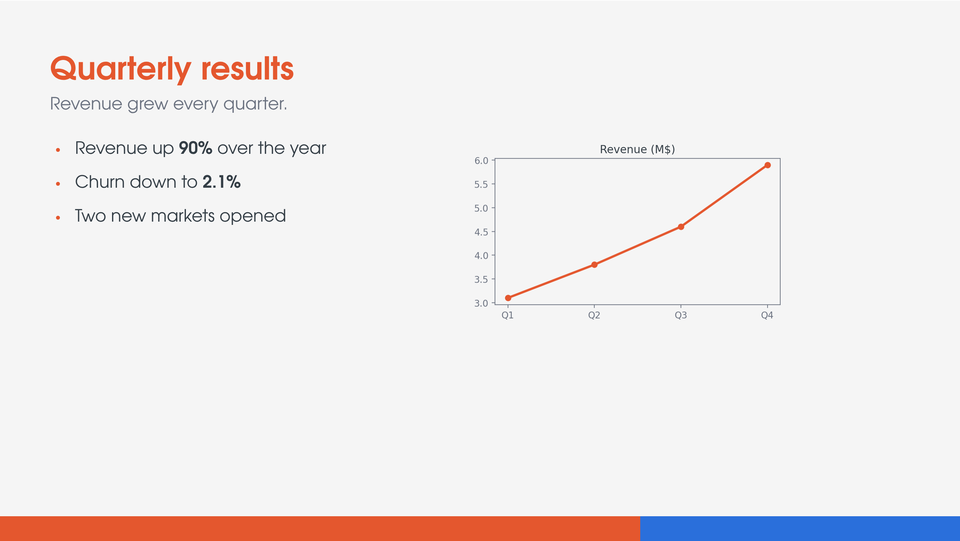 |
EXECUTIVE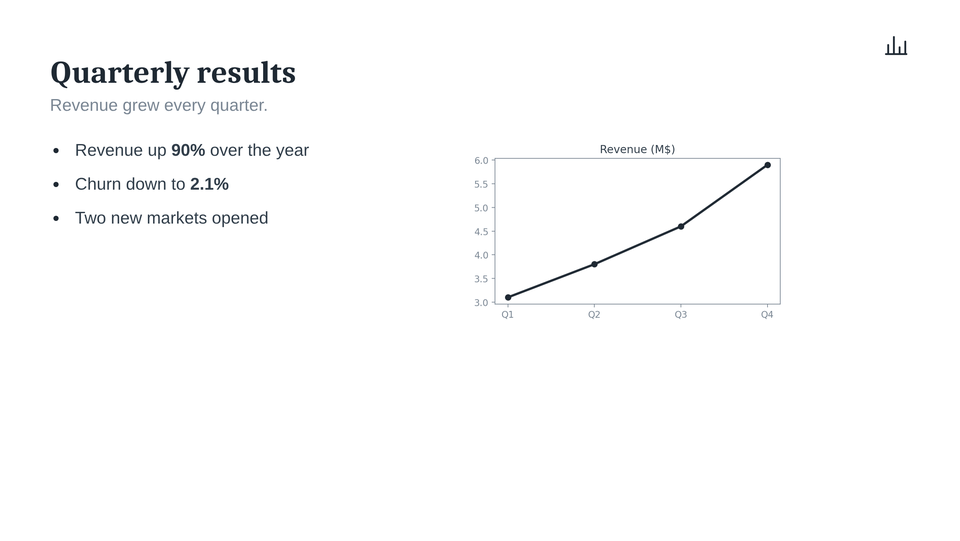 |
INSTITUTIONAL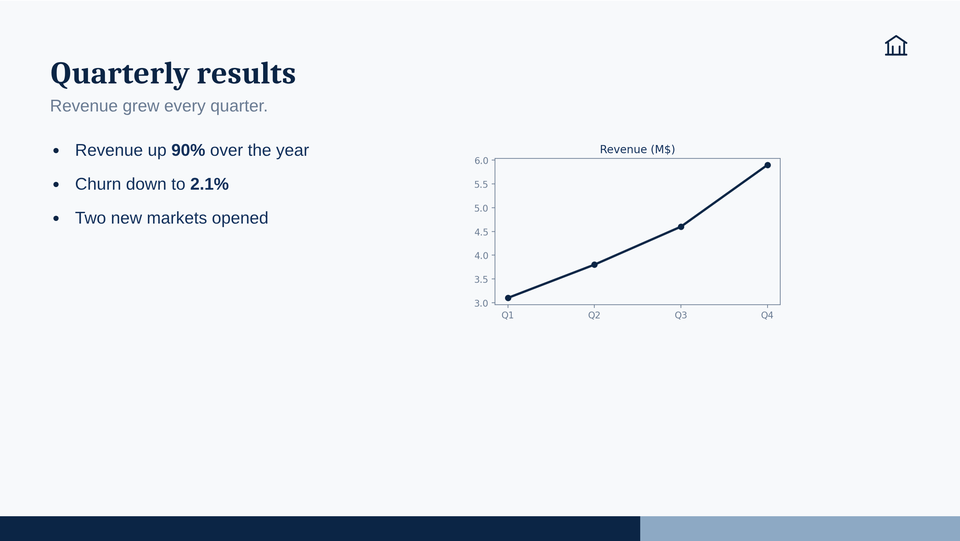 |
COSMOS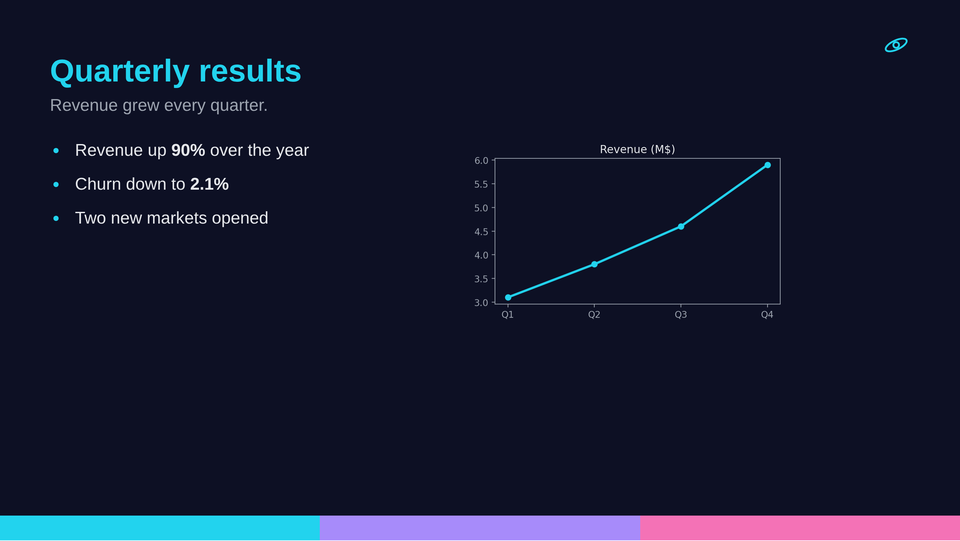 |
VIBRANT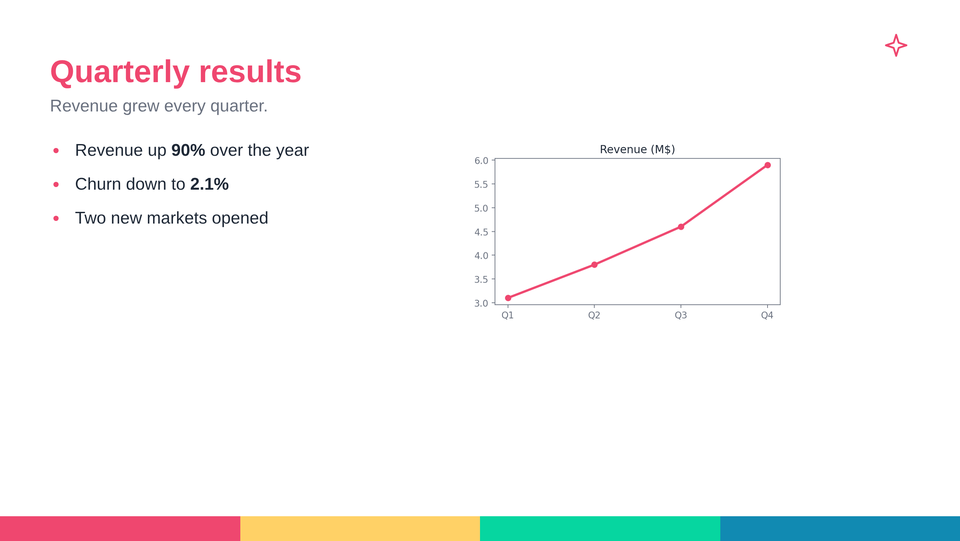 |
TERRA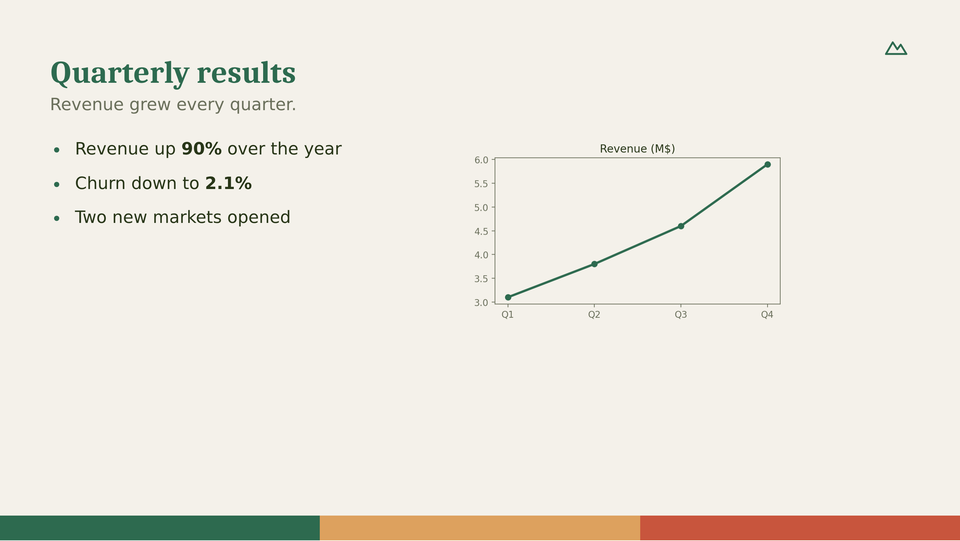 |
Install
pip install marimo-banners            # or: uv add marimo-banners
pip install "marimo-banners[manim]"   # + animations (needs cairo, pango and ffmpeg)
Python 3.11 or newer. Version 0.6 dropped Python 3.10; stay on 0.5.1 there.
Quick start
from banners import TERRA, Closing, Cover, Section, Text, configure

configure(template=TERRA, team="Analytics Team", date="2026")

Cover(title="Churn Prediction v2", subtitle="Model migration and deployment.")
Section(title="Results", content=[
    Text("**Accuracy** — 91% AUC."),
    Text("**Latency** — p99 under 30 ms."),
])
Closing(title="One framework for all models.")
Put each slide at the end of its own marimo cell and open the notebook in slide mode.
Showcase
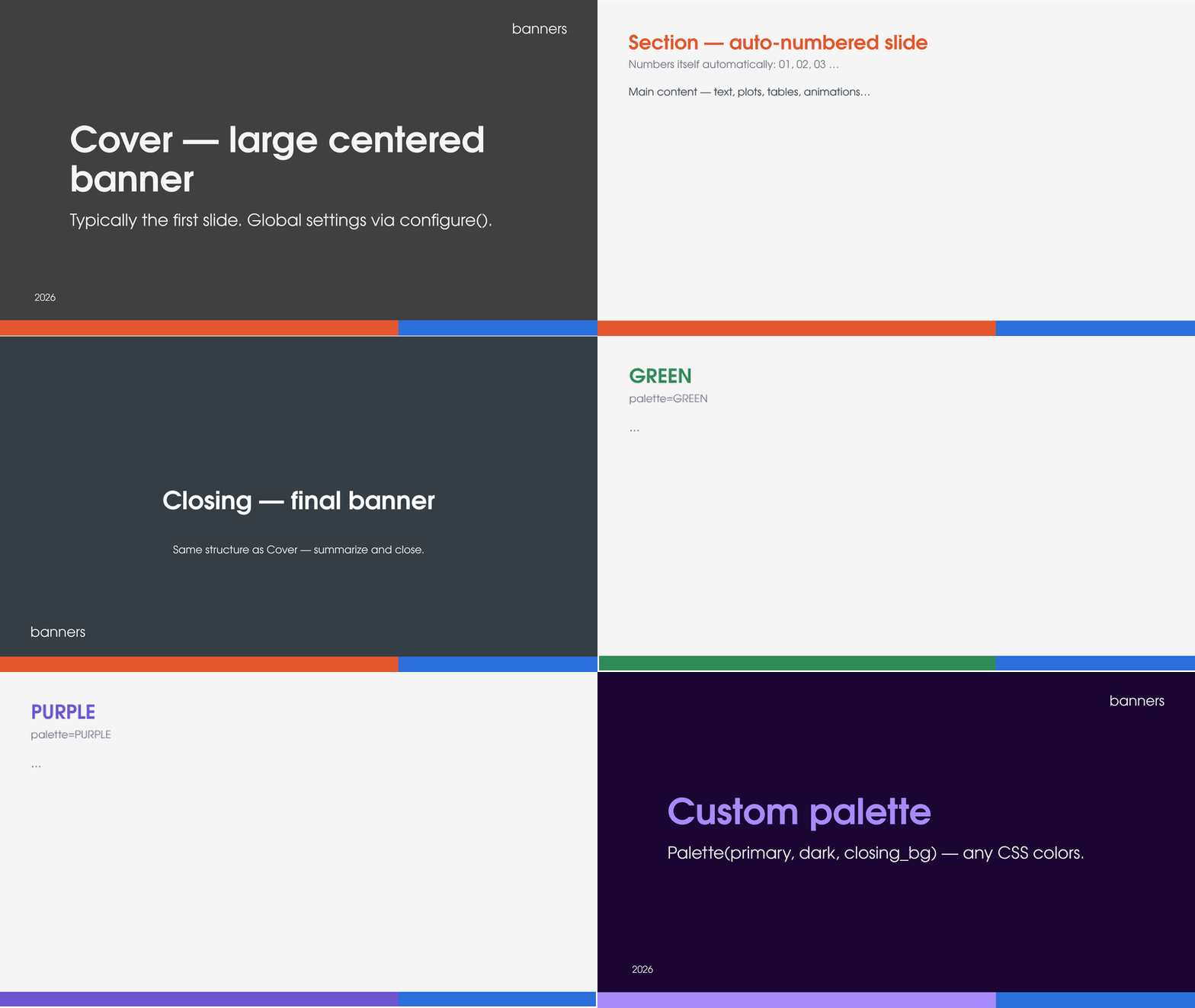
Slide types and palettes — Cover, Intro, Section, Closing, five palettes or your own colors.
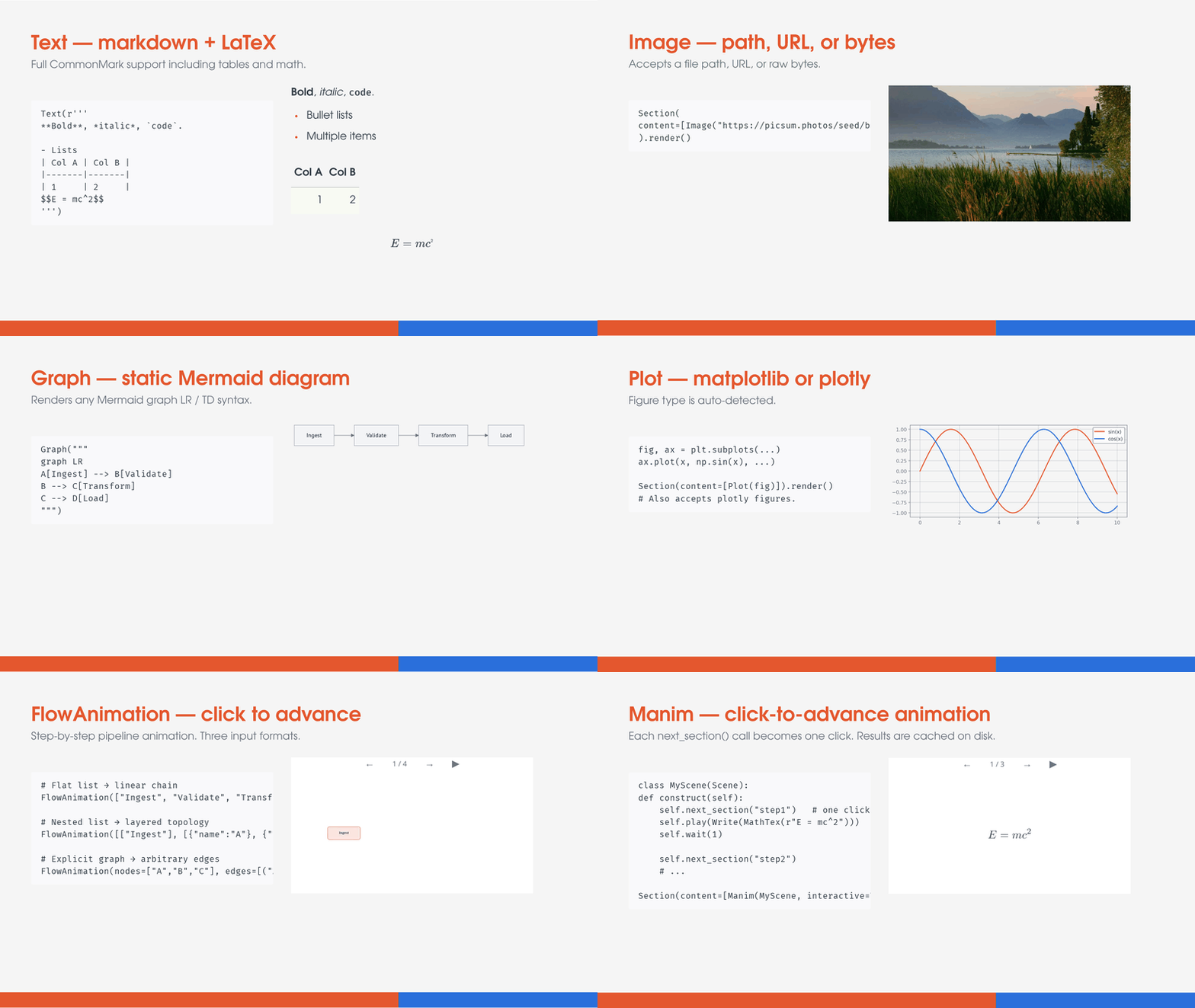
Content — Markdown and LaTeX, images, Mermaid diagrams, tables, matplotlib and plotly, animations.
Backgrounds — solid colors, gradients and photos, with the text color picked for contrast.

What's inside
- A real 16:9 canvas. Sizes are relative to the slide width, so a deck looks the same in a notebook cell and on a projector.
- Templates = palette + theme + layouts. Swap the whole look, the colors or the fonts with one argument; a single slide can take its own palette.
- Plots that match the slide. matplotlib figures take the palette colors and a transparent background on their own.
- Click-through animations.
FlowAnimationbuilds a pipeline diagram node by node;Manimplays any Manim scene, one click per step, drawn in the slide colors. - Backgrounds with automatic contrast. Dark photo or light gradient, the text stays readable.
Learn more
example/showcase.py— every feature, slide by slide.example/ondas_electromagneticas.py— a complete deck: Maxwell's equations with an animated derivation.- API reference:
make docsbuilds it indocs/.
Licensed under the GPL-2.0.
1 maintainer

Metadata
1 maintainer
Release files for marimo-banners 0.6.0
For a detailed explanation of source distributions (sdists) and built distributions (wheels), please see the package formats documentation.
Source distribution (sdist)
| File | Size | Uploaded | Provenance | Actions |
|---|---|---|---|---|
| marimo_banners-0.6.0.tar.gz | 3.0 MB | Without provenance | Details for marimo_banners-0.6.0.tar.gz |
Built distribution (wheel)
| File | Interpreter | ABI | Platform | Actions Reset |
|---|---|---|---|---|
| marimo_banners-0.6.0-py3-none-any.whl | Python 3 | none | any | Details for marimo_banners-0.6.0-py3-none-any.whl |
Total release size: 4.0 MB
Security for marimo-banners 0.6.0
Provenance
Provenance describes where a file came from. On PyPI, provenance is shared via attestations, which provide a verifiable record of the build or publishing details. View details, limitations and caveats.
No provenance found
None of the files in this release were uploaded with provenance metadata.
A note on package security
PyPI is a repository for distributing packages, not a service for auditing them. While third-party security researchers and our staff do their best to detect and remove malicious packages, PyPI cannot guarantee the quality, security or suitability of any given package.
To learn more about protecting yourself from malicious actors, visit our package security documentation.














